5 CRM for Small Teams Worth Shortlisting in 2026
5 best CRM for small teams, with entry costs, free tiers and the buyer each one serves. Fit, price and catches for every tool. A comparison table is included.
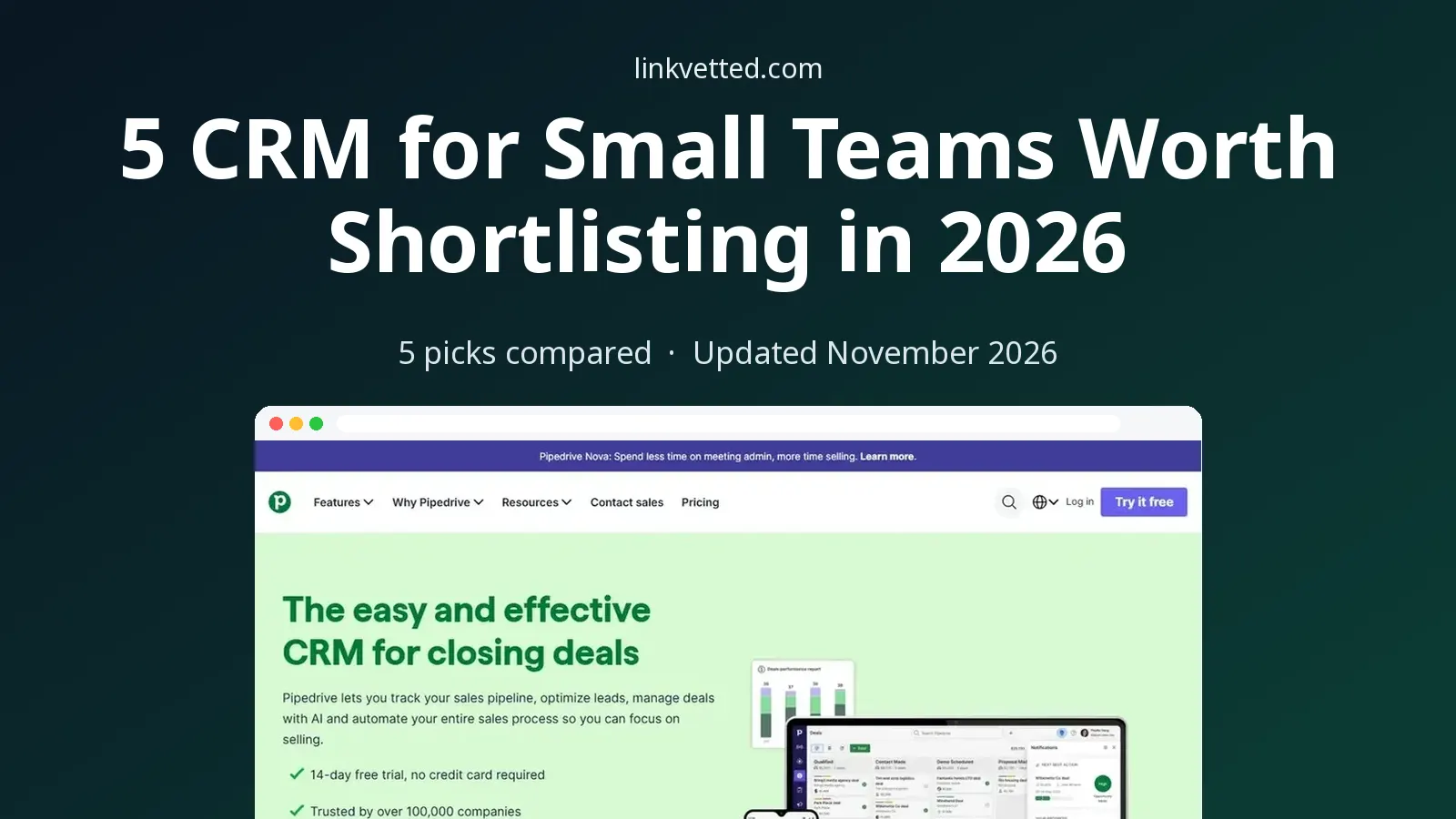
- Editor's choice
 Pipedrive
Straightforward, visual pipeline management
Starts atSee websiteVisit pipedrive.comFull review - Great alternative
 Microsoft Dynamics 365 Sales
Teams using Microsoft tools and insights
Starts atSee websiteVisit microsoft.comFull review - Also consider
 Copper
Google Workspace-centric service companies
Starts at$23 per seat per monthVisit copper.comFull review
Direct answer
Pipedrive leads the list, best for straightforward, visual pipeline management. Listed starting prices: Copper from $23 per seat per month. If your case is different, Microsoft Dynamics 365 Sales suits teams using Microsoft tools and insights and Copper suits Google Workspace-centric service firms. Details, prices and limits for the rest of the 5 tools are below.
TL;DR:
- Top of the list is Pipedrive, which targets straightforward, visual pipeline management.
- For the cheapest start, look at Copper: $23 per seat per month.
- Zoho CRM fits wide sales automation in one suite.
- A fair warning about HubSpot CRM: advanced needs may need add-on hubs.
- A permanent free plan is missing from all 5 tools, Pipedrive and Zoho CRM included; plan for a trial or a premium start.
Last checked November 2026. Prices and plan details were read from the vendors' own pages in November 2026; vendors change plans often, so confirm the current price on the vendor site before you buy.
Quick comparison
| Tool | Best for | Starts at | Free plan? | |
|---|---|---|---|---|
| Pipedrive | Straightforward, visual pipeline management | See website | Not stated | Visit |
| Microsoft Dynamics 365 Sales | Teams using Microsoft tools and insights | See website | Not stated | Visit |
| Copper | Google Workspace-centric service companies | $23 per seat per month | Free trial | Visit |
 HubSpot CRM | Small firms organizing contacts and deals | See website | Not stated | Visit |
 Zoho CRM | Wide sales automation in one suite | See website | Not stated | Visit |
5 CRM for small teams in detail
This LinkVetted guide covers 5 CRM for small teams. Each profile lists a starting price, free plan details, strengths and drawbacks, so you can drop poor fits quickly.
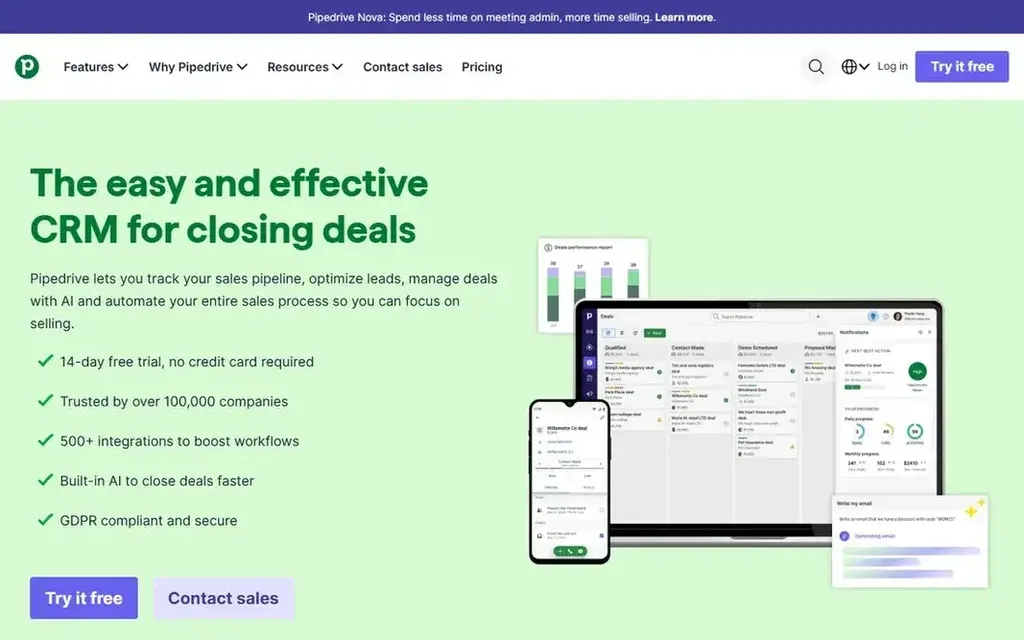
Think of Pipedrive for simple, visual pipeline management. The product centers on sales activity instead of wide business operations, which keeps the daily experience focused for reps who live in the pipeline view.
Also, Pipedrive is sales CRM and pipeline management software positioned as an easy-to-use tool for expanding firms. From a buyer's view, small teams that value simplicity over breadth frequently find that focus useful, whereas teams wanting an all-in-one suite should compare alternatives. No starting price is listed for Pipedrive here; confirm pricing on the vendor site. Trial and free access: Not stated.
Trade-offs to know: Narrower scope beyond sales.
- Lead qualification support
- Easy-to-use interface
- Fewer adjacent modules
Points against: Best value inside the Microsoft ecosystem.
Worth adding: teams that want a light CRM with minimal setup may prefer a more straightforward choice, whereas Microsoft-centric organizations should bundle Dynamics 365 Sales in their evaluation. Outside the Microsoft ecosystem, the system can be more than a small team needs, and administration takes planning. Pricing for Microsoft Dynamics 365 Sales is not stated here, so ask the vendor for current figures. Free access: Not stated.
- Agentic CRM positioning
- Sales automation
- Complex for very small teams Microsoft Dynamics 365 Sales if this describes you: teams using Microsoft tools and insights. In practice, the product emphasizes insight-driven selling, which can help teams prioritize accounts and follow up consistently.
Copper makes the most sense for Google Workspace-centric service companies. Since the product lives inside familiar tools, adoption tends to be straightforward for teams that dislike switching between separate apps.
Price to start with Copper: $23 per seat per month. As for free access: Free trial.
Trade-offs to know: Tied closely to Google Workspace.
- Deals and projects together
- Leads
- Less suited to teams outside Google tools

Where HubSpot CRM fits: small firms organizing contacts and deals. HubSpot CRM is presented as CRM software for small firms to organize contacts, track deals and close more sales with built-in AI.
Also, very small teams that only need an entry-level pipeline may find the interface broader than necessary, but for contact and deal organization it remains a practical choice. Pricing for HubSpot CRM is not stated here, so ask the vendor for current figures. As for free access: Not stated.
Trade-offs to know: Interface breadth can overwhelm new users.
- Built-in AI
- Aimed at small companies
- Advanced needs may need add-on hubs
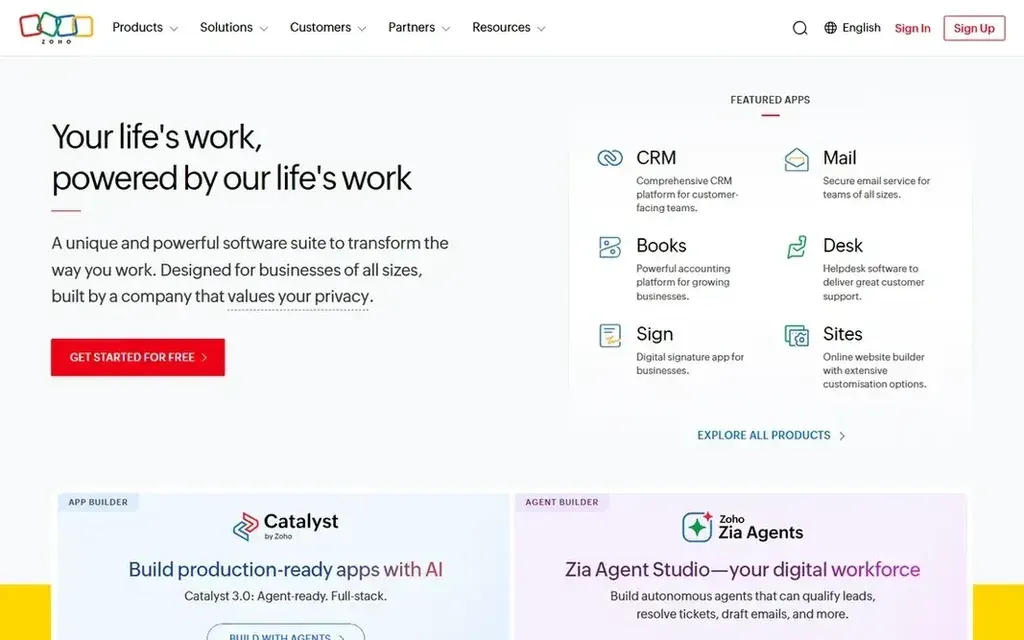
Zoho CRM is designed for wide sales automation in one suite. Zoho CRM is an agentic CRM system pitched at helping teams run sales operations and close more deals.
For everyday use, the range of features can be more than a very small team needs at the start, and configuration takes some thought before the team settles into a workflow. Teams that want the simplest possible pipeline view may prefer a more focused tool, whereas those planning to scale sales operations can keep Zoho CRM on the shortlist. Zoho CRM does not show a starting price in this comparison, so check the vendor site for current pricing. Free options: Not stated.
Where it is weaker: Setup may need planning.
- Broad feature coverage
- Agentic CRM product
- Can feel feature-heavy for very small teams
How the list was put together
Each tool was reviewed on what its vendor publishes: price, plan limits, core features and stated drawbacks. We did not run hands-on tests. Prices and plan limits come from vendor pages and can change, so confirm them on the vendor site before you buy. The order reflects how well each tool fits the most common buying scenario for CRM for small teams, then price clarity, then free plan access. It is a starting point, not a verdict.
A buyer's checklist
- Ask Pipedrive, Microsoft Dynamics 365 Sales, HubSpot CRM and Zoho CRM for a written quote, since no starting price is shown.
- Run a trial of Copper with real work before paying for a year; your own workflow is the best test.
- Before choosing Pipedrive, weigh its main limit: narrower scope beyond sales.
- Look at the help docs and support options for Pipedrive before you commit.
- Confirm minimum seats and billing terms with Zoho CRM before you commit to an annual plan.
FAQ
What should a small team look for in a CRM?
It also helps to confirm that contacts and deals can be exported later, so the team is not locked in as needs change.
How are the tools for CRM for small teams ordered?
Pipedrive sits first and Zoho CRM last because the order follows typical fit for CRM for small teams, then price clarity and free access. It is a judgement call, so read each profile for fit and limits.
Do these tools publish their prices?
Not all of them. Pipedrive, Microsoft Dynamics 365 Sales, HubSpot CRM and Zoho CRM publish no starting price, so expect a quote request for those. The rest, Copper included, show a starting price, though seats and billing terms still change the final cost.
Can I try these tools before paying?
Often, yes. Copper offers a free trial. Use your own data and a real task during the test, and check what the free tier or trial limits before you rely on it.
Does any tool for CRM for small teams here have a free plan?
A permanent free plan is not offered by Pipedrive, Zoho CRM or the other tools here. Copper offer a trial. Plan a short evaluation period instead.
Sources
- https://www.pipedrive.com
- https://www.microsoft.com/en-us/dynamics-365/products/sales
- https://www.copper.com
- https://www.hubspot.com/products/crm
- https://www.zoho.com/crm