Best Auto Dialer Software With CRM Integration in 2026: 8 Tools Compared
Compare the best auto dialer software with crm integration for sales teams, with click-to-call, power dialing, call logging and current pricing in 2026.
- Editor's choice
 Kixie
Sales teams on HubSpot and Salesforce
Starts atSee websiteVisit kixie.comFull review - Great alternative
 PhoneBurner
High-volume outbound dialing
Starts atSee websiteVisit phoneburner.comFull review - Also consider
 JustCall
Small teams that need SMS plus calling
Starts atSee websiteVisit justcall.ioFull review
TL;DR:
- Kixie, PhoneBurner and JustCall lead for small and mid-sized sales teams that want fast dialing inside a CRM.
- Five9 and Dialpad suit larger teams that need contact center depth, analytics and compliance controls.
- Aircall and Close work well for teams that want calling plus CRM in one workspace, with less setup.
- Check dialing laws and consent rules before using predictive or power dialing, since rules vary by state and call type.
- The best dialer is the one your team will actually log calls in, so test CRM sync during a trial, not just call quality.
Quick comparison
| Tool | Best for | Starts at | Free plan? | |
|---|---|---|---|---|
| Kixie | Sales teams on HubSpot and Salesforce | See website | Free trial | Visit |
| PhoneBurner | High-volume outbound dialing | See website | Free trial | Visit |
| JustCall | Small teams that need SMS plus calling | See website | Free trial | Visit |
 Five9 | Larger contact centers | See website | No | Visit |
 Dialpad | AI-assisted business calling | See website | Free trial | Visit |
 Aircall | Support and sales calling | See website | Free trial | Visit |
 Close | Calling plus built-in CRM | See website | Free trial | Visit |
 Orum | AI-powered parallel dialing | See website | No | Visit |
The best auto dialer software with CRM integration
An auto dialer calls numbers from a list, logs the result to your CRM and moves to the next call, so sales reps spend time talking instead of dialing and typing notes. With CRM integration, call outcomes, recordings and follow-up tasks attach to the right contact automatically. We compared official feature pages, pricing pages, integration directories and public reviews for tools available in the US in October 2026. Note: dialing rules, consent and do-not-call lists matter, so check legal requirements for your call types and states before launching a campaign.
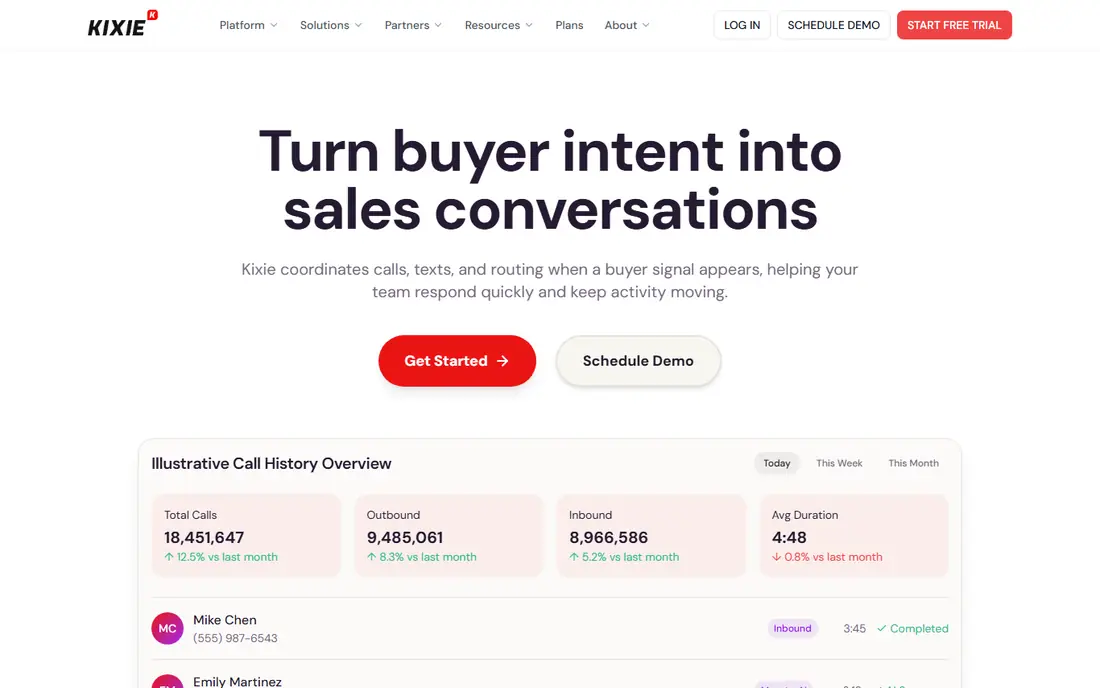
Kixie is a sales engagement platform with power dialing, click-to-call, SMS and automatic logging to HubSpot, Salesforce, Pipedrive and Zoho CRM. Reps can dial through a list, leave voicemail drops and have calls, notes and outcomes saved to the contact record without manual entry. Local presence dialing can improve answer rates, since calls appear from a local area code.
Kixie pricing varies by plan and seat count, so check the current pricing page for your CRM and team size. Teams outside its core CRMs will get less value from its deepest integrations. For a HubSpot or Salesforce sales team that lives on outbound calls, Kixie is a strong, focused pick.
- Deep HubSpot and Salesforce integration
- Power dialing and local presence
- Automatic call logging
- Pricing is plan-based and varies
- Best value inside supported CRMs
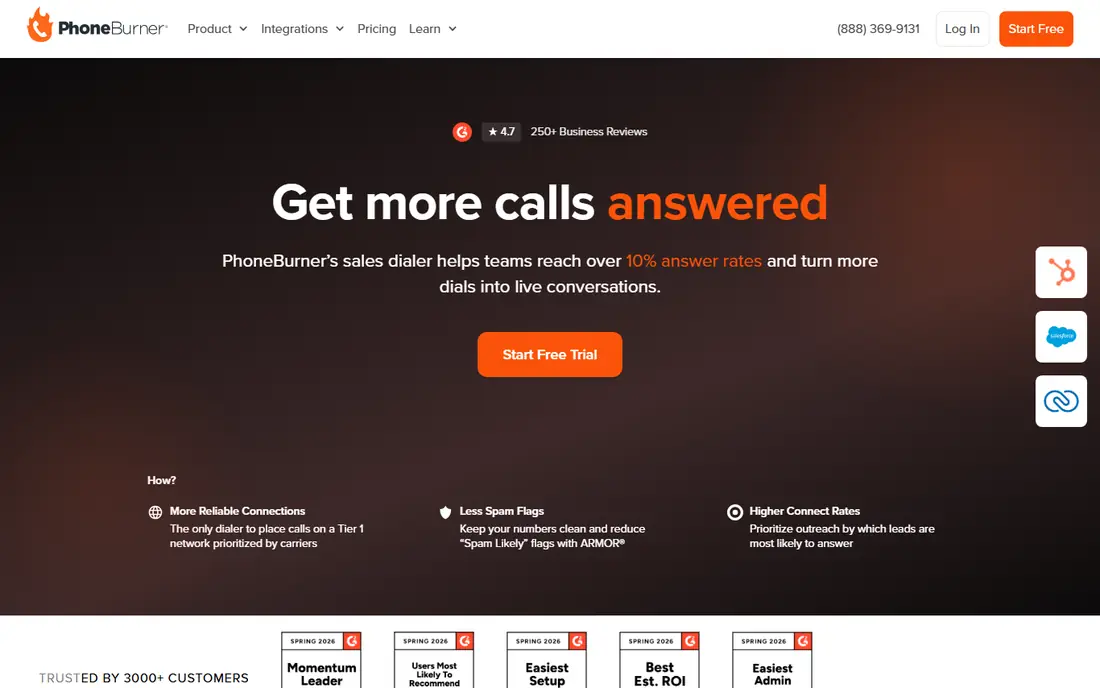
PhoneBurner is built for high-volume outbound teams, with power dialing that moves through a list quickly, one-click voicemail drops and instant lead disposition. It integrates with Salesforce, HubSpot, Zoho and other CRMs, and offers lead distribution, call tracking and reporting for managers. That speed suits real estate, insurance and sales teams that make hundreds of calls a day.
The interface is more functional than pretty, and pricing depends on plan, seats and minutes. PhoneBurner also requires care with dialing compliance, since high-volume dialing draws regulatory attention. For a team that measures success in conversations per hour, PhoneBurner is a proven workhorse.
- Fast power dialing with voicemail drop
- CRM integrations and lead distribution
- Call tracking and reporting
- Interface feels utilitarian
- Pricing varies by plan and minutes
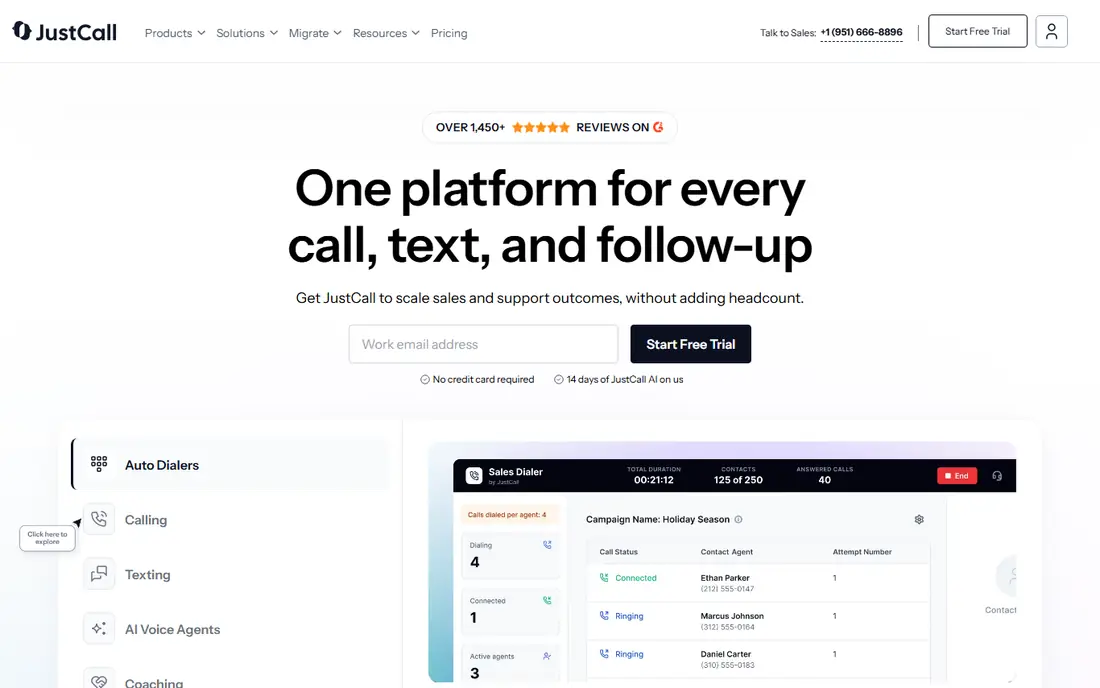
JustCall is a cloud phone system for sales and support teams, with calling, SMS, WhatsApp messaging and a shared inbox, plus integrations for HubSpot, Salesforce, Pipedrive, Zoho and Slack. Its auto dialer and power dialing features help small teams work through call lists, while call logs, recordings and notes sync to the CRM.
Pricing is plan-based, with AI scoring, coaching and advanced analytics on higher tiers, so check which features your plan includes. JustCall suits a small team that wants voice plus messaging in one place, without buying a full contact center platform. Test its CRM sync with your exact CRM during the trial.
- Calling, SMS and WhatsApp in one tool
- CRM integrations for HubSpot, Salesforce and Pipedrive
- AI call scoring options
- Advanced AI and analytics sit on higher plans
- Pricing varies by plan
Five9 is a cloud contact center platform with inbound and outbound calling, predictive, power and preview dialing, CRM integrations for Salesforce, Microsoft Dynamics, Zendesk and others, plus analytics and AI assistance. It suits larger sales and support teams that need queue management, compliance controls, reporting and supervisor tools alongside dialing.
Pricing is quote-based and setup takes longer than a small-team dialer, so Five9 is not a casual pick for a five-person team. For a larger operation that needs contact center depth, compliance features and scale, Five9 is one of the leading enterprise options.
- Full contact center with predictive and power dialing
- Strong CRM integrations
- Analytics and workforce tools
- Quote-based pricing
- Longer setup than small-team dialers
Dialpad is an AI-powered business communications platform with voice, messaging, meetings and contact center options. Its AI can transcribe calls, summarize conversations and surface action items, and its CRM integrations log calls to Salesforce, HubSpot and Zoho. That helps reps follow up faster and managers coach from real call data.
Dialpad is a broader phone platform rather than a pure outbound dialer, so teams focused only on maximum dialing speed may prefer PhoneBurner or Kixie. Pricing varies by plan, with AI features gated by tier. For a team that wants a modern business phone system with smart call notes and CRM logging, Dialpad is a strong choice.
- AI call summaries and transcripts
- CRM integrations
- Business phone plus contact center options
- AI features vary by plan
- Dialer depth is less than PhoneBurner for pure outbound volume
Aircall is a cloud phone system for sales and support teams, with click-to-call, power dialing, call queues, monitoring and integrations for Salesforce, HubSpot, Pipedrive, Zendesk and Slack. Its setup is fast, and teams can add numbers, users and integrations without telecom expertise. Shared inboxes and call assignment help support teams handle inbound volume too.
Aircall power dialing is solid but less specialized than PhoneBurner for very high-volume outbound work. Pricing is per user per month and varies by plan. For a mixed sales and support team that wants reliable calling plus CRM logging in a clean tool, Aircall is a dependable pick.
- Easy setup and clean interface
- CRM and helpdesk integrations
- Call monitoring and analytics
- Power dialing is less deep than specialist dialers
- Pricing varies by seat and plan
Close is a CRM built for inside sales, with a power dialer, predictive dialing options, SMS, email and call recording in the same workspace. Because the CRM and dialer are one product, every call, text and email logs automatically to the lead record, with no integration to maintain. That simplicity appeals to startups and small sales teams that do not already love another CRM.
The trade-off is commitment. Close works best if you adopt its CRM as your system of record, rather than bolting it onto Salesforce or HubSpot. Pricing is plan-based. If you are free to choose a CRM and want calling at its center, Close is an efficient all-in-one option.
- Built-in CRM plus power dialer
- Calling, SMS and email in one workspace
- Automatic activity logging
- You adopt its CRM, not just a dialer
- Pricing varies by plan
Orum uses AI parallel dialing to call several numbers at once and connect a rep only when a person answers, cutting time spent on voicemail, busy signals and no-answers. It integrates with Salesforce, Salesloft, Outreach and HubSpot, logging call outcomes to the CRM. That approach can raise live conversations per hour for outbound teams with large lists.
Orum pricing is quote-based, and it is built for outbound sales, not for general office phone or support use. Compliance settings matter with parallel dialing, so review its controls and your legal obligations before use. For a dedicated outbound team chasing more live conversations, Orum is a distinctive, high-throughput option.
- Parallel dialing that connects reps only to live answers
- Salesforce and Salesloft integrations
- Analytics for outbound teams
- Quote-based pricing
- Designed for outbound sales teams, not general business phone use
How we picked these
We compared official feature pages, pricing pages, CRM integration directories and public reviews for auto dialer tools available in the US in October 2026. We favored tools with power or predictive dialing, automatic CRM logging, call recording or analytics, and a working official homepage. We left out generic VoIP tools without dialer features, discontinued products and tools with no CRM integration.
How to choose an auto dialer with CRM integration
Start with your CRM. A dialer that syncs deeply with HubSpot or Salesforce will save more time than a dialer with a generic connection that only logs call duration. Test the sync during a trial: make calls, disposition outcomes, send texts and check that everything lands on the right contact record.
Next, match dialer type to your work. Power dialing suits one rep working a list, predictive dialing suits larger teams with high answer-rate math, and parallel dialing suits outbound teams that want maximum live conversations. Check compliance controls, including do-not-call suppression, consent handling, call recording consent and time-of-day rules. Finally, add up per-seat pricing, minutes, SMS costs and CRM seats, since the cheapest dialer can become costly once usage and add-ons are included.
FAQ
What is an auto dialer?
An auto dialer is software that calls numbers from a list automatically, so reps do not dial each number by hand. Power dialers call one number at a time per rep, predictive dialers use algorithms to call ahead, and parallel dialers call several numbers to find a live answer. Results, notes and recordings can sync to a CRM.
What does CRM integration do for a dialer?
CRM integration logs calls, texts, recordings and outcomes to the right contact or lead record automatically, and lets reps click to call from inside the CRM. That removes manual data entry, keeps follow-ups accurate and gives managers a true view of activity. Check whether logging is automatic or needs a manual step.
Is auto dialing legal?
Auto dialing is regulated in the US, with rules on consent, do-not-call lists, call times and caller identification that vary by call type and state. Predictive and parallel dialing draw extra scrutiny. Check current federal and state rules and get legal advice for your campaigns, since this article is general information, not legal advice.
What is the difference between power and predictive dialing?
Power dialing calls one number at a time for each rep and moves to the next call when the current one ends. Predictive dialing calls several numbers ahead, using answer-rate data to predict when a rep will be free. Predictive dialing can raise throughput for larger teams but risks abandoned calls if it misjudges availability.
Can I use an auto dialer for SMS too?
Yes, several tools on this list, including JustCall, Kixie and Close, combine calling with SMS and messaging. Texts also have consent rules, including opt-in and opt-out handling, so use a tool that tracks consent and stop requests. Check SMS pricing, since message costs are often separate from calling plans.
Do I need a separate CRM if I use Close?
No, Close includes its own CRM, so you can run calling, SMS, email and pipeline management in one tool. Other dialers on this list work as add-ons to HubSpot, Salesforce, Pipedrive or Zoho. Choose Close if you want one system, or a dialer add-on if you already rely on another CRM.