Best CRM Apps for Mobile Use in 2026: 8 Apps Compared
Compare the best crm app for mobile use for sales on the go, with offline access, calling, pipelines and pricing from HubSpot to Salesforce for teams.
- Editor's choice
 HubSpot
Small teams and free start
Starts atFreeVisit hubspot.comFull review - Great alternative
 Salesforce
Large teams and customization
Starts at$25 per user per monthVisit salesforce.comFull review - Also consider
 Zoho CRM
Value and offline access
Starts atFreeVisit zoho.comFull review
TL;DR:
- HubSpot is our pick for most small teams, because the mobile app is free to start and covers contacts, deals, calls and tickets in one place.
- Salesforce is the strongest choice for large teams that need deep customization, though setup is heavier than simpler rivals.
- Zoho CRM and Freshsales offer the best value for budget teams, with free tiers and offline access on phones.
- Offline access, calling and pipeline editing differ by app, so test your daily sales routine on a phone before you pay.
Quick comparison
| Tool | Best for | Starts at | Free plan? | |
|---|---|---|---|---|
| HubSpot | Small teams and free start | Free | Yes | Visit |
| Salesforce | Large teams and customization | $25 per user per month | No | Visit |
| Zoho CRM | Value and offline access | Free | Yes | Visit |
 Pipedrive | Visual pipeline on phones | $14 per user per month | Free trial | Visit |
 Freshsales | Small business mobile workflows | Free | Yes | Visit |
 monday CRM | Visual boards and automation | $12 per seat per month | Free trial | Visit |
 Close | Phone heavy sales teams | $9 per user per month | Free trial | Visit |
 Capsule | Simple CRM for small teams | Free | Yes | Visit |
The best crm apps for mobile use
These apps let sales teams check deals, log calls and update contacts from a phone, without waiting to get back to a desk.

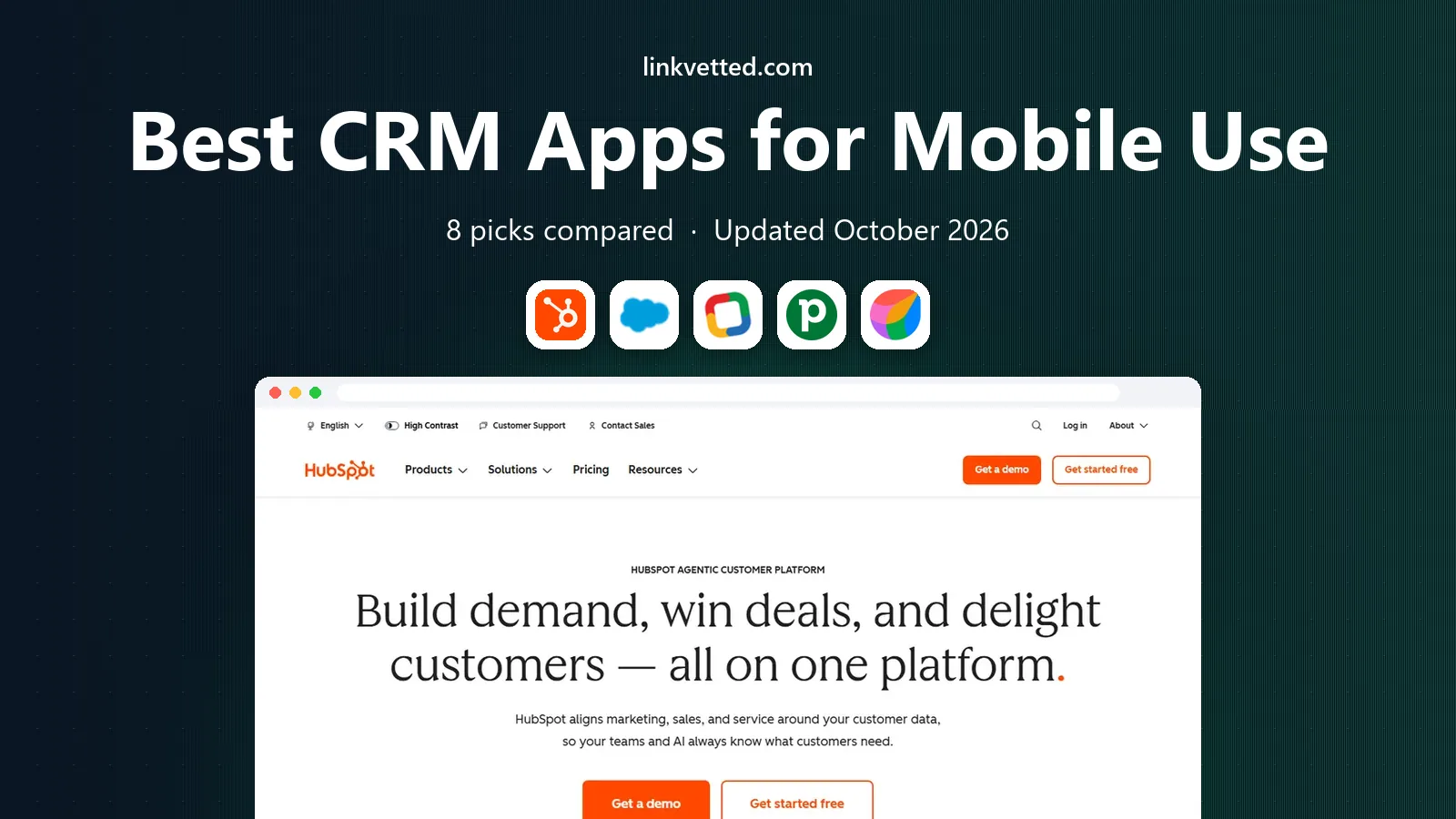
HubSpot works well on mobile because the app covers the whole sales day, not just a contact list. You can view deals, log calls, check tickets and scan a business card after a meeting, then see the update on desktop later. For a small team that also uses HubSpot for marketing, having sales and service in one app reduces switching between tools.
The free tier is generous, but it is not the full product. Advanced reporting, automation and some AI features sit on paid plans, and larger teams will need to budget for seats. Start free, test the mobile calling and pipeline views for two weeks, then upgrade only for features your team actually uses daily.
- Free CRM with mobile app
- Calling, inbox and ticket access on phones
- Business card scanner
- Paid Sales Hub plans start around $7 to $20 per user per month depending on tier
- Deep reporting and territory tools need higher plans

Salesforce mobile is the right pick when your sales process is complex. Custom objects, workflows and reports from desktop carry over to the phone, and the large app ecosystem adds tools for quoting, forecasting and service. For an enterprise team that already runs on Salesforce, the mobile app keeps reps in the same system in the field.
Setup is the cost. A small team without an admin may find Salesforce slow to configure and easy to overbuild. Prices start at $25 per user per month for Starter Suite in recent listings, with higher tiers for Pro and Core features. Choose Salesforce when customization and scale matter more than a fast start.
- Deep customization and app ecosystem
- Offline access on mobile
- AI agents and voice controls on newer plans
- Heavier setup than simpler CRMs
- No built in business card scanner in the core mobile app

Zoho CRM gives mobile teams a lot for the price. Offline editing lets field reps update records without signal, then sync when they reconnect, which matters for travel and site visits. Location tools help field sales plan visits, and the business card scanner with deduplication saves manual entry after events.
The interface packs many features onto a phone screen, so new users need a short learning period. Free users also miss some AI features, which sit on higher plans. For budget teams that want offline access and room to grow into the wider Zoho suite, Zoho is a strong value pick.
- Free for up to 3 users
- Paid plans from $14 per user per month billed annually
- Offline editing with sync
- AI assistant Zia is not on free or Standard plans
- Interface can feel busy on small screens
Pipedrive is built around a visual pipeline, and that design translates well to a phone. You can drag a deal to the next stage, call from the app, and see nearby deals on a map when you plan a day of visits. For sales teams that live by pipeline discipline, that focus keeps the mobile experience simple and fast.
The limit is scope. Pipedrive is a sales tool first, so service tickets and marketing tools need other apps or integrations. Mobile reporting is also lighter than desktop, so managers who need deep reports will still open a laptop. For pure sales pipeline work on a phone, Pipedrive is easy to recommend.
- Clear visual pipeline
- Nearby map view for field sales
- AI sales assistant on paid plans
- No built in ticketing or service tools
- Mobile reporting is lighter than desktop
Freshsales, from Freshworks, suits small business reps who spend the day away from a desk. Meeting check ins, voice notes and offline access cover the field routine, and the mobile app keeps contacts, deals and activities in one view. The free plan lets a small team test the system before paying.
Integration depth is the trade off. Teams that rely on many third party tools may find Freshsales thinner than HubSpot or Salesforce. If your stack is simple and your team wants clear mobile workflows at a low price, Freshsales is a good fit.
- Free plan available
- Paid plans from $9 per user per month billed annually
- Meeting check ins, voice notes and offline access
- Fewer external integrations than HubSpot or Salesforce
- AI lead scoring sits on higher plans
monday CRM turns deals into visual boards, which many teams find easier to read on a phone than a long list. You can move a deal, assign an owner, set a date and trigger an automation from the board view. Teams that already use monday for project work will find the CRM feels familiar, since boards, columns and automations work the same way.
Offline access is weaker than dedicated field CRMs, so reps in low signal areas should test it first. Pricing starts around $12 per seat per month with a minimum seat count on some plans, so solo users should check the current terms. For visual teams, monday CRM is a strong mobile choice.
- Visual boards that are easy to read on phones
- Automation for routine tasks
- Works well for teams already on monday
- Minimum seat counts apply on some plans
- Offline access is limited compared with Zoho or Salesforce
Close is built for teams that sell by phone and text. The native dialer, power dialer and SMS tools sit inside the CRM, so a rep can call, text and log the result without switching apps. That speed matters when a team makes dozens of calls a day and needs clean records for follow up.
Offline access is limited, so Close suits office and city based reps more than field teams in rural areas. It also lacks the marketing breadth of HubSpot, so teams that need email campaigns will pair it with another tool. For high touch phone sales, Close is the most focused mobile pick here.
- Native power dialer and SMS in the app
- Fast call logging
- Simple pipeline view
- No offline access in the core mobile app
- Fewer marketing tools than HubSpot
Capsule suits small teams that want a CRM without a long setup. Contacts, deals and tasks are easy to find on a phone, and the free tier covers a small team getting started. The design stays out of the way, which helps owners and small sales teams who do not want to manage a complex system.
Advanced users will hit limits in reporting, automation and integrations. Capsule is best as a first CRM or a simple system for a team that values ease over depth. If you outgrow it, HubSpot or Zoho offer a clear next step without losing your basic pipeline habits.
- Simple and easy to learn
- Free tier for small teams
- Clean contact and deal views on mobile
- Fewer advanced features than Salesforce or HubSpot
- Reporting is basic on lower tiers
How we picked these
We compared official pricing pages, mobile app listings and vendor feature pages in October 2026, focusing on apps with a real iOS and Android app, not just a mobile website. We kept only CRMs that exist and work today and that support core mobile tasks: viewing deals, logging calls, updating contacts and working offline or with a fast sync. Where pricing varies by billing period, we used the annual or published starting figure and noted trials.
How to choose a mobile CRM app
Test the app the way your team will use it, on a phone, in the field, not just on a desktop demo.
Test your daily routine
Write down five tasks a rep does daily, such as logging a call, moving a deal, adding a contact from a card, checking a meeting and updating a note offline. Run those tasks in each trial app on a phone. The app that makes those five tasks fastest, with the fewest taps, is usually the right pick, even if another app has more features.
Check offline and calling
Offline access matters for travel, warehouses and rural visits. Test with mobile data off, then check that edits sync cleanly. Also test calling: does the app dial from the contact, log the call automatically, and allow SMS follow up? Phone heavy teams should weight Close and HubSpot highly, while field teams should weight Zoho and Salesforce.
Count total cost, not just the app price
Add seat costs, paid tiers for reporting or AI, and any integration or onboarding fees. A free app that needs three paid add ons can cost more than a $14 per user plan that includes them. Model cost for your team size for a year, and check minimum seat rules before you sign.
Plan for growth and data
Pick an app that exports contacts and deals cleanly, so you are not locked in if you switch later. Check integrations with email, calendar and accounting tools your team already uses. A CRM that fits your current stack will get used, while a powerful app that sits apart from email and calendar often gets ignored.
FAQ
What is the best crm app for mobile use for a small business?
HubSpot is the best starting point for most small businesses, because the mobile app and free CRM cover contacts, deals and calls. Zoho CRM and Freshsales are strong low cost options with offline access. Test the free tier on a phone for two weeks before you pay.
Does Salesforce work well on mobile?
Yes, for teams that need customization and scale. The Salesforce mobile app supports offline access, custom objects and a large app ecosystem. Setup is heavier than HubSpot or Pipedrive, so small teams without an admin may prefer a simpler app.
Can I use a CRM offline on my phone?
Zoho CRM and Salesforce offer offline editing with sync, while other apps offer partial or cache based offline access. Test offline mode with data off on your own routes, since offline support varies by plan and feature. Do not assume a desktop feature works offline.
Is there a free mobile CRM?
Yes. HubSpot, Zoho CRM for up to 3 users, Freshsales and Capsule offer free tiers with mobile apps. Free tiers limit users, storage or advanced features, so check limits against your team size and deal volume before you rely on free alone.
Which mobile CRM is best for field sales?
Zoho CRM and Pipedrive suit field sales, with offline access, map views and location tools. HubSpot also works well for field teams that need calling and ticket access. Test map, offline and call logging on a real field day before you choose.