Best Medical 3D Visualization Software for Enterprise (2026): 6 Picks Checked on Vendor Pages
Weighing the best medical 3D visualization software for enterprise? We lined up 6 products by cost, free access and fit. Weaknesses are named for every tool.
- Editor's choiceDragonfly
Advanced 3D image analysis
Starts atPricing on requestVisit theobjects.comFull review - Great alternativeCarestream Vue
Enterprise imaging and radiology IT
Starts atPricing on requestVisit carestream.comFull review - Also considerVital Images
Enterprise healthcare IT imaging
Starts atPricing on requestVisit vitalimages.comFull review
Direct answer
If you need advanced 3D image analysis, Dragonfly is the first tool to look at here. If your case is different, Carestream Vue suits enterprise imaging and radiology IT and Vital Images suits enterprise healthcare IT imaging. All 6 tools are compared below on fit, free plan and limits. None of these vendors publish plan prices, so pricing is on request for every option.
TL;DR:
- Number one here is Dragonfly, a fit for advanced 3D image analysis.
- Every tool from Dragonfly to Brainlab Elements works by quote, with no list price shown.
- Brainlab Elements suits surgical and radiosurgery planning.
- One limit worth knowing about 3D Slicer: no vendor support contract.
Last checked November 2026. Pricing on request: vendors did not publish plan prices when this guide was last checked (November 2026), so ask each vendor for a written quote.
Quick comparison
| Tool | Best for | Starts at | Free plan? | |
|---|---|---|---|---|
| Dragonfly | Advanced 3D image analysis | Pricing on request | Not stated | Visit |
| Carestream Vue | Enterprise imaging and radiology IT | Pricing on request | Not stated | Visit |
| Vital Images | Enterprise healthcare IT imaging | Pricing on request | Not stated | Visit |
| 3D Slicer | Open source research and planning | Pricing on request | Not stated | Visit |
| Simpleware | Scan-to-model engineering workflows | Pricing on request | Not stated | Visit |
| Brainlab Elements | Surgical and radiosurgery planning | Pricing on request | Not stated | Visit |
The best medical 3D visualization software for enterprise
LinkVetted compared 6 tools for medical 3D visualization software for enterprise. The goal is a practical shortlist: published prices, free plan facts, best-fit use cases and honest limits for every entry.
Dragonfly
Best for: Advanced 3D image analysis
Dragonfly works best for advanced 3D image analysis. Dragonfly from Object Research Systems is a 3D visualization and image analysis system used for scientific and industrial imaging, including medical research data. It is a specialist analysis tool, so users need training and capable hardware to work efficiently.
It is not a clinical DICOM reading option for radiology departments. In daily use, enterprises seeking diagnostic reporting or PACS-integrated review should pair it with, or replace it by, a clinical viewer. Dragonfly shows no starting price here, so confirm the cost on the vendor site. Free access: Not stated.
Where it falls short: Specialist skills required.
- Suited to research-grade imaging
- Deep 3D visualization and analysis
- Workstation-class resource demands
Carestream Vue
Best for: Enterprise imaging and radiology IT
Carestream Vue works best for enterprise imaging and radiology IT. Carestream offers medical imaging systems and healthcare IT, with Vue products associated with radiology and enterprise imaging workflows. Worth adding: teams needing only standalone 3D visualization may find a focused tool quicker to deploy.
Beyond that, integration and configuration effort varies by site and existing infrastructure. Beyond that, the breadth of the portfolio means buyers must define scope precisely to avoid mismatched expectations. Carestream Vue shows no starting price here, so confirm the cost on the vendor site. On free options: Not stated.
Where it is weaker: Portfolio breadth can complicate scoping.
- Enterprise-oriented imaging focus
- Established medical imaging vendor
- Integration effort varies by site
Vital Images
Best for: Enterprise healthcare IT imaging
Vital Images is built with enterprise healthcare IT imaging in mind. It suits hospitals and health systems looking for a vendor-backed imaging informatics partner instead of a standalone desktop tool.
Downsides: Enterprise-scale deployment complexity.
In daily use, if you only need light 3D viewing for a small team, a more straightforward dedicated viewer may be more proportionate. No starting price is listed for Vital Images here; confirm pricing on the vendor site. As for free access: Not stated.
- Positioned around clinical innovation
- Centred on enterprise healthcare IT
- Fit relies on existing IT stack
3D Slicer
Best for: Open source research and planning
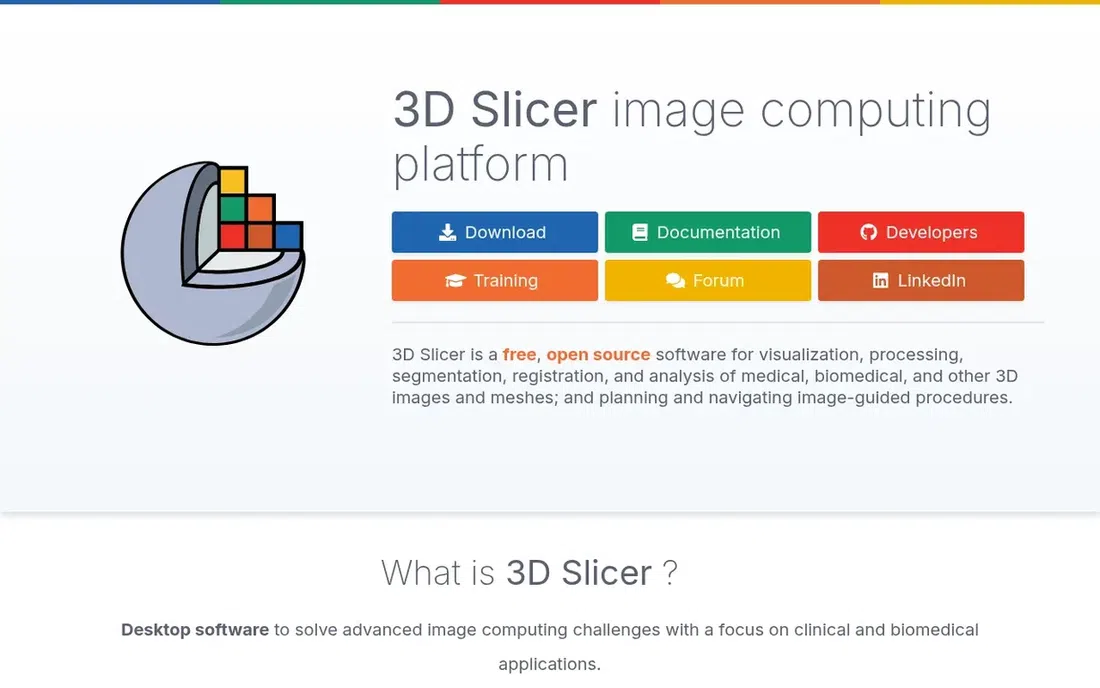
3D Slicer targets open source research and planning. Since it is community-driven, there is no commercial support contract behind it, and configuration and validation fall to your team. As for the details, enterprises needing vendor-backed service levels or tightly managed deployments should weigh a commercial product alongside it.
Downsides: Steeper learning curve for new users.
3D Slicer is a free, open source system for visualization, processing, segmentation, registration and analysis of medical, biomedical and other 3D images and meshes. It also supports planning and navigation of image-guided procedures. No starting price is listed for 3D Slicer here; confirm pricing on the vendor site. Free options: Not stated.
- Free and open source
- Supports image-guided procedure planning
- No vendor support contract
Simpleware
Best for: Scan-to-model engineering workflows

Think of Simpleware for scan-to-model engineering workflows. Simpleware is Ansys 3D image processing software that converts MRI, CT and micro-CT data into design and simulation-ready models.
Drawbacks to consider: Needs image processing expertise.
From a buyer's view, teams that require a repeatable path from raw volumetric images to CAD and simulation geometry will find the workflow well aligned with that goal. This comparison lists no price for Simpleware; ask the vendor. Free access: Not stated.
- CT and micro-CT data
- Capable fit for research and product teams
- Not a routine clinical reading viewer
Brainlab Elements
Best for: Surgical and radiosurgery planning
Brainlab Elements is aimed squarely at surgical and radiosurgery planning. The product is specialized around surgical and radiosurgical workflows, so it is not a general-purpose enterprise image viewer for every department.
In daily use, enterprises with active surgical programs can align visualization with treatment planning instead of treating 3D review as a separate task. Brainlab Elements does not show a starting price in this comparison, so check the vendor site for current pricing. Free options: Not stated.
Where it falls short: Tied to clinical program needs.
- Aims at operating room efficiency
- Spans radiosurgery treatment workflows
- Specialized instead of general purpose
Our selection method
Questions to settle before buying
- Confirm the entry price with every vendor: no tool from Dragonfly to Brainlab Elements shows a fixed starting price.
- Before choosing Dragonfly, weigh its main limit: workstation-class resource demands.
- See whether Carestream Vue offers onboarding or training, and whether it is included in the price.
- List the apps you already depend on and check that 3D Slicer supports each one on the plan you would buy.
- Check whether the features you need in Brainlab Elements sit on the entry plan or only on higher tiers.
FAQ
Does any tool for medical 3D visualization software for enterprise here have a free plan?
A permanent free plan is not offered by Dragonfly, Brainlab Elements or the other tools here. Plan a short evaluation period instead.
Is Dragonfly the right pick for everyone comparing medical 3D visualization software for enterprise?
No single tool suits every team. Dragonfly comes first because it fits advanced 3D image analysis, while Carestream Vue suits enterprise imaging and radiology IT and Vital Images suits enterprise healthcare IT imaging. Match the tool to your own size, budget and workflow before deciding.
What should enterprises prioritize in medical 3D visualization software?
Start with workflow fit: whether the tool supports diagnostic reading, surgical planning or research analysis. Then confirm integration with existing imaging systems, deployment model and support terms.
How are the tools for medical 3D visualization software for enterprise ordered?
Dragonfly sits first and Brainlab Elements last because the order follows typical fit for medical 3D visualization software for enterprise, then price clarity and free access. It is a judgement call, so read each profile for fit and limits.
Can I try these tools before paying?
Not by default. None of the tools, from Dragonfly to Brainlab Elements, lists a free plan or a free trial here, so ask each vendor for a demo before committing.
Sources
- https://www.theobjects.com
- https://www.carestream.com
- https://www.vitalimages.com
- https://www.slicer.org
- https://www.synopsys.com/simpleware.html
- https://www.brainlab.com