Choosing Media List Building Tools in 2026: 6 Options Compared
A practical guide to the best media list building tools in 2026, compared from vendor documentation and public sources for PR and outreach teams.
- Editor's choice
 Muck Rack
PR teams wanting database plus monitoring
Starts atSee websiteVisit muckrack.comFull review - Great alternativeCisionOne
Larger PR and communications departments
Starts atSee websiteVisit cision.comFull review - Also consider
 Prowly
Small teams running their own outreach
Starts atSee websiteVisit prowly.comFull review
Direct answer
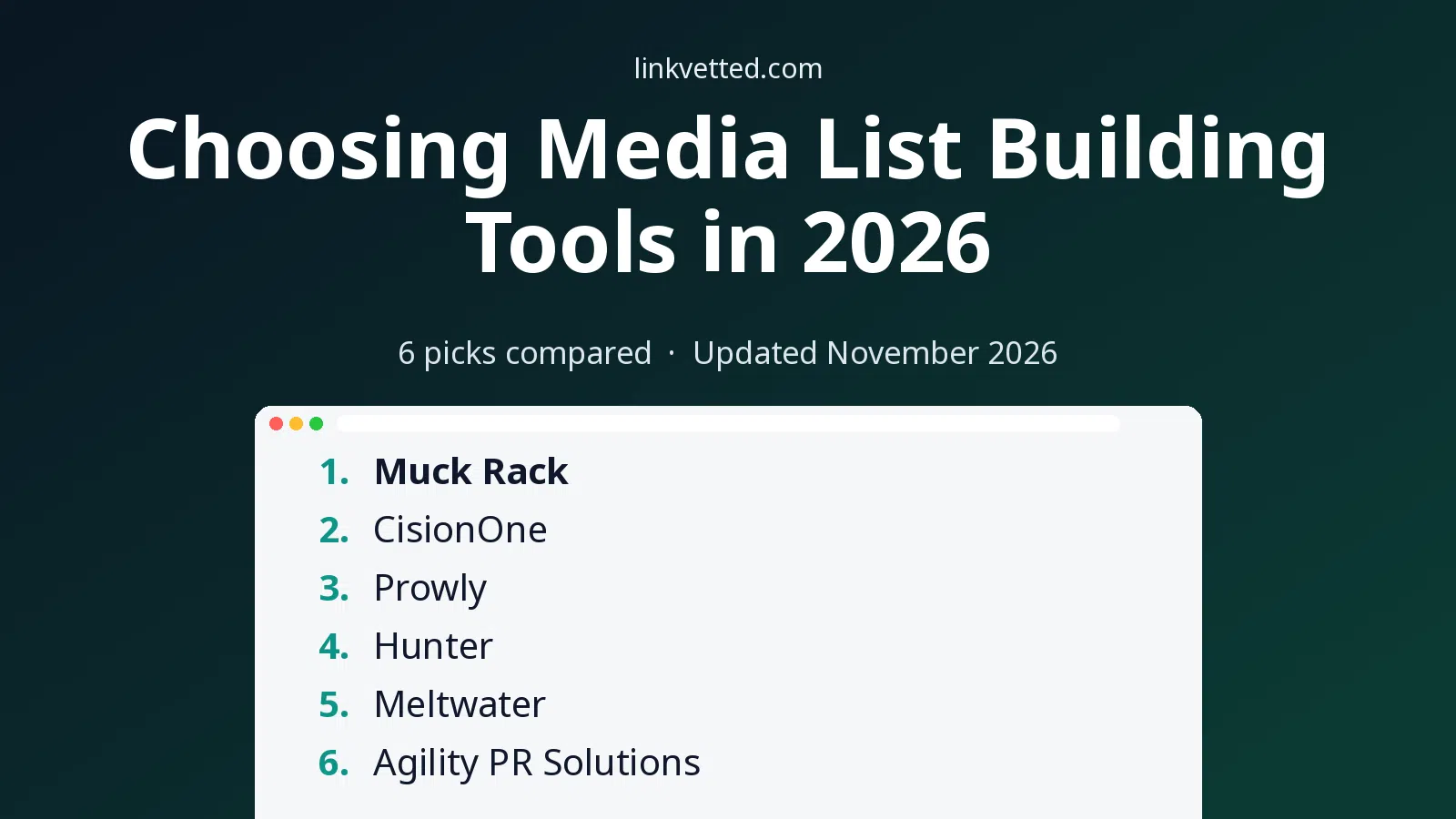
My top pick is Muck Rack, because it combines a large journalist database with monitoring and outreach tracking in one place, which suits teams that want the list and the follow-up together. For teams that mainly need a media contact database, CisionOne is the established option. If budget matters and you mostly need journalist contact data, Hunter is a lighter starting point.
TL;DR:
- Media list building tools help you find journalists, verify contact details and keep outreach organized in one workflow.
- The right choice depends on whether you need a full PR platform, a contact database or a simple email finding tool.
- Always confirm how each vendor sources and updates its contact data before you commit to an annual contract.
- Most tools charge by user seat or contact volume, so match the plan to the size of your outreach team.
- Check export options and CRM or email integration early, because a list you cannot move is hard to use.
Last checked November 2026. Plan prices are not quoted in this guide because they change often; see each vendor's own pricing page for current figures before you buy.
Quick comparison
| Tool | Best for | Starts at | Free plan? | |
|---|---|---|---|---|
| Muck Rack | PR teams wanting database plus monitoring | See website | Not stated | Visit |
| CisionOne | Larger PR and communications departments | See website | Not stated | Visit |
| Prowly | Small teams running their own outreach | See website | Free trial | Visit |
 Hunter | Finding and verifying journalist emails | See website | Free plan | Visit |
 Meltwater | Media monitoring with contact data | See website | Not stated | Visit |
 Agility PR Solutions | Agencies needing lists and monitoring | See website | Not stated | Visit |
The best media list building tools compared
I put this comparison together from vendor documentation and public sources such as product pages, help centers and published feature lists. I did not run hands-on tests of these tools, so treat what follows as a starting point for your own evaluation rather than a lab result.
Muck Rack is a PR platform built around a searchable database of journalists and media outlets. You can filter by beat, outlet, location and recent coverage, then build lists and manage outreach from the same account. It fits in-house PR teams and agencies that want the contact data and the campaign tracking to live together rather than in separate tools.
For media list building, the useful part is that profiles show recent articles and contact details, so you can check whether a journalist actually covers your topic before adding them. You can save searches, build lists and log pitches, which keeps a campaign's media list and its history in one place. Monitoring feeds also help you spot new bylines worth adding.
The main limit is that it is a team-oriented platform with quote-based pricing, so small operators may find it more than they need. If you only want email addresses and nothing else, a simpler contact tool will do.
- Large journalist database
- Built-in monitoring and alerts
- Outreach tracking in one place
- Pricing is quote-based
- Not aimed at solo users
CisionOne
Best for: Larger PR and communications departments
CisionOne is the current name for Cision's PR platform, which bundles a media database, monitoring and analytics. It is one of the long-standing options in this category and is used widely by larger organizations. It suits comms departments that need a broad contact database plus reporting on coverage in a single vendor relationship.
For list building, the database lets you search journalists and outlets by beat and geography, then save contacts to lists for outreach. Because monitoring sits alongside it, you can check recent coverage before pitching and keep a record of what was sent. That combination is the reason many bigger teams standardize on it.
The trade-off is scale: it is a large platform with quote-based pricing, and smaller teams may not use most of it. If you want a quick, low-cost list tool, look elsewhere.
- Established media contact database
- Monitoring and analytics included
- Wide outlet coverage
- Quote-based pricing
- Platform can feel heavy for small teams
Prowly is a PR suite from Semrush that combines a media database with outreach, a newsroom and reporting. It is aimed at small and mid-sized teams that want to run campaigns without stitching several tools together. The free trial makes it easier to check whether the database covers your niche before you commit.
For media list building, you can search contacts, save them to lists and send pitches from the same interface, which keeps the list and the campaign connected. Contact profiles include outlet and beat details, and the suite tracks opens and replies so you can refine lists over time.
The database is smaller than what the largest vendors offer, so very broad coverage may be a stretch. If you already have a list and only need sending tools, you may be paying for features you do not use.
- Media database plus outreach in one suite
- Free trial to evaluate
- Includes newsroom and pitch tools
- Smaller database than the largest vendors
- Best value only if you use the full suite
Hunter is an email finding and verification tool rather than a media database. You give it a domain or a name and it returns likely email addresses with confidence signals. For media list building it is useful as a companion: you find the journalist or outlet elsewhere, then use Hunter to confirm the address before you pitch.
The workflow is simple. You search by domain, review the suggested addresses, verify them and export the ones you trust. It also offers a free plan, which makes it easy to try on a small list. Many people use it alongside a spreadsheet or a CRM rather than as a standalone PR tool.
The clear limit is that Hunter does not tell you which journalist covers your topic or what they wrote recently. You still need a source for editorial context. If you want an all-in-one PR platform, this is not it.
- Straightforward email finding
- Domain search and verification
- Free plan to start
- Not a media database
- No built-in PR workflow
Meltwater is a media intelligence platform known for monitoring and social listening, and it also includes a journalist contact database. It fits teams that want to track coverage and build outreach lists in one subscription, especially where monitoring is the primary need and list building supports it.
For list building, you can search for journalists by beat and outlet, save them and connect them to outreach. Because monitoring is the core, you can see who is writing about your space and add them to a list while the story is current. That timing is often more useful than a static list.
The platform is broad and quote-based, so it can be more than a small team needs. If your main job is building lists rather than watching coverage, a narrower tool may be simpler.
- Strong monitoring and social listening
- Journalist contact database included
- Broad media coverage
- Quote-based pricing
- Feature set can feel complex
Agility PR Solutions is a media intelligence and PR platform with a contact database, monitoring and measurement. It is often used by agencies and comms teams that need to build lists, send pitches and report on coverage for clients. It sits in the same broad category as the larger PR platforms.
For list building, you can search journalists and outlets, build lists and connect them to outreach and monitoring. Because measurement is included, agencies can tie a list and a campaign to coverage reports for clients, which is useful when you need to show what a pitch produced.
The main drawbacks are quote-based pricing and an interface that some users describe as less modern than newer tools. Solo operators may find it heavier than needed.
- Media database with monitoring
- Built for agency workflows
- Coverage measurement included
- Quote-based pricing
- Interface can feel dated
How I chose
I started from each vendor's own documentation: product pages, help centers, feature lists and published descriptions of how the media database and outreach tools work. I also read public sources such as company announcements and independent write-ups to check that each product still exists and does what its page says. I did not run hands-on tests, so I cannot vouch for day-to-day usability from personal use.
From there I weighed fit rather than a single score. A large PR department and a two-person agency need different things, so I looked at who each tool is built for, what it includes beyond list building, and where the obvious limits sit. Pricing is quote-based for most of these vendors, so I did not rank on cost. I left out tools I could not confirm are currently operating, and I noted free plans or trials only where the vendor states them.
What to check before you buy
- Confirm the database covers your niche and region, not just the biggest national outlets.
- Ask how contact records are sourced and how often they are updated or verified.
- Check whether you can export lists to CSV or sync them with your CRM or email tool.
- Look at seat limits and contact volume, since most plans are priced around one or both.
- Ask whether monitoring is included, because recent coverage helps you judge who to pitch.
- Request a trial or demo with your own beat and outlet examples before signing an annual contract.
FAQ
What is a media list building tool?
A media list building tool helps you find journalists and outlets, check their contact details and organize them into lists for outreach. Some are full PR platforms with monitoring and pitching built in, while others are narrower contact databases or email finding tools. The right type depends on whether you need the whole workflow or just the contact data.
Do I need a paid tool to build a media list?
Not always. You can build a small list by hand from outlets you already read, and some email finding tools offer a free plan. Paid tools become useful when you need broad coverage, verified contacts or a way to track outreach across a team. Start small and upgrade when manual work becomes the bottleneck.
How accurate are journalist contact databases?
Accuracy varies by vendor and by region, and no database is perfect because journalists change roles and outlets often. Most vendors publish how they source and update records, so read that before buying. Always verify an address before a big send, and keep a note of bounces so your list improves over time.
Can I use these tools for link building outreach?
Yes, many people use media databases and email finders for blogger and publisher outreach as well as PR. The same rules apply: check that the person covers your topic, personalize the pitch and avoid mass sending. Tools help you find and organize contacts, but the quality of the pitch still decides the outcome.
What should I check before signing an annual contract?
Ask for a trial or a demo using your own examples, confirm the database covers your niche and region, and check export and integration options. Read the terms on seat limits, contact volume and cancellation. If possible, start with a shorter commitment so you can judge whether the data and workflow fit before locking in a year.
Sources
- https://muckrack.com
- https://www.cision.com
- https://prowly.com
- https://hunter.io
- https://www.meltwater.com
- https://www.agilitypr.com