The 5 Best Malware Protection Software in 2026, Ranked
Best malware protection software in 2026: 5 contenders with entry costs and free tiers. Short, factual notes on every option. Last reviewed November 2026.
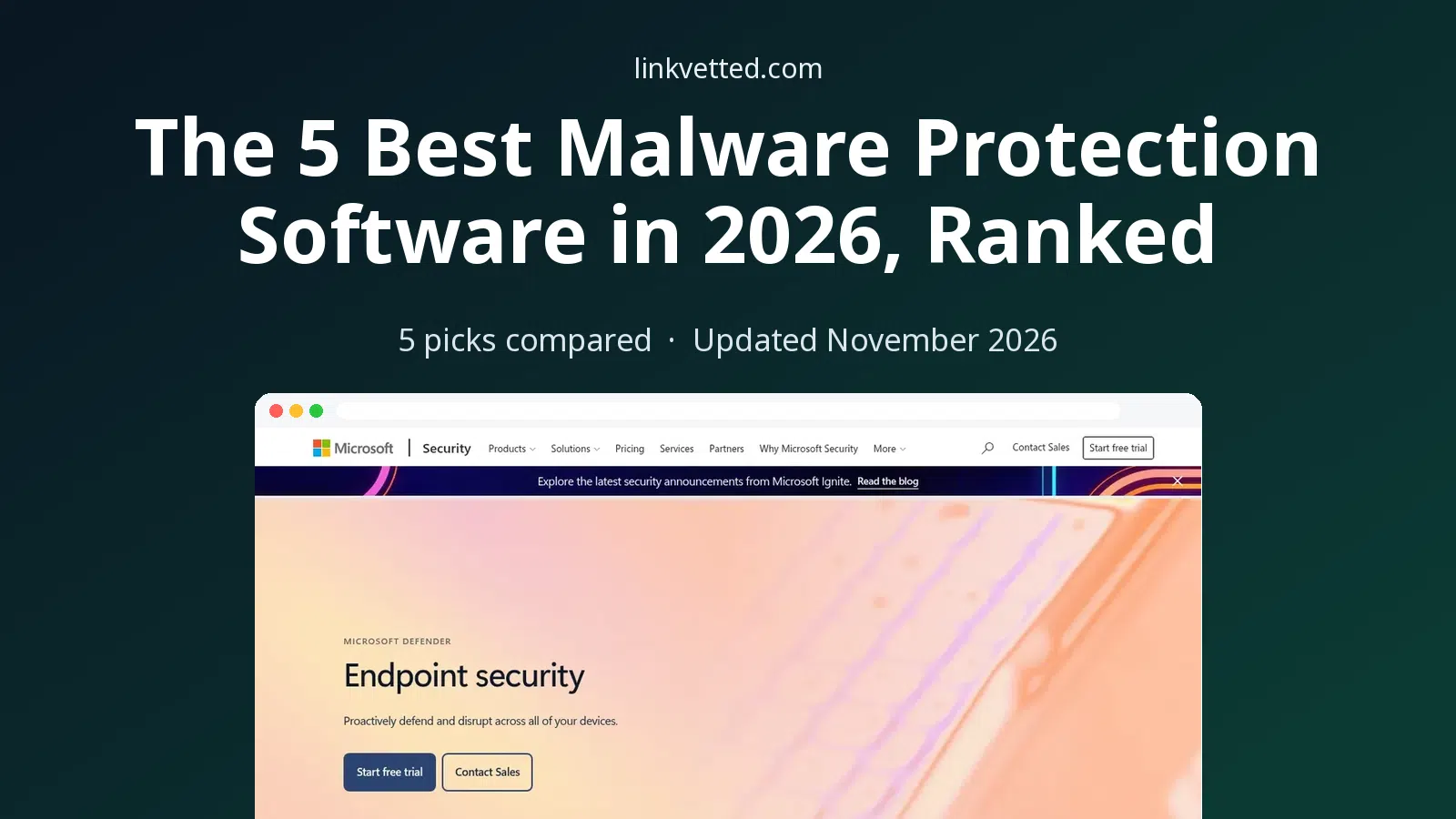
- Editor's choiceKaspersky Endpoint Security
Business endpoint protection with EDR/XDR
Starts atSee websiteVisit kaspersky.comFull review - Great alternativeMalwarebytes Endpoint Protection
SMBs and MSPs wanting unified security
Starts atSee websiteVisit malwarebytes.comFull review - Also consider
 Microsoft Defender for Endpoint
Microsoft-centric organizations
Starts atSee websiteVisit microsoft.comFull review
Direct answer
If you need business endpoint protection with EDR/XDR, Kaspersky Endpoint Security is the first tool to look at here. Listed starting prices: CrowdStrike Falcon from $7.99 per device per month. Malwarebytes Endpoint Protection is better for SMBs and MSPs wanting unified security, and Microsoft Defender for Endpoint is better for Microsoft-centric organizations. Details, prices and limits for the rest of the 5 tools are below.
TL;DR:
- The list opens with Kaspersky Endpoint Security, aimed at business endpoint protection with EDR/XDR.
- The lowest published monthly entry price here is $7.99 per device per month, from CrowdStrike Falcon.
- A fair warning about CrowdStrike Falcon: wide system may overwhelm very small teams.
- Trend Micro Apex One fits thorough threat protection across environments.
Last checked November 2026. Prices and plan details were read from the vendors' own pages in November 2026; vendors change plans often, so confirm the current price on the vendor site before you buy.
Quick comparison
| Tool | Best for | Starts at | Free plan? | |
|---|---|---|---|---|
| Kaspersky Endpoint Security | Business endpoint protection with EDR/XDR | See website | Not stated | Visit |
| Malwarebytes Endpoint Protection | SMBs and MSPs wanting unified security | See website | Not stated | Visit |
| Microsoft Defender for Endpoint | Microsoft-centric organizations | See website | Not stated | Visit |
 CrowdStrike Falcon | Cloud-native endpoint and workload protection | $7.99 per device per month | Free trial | Visit |
 Trend Micro Apex One | Full threat protection across environments | See website | Not stated | Visit |
Malware Protection Software, one by one
Short on time? The summary and table above give the quick view of 5 tools for malware protection software, and the profiles that follow give the detail behind each entry.
Kaspersky Endpoint Security
Best for: Business endpoint protection with EDR/XDR
Kaspersky Endpoint Security targets business endpoint protection with EDR/XDR. Organizations with regional policy constraints may have to evaluate suitability carefully.
For entry-level malware blocking alone, a lighter product may be simpler to run. On top of that, the advanced capabilities need staff who can interpret and act on detections. Kaspersky Endpoint Security does not show a starting price in this comparison, so check the vendor site for current pricing. On free options: Not stated.
Where it falls short: Regional considerations may affect adoption.
- Aims to stop advanced cyberthreats
- Bundles EDR and XDR capabilities
- Advanced features need skilled administration
Malwarebytes Endpoint Protection
Best for: SMBs and MSPs wanting unified security
Malwarebytes Endpoint Protection makes the most sense for SMBs and MSPs wanting unified security. Teams short on security staff commonly find the combined approach practical. Malwarebytes Endpoint Protection, offered through the ThreatDown system, brings together EDR, MDR, patch management, and email security in one lightweight package.
It is aimed at small and mid-size companies, mid-market businesses, and managed service providers that want consolidated protection without heavy administration. Worth adding: overlap with existing email or patching tools is worth checking before adoption. Pricing for Malwarebytes Endpoint Protection is not stated here, so ask the vendor for current figures. Free plan details: Not stated.
Drawbacks to consider: Unified scope may overlap with existing tools.
- Light product
- Email security
- Less depth for large enterprise SOCs
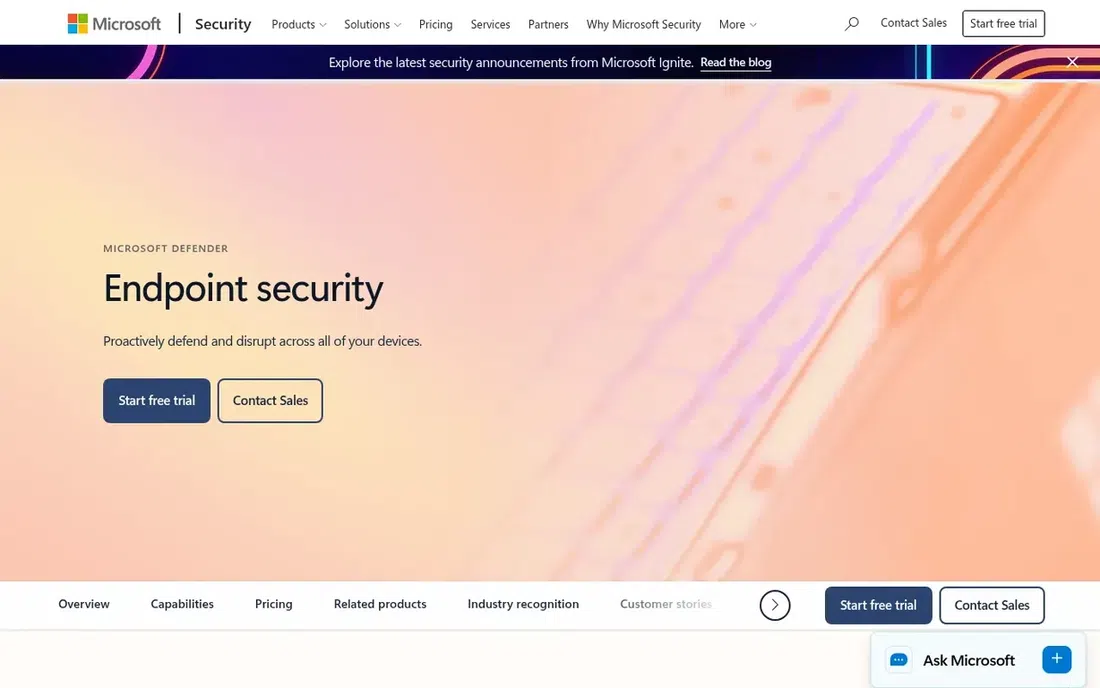
Microsoft Defender for Endpoint works best for Microsoft-centric organizations. If you need a vendor-neutral product spanning numerous operating systems, compare alternatives.
Trade-offs to know: Configuration depth can be complicated.
Also, policy tuning can be involved for advanced scenarios. IT teams managing Windows fleets commonly find it a practical default. Microsoft Defender for Endpoint shows no starting price here, so confirm the cost on the vendor site. Free plan details: Not stated.
- Suits naturally into Microsoft environments
- AI-assisted endpoint protection
- Best value inside the Microsoft ecosystem
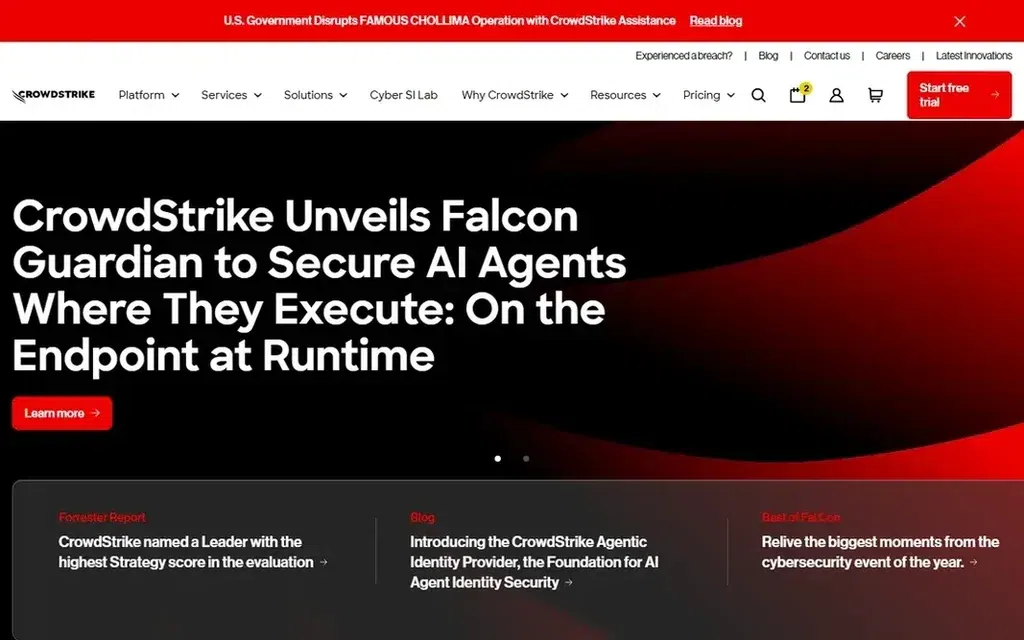
CrowdStrike Falcon was built for cloud-native endpoint and workload protection. Smaller firms may find the scope exceeds their needs. Security teams with cloud infrastructure and a focus on proactive defense are the natural audience.
Strengths: cloud workloads, identities, data.
Where it falls short: Wide system may overwhelm very small teams. In daily use, the system's breadth can mean a steeper ramp-up time for lean IT teams without dedicated security staff. CrowdStrike Falcon is a cloud-native cybersecurity product that guards endpoints, cloud workloads, identities, and data. Its AI-native design aims to stop breaches before they spread, making it a fit for organizations that require wide coverage from a single console. CrowdStrike Falcon starts at: $7.99 per device per month. Free access: Free trial.
- AI-native system built to stop breaches
- Cloud-delivered architecture
- Needs security expertise to use completely
Trend Micro Apex One is built with thorough threat protection across environments in mind. Organizations seeking wide coverage with an established security vendor commonly shortlist it. On top of that, complicated environments may need tuning to avoid noise.
In daily use, if your priority is a minimal, set-and-forget deployment, compare more straightforward alternatives. The breadth of protection can make administration more involved than light tools. Trend Micro Apex One shows no starting price here, so confirm the cost on the vendor site. As for free access: Not stated.
Limits to weigh: Feature depth can complicate administration.
- Established endpoint security focus
- Wide threat protection coverage
- May need tuning for complicated estates
Selection criteria
LinkVetted looked at what each vendor publishes: pricing, plan limits, feature coverage for malware protection software and stated drawbacks. No hands-on testing is claimed. Where a price is missing, the vendor does not list one publicly or ties it to a quote. Always confirm before budgeting. The ranking is editorial: typical fit first, then clear pricing, then free access. If your needs are unusual, read the profiles rather than relying on position.
Pre-purchase checklist
- Ask Kaspersky Endpoint Security, Malwarebytes Endpoint Protection, Microsoft Defender for Endpoint and Trend Micro Apex One for a written quote, since no starting price is shown.
- Use real work to test the free trial from CrowdStrike Falcon, rather than a demo project.
- Before choosing Kaspersky Endpoint Security, weigh its main limit: advanced features need skilled administration.
- List the apps you already depend on and check that Trend Micro Apex One supports each one on the plan you would buy.
- See whether CrowdStrike Falcon offers onboarding or training, and whether it is included in the price.
FAQ
How are the tools for malware protection software ordered?
Kaspersky Endpoint Security sits first and Trend Micro Apex One last because the order follows typical fit for malware protection software, then price clarity and free access. It is a judgement call, so read each profile for fit and limits.
What is the cheapest option for malware protection software in this list?
On published monthly entry prices, CrowdStrike Falcon is the lowest here at $7.99 per device per month. Entry price is only part of the cost, because seats, add-ons and billing terms can change the total. For the full picture, the cards above cover all 5 entries of this malware protection software list, including price, free plan and limits.
Do these tools publish their prices?
Not all of them. Kaspersky Endpoint Security, Malwarebytes Endpoint Protection, Microsoft Defender for Endpoint and Trend Micro Apex One publish no starting price, so expect a quote request for those. The rest, CrowdStrike Falcon included, show a starting price, though seats and billing terms still change the final cost.
Is Kaspersky Endpoint Security the right pick for everyone comparing malware protection software?
No single tool suits every team. Kaspersky Endpoint Security comes first because it fits business endpoint protection with EDR/XDR, while Malwarebytes Endpoint Protection suits SMBs and MSPs wanting unified security and Microsoft Defender for Endpoint suits Microsoft-centric organizations. Match the tool to your own size, budget and workflow before deciding.
Is cloud-native protection better than on-premises?
Cloud-native systems like CrowdStrike Falcon can ease updates and remote coverage, whereas some organizations prefer on-premises control for policy reasons. The right choice relies on your infrastructure and compliance requirements, not on the delivery model alone.
Do small businesses need EDR or XDR?
Smaller teams may do well with a light unified product like Malwarebytes Endpoint Protection, which merges multiple functions. EDR and XDR add value when you have staff or a managed provider to investigate and respond to detections.
Sources
- https://www.kaspersky.com/small-to-medium-business-security/endpoint-security
- https://www.malwarebytes.com/business
- https://www.microsoft.com/en-us/security/business/endpoint-security/microsoft-defender-endpoint
- https://www.crowdstrike.com
- https://www.trendmicro.com/en_us/business/products/user-protection/sps/endpoint.html