Best DDoS Protection Software in 2026: 8 Tools Compared
Best DDoS protection software compared in 2026, with network and application protection, scrubbing capacity, pricing and setup for websites and APIs today.
- Editor's choice
 Cloudflare
DDoS protection for websites and APIs
Starts atFreeVisit cloudflare.comFull review - Great alternative
 AWS Shield
DDoS protection inside AWS
Starts atFreeVisit aws.amazon.comFull review - Also consider
 Akamai Prolexic
Enterprise scrubbing and response
Starts atSee websiteVisit akamai.comFull review
TL;DR:
- Cloudflare offers unmetered DDoS protection on its free plan for proxied websites, with Pro from $20 per month.
- AWS Shield Advanced starts at $3,000 per month, which suits AWS workloads that need deeper support and guarantees.
- Akamai, Imperva and other enterprise services are quote-based and suit large firms with dedicated security teams.
- Protection must match your stack: a website proxy, a cloud network and an on-premise network need different products.
Quick comparison
| Tool | Best for | Starts at | Free plan? | |
|---|---|---|---|---|
| Cloudflare | DDoS protection for websites and APIs | Free | Yes | Visit |
| AWS Shield | DDoS protection inside AWS | Free | Yes | Visit |
| Akamai Prolexic | Enterprise scrubbing and response | See website | No | Visit |
 Imperva DDoS Protection | Managed DDoS protection for apps | See website | No | Visit |
 Google Cloud Armor | DDoS and WAF protection in Google Cloud | See website | No | Visit |
 Azure DDoS Protection | DDoS protection for Azure networks | See website | No | Visit |
 Fastly DDoS Mitigation | Edge DDoS mitigation for delivery | See website | No | Visit |
 Radware DefensePro | On-premise and hybrid DDoS defense | See website | No | Visit |
The best DDoS protection software
We compared official pricing pages, feature lists and public reviews to shortlist these options for best ddos protection software. Each pick below fits a different budget, team size or workflow, so use the comparison table to narrow the list before you read the full reviews.
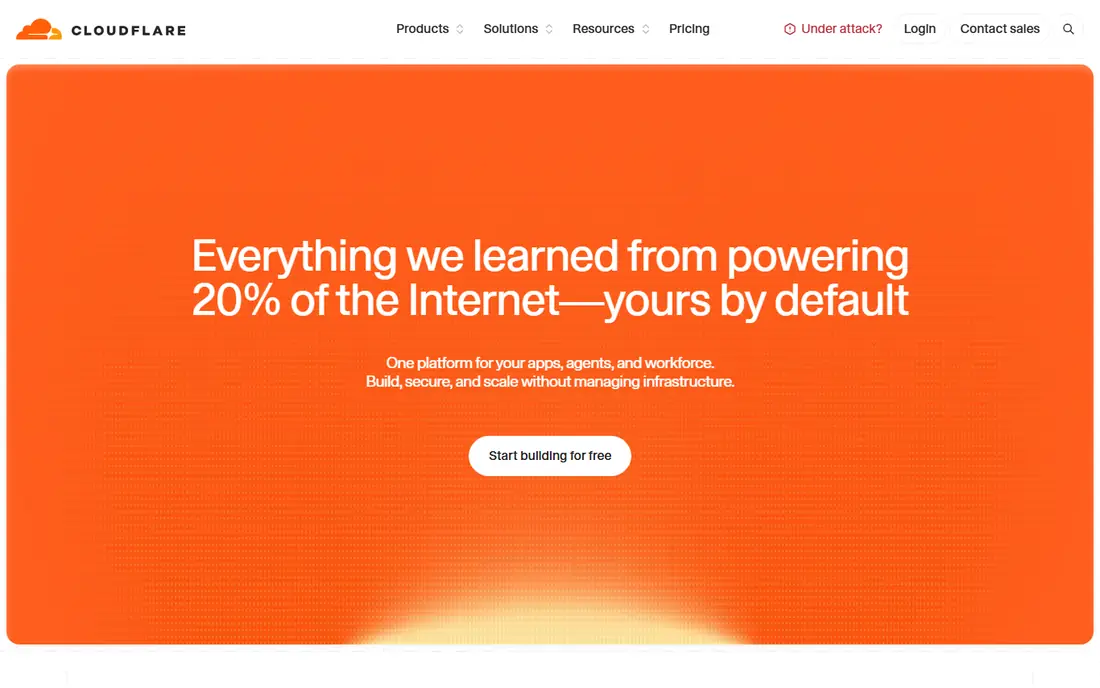
Cloudflare gives proxied websites unmetered DDoS protection, with a free plan covering basic protection and Pro from $20 per month adding performance and security tools. Its global network absorbs volumetric floods before they reach your origin server.
It fits most websites, APIs and small firms. The trade-off is scope: full network protection for non-web traffic sits on Enterprise products, so check which plan covers your exact ports and protocols.
- Unmetered DDoS protection on proxied plans
- Large global network
- WAF links
- Advanced network products such as Magic Transit need Enterprise plans
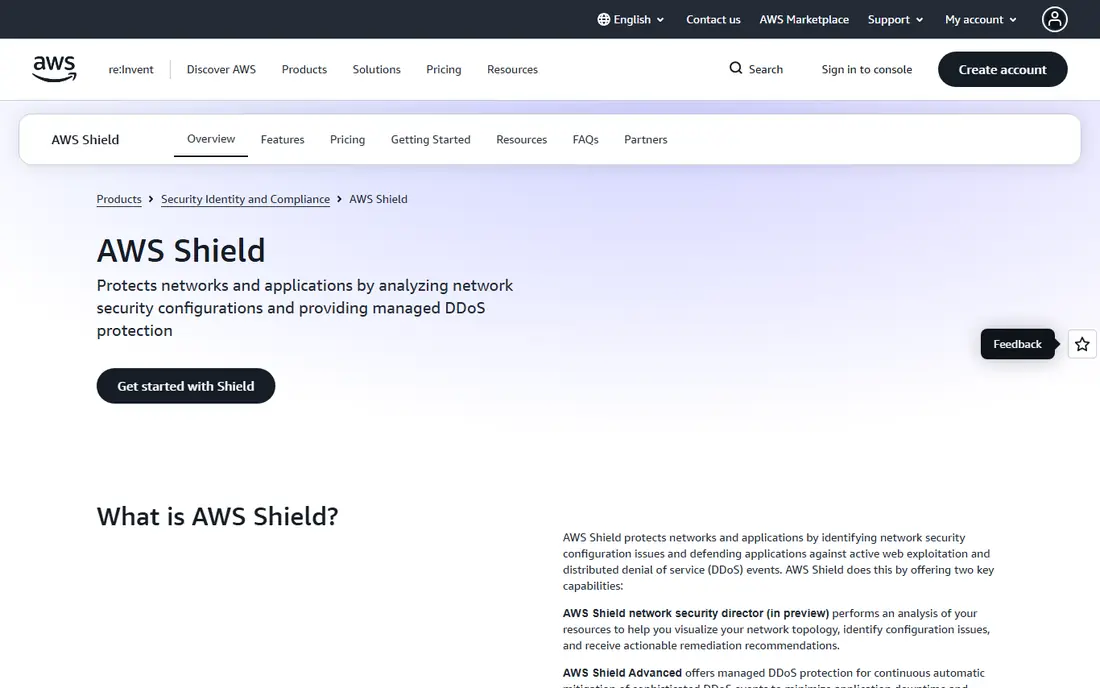
AWS Shield Standard is included with AWS services, while Shield Advanced adds deeper detection, support and cost protection for AWS workloads. It links naturally to CloudFront, Elastic Load Balancing and other AWS services that many apps already use.
It fits AWS-native workloads. The trade-off is price and fit: Advanced starts at $3,000 per month, and firms outside AWS will get less value from an AWS-specific service.
- Shield Standard free with AWS
- Shield Advanced from $3,000 per month
- AWS service links
- Advanced tier is costly, and value is highest inside AWS
Akamai Prolexic is an enterprise DDoS service with large scrubbing capacity and BGP-based routing that diverts attack traffic for cleaning. Its security operations support helps large firms respond during a major attack, not only block traffic automatically.
It fits large enterprises with high availability needs. The trade-off is cost and setup: pricing is quoted, and onboarding is a project, so it suits firms with a security team to manage it.
- Large scrubbing capacity
- BGP-based protection
- SOC-backed response
- Quote-based pricing and enterprise implementation
Imperva offers managed DDoS protection for websites, applications and networks, with always-on monitoring and mitigation. A managed service can help firms without a large security team, since Imperva staff handle tuning and incident response.
It fits firms that want a managed service rather than a self-run tool. The trade-off is quote-based pricing and contract scope, so confirm which layers, response times and support hours your agreement covers.
- Always-on protection
- Managed service
- Application and network layers
- Quote-based pricing
- Managed scope varies by contract
Google Cloud Armor protects Google Cloud workloads with adaptive protection, WAF rules and policies for applications and APIs. It learns from traffic patterns to help block attacks, and it fits naturally with Google Cloud load balancing.
It fits Google Cloud workloads. The trade-off is fit outside that cloud: firms on other clouds or on-premise should compare a cloud-neutral provider before committing.
- Adaptive protection
- Google Cloud links
- L7 rules and policies
- Best value inside Google Cloud, with usage-based costs to model
Azure DDoS Protection offers always-on protection for virtual network resources, with attack analytics in Azure Monitor. It is designed for Azure public IPs and virtual networks, so Azure teams can manage protection alongside their other network settings.
It fits Azure-native firms. The trade-off is cost for small estates: Network Protection is priced as a premium service, so small Azure users should check whether the basic included protection already covers their risk.
- Always-on protection for virtual networks
- Azure Monitor links
- Attack analytics
- Network Protection pricing is high for small Azure estates
Fastly provides DDoS mitigation at the edge, alongside content delivery and application security. That combination suits firms already delivering traffic through Fastly, since mitigation sits close to users and can scale with delivery needs.
It fits Fastly delivery customers and high-traffic sites. The trade-off is usage-based pricing: model your traffic carefully, since costs vary with volume rather than a flat monthly fee.
- Edge network mitigation
- Usage-based pricing
- Delivery and security in one edge
- Usage-based costs need traffic modeling before a quote is clear
Radware DefensePro provides on-premise and hybrid DDoS defense through appliances and virtual options, with behavioral detection for network and application attacks. It suits firms that need protection inside their own data center, not only in a cloud scrubbing service.
It fits firms with on-premise networks and network teams. The trade-off is management: appliances need purchase, placement and upkeep, which is more work than a fully cloud-managed service.
- Hardware and virtual appliances
- Behavioral detection
- Hybrid options
- Appliance cost and management suit firms with network teams
How we picked these
We started from the main keyword, best ddos protection software, and checked official vendor pages for pricing, plans and core features, plus app store listings and public reviews where they added useful detail. We kept only products that exist and work today, that truly fit the topic, and that offer a clear route to buy, trial or contact the vendor.
We did not claim hands-on testing we did not do. Instead, we compared what each vendor publishes, how pricing works in practice, and where each product has an honest limit. A product that fits one team well may be a poor fit for another, so the reviews above note the trade-off for each pick.
How to choose DDoS protection
Test before an attack, not during one. Confirm which layers are covered, how failover works, what happens to legitimate traffic during mitigation, and who you call at 2 a.m. Run a tabletop exercise with your provider before you rely on the service.
Start with the job, not the feature list
Write down the one job this tool must do in the first month, then check that job on a trial or demo before you look at extra features. If the core job feels slow or confusing, extra features will not fix it. Ask who will own the tool day to day, since an unowned tool is rarely used well.
Check total cost, not only the headline price
Add seats, usage limits, setup help and any percentage fees to the headline price. A cheap entry tier can cost more once your team grows, while a quote-based tool can be good value if it replaces two other subscriptions. Get the full cost in writing before you sign a yearly plan.
Trial with real work before you commit
Run a real task, a real list or a real campaign in the trial, not only a guided demo. Invite the people who will use the tool daily, and ask them to note friction in the first week. That short trial usually reveals more than a long feature comparison.
A short trial checklist
Use the same checklist for every option you trial, so the comparison stays fair. Note setup time, how long support takes to reply, whether exports work cleanly, and whether the price changes when you add a second user or a second location. Write down any feature that only appears on a higher tier, since that detail often decides the final cost.
Keep notes from the people who will use the tool each day, not only from the person who chose it. Ask them which step felt slow, which report they actually opened, and whether they would keep using the tool after the first month. If the answer is unclear, run a second short trial with a different option before you sign a yearly contract, since switching later usually costs more time than a careful trial now.
FAQ
What is the best DDoS protection service?
For best ddos protection software, the right choice depends on your budget, team size and main job. Shortlist two or three options from the list above, trial them with real work, and pick the one your team will actually use each week.
How much does DDoS protection cost?
Prices vary widely in this category, from free plans to quote-based enterprise tiers. Use the comparison table for starting prices, then ask each vendor for an all-in quote that covers seats, usage and support.
Do small websites need DDoS protection?
It depends on your situation and on the product you choose. Check the free plan or trial terms, read the privacy and contract terms, and test the tool with a small job before you commit to a larger plan.
What is the difference between network and application DDoS protection?
For best ddos protection software, the right choice depends on your budget, team size and main job. Shortlist two or three options from the list above, trial them with real work, and pick the one your team will actually use each week.
Can Cloudflare stop a large DDoS attack?
Start with the comparison table, read the two or three reviews that match your budget and workflow, and trial the best fit with real work before you buy.