Top 5 Alternatives to Costly Brand Protection Tools for 2026 (Prices and Free Plans)
5 alternatives to costly brand protection tools, compared on pricing, free plans and best-fit use. Trade-offs are spelled out for each entry. Updated for 2026.
- Editor's choice
 Bolster
AI-driven threat detection and response
Starts atPricing on requestVisit bolster.aiFull review - Great alternativePhishLabs
Phishing and digital risk protection
Starts atPricing on requestVisit phishlabs.comFull review - Also consider
 Red Points
Wide online brand and content protection
Starts atPricing on requestVisit redpoints.comFull review
Direct answer
This list puts Bolster first for AI-driven threat detection and response. PhishLabs is the stronger choice for phishing and digital risk protection, while Red Points suits broad online brand and content protection. Details and limits for the rest of the 5 tools are below. None of these vendors publish plan prices, so pricing is on request for every option.
TL;DR:
- The list opens with Bolster, aimed at AI-driven threat detection and response.
- Before buying Bolster, weigh this: restricted public information on features.
- Every tool from Bolster to Corsearch works by quote, with no list price shown.
- Neither Bolster nor Corsearch, nor any of the other 3 tools, has a permanent free plan; trials and quotes are the norm.
Last checked November 2026. Pricing on request: vendors did not publish plan prices when this guide was last checked (November 2026), so ask each vendor for a written quote.
Quick comparison
| Tool | Best for | Starts at | Free plan? | |
|---|---|---|---|---|
| Bolster | AI-driven threat detection and response | Pricing on request | Not stated | Visit |
| PhishLabs | Phishing and digital risk protection | Pricing on request | Not stated | Visit |
| Red Points | Wide online brand and content protection | Pricing on request | Not stated | Visit |
 ZeroFox | External threat intelligence and disruption | Pricing on request | Not stated | Visit |
 Corsearch | Trademark and brand protection with AI | Pricing on request | Not stated | Visit |
The full Costly Brand Protection Tools list
If you are comparing Costly Brand Protection Tools, this page covers 5 tools in one place: what each is best for, what it costs to start, whether it has a free plan, and the main limit to know about.
In short, Bolster is for AI-driven threat detection and response. It is commonly used for fraud prevention and brand protection by monitoring online channels for malicious activity.
Bolster may not include all aspects of brand protection, for example trademark enforcement or domain management. Bolster does not show a starting price in this comparison, so check the vendor site for current pricing. On free options: Not stated.
Limits to weigh: May overlap with other security tools.
- Uses AI for threat detection
- Focus on digital risk protection
- Restricted public information on features
PhishLabs
Best for: Phishing and digital risk protection
For phishing and digital risk protection, PhishLabs is a natural candidate. PhishLabs, now part of Fortra, concentrates on phishing and digital risk protection. It helps organizations detect and respond to phishing attacks and other online threats.
Limits to weigh: Narrow focus on phishing threats.
As for the details, the service is well suited to firms needing targeted protection against social engineering and credential theft. Beyond that, organizations seeking wide marketplace monitoring or trademark enforcement should look elsewhere. It performs best as part of a layered security strategy. PhishLabs is not a full brand protection suite; it centres on phishing and related threats. PhishLabs shows no starting price here, so confirm the cost on the vendor site. On free options: Not stated.
- Part of Fortra for integrated security
- Specialized in phishing mitigation
- May need other tools for full brand protection
For wide online brand and content protection, Red Points is a natural candidate. It is made for firms seeking a thorough option to monitor marketplaces and websites. Consider other tools if you need focused domain strategy or deep threat intelligence instead of wide brand monitoring.
In daily use, the service may be less specialized for niche threats like phishing or domain portfolio management. Smaller companies with restricted budgets might find the scope excessive. Red Points shows no starting price here, so confirm the cost on the vendor site. Free options: Not stated.
Honest limits: Pricing not publicly listed.
- Provides automatic detection and enforcement
- Handles several infringement types
- May need onboarding for full setup
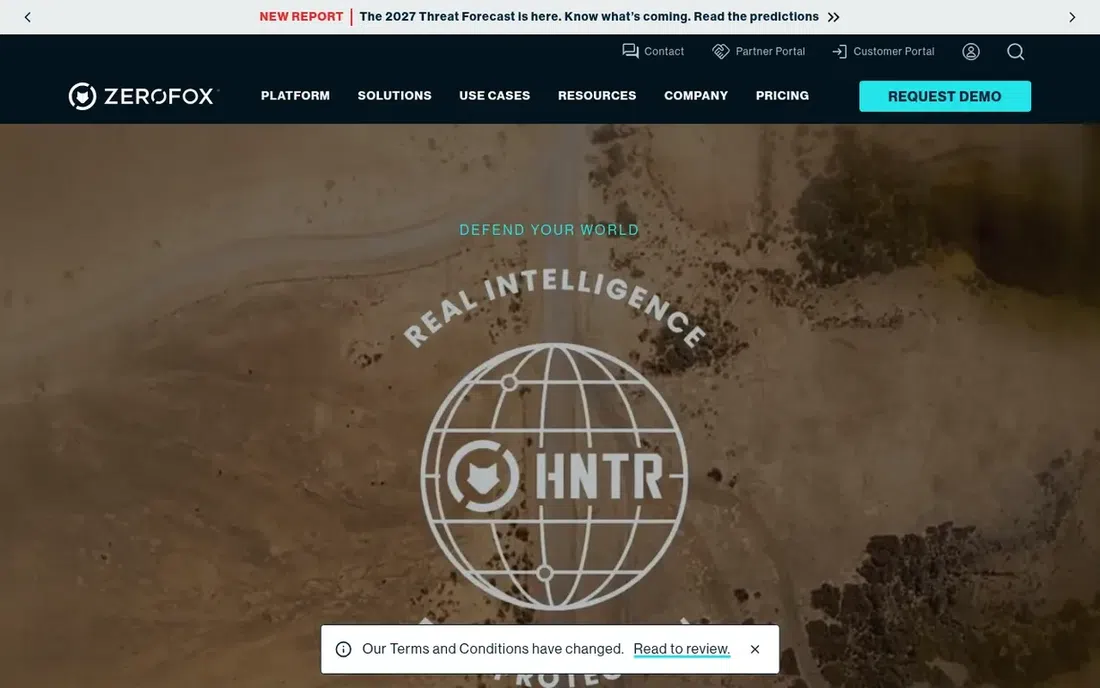
Think of ZeroFox for external threat intelligence and disruption. It helps organizations cut risk, safeguard revenue, and protect reputation.
Trade-offs to know: May need integration with other tools.
- Actionable intelligence on external threats
- Helps safeguard revenue and reputation
- Focus on threats instead of brand infringement
Corsearch works best for trademark and brand protection with AI. Corsearch may be more than needed for straightforward brand monitoring tasks, and its thorough approach could need dedicated staff. Corsearch combines AI-fueled technology and decades of expertise to revolutionize how firms establish and protect their brands.
It provides trademark and brand protection options, helping firms safeguard their intellectual property. Evaluate if you need full trademark services or just online infringement detection. In practice, the product is aimed at organizations that value a blend of technology and human expertise in brand protection. For everyday use, smaller firms might prefer more straightforward tools. This comparison lists no price for Corsearch; ask the vendor. Trial and free access: Not stated.
Limits to weigh: Pricing not publicly available.
- Focus on trademark and brand options
- Merges AI technology with expertise
- May be complicated for small teams
How the list was put together
Things to verify first
- Confirm the entry price with every vendor: no tool from Bolster to Corsearch shows a fixed starting price.
- Read the limits listed for Bolster first: restricted public information on features.
- Find out whether the entry plan of Bolster covers your must-haves or only a trimmed-down version.
- Check how data leaves ZeroFox: formats, limits and whether exports are available on every plan.
- Check the integration list for Red Points against the tools you run today, and note which ones need a higher plan.
FAQ
Do these tools publish their prices?
No. None of the tools, from Bolster to Corsearch, shows a fixed starting price here, so budget time for quotes.
Can I use multiple tools together?
Yes, some organizations combine tools for broader coverage, like using a domain specialist alongside a threat intelligence product. Ensure integrations or workflows are compatible to avoid gaps.
Is Bolster the right pick for everyone comparing Costly Brand Protection Tools?
No single tool suits every team. Bolster comes first because it fits AI-driven threat detection and response, while PhishLabs suits phishing and digital risk protection and Red Points suits broad online brand and content protection. Match the tool to your own size, budget and workflow before deciding.
How are the Costly Brand Protection Tools ordered?
Bolster sits first and Corsearch last because the order follows typical fit for Costly Brand Protection Tools, then price clarity and free access. It is a judgement call, so read each profile for fit and limits.
Can I try these options before paying?
Not by default. None of the tools, from Bolster to Corsearch, lists a free plan or a free trial here, so ask each vendor for a demo before committing.
Sources
- https://bolster.ai
- https://www.phishlabs.com
- https://www.redpoints.com
- https://www.zerofox.com
- https://corsearch.com