Best E-commerce Fraud Protection Software in 2026: 8 Tools Compared
We compare the best e-commerce fraud protection software across 8 tools, covering order screening, chargeback guarantees, rules and approval rates in 2026.

- Editor's choice
 Signifyd
Mid-sized and large online stores
Starts atSee websiteVisit signifyd.comFull review - Great alternative
 Riskified
Enterprise merchants selling globally
Starts atSee websiteVisit riskified.comFull review - Also consider
 Forter
Large retailers with account and order fraud
Starts atSee websiteVisit forter.comFull review
TL;DR:
- Guarantee vendors suit stores that want risk cover on approved orders. Rule tools suit teams that want control over decisions.
- Approval rate matters as much as fraud rate. Wrongly declined good orders cost revenue that no guarantee repays.
- Most enterprise pricing is quote-based, so compare total cost, including guarantee terms and implementation.
- Run a shadow test on past orders where possible, to compare approval and fraud outcomes before switching.
Quick comparison
| Tool | Best for | Starts at | Free plan? | |
|---|---|---|---|---|
| Signifyd | Mid-sized and large online stores | See website | No | Visit |
| Riskified | Enterprise merchants selling globally | See website | No | Visit |
| Forter | Large retailers with account and order fraud | See website | No | Visit |
 Stripe Radar | Stores already processing on Stripe | $10 per month | Yes | Visit |
 SEON | Fintech and teams wanting rule control | $699 per month | Free trial | Visit |
 Sift | Marketplaces and digital platforms | See website | No | Visit |
 ClearSale | High-risk and international sellers | $250 per month | No | Visit |
 NoFraud | Small and mid-sized online stores | See website | Yes | Visit |
The best e-commerce fraud protection software
Fraud costs stores twice, through chargebacks and through good orders wrongly declined. Fraud protection software screens orders in real time, using device, identity and behaviour signals, and helps stores approve more good orders with less risk.
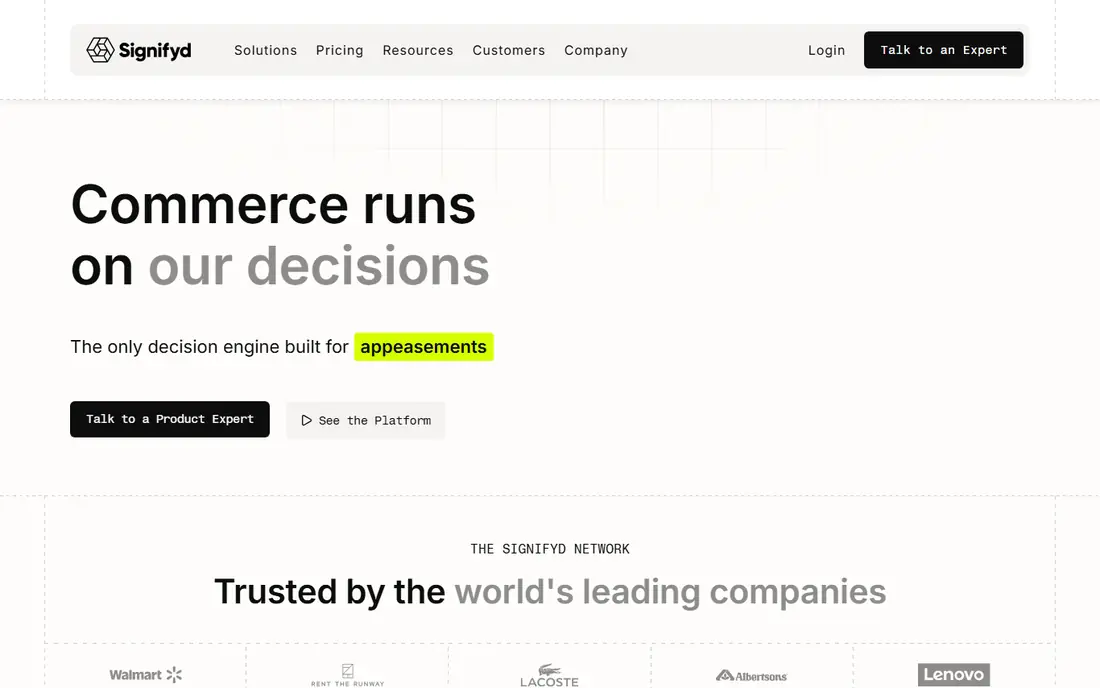
First, consider Signifyd. Signifyd fits online stores that want order decisions backed by a chargeback guarantee on approved orders.
The guarantee changes the risk calculation. Stores can approve more borderline orders, since Signifyd covers fraud chargebacks on orders it approves, subject to its terms.
Pricing varies by vertical, volume and order value, so buyers should get a quote based on their own order mix, and check guarantee terms and exclusions carefully.
- Order screening with chargeback guarantee
- Broad identity data
- Pricing is quote-based and varies by vertical and volume
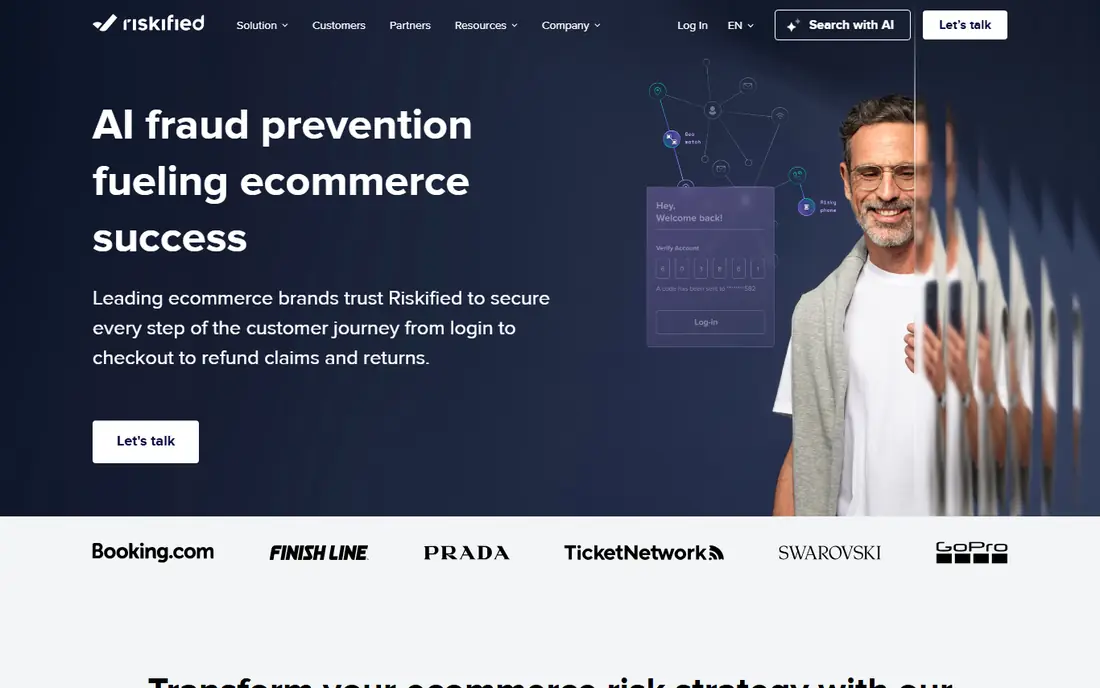
Next, look at Riskified. Riskified fits enterprise merchants selling across many countries, currencies and payment methods, where fraud patterns vary by market.
Its global data helps decision models recognise legitimate customers in new markets, which can lift approval rates without raising fraud losses.
Smaller stores may find the enterprise focus and quote-based pricing a barrier, and should confirm minimums and onboarding scope before a trial.
- Order decisions with chargeback guarantee
- Global merchant data
- Quote-based pricing
- Enterprise focus suits larger merchants
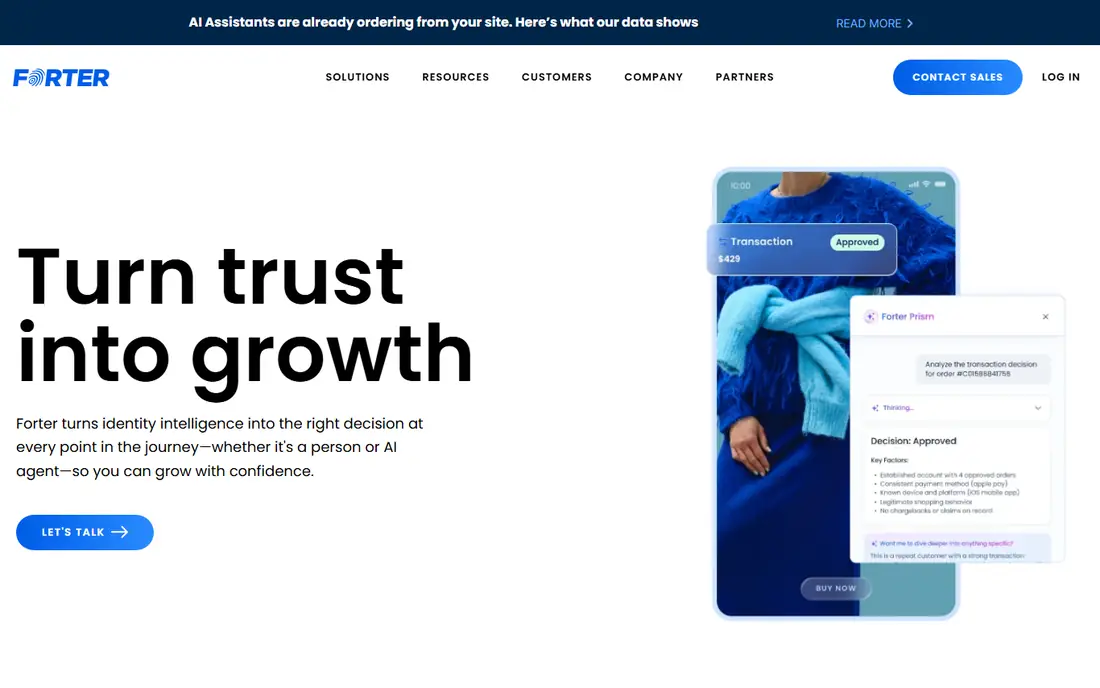
Another strong option is Forter. Forter fits large retailers facing payment fraud, account takeover and abuse across the customer journey, not just at checkout.
Its identity network helps link devices, accounts and behaviour across merchants, which can catch abuse patterns that a single store would miss.
Buyers should compare total cost with and without the chargeback guarantee add-on, since that choice changes the price and the risk cover.
- Identity-based fraud decisions across accounts and orders
- Broad network data
- Pricing is quote-based
- Chargeback guarantee sits as an add-on for some plans
For a different fit, Stripe Radar. Stripe Radar fits stores that already process payments on Stripe and want fraud screening without a new vendor or integration project.
Radar uses Stripe payment data to score transactions, and teams can add custom rules for high-risk patterns they see in their own orders.
Stores that need a chargeback guarantee, or that process outside Stripe, should compare specialist vendors, since Radar focuses on screening rather than full risk cover.
- Fraud screening inside Stripe
- Rules and machine learning on Stripe data
- Best fit stays inside Stripe
- Guarantee options are limited compared with specialists
Teams with tighter budgets often check SEON. SEON fits teams that want to own their fraud rules, with access to device, email, phone and IP signals through an API.
Rule control is the draw. Teams can build, test and adjust rules for their own risk patterns, rather than relying only on a vendor decision model.
Rule tuning takes skill and ongoing review. Teams without fraud analysts should plan for vendor support or a managed rules service during setup.
- Fraud checks with custom rules
- Device and email signals
- API-first design
- Entry price suits mid-sized teams
- Rule tuning needs skilled staff
A further option is Sift. Sift fits marketplaces, travel and digital platforms facing fraud across accounts, payments and content, not just checkout.
Covering the full user journey helps teams link a suspicious signup to later payment fraud, which checkout-only tools would miss.
Pricing and setup vary by use case and event volume, so buyers should scope the events they will send and the decisions they need from the start.
- Fraud signals across signup, login and payment
- Broad platform coverage
- Quote-based pricing
- Setup scope varies by use case
If scale matters most, ClearSale. ClearSale fits high-risk and international sellers that want screening plus a chargeback guarantee, with human review for borderline orders.
Human review can help on complex orders where automated signals conflict, and the guarantee on Growth plans covers approved orders subject to terms.
Buyers should check guarantee terms, covered order types and response times, since those details decide how much risk the vendor truly carries.
- Order screening with chargeback guarantee on Growth plans
- Human review options
- Entry guarantee plans start at a monthly fee
- Coverage terms need checking
Finally, consider NoFraud. NoFraud fits small and mid-sized stores that want order screening without an enterprise contract, with a starter option for lower volumes.
The starter plan helps smaller stores start screening orders and learning their fraud patterns, before moving to a larger plan as volume grows.
Stores above set revenue thresholds move to custom pricing, so buyers should confirm the threshold and the price path as they grow.
- Order screening for smaller stores
- Starter plan for lower volumes
- Full pricing varies above set revenue thresholds
- Guarantee terms need checking
How we picked these
We reviewed official feature pages, pricing pages, app store listings, privacy policies and public user reviews for each product, and kept only tools that are available today and that fit the topic directly. We checked that each product offers the core capability in its category, such as SLA rules, key rotation, work orders, pay cycles, supplier mapping, membership billing, route settlement, dunning or order screening, rather than a related feature in a general tool.
We did not claim hands-on testing, and we did not invent prices, awards or ratings. Where a vendor does not publish a starting price, we show See website, and we note where higher tiers carry the features buyers often need. Prices can change, so we recommend confirming the current price on the vendor site before you buy.
We also looked at whether each vendor explains its security, privacy and support terms in plain language on its own site. A clear privacy policy, a named support route and published status information help buyers judge a vendor before a trial, and they matter most when the tool will hold sensitive customer, employee or payment data.
How to compare fraud tools on approval, not just on fraud
Ask each vendor how it measures approval rate, false declines and fraud losses, and on what order mix. A tool that blocks more fraud by declining more good orders may look safe, yet cost more in lost sales than it saves in chargebacks. Use your own order data, including seasonal peaks and international orders, for the comparison.
Also check integration and response time. Screening must run in milliseconds at checkout, without slowing the purchase flow, and decisions must handle new payment methods and guest checkout. Test the vendor API or plugin with your platform, and confirm how rules, thresholds and guarantee claims work after go-live, not just during onboarding.
Before you sign, ask for a written quote that lists every user, module, add-on and support tier you will need in the first year. Confirm what happens when you add users, change plans or cancel, and check whether data export is included. A clear quote makes it easier to compare tools fairly, and it avoids surprises when the first renewal arrives.
FAQ
What is e-commerce fraud protection software?
It screens online orders in real time, using device, identity, behaviour and payment signals, to approve legitimate orders and block fraudulent ones. Some vendors also offer a chargeback guarantee on approved orders. The goal is lower fraud losses without declining too many good customers.
Should we choose a guarantee vendor or a rules tool?
A guarantee vendor suits stores that want the vendor to carry fraud chargeback risk on approved orders. A rules tool suits teams that want to control decisions and signals themselves. Some stores use both, with a rules tool for account fraud and a guarantee vendor for checkout decisions.
What is a false decline, and why does it matter?
A false decline is a legitimate order wrongly rejected as fraud. It costs the sale, and often the customer, since many shoppers will not retry after a decline. Fraud tools should report approval rates and false declines, not just blocked fraud, so stores can judge the true cost.
Do small stores need fraud protection software?
Small stores with low order volume and low fraud may manage with payment provider tools such as Stripe Radar. The case for a specialist grows with order volume, international sales, high-value goods or rising chargebacks. Starter plans from vendors such as NoFraud help smaller stores start.
How should we test a fraud tool before buying?
Ask for a shadow test on recent orders, comparing the vendor decision with your actual outcomes, including chargebacks and approved good orders. Check integration time, decision speed and support for your platform. Read guarantee terms closely, including exclusions, claim windows and dispute handling.
How long does implementation usually take?
Implementation time varies with team size, data quality and the number of integrations. A small team with clean data can often go live in weeks, while a larger rollout with migration and training can take months. Ask each vendor for a phased plan with clear milestones, and allow time for staff training before the old system is switched off.