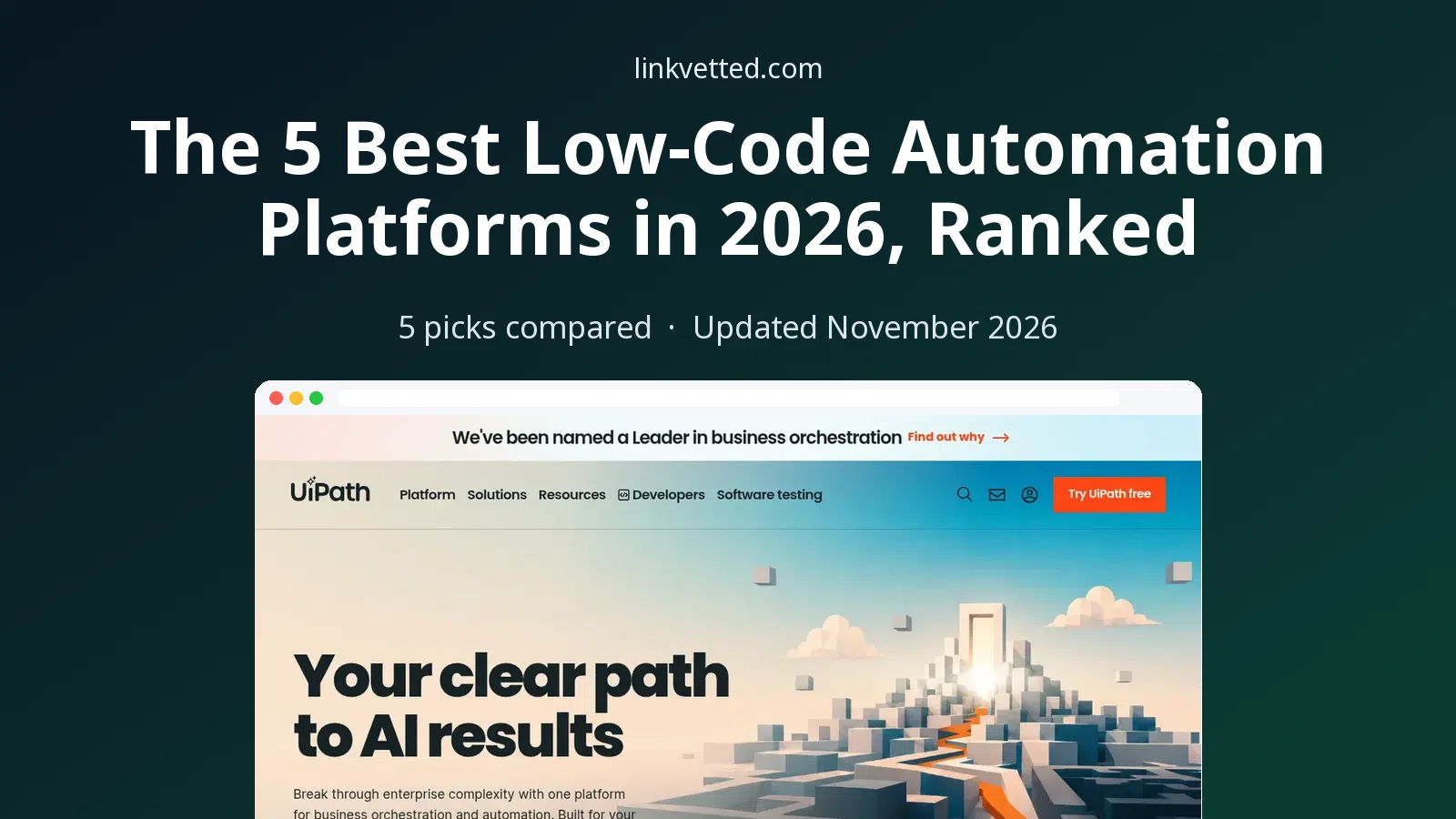
The 5 Best Low-Code Automation Platforms in 2026, Ranked
Searching for the best Low-Code automation platforms? Here are 5 options with prices and free plans. Strengths and gaps are listed per tool. Updated for 2026.
- Editor's choice
 UiPath
Enterprise orchestration and automation
Starts at$25 a monthVisit uipath.comFull review - Great alternative
 Mendix
Agentic enterprise app development
Starts atSee websiteVisit mendix.comFull review - Also consider
 Make
Visual no-code workflow automation
Starts atSee websiteVisit make.comFull review
Direct answer
Start with UiPath if you need enterprise orchestration and automation. Listed starting prices: UiPath from $25 a month. Mendix is better for agentic enterprise app development, and Make is better for visual no-code workflow automation. Prices, free plans and limits for all 5 tools follow.
TL;DR:
- The list opens with UiPath, aimed at enterprise orchestration and automation.
- UiPath, Make: these are the 2 tools out of 5 that offer a free plan.
- Starting prices begin at $25 per month with UiPath.
- One limit worth knowing about Make: may need learning for complicated logic.
- Nintex Workflow is the one to check for process management and workflow automation.
Last checked November 2026. Prices and plan details were read from the vendors' own pages in November 2026; vendors change plans often, so confirm the current price on the vendor site before you buy.
Quick comparison
| Tool | Best for | Starts at | Free plan? | |
|---|---|---|---|---|
| UiPath | Enterprise orchestration and automation | $25 a month | Yes | Visit |
| Mendix | Agentic enterprise app development | See website | Not stated | Visit |
| Make | Visual no-code workflow automation | See website | Yes | Visit |
 OutSystems | Custom app and AI agent development | See website | Not stated | Visit |
| Nintex Workflow | Process management and workflow automation | See website | Free trial | Visit |
The best Low-Code automation platforms
If you are comparing Low-Code automation platforms, this page covers 5 tools in one place: what each is best for, what it costs to start, whether it has a free plan, and the main limit to know about.
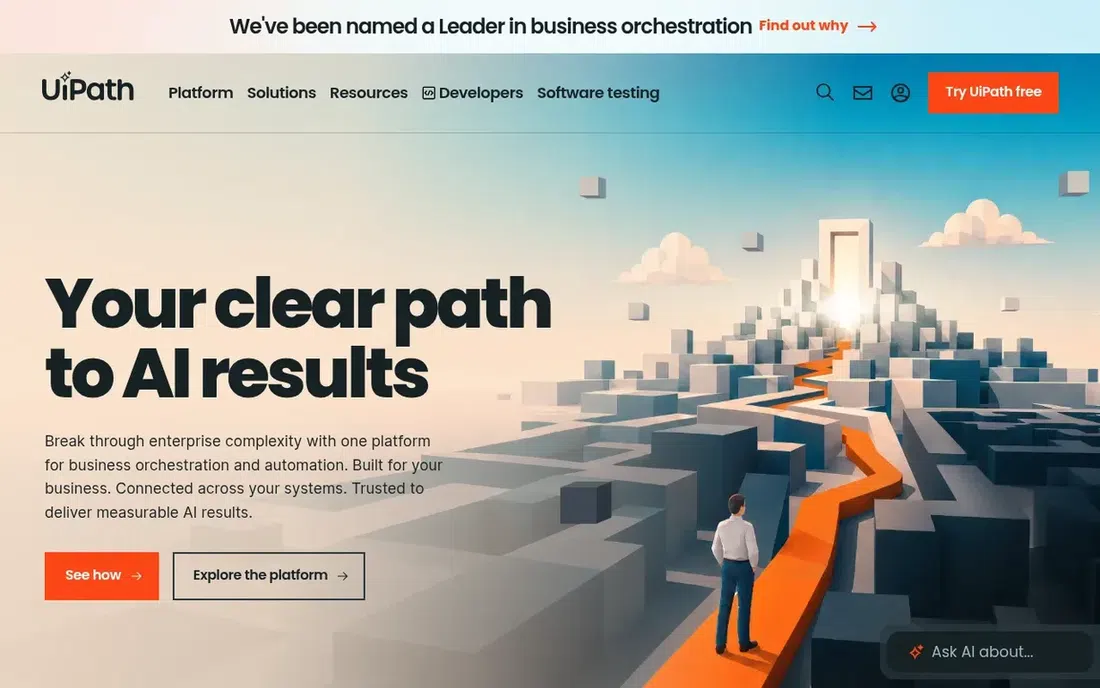
Where UiPath fits: enterprise orchestration and automation. UiPath gives you a product for business orchestration and automation, enabling AI agents, robots, and people to work together. It is commonly chosen by enterprises that require to coordinate several automation technologies.
On top of that, if you need light, visual workflow automation without deep orchestration, a tool like Make might be a better fit. From a buyer's view, UiPath can be complicated and may be overkill for small teams or straightforward automation tasks. It frequently needs specialized skills to implement and maintain. UiPath starts at: $25 per month. You can start on UiPath without paying.
Points against: May need specialized skills.
Where UiPath stands out: Orchestrates AI agents, robots, people.
- Focus on secure
- Compliant outcomes
- Complicated for straightforward automation needs
In short, Mendix is for agentic enterprise app development. Mendix may be complicated for small teams or entry-level automation needs and frequently needs training to use effectively. OutSystems is a comparable alternative for app development.
It centres on modernizing existing systems and putting AI to work inside governed processes. It is commonly used by organizations undergoing digital transformation and seeking to integrate AI into their operations. Pricing for Mendix is not stated here, so ask the vendor for current figures. As for free access: Not stated.
Downsides: May need training for full use.
- Governed processes with AI
- Build workflows, agents, apps
- Less suited for straightforward automation
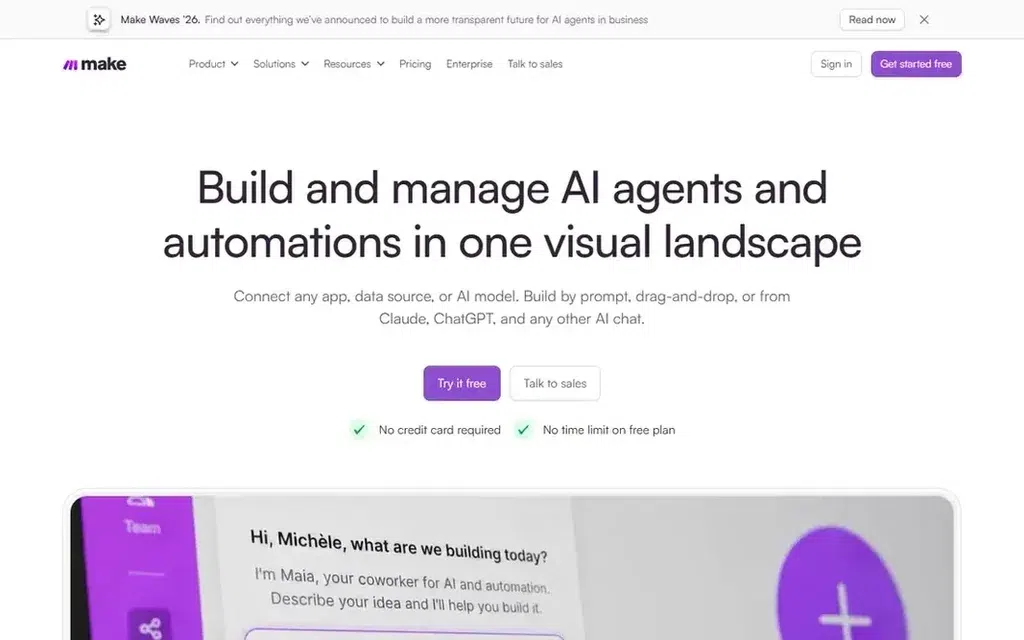
Think of Make for visual no-code workflow automation. Make is a visual product for building and automating workflows without code. It lets users link apps and services to produce automatic processes, and it supports AI and agentic workflows.
Also, the interface is meant to be approachable, making it a fit for teams that want to automate tasks rapidly without deep technical skills. It performs well for small to midsize automation projects and for individuals or departments starting with workflow automation. As for the details, complex workflows with plenty of branches can become harder to handle visually. Worth adding: Make may be less a good match for organizations that require deep enterprise orchestration, compliance features, or integration with legacy systems at scale. Make does not show a starting price in this comparison, so check the vendor site for current pricing. Make offers a free plan.
Downsides: May need learning for complicated logic.
- Supports AI and agentic workflows
- Approachable no-code integration
- Less suited for heavy enterprise orchestration
OutSystems is built with custom app and AI agent development in mind. OutSystems helps enterprises build custom apps and AI agents with confidence, modernizing legacy systems and meeting regulatory demands. It is made for organizations that require to develop applications rapidly whereas maintaining governance.
Where it falls short: May need developer skills.
If you need visual no-code automation without custom app development, Make might be a better fit. Beyond that, the system fits development teams and enterprises looking to produce custom options instead of just automate workflows. It is frequently used for digital transformation initiatives. For a similar app development focus, Mendix is an alternative. This comparison lists no price for OutSystems; ask the vendor. Free plan details: Not stated.
- Focus on governance and compliance
- Build apps and AI agents
- Less concentrated on straightforward workflow automation
Nintex Workflow
Best for: Process management and workflow automation
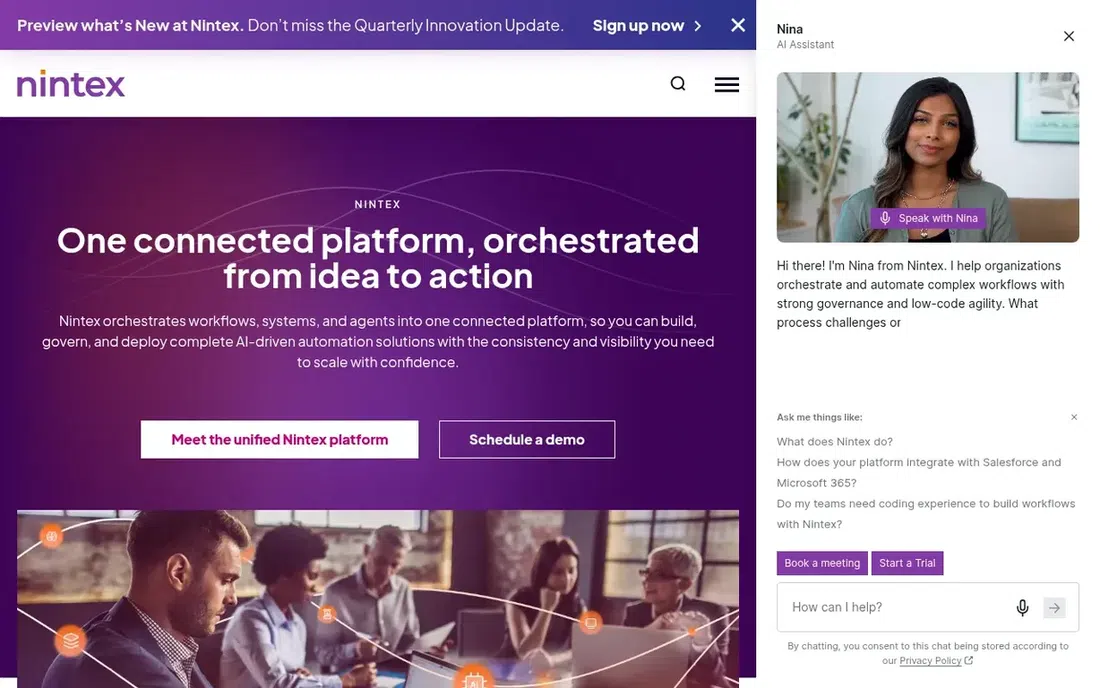
In short, Nintex Workflow is for process management and workflow automation. Nintex Workflow centres on process management and workflow automation, offering custom app development for integrated workflows. It is built to help teams automate business processes and run workflows end to end.
Points against: Could need training for advanced features.
As for the details, for straightforward visual integrations, Make could be more approachable. On top of that, the system fits organizations that require to simplify approvals, document processes, and build forms and workflows without broad coding. Its feature set is solid for process workflows but may not handle every enterprise orchestration need. Nintex Workflow does not show a starting price in this comparison, so check the vendor site for current pricing. Free options: Free trial.
- Integrated workflow automation
- End-to-end process automation
- May be less concentrated on AI agents
Selection criteria
LinkVetted looked at what each vendor publishes: pricing, plan limits, feature coverage for Low-Code automation platforms and stated drawbacks. No hands-on testing is claimed. Where a price is missing, the vendor does not list one publicly or ties it to a quote. Always confirm before budgeting. The sequence is a judgement call: typical use case first, then pricing transparency, then free access. Use the profiles to check fit.
Questions to settle before buying
- Get a written quote from Mendix, Make, OutSystems and Nintex Workflow; the list shows no starting price for them.
- Look at free plan limits closely: UiPath and Make have one, and the caps decide whether it is usable for real work.
- Take the trial from Nintex Workflow and push a live task through it before you pay.
- Before choosing UiPath, weigh its main limit: complicated for straightforward automation needs.
- List the apps you already depend on and check that OutSystems supports each one on the plan you would buy.
- Look at which plan of Nintex Workflow unlocks the features you need; entry tiers are often cut down.
FAQ
Which options for Low-Code automation platforms have a free plan?
UiPath and Make offer a free plan in this list. Free plans usually cap users, projects or features, so check the limits on the vendor page. One other tool offers a trial instead.
What is low-code automation?
Low-code automation refers to products that let users build and automate workflows with minimal hand-coding, frequently using visual interfaces. These tools help teams link systems, automate tasks, and build applications quicker than traditional development.
Do I need coding skills to use low-code automation products?
Most low-code products are built to minimize coding, but some advanced features may need technical knowledge. Tools like Make are more accessible to non-developers, whereas OutSystems and Mendix may benefit from developer involvement for complicated apps.
Can I try these options before paying?
Often, yes. UiPath and Make have a free plan and Nintex Workflow offers a free trial. Use your own data and a real task during the test, and check what the free tier or trial limits before you rely on it.
What is the cheapest option for Low-Code automation platforms in this list?
On published monthly entry prices, UiPath is the lowest here at $25 per month. Entry price is only part of the cost, because seats, add-ons and billing terms can change the total. Each of the 5 options in this Low-Code automation platforms guide has its own card above with the price, free plan and limits.
How are the tools for Low-Code automation platforms ordered?
UiPath sits first and Nintex Workflow last because the order follows typical fit for Low-Code automation platforms, then price clarity and free access. It is a judgement call, so read each profile for fit and limits.
Sources
- https://www.uipath.com
- https://www.mendix.com
- https://www.make.com
- https://www.outsystems.com
- https://www.nintex.com