Best No-Code Automation Tools in 2026: 8 Tools Compared
Best no-code automation tools compared for price, app coverage, and ease of use, from simple personal automations to complex business workflows in 2026.
- Editor's choice
 Zapier
Widest app coverage
Starts at$19.99 per monthVisit zapier.comFull review - Great alternative
 Make
Visual multi-step workflows
Starts at$9 per monthVisit make.comFull review - Also consider
 n8n
Self-hosting and control
Starts atSee websiteVisit n8n.ioFull review
TL;DR:
- Zapier suits beginners and teams that need the widest app coverage, while Make suits multi-step workflows at a lower price.
- n8n suits technical teams that want self-hosting and control, while IFTTT suits simple personal and smart-home automations.
- Billing differs by tool, since Zapier counts tasks, Make counts operations, and n8n cloud counts full workflow runs.
- Start with one workflow that saves real time each week, then expand, rather than automating everything at once.
- Always test an automation with real data and add error alerts, since a broken workflow can quietly stop working.
Quick comparison
| Tool | Best for | Starts at | Free plan? | |
|---|---|---|---|---|
| Zapier | Widest app coverage | $19.99 per month | Yes | Visit |
| Make | Visual multi-step workflows | $9 per month | Yes | Visit |
| n8n | Self-hosting and control | See website | Yes | Visit |
 IFTTT | Personal and smart-home automations | $2.99 per month | Yes | Visit |
 Pipedream | Code-friendly workflows | See website | Yes | Visit |
 Activepieces | Open source alternative | See website | Yes | Visit |
 Microsoft Power Automate | Microsoft 365 businesses | See website | Yes | Visit |
 Bardeen | Browser-based automations | $10 per month | Yes | Visit |
The best no-code automation tools
We compared no-code automation platforms on app coverage, builder ease, pricing model, free tier, and fit for small businesses and individuals. The best no-code automation tool for you depends on how complex your workflows are, how many tasks they run, and which apps you already use.

Zapier remains the default no-code automation tool for a reason, with thousands of connected apps and a builder that most beginners can learn in minutes. You pick a trigger, such as a new form entry, then add actions, such as creating a CRM contact and sending a Slack message. Templates for common workflows shorten setup further, and newer AI features can draft workflows from a description.
The main drawback is cost at scale, since each action step counts as a task, and the free plan covers only 100 tasks per month with two-step flows. A five-step workflow that runs 200 times a month can quickly push you past the entry paid plan. For beginners, small teams, and anyone who needs an obscure app that rivals lack, Zapier is still the safest first choice.
- Largest app catalog
- Easiest onboarding
- AI copilot and agents in 2026
- Task-based billing climbs fast
- Free plan limited to 100 tasks and two-step flows
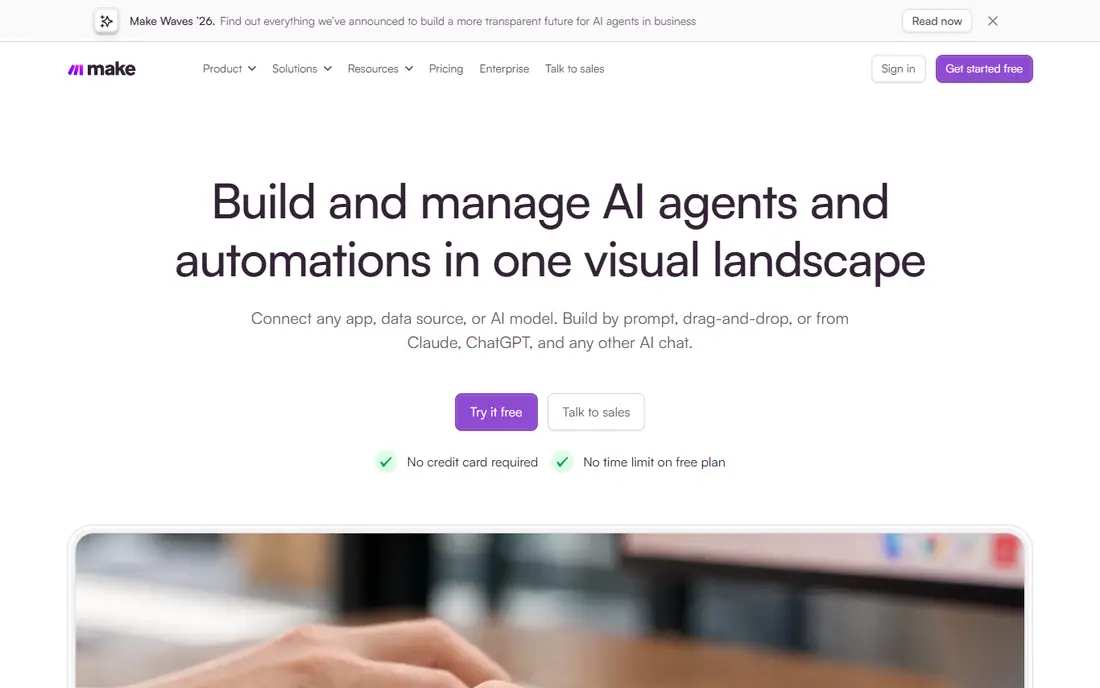
Make, formerly Integromat, uses a visual canvas where you draw workflows as connected modules, with branching, filters, and error handling. That design suits complex workflows, such as routing leads by source, enriching data, and updating several systems at once. The Core plan starts at 9 dollars per month for 10,000 operations, which covers far more multi-step work than Zapier at a similar price.
The learning curve is steeper, since the canvas offers more control and more settings to understand. App coverage is also smaller than Zapier, though it still covers most major CRM, email, spreadsheet, and messaging tools. For small businesses that run multi-step workflows daily and want better value, Make is our pick for most people.
- Visual canvas with branching and filters
- Generous operation allowance
- Lower price than Zapier
- Steeper learning curve than Zapier
- Smaller app catalog

n8n is an open, workflow automation tool that you can self-host for free or run on its cloud service. Cloud pricing starts around 20 euros per month for 2,500 executions, and each full workflow run counts once, regardless of how many steps it contains. That model makes long, complex workflows much cheaper than task-based billing, and self-hosting removes per-run fees entirely apart from server costs.
The trade-off is setup and maintenance, especially for self-hosting, which needs a server, updates, and backups. The native app catalog is smaller than Zapier, though an HTTP node can connect to almost any API. For technical teams, agencies, and privacy-conscious businesses that want control and predictable costs, n8n is the strongest option on this list.
- Self-hosted free edition
- Full workflow runs billed, not steps
- Strong AI agent features
- Needs technical setup for self-hosting
- Smaller native app catalog than Zapier
IFTTT, short for If This Then That, is built for simple personal automations, such as turning on lights at sunset, saving social posts to a spreadsheet, or getting a weather alert. Applets connect two services with one trigger and one action, which makes setup fast even for non-technical users. The Pro plan starts at 2.99 dollars per month for 20 applets, which is the lowest paid price on this list.
IFTTT is not a business workflow tool, since it lacks complex branching, data transformation, and multi-step logic. The free plan covers only two applets, so regular users will need Pro. For personal use, smart homes, and simple phone automations, IFTTT is the easiest and cheapest way to start.
- Very simple applets
- Strong smart-home support
- Low Pro price
- Limited to simple triggers and actions
- Free plan limited to two applets
Pipedream sits between no-code tools and developer platforms, with a visual builder plus code steps in Node.js, Python, and other languages when a workflow needs custom logic. You can build and test workflows for free, which suits developers and technical founders who want to prototype before paying. The platform also supports AI agents and event-driven workflows, which fit modern app stacks.
Pure beginners may find Pipedream less friendly than Zapier or Make, since some workflows expect basic code knowledge. Production pricing, especially for high-volume workflows, can also rise quickly, so check the current pricing page for your expected volume. For teams that want no-code speed with code flexibility, Pipedream is a strong middle ground.
- Free to build without a card
- Code steps when no-code is not enough
- Strong developer tools
- Interface feels technical for pure beginners
- Production pricing can rise quickly
Activepieces is an open source automation platform with a visual builder, self-hosting option, and a growing catalog of connected apps. It suits teams that want an open source Zapier alternative without vendor lock-in, and its cloud plans offer a low-cost entry point. The builder supports multi-step flows, branching, and AI steps, which cover most small business needs.
The catalog is smaller than Zapier and Make, so check that your key apps are supported before committing. Support is community-led for self-hosted users, with paid support on cloud plans. For open source fans, small teams, and businesses that want to own their automation setup, Activepieces is worth testing on its free tier.
- Open source and self-hostable
- Visual builder
- Growing app catalog
- Smaller catalog than Zapier and Make
- Community support varies
Microsoft Power Automate is the natural automation choice for businesses already using Microsoft 365, Teams, SharePoint, and Dynamics. It connects Microsoft apps deeply, supports approval workflows, and offers enterprise controls for larger organizations. Many Microsoft 365 plans include basic Power Automate access, which makes it a low extra cost for existing customers.
Outside the Microsoft ecosystem, Power Automate feels less polished than Zapier or Make, and its pricing tiers can be confusing. The builder also has a learning curve, especially for premium connectors and desktop flows. For Microsoft-centered businesses that need approvals, document workflows, and governance, Power Automate is the obvious pick.
- Deep Microsoft 365 integration
- Approval workflows
- Enterprise governance
- Interface can feel complex
- Best value only inside Microsoft ecosystem
Bardeen runs automations in your browser, which makes it strong for tasks like scraping web pages, copying data between tabs, enriching leads, and updating CRMs from web research. Its AI features can extract structured data from pages, which suits sales, recruiting, and research teams. The paid plan starts at 10 dollars per month, with a free tier for trying core features.
Bardeen is less suited to server-side workflows that must run when your computer is off, since many automations depend on the browser. Its app catalog is also smaller than Zapier. For browser-heavy work, lead research, and personal productivity automations, Bardeen fills a gap that other tools on this list do not cover well.
- Browser automation and scraping
- AI extraction
- Useful for sales and research tasks
- Browser-based focus limits server workflows
- Smaller catalog than Zapier
How we picked these
We compared official pricing pages, app catalogs, builder designs, free tiers, and public user feedback for no-code and low-code automation tools. We favored tools that are actively maintained in 2026, offer a free tier or trial, and cover real business and personal use cases. We excluded tools that shut down in 2026 and tools that require a sales contract for any use, since they do not fit most readers.
Choosing the right automation tool
Start with the apps you already use, not with the tool that looks most powerful. List your top five apps, such as your CRM, email, spreadsheet, form tool, and messaging app, then check which automation tools connect to all of them. A tool with thousands of apps is useless if it lacks the one niche app your business depends on.
Count your volume before you pay
Estimate how often each workflow will run and how many steps it contains, since billing models differ. Zapier counts each action as a task, Make counts each module as an operation, and n8n cloud counts each full run. A short workflow that runs rarely is cheap anywhere, while a long workflow that runs hundreds of times a day can be far cheaper on Make or n8n than on Zapier.
Build, test, and monitor
Build one workflow at a time, test it with real data, and add alerts for failures. Automations that fail quietly can lose leads, miss invoices, or send stale data for weeks. Keep a simple log of what each workflow does, who owns it, and what to do if it breaks, especially for workflows that touch customers or money.
FAQ
What is the best no-code automation tool for beginners?
Zapier is the easiest for beginners, thanks to its large app catalog, templates, and simple builder. Make is the next step when you need multi-step workflows at a lower price, and IFTTT is the simplest choice for personal automations. Start with a free tier and one workflow before paying.
What is the cheapest no-code automation tool?
For multi-step business workflows, Make at 9 dollars per month for 10,000 operations is often the cheapest paid option, and n8n self-hosted can be cheaper still apart from server costs. For simple personal automations, IFTTT Pro at 2.99 dollars per month is the lowest paid price on this list. Compare your expected volume, not just the entry price.
Is Zapier or Make better?
Zapier wins on app coverage and ease of use, while Make wins on price and visual control for complex workflows. If you need an obscure app or want the fastest setup, pick Zapier. If you run multi-step workflows daily and want more operations for less money, pick Make.
Do I need to know how to code to use these tools?
No, Zapier, Make, IFTTT, and Activepieces are built for non-coders, with visual builders and templates. n8n and Pipedream allow code when you need it, but you can build many workflows without code. Basic comfort with spreadsheets and app settings is usually enough to start.
Can no-code automation replace a developer?
For simple workflows between apps with good connectors, yes, no-code tools can save a lot of developer time. For workflows that need custom logic, two-way sync with legacy systems, strict audit trails, or high reliability, a developer-built solution is still safer. Most small businesses use no-code tools for simple work and developers for critical systems.
What is the best no-code tool for automations with AI?
Zapier, Make, and n8n all offer AI steps and agents in 2026, with Zapier focusing on ease, Make on visual AI workflows, and n8n on agent workflows with many models. Pipedream also suits AI workflows that need code. Pick the tool whose app coverage and pricing fit your volume, then test its AI features on one workflow.