Best No-Code Workflow Automation Tools in 2026: 9 Tools Compared
Compare the best no-code workflow automation tools for 2026, with pricing, app coverage, billing units, and honest limits for Zapier, Make, n8n, and more.
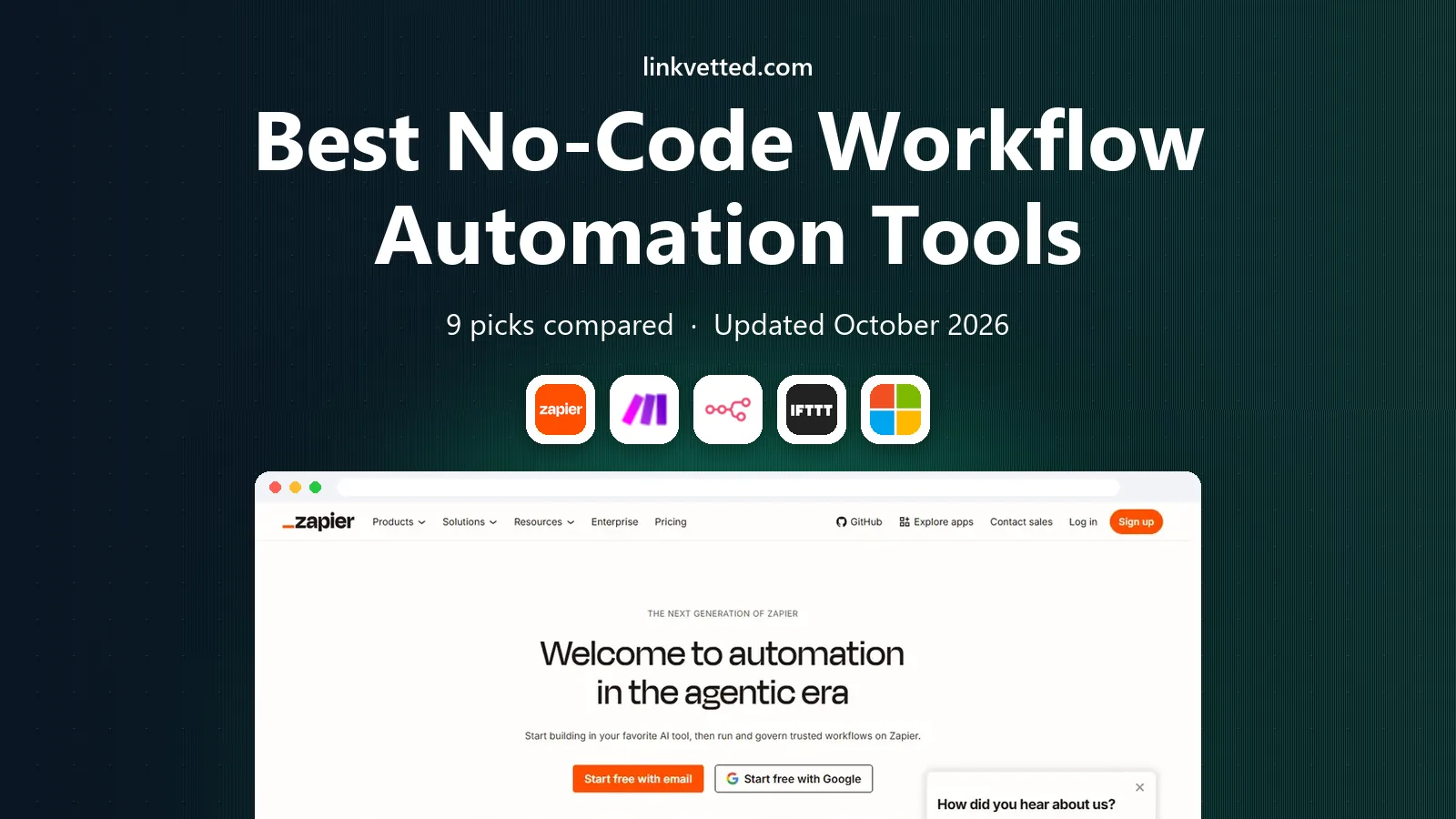
- Editor's choice
 Zapier
Beginners and broad app coverage
Starts at$19.99 per monthVisit zapier.comFull review - Great alternative
 Make
Visual multi-step workflows
Starts atSee websiteVisit make.comFull review - Also consider
 n8n
Self-hosted and flexible workflows
Starts atSee websiteVisit n8n.ioFull review
TL;DR:
- Zapier is our pick for beginners who want the largest app catalogue and the fastest first automation.
- Make is the best value for multi-step visual workflows, while n8n suits teams that want self-hosting.
- Billing units differ sharply, so compare tasks, credits, and executions at your real volume.
- A free plan is useful for testing, but polling speed and logic features often sit behind paid plans.
- Start with one workflow that saves time every week, then expand once it runs reliably.
Quick comparison
| Tool | Best for | Starts at | Free plan? | |
|---|---|---|---|---|
| Zapier | Beginners and broad app coverage | $19.99 per month | Yes | Visit |
| Make | Visual multi-step workflows | See website | Yes | Visit |
| n8n | Self-hosted and flexible workflows | See website | Yes | Visit |
 IFTTT | Simple personal automations | See website | Yes | Visit |
 Microsoft Power Automate | Microsoft 365 teams | See website | Yes | Visit |
 Workato | Enterprise integrations | See website | No | Visit |
 Integrately | One-click simple automations | See website | Yes | Visit |
 Pabbly Connect | Budget multi-step workflows | See website | Yes | Visit |
 Albato | Affordable app connections | See website | Yes | Visit |
The best no-code workflow automation tools
No-code workflow tools connect apps so routine work happens without manual copying. A new form entry can create a CRM contact, a sale can notify a channel, and an invoice can move to accounting without human handling. We compared official pricing, app catalogues, builders, and public reviews.

Zapier remains the easiest place to start. You pick a trigger, such as a new form response, and an action, such as adding a row to a sheet. Templates cover lead routing, notifications, file handling, and many other common jobs, so a first workflow can be live in minutes rather than days.
Cost is the honest limit. Zapier bills by task, and each action step can count separately, so a five-step workflow that runs often can burn through a plan quickly. It fits best when workflows are simple, volume is modest, and app coverage matters more than complex branching.
- Largest app catalogue
- Simple trigger and action builder
- Huge template library
- Per-task pricing grows fast
- Advanced logic is limited on lower plans
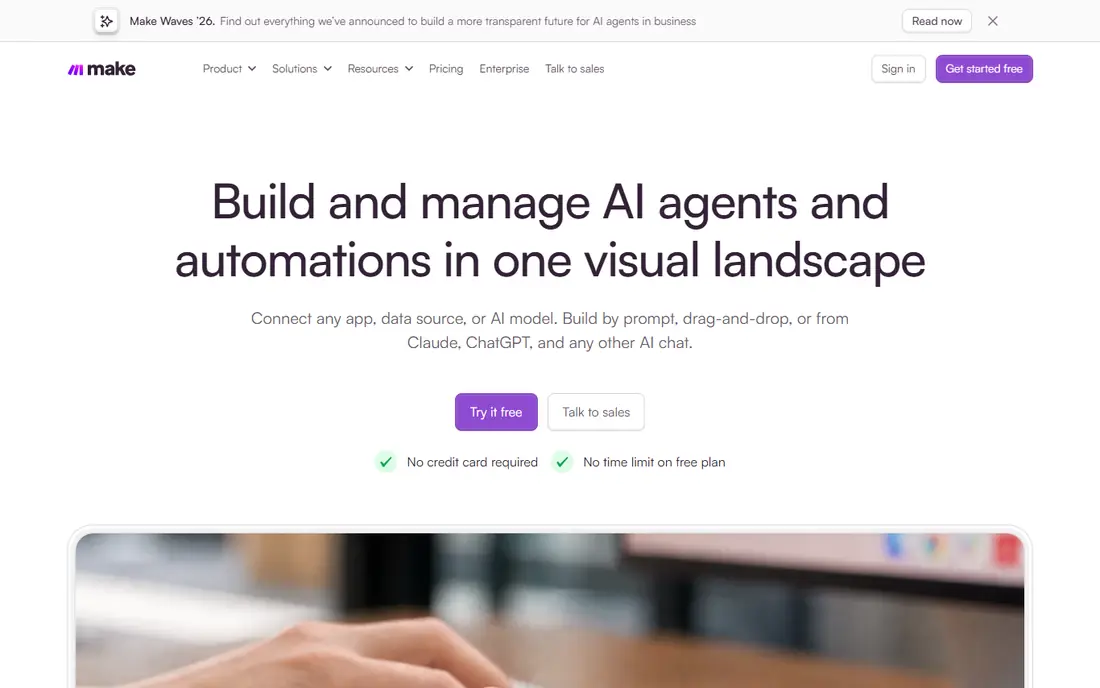
Make, formerly Integromat, shows a workflow as a visual map with modules, filters, and routers. That view makes it easier to see where data goes, where it branches, and where it can fail. Error routes and data tools help teams build more serious workflows without code.
The learning curve is steeper than Zapier, and credit counting can be confusing until you have run a few scenarios. For teams that build multi-step flows every week, the extra power is worth it, and the price for that volume is often lower than Zapier.
- Visual canvas with branching
- Routers and data tools
- Strong value for multi-step flows
- Credit math takes time to learn
- Builder feels busier than Zapier at first
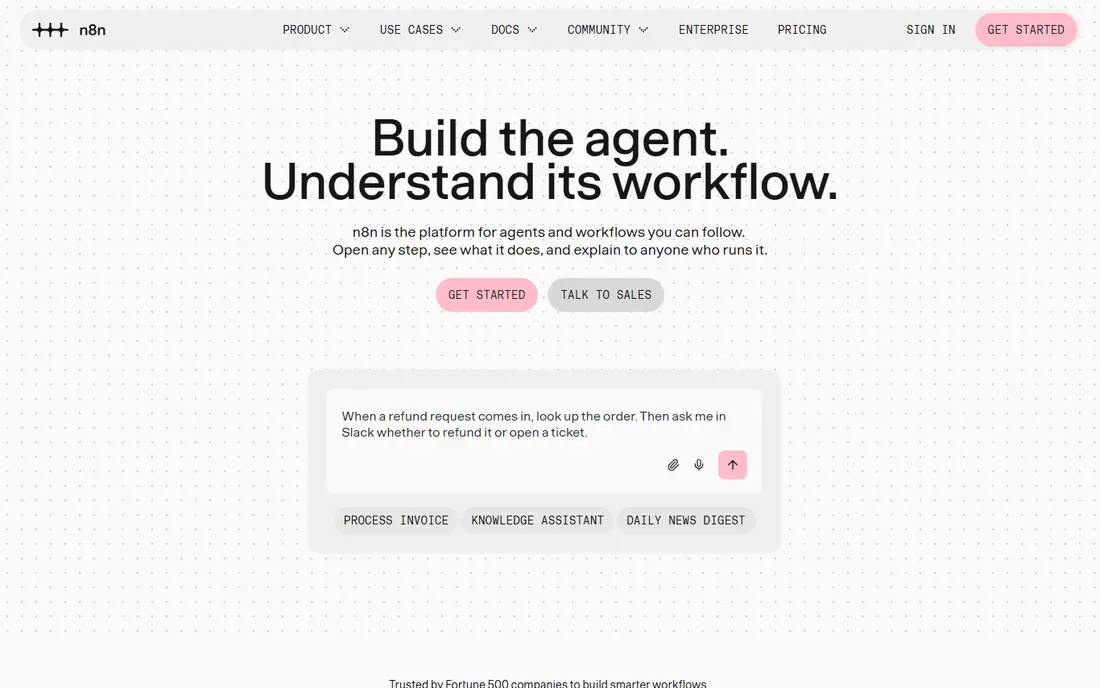
n8n suits teams that want control over data and hosting. The self-hosted version can run on your own server, and cloud plans bill by execution, so a long workflow counts as one run rather than many billed steps. JavaScript and Python steps are available when a no-code node is not enough.
That flexibility comes with responsibility. You manage updates, backups, and security if you self-host, and the builder assumes more technical comfort than Zapier. For technical teams and high-volume flows, n8n is often the cheapest long-term option.
- Self-hosting option
- Executions billed per run, not per step
- Code steps when needed
- Setup and maintenance fall on your team
- Fewer native apps than Zapier
IFTTT is best for simple if-this-then-that jobs, such as saving email attachments to cloud storage or turning on a light when you arrive home. Applets are easy to create and share, and the service covers many consumer apps and devices that business tools ignore.
It is not a good core tool for a company with branching approvals, data transforms, or audit needs. Use IFTTT for personal and light team tasks, and choose Zapier, Make, or n8n for workflows that carry business data.
- Very simple applets
- Broad smart home and consumer app support
- Fast setup
- Limited logic for business workflows
- Free plan limits applet count
Power Automate fits organisations already using Outlook, Teams, SharePoint, and Dynamics. Approvals, notifications, and document flows work naturally inside that stack, and desktop flows can automate older Windows apps. Governance controls also help larger IT teams manage who can build what.
Teams outside Microsoft 365 will find less value, and licensing depends on existing Microsoft plans in ways that need checking. If your team already pays for Microsoft 365, Power Automate is often the most sensible first automation tool to try.
- Deep Microsoft 365 and Teams integration
- Approval flows
- Desktop automation option
- Pricing and licensing can be confusing
- Best value only inside Microsoft 365
Workato is aimed at larger companies that need reliable integrations between systems such as Salesforce, NetSuite, Workday, and Snowflake. Recipes can include logic, data handling, and approvals, with controls for security and compliance. That depth suits IT and operations teams managing core systems.
Small teams will find it expensive and more complex than needed. Workato makes sense when uptime, governance, and scale matter more than a quick personal automation, and when a dedicated owner can manage the platform.
- Strong enterprise connectors
- Recipes with governance
- Data and AI workflow features
- Enterprise pricing
- Heavier setup than small-business tools
Integrately focuses on ready-made automations that can be switched on in one click. That approach helps small teams that want a common connection, such as form to CRM or order to sheet, without building a workflow from scratch. The interface stays simple, which keeps setup time low.
Complex workflows with many branches, loops, or data transforms will hit limits sooner than on Make or n8n. Integrately is a good second tool for simple jobs, or a first tool for a team that only needs a handful of standard connections.
- One-click ready automations
- Large app list
- Low learning curve
- Less flexible for complex branching
- Advanced data tools are limited
Pabbly Connect appeals to budget-conscious teams that run many workflows but do not need the largest app catalogue. Multi-step flows, filters, and routers cover most small-business needs, and pricing can be kinder than per-task rivals at similar volume. A free plan helps with testing.
The trade-off is polish and coverage. Some niche apps may need a webhook instead of a native connector, and support resources are thinner than Zapier. For standard apps and steady volume, Pabbly is a practical low-cost choice.
- Multi-step workflows at a lower price
- Internal task counting can suit high volume
- Lifetime deals have appeared
- Smaller app catalogue than Zapier
- Interface feels less polished
Albato offers a visual builder and a growing catalogue of business apps at prices that suit small teams. It covers common needs such as lead capture, messaging, sheets, and CRM updates without a steep learning curve. The builder is clear enough for a non-technical owner to use.
It lacks the depth of Zapier templates and the enterprise controls of Workato. Teams with unusual apps should check connector availability before committing. For everyday connections on a tight budget, Albato is worth a trial.
- Affordable plans
- Visual builder
- App integrator for common business tools
- Smaller community and template library
- Enterprise features are thinner
How we picked these
We compared official pricing pages, app catalogues, builders, and public reviews for tools that still operate in October 2026. We favoured tools that let a non-developer build a working flow, cover common business apps, and offer a free plan or trial where possible. We left out developer-only orchestration tools that need code for basic use, since they do not fit the brief for no-code workflow automation platforms.
How to choose without overpaying
Start by listing the apps you actually use, not the apps a vendor lists. A catalogue of thousands of apps helps only if your CRM, form tool, email platform, and accounting system are all covered with reliable triggers. Check whether a trigger is instant or polled, since polling delays can matter for time-sensitive work.
Count your real volume
Do not compare plan names. Count how many workflow runs you expect each month, how many steps each run has, and how each vendor bills those steps. Zapier bills tasks, Make bills credits, and n8n bills executions, so the same workflow can cost very different amounts. Run a one-month trial with real volume before choosing an annual plan.
Test failure handling
A good workflow fails loudly and safely. Check what happens when an app is down, a field is missing, or a record already exists. Look for retries, error notifications, and a run history you can search. A tool that silently drops failed runs will cost more in missed leads than any subscription saving.
Keep ownership clear
Name one owner for each workflow, document what it does, and note which apps and accounts it touches. That habit prevents broken automations when someone leaves or changes a password. It also makes it easier to move a workflow to another tool later, since the logic is written down, not only stored in a builder.
FAQ
What are the best no-code workflow automation platforms for small businesses?
Zapier is easiest for beginners, Make offers better value for multi-step flows, and Pabbly Connect or Albato suit tighter budgets. The best pick depends on your apps, volume, and whether you need branching logic. Start with a free plan and one real workflow before paying.
Is n8n really no-code?
Mostly yes, for common workflows. The visual node builder lets you connect apps without writing code, though code steps are available for harder jobs. Self-hosting does need technical setup, so non-technical teams should use n8n Cloud or choose Zapier or Make instead.
What is the cheapest no-code automation tool?
It depends on volume and step count. Make and n8n often cost less than Zapier for multi-step, high-volume flows, while Pabbly Connect and Albato can be cheaper for simpler work. Model your own workflows, since a low headline price can still be expensive if billing units are counted per step.
Can no-code tools replace developers?
For simple connections between apps with good connectors, yes. For flows that need approvals, two-way sync, an old system without an API, or a detailed audit trail, most businesses keep a no-code tool for simple work and build the critical workflow properly. Use the right tool for the risk level of the job.
How do I avoid broken automations?
Test with real data, add error notifications, and review run history each week. Avoid workflows that depend on a single person's account, and document each flow's trigger, steps, and owner. Pause a workflow before changing a connected app's fields, then test again after the change.
Do these tools work with Microsoft 365 and Google Workspace?
Yes, most do. Power Automate is strongest inside Microsoft 365, while Zapier, Make, and n8n cover both Microsoft and Google apps well. Check the specific trigger you need, such as a new sheet row or a Teams message, since coverage varies by app and plan.