Choosing Lost Backlink Tracking Tools in 2026: 6 Options Compared
A practical guide to the best lost backlink tracking tools for 2026, with entry prices, free plans, drawbacks and who each tool fits best.
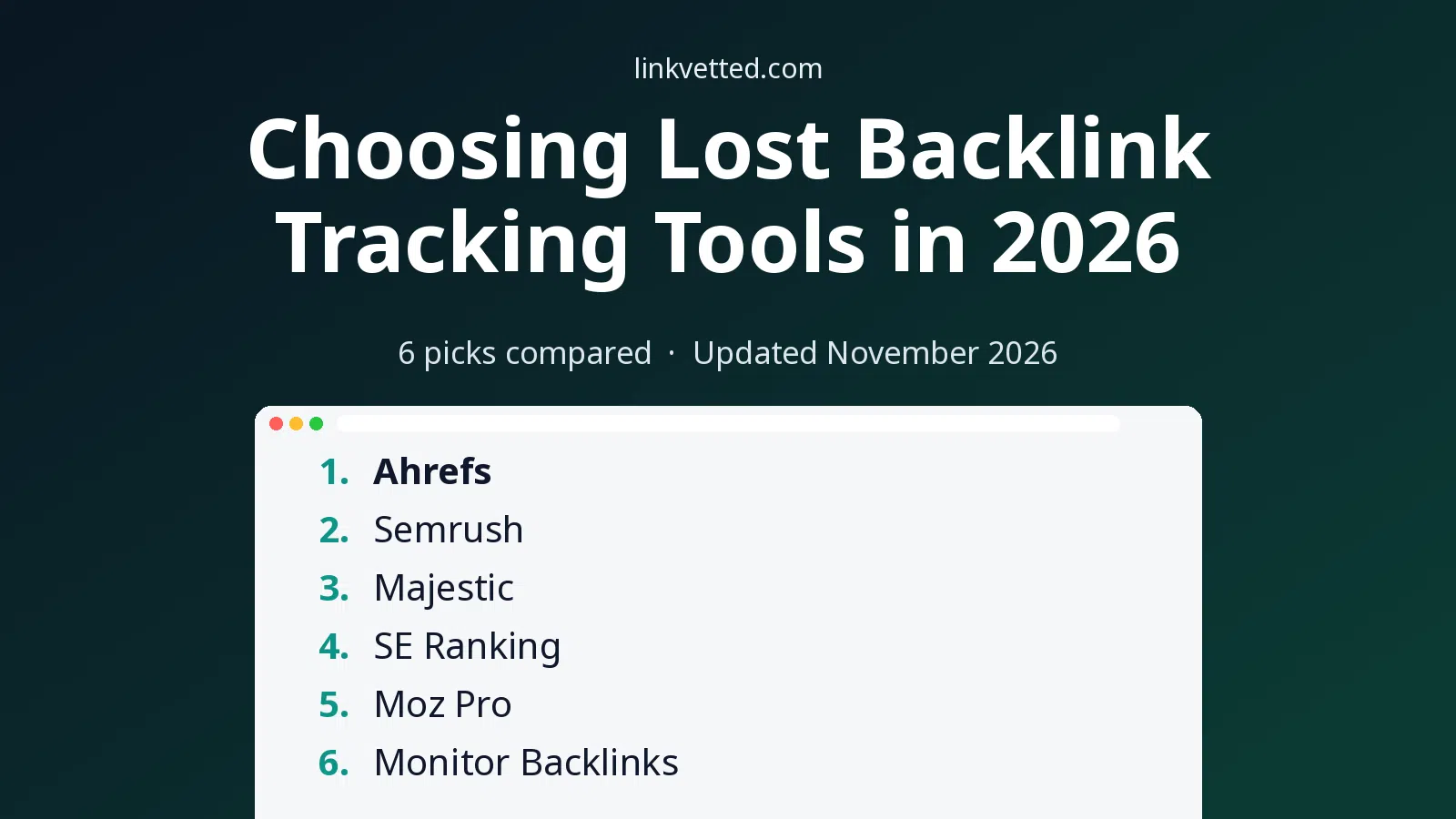
- Editor's choice
 Ahrefs
Large backlink index with lost-link filters
Starts atSee websiteVisit ahrefs.comFull review - Great alternative
 Semrush
All-in-one SEO suite with link monitoring
Starts atSee websiteVisit semrush.comFull review - Also consider
 Majestic
Link-focused analysis and trust metrics
Starts atSee websiteVisit majestic.comFull review
Direct answer
My top pick is Ahrefs because its backlink index and lost-link reporting are well documented and easy to filter by referring domain. For teams that want a broader SEO suite with link monitoring built in, Semrush is a sensible second choice. If you mainly need to watch a defined set of important links and get alerts, Majestic and SE Ranking are worth a look depending on your workflow.
TL;DR:
- Lost backlink tracking means monitoring links you used to have and spotting them when they disappear or change.
- Most tools here track lost links as part of a wider backlink index rather than as a standalone feature.
- Alerting and export options matter more than raw index size when you only care about specific links.
- Check how each tool defines a lost link, because redirects and nofollow changes can be counted differently.
- Entry prices and free plans change, so confirm current terms on each vendor's site before you commit.
Last checked November 2026. Plan prices are not quoted in this guide because they change often; see each vendor's own pricing page for current figures before you buy.
Quick comparison
| Tool | Best for | Starts at | Free plan? | |
|---|---|---|---|---|
| Ahrefs | Large backlink index with lost-link filters | See website | Not stated | Visit |
| Semrush | All-in-one SEO suite with link monitoring | See website | Not stated | Visit |
| Majestic | Link-focused analysis and trust metrics | See website | Not stated | Visit |
 SE Ranking | Smaller teams wanting an affordable suite | See website | Not stated | Visit |
 Moz Pro | Marketers already using Moz metrics | See website | Not stated | Visit |
 Monitor Backlinks | Simple link monitoring and lost-link alerts | See website | Not stated | Visit |
The best lost backlink tracking tools compared
I compared these tools from vendor documentation and public sources, including each provider's help centre and feature pages. I did not run hands-on tests, so treat this as a starting point for your own trial. The picks below focus on how each tool handles lost links, alerts and reporting rather than on overall SEO features.
Ahrefs is a well-known SEO platform built around its own crawler and backlink index. For lost backlink tracking, the Site Explorer area includes a dedicated view of links that have disappeared, which you can filter by referring domain, link type and date. It fits agencies and in-house teams that already do link work and want one place to review gains and losses.
The workflow is straightforward: you add a target domain or URL, open the lost links view, then sort or filter to find the links that matter. You can compare against new links to see net movement, and you can export the list for outreach or reporting. That makes it easier to decide which lost links are worth chasing and which were low value.
The main limit is cost and complexity. If you only want to watch a handful of important links, a full platform may be more than you need. Skip it if budget is tight and you do not need a large index.
- Large documented backlink index
- Lost links report with filters
- Useful history and export options
- Full history and exports need higher tiers
- Can be costly for a single-purpose job
Semrush is a broad SEO and marketing platform, and its backlink analytics section includes data on links that have been lost. Because many agencies already use Semrush for keyword and competitor research, adding link monitoring to an existing workflow is convenient. It suits teams that want one subscription covering several jobs.
For lost backlink tracking, you can open the backlink report for a domain, switch to the lost links view, and filter the results. You can then export the list or compare it with new links over the same period. The reporting options help when you need to show clients what changed and why.
The trade-off is that the platform covers a lot of ground, so the link features may not be the deepest part of the product for every use case. If you only need link monitoring, a narrower tool may be simpler.
- Backlink analytics with lost-link data
- Integrates with other SEO reports
- Familiar interface for many teams
- Broad feature set may be more than needed
- Plan limits affect how much you can review
Majestic is one of the older link analysis services and is built specifically around backlink data. It provides historic link information and its own trust and citation metrics, which some SEOs use when judging link quality. It fits people who care mainly about links rather than a full marketing platform.
For lost backlink tracking, Majestic keeps historic data that lets you review how a site's link profile has changed over time. You can look at links that are no longer present and compare them with the current profile. That is useful when you want to understand whether a drop is real or just a reporting difference.
The interface is less modern than newer tools, and the learning curve can be steeper for beginners. Skip it if you want a polished all-in-one dashboard.
- Long-standing link index
- Trust and citation flow metrics
- Historic link data
- Interface feels dated
- Less of a full marketing suite
SE Ranking is an SEO platform aimed at agencies and smaller businesses, with rank tracking, site audits and backlink tools in one place. Its backlink module includes monitoring of new and lost links, which makes it a practical option if you want link tracking without paying for a top-tier index.
The lost-link view lets you review links that have dropped off and filter by date or type. You can use that to build a short list of links worth recovering and to keep an eye on important pages. Because it sits alongside other SEO features, it can replace several separate subscriptions for a small team.
The main limitation is index size compared with the largest providers, so very large or unusual link profiles may be less complete. It is a good fit for smaller teams, less so for specialists who need maximum coverage.
- Backlink monitoring within a broader suite
- Position tracking and audit tools included
- Aimed at agencies and smaller teams
- Backlink index smaller than the largest providers
- Some features vary by plan
Moz Pro is a long-running SEO platform known for its domain authority metric and link data. Its link explorer includes information on links that have been lost, so you can review changes to a site's profile. It fits marketers who already use Moz metrics in their reporting.
For lost backlink tracking, you can open the link explorer for a domain and review lost links alongside new ones. Filtering and export options help you turn that into a to-do list for outreach. It is a reasonable choice if Moz is already part of your stack.
The main drawback is that the link index is not the largest in the category, so some links may not appear. If maximum coverage is the priority, compare it with the larger providers first.
- Established link index and metrics
- Link tracking within a wider SEO toolkit
- Familiar domain authority metric
- Link index not the largest
- Plan limits affect data access
Monitor Backlinks is a focused tool for watching backlinks rather than a full SEO suite. It is built around monitoring your links and alerting you when something changes, including when links are lost. That makes it a fit for people who want a simple watchlist rather than a large research platform.
The workflow is to add the domains or URLs you care about, then let the tool track changes and send alerts. You can review lost links and decide which ones to follow up on. For a small set of important pages, this can be quicker than digging through a large suite.
The limitation is scope: it does not replace a full SEO platform, and its index is narrower. Skip it if you need deep competitor research alongside link tracking.
- Focused on backlink monitoring
- Email alerts for changes
- Simpler than full SEO suites
- Narrower feature set
- Not a full SEO platform
How I chose
I picked these tools by reading vendor documentation and public sources, including each provider's help pages and feature descriptions. I looked at whether lost-link tracking is a documented feature, how the workflow is described, and what limits or plan restrictions the vendors mention. I did not run hands-on tests or measure index sizes myself.
I also weighed fit: some tools suit agencies that want a broad suite, while others suit smaller teams or people who only want to watch a defined set of links. I noted the main drawback for each so you can rule out options quickly. Prices and free plans change often, so I left entry price as "See website" and avoided quoting figures.
What to check before you buy
- Confirm how the tool defines a lost link, including redirects, nofollow changes and removed pages.
- Check whether lost-link history is included in the plan you are considering or only in higher tiers.
- Look at export limits, because you will likely need to share lost-link lists with clients or colleagues.
- Check alert options, such as email notifications or scheduled reports, if you need to react quickly.
- Review how far back the historical data goes, since older losses may fall outside the window.
- Confirm the number of projects or domains allowed, especially if you manage several sites.
FAQ
What is a lost backlink?
A lost backlink is a link that used to point to your site but no longer does, or that has changed in a way the tool counts as lost. That can mean the page was removed, the link was taken down, or the link type changed. Tools differ in how they classify these cases, so check the definition.
Do I need a paid tool to track lost backlinks?
Most tools here treat lost-link tracking as part of a paid plan, and free options are limited. Some providers offer trials or limited free access, but the details change. Check each vendor's current terms before you rely on a free tier for ongoing monitoring.
How often should I check for lost backlinks?
It depends on how active your link profile is and how quickly you want to react. Many teams review lost links weekly or monthly as part of routine reporting. If you have important links on third-party pages, more frequent checks can help you spot changes sooner.
Can I recover a lost backlink?
Sometimes. If a page was removed or a link was dropped by mistake, a polite request to the site owner may help. If the page is gone for good, you may need to find a replacement opportunity. No tool can guarantee recovery, and results depend on the site owner.
Are these tools only for link building?
No. Lost-link tracking is also useful for monitoring your own site, spotting broken links and understanding changes in your profile. Some teams use it for competitor research as well. The right tool depends on whether you want a focused monitor or a full SEO suite.
Sources
- https://ahrefs.com
- https://www.semrush.com
- https://majestic.com
- https://seranking.com
- https://moz.com
- https://monitorbacklinks.com