5 Best Knowledge Management Software for Plumbers for 2026, Vetted and Compared
Best knowledge management software for plumbers, compared. 5 tools with published prices, free plans and limits. Details on cost, catches and fit. No hype.
- Editor's choice
 Slab
Straightforward wikis for non-technical teams
Starts atSee websiteVisit slab.comFull review - Great alternative
 Confluence
Structured team knowledge and collaboration
Starts atSee websiteVisit atlassian.comFull review - Also consider
 Notion
Adaptable SOPs and job notes
Starts at$10 per member a monthVisit notion.comFull review
Direct answer
Slab comes first here, mainly for straightforward wikis for non-technical teams. Listed starting prices: Notion from $10 per member a month. Look at Confluence for structured team knowledge and collaboration, and at Notion for adaptable SOPs and job notes. Prices, free plans and limits for all 5 tools follow.
TL;DR:
- Number one here is Slab, a fit for straightforward wikis for non-technical teams.
- One limit worth knowing about Document360: documentation focus may feel narrow.
- For the cheapest start, look at Notion: $10 per member per month.
- Notion is the only tool of the 5 with a free plan.
Last checked November 2026. Prices and plan details were read from the vendors' own pages in November 2026; vendors change plans often, so confirm the current price on the vendor site before you buy.
Quick comparison
| Tool | Best for | Starts at | Free plan? | |
|---|---|---|---|---|
| Slab | Straightforward wikis for non-technical teams | See website | Not stated | Visit |
| Confluence | Structured team knowledge and collaboration | See website | Not stated | Visit |
| Notion | Adaptable SOPs and job notes | $10 per member a month | Yes | Visit |
 Document360 | Refined documentation with AI search | See website | Not stated | Visit |
 Google Workspace | Everyday documents and team collaboration | See website | Not stated | Visit |
5 knowledge management software for plumbers in detail
If you are comparing knowledge management software for plumbers, this page covers 5 tools in one place: what each is best for, what it costs to start, whether it has a free plan, and the main limit to know about.
Choose Slab for straightforward wikis for non-technical teams. Slab is knowledge base and wiki software built around simple creation, organization and numerous integrations, which makes it widely used with non-technical and tech-savvy teams alike.
What to check first: Less deep than enterprise systems.
Very small shops might handle with shared documents instead. On top of that, Slab is intentionally straightforward, so teams with complicated documentation or governance needs may find it limiting over time. Check the vendor site for Slab pricing; none is listed in this comparison. Trial and free access: Not stated.
- Friendly to non-technical users
- Numerous integrations
- Advanced needs may outgrow it
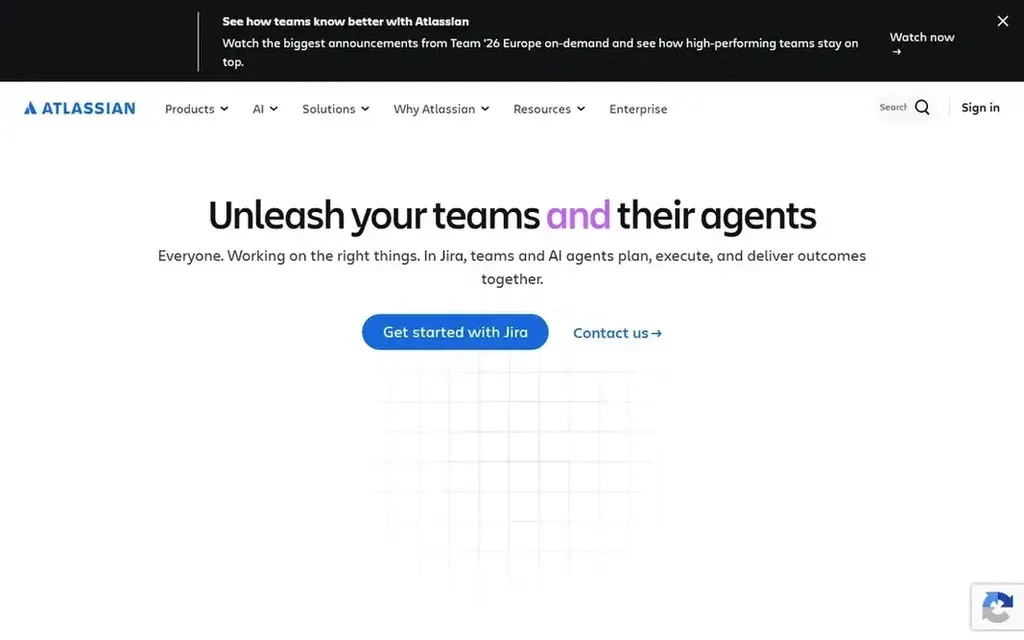
Confluence makes the most sense for structured team knowledge and collaboration. A plumbing company can use it for procedures, training material and project pages that multiple people edit together. It can feel like more tool than a two-person shop needs, and pages need regular upkeep to stay handy.
Drawbacks to consider: Can feel heavy for very small teams.
Worth adding: teams already invested in a different workspace may not want a second system. Consider a lighter wiki if simplicity matters more than structure. Pricing for Confluence is not stated here, so ask the vendor for current figures. Free plan details: Not stated.
- Fits expanding organizations
- AI drafting
- Needs continuing page upkeep
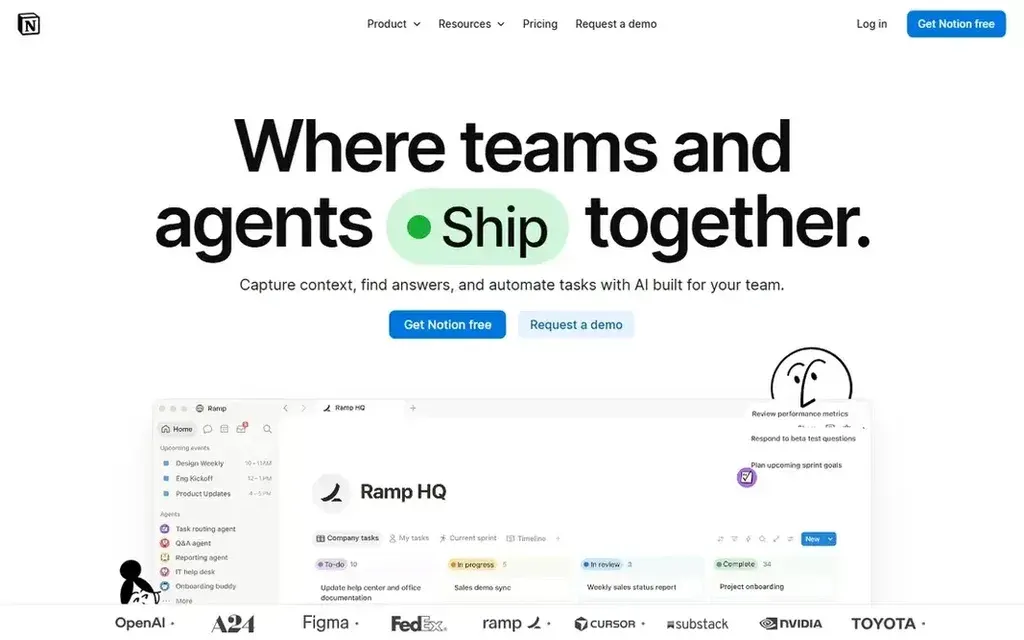
Notion was built for adaptable SOPs and job notes. Choose something more structured if you want fixed templates and enforced organization from day one.
Where it is weaker: Setup needs planning.
For a plumbing business it can hold standard operating procedures, job templates, safety checklists and supplier contacts in one connected space. More specifically, the adaptability is also the central limit: without a clear structure, pages and databases can sprawl and become hard to navigate. Entry price for Notion: $10 per member per month. Notion includes a free tier.
Best features of Notion: AI agents and automation for busywork.
- Works for small and expanding teams
- Databases and search
- Can feel open-ended for new users
Document360 makes the most sense for polished documentation with AI search. Pick a broader workspace if documentation is only one part of what your team needs to store.
Downsides: Needs content upkeep to stay handy.
Where Document360 stands out: AI search. Its documentation focus may feel narrow if you also want general team notes and project pages in the same space. Document360 does not show a starting price in this comparison, so check the vendor site for current pricing. Free access: Not stated.
- Aimed at documentation
- Fits customer-facing knowledge bases
- Documentation focus may feel narrow
Google Workspace is designed for everyday documents and team collaboration. Consider a dedicated knowledge base if organized, searchable procedures are the priority. There is no built-in wiki structure to enforce consistency.
Beyond that, Google Workspace is a suite of secure online productivity and collaboration tools that helps teams of all sizes do their best work. Worth adding: since knowledge lives in separate files and folders, it can scatter as the team grows, and finding the right version becomes harder. No starting price is listed for Google Workspace here; confirm pricing on the vendor site. Trial and free access: Not stated.
Limits to weigh: Less structured than a dedicated wiki.
- Secure online collaboration
- Familiar tools for documents and sharing
- Knowledge can scatter across files
What went into this list
What to check before you buy
- Confirm the entry price on the vendor page. For Slab, Confluence, Document360 and Google Workspace that means a quote rather than a fixed price.
- Test the free plan from Notion against your real workload before relying on it.
- Read the limits listed for Slab first: less deep than enterprise products.
- Ask Notion how an export works before you move any records in; an easy exit lowers the risk.
- Let daily users try Google Workspace on real work; their feedback beats any feature checklist.
FAQ
What is the cheapest option for knowledge management software for plumbers in this list?
On published monthly entry prices, Notion is the lowest here at $10 per member per month. Entry price is only part of the cost, because seats, add-ons and billing terms can change the total. All 5 picks in this knowledge management software for Plumbers comparison list a starting price, free plan details and the main limits on their cards above.
Do these tools publish their prices?
Not all of them. Slab, Confluence, Document360 and Google Workspace publish no starting price, so expect a quote request for those. The rest, Notion included, show a starting price, though seats and billing terms still change the final cost.
How are the tools for knowledge management software for plumbers ordered?
The order follows typical fit for knowledge management software for plumbers, with Slab first and Google Workspace last, then price clarity and free access. It is editorial judgement, not a score, so another team could rank the tools differently.
What should a plumbing business look for in knowledge management software?
Look for simple search, mobile access and straightforward organization so technicians can find procedures rapidly. The tool should also fit your team's comfort with technology.
Is Slab the right pick for everyone comparing knowledge management software for plumbers?
No single tool suits every team. Slab comes first because it fits simple wikis for non-technical teams, while Confluence suits structured team knowledge and collaboration and Notion suits flexible SOPs and job notes. Match the tool to your own size, budget and workflow before deciding.
Sources
- https://slab.com
- https://www.atlassian.com/software/confluence
- https://www.notion.com
- https://document360.com
- https://workspace.google.com