6 Best Knowledge Management Software for Contractors for 2026, Vetted and Compared
Best knowledge management software for contractors in 2026: 6 contenders with entry costs and free tiers. Plain-spoken summaries throughout. Numbers first.
- Editor's choice
 Google Workspace
Straightforward cloud collaboration for crews
Starts atSee websiteVisit workspace.google.comFull review - Great alternative
 Confluence
Teams already using Atlassian tools
Starts atSee websiteVisit atlassian.comFull review - Also consider
 Coda
Docs blended with spreadsheet logic
Starts atSee websiteVisit coda.ioFull review
Direct answer
Google Workspace is the first pick on this list for straightforward cloud collaboration for crews. Listed starting prices: Notion from $10 per member per month. If your case is different, Confluence suits teams already using Atlassian tools and Coda suits docs blended with spreadsheet logic. The remaining 3 options are covered below with prices and limits.
TL;DR:
- Google Workspace sits first on this list: straightforward cloud collaboration for crews.
- Just one of the 6 tools, Notion, has a free plan.
- Before buying Slab, weigh this: less suited to heavy project tracking.
- For adaptable project and document hubs, Notion is worth a look.
- For the cheapest start, look at Notion: $10 per member per month.
Last checked November 2026. Prices and plan details were read from the vendors' own pages in November 2026; vendors change plans often, so confirm the current price on the vendor site before you buy.
Quick comparison
| Tool | Best for | Starts at | Free plan? | |
|---|---|---|---|---|
| Google Workspace | Straightforward cloud collaboration for crews | See website | Not stated | Visit |
| Confluence | Teams already using Atlassian tools | See website | Not stated | Visit |
| Coda | Docs blended with spreadsheet logic | See website | Not stated | Visit |
 Slab | Simple searchable team wiki | See website | Not stated | Visit |
 Microsoft SharePoint | Governed content in Microsoft 365 shops | See website | Not stated | Visit |
 Notion | Adaptable project and document hubs | $10 per member per month | Yes | Visit |
The full knowledge management software for contractors list
Short on time? The summary and table above give the quick view of 6 knowledge management software for contractors, and the profiles that follow give the detail behind each entry.
For straightforward cloud collaboration for crews, Google Workspace is a natural candidate. Pick Google Workspace when simplicity and widespread familiarity matter most.
Contractors often use shared drives, documents and forms to store bid files, schedules and site photos, with live editing across devices. Google Workspace shows no starting price here, so confirm the cost on the vendor site. Free plan details: Not stated.
Limits to weigh: Knowledge structure is loose.
- Simple live sharing
- Familiar apps for most users
- Search spans numerous apps
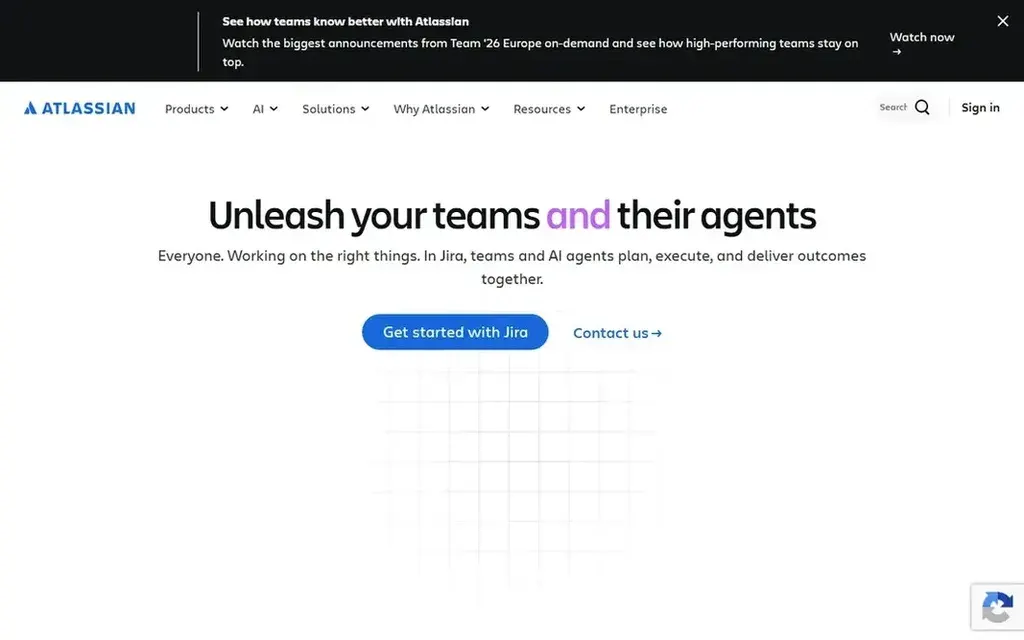
Confluence is built with teams already using Atlassian tools in mind. Confluence is a team workspace for creating and sharing knowledge, with AI to draft, summarize and find answers so projects move quicker. Contractors use it for project wikis, process documentation and meeting notes, and it pairs naturally with Jira for tracking work.
Beyond that, the structure can feel heavy for a small crew that just needs fast shared notes, and administration leans technical. Pick Confluence when documentation discipline and integration with project tracking are priorities. Teams wanting a lighter wiki may prefer Slab. Check the vendor site for Confluence pricing; none is listed in this comparison. On free options: Not stated.
What to check first: Setup favors technical users.
- Structured team spaces
- AI drafting and summaries
- Can feel formal for small crews
Coda is a good fit for docs blended with spreadsheet logic. Building handy docs takes some learning, and complicated pages need continuing maintenance as the team changes.
On top of that, contractors can build trackers for bids, change orders and punch lists alongside written procedures in one place. This comparison lists no price for Coda; ask the vendor. Free options: Not stated.
Where it falls short: Complicated docs need upkeep.
- AI assistance built in
- Tables and apps combined
- Ramp-up time for builders
Where Slab fits: simple searchable team wiki. Contractors can centralize policies, onboarding guides and project references in a searchable library that field and office staff can use. Very large organizations with complicated governance needs may want a broader product.
Slab is narrower than all-in-one workspaces, so project tracking and databases live elsewhere. Worth adding: choose Slab when a clean, searchable knowledge base is the central goal and simplicity of adoption matters. This comparison lists no price for Slab; ask the vendor. Free options: Not stated.
Points against: Less suited to heavy project tracking.
- Plenty of integrations
- Straightforward creation and organization
- Smaller ecosystem
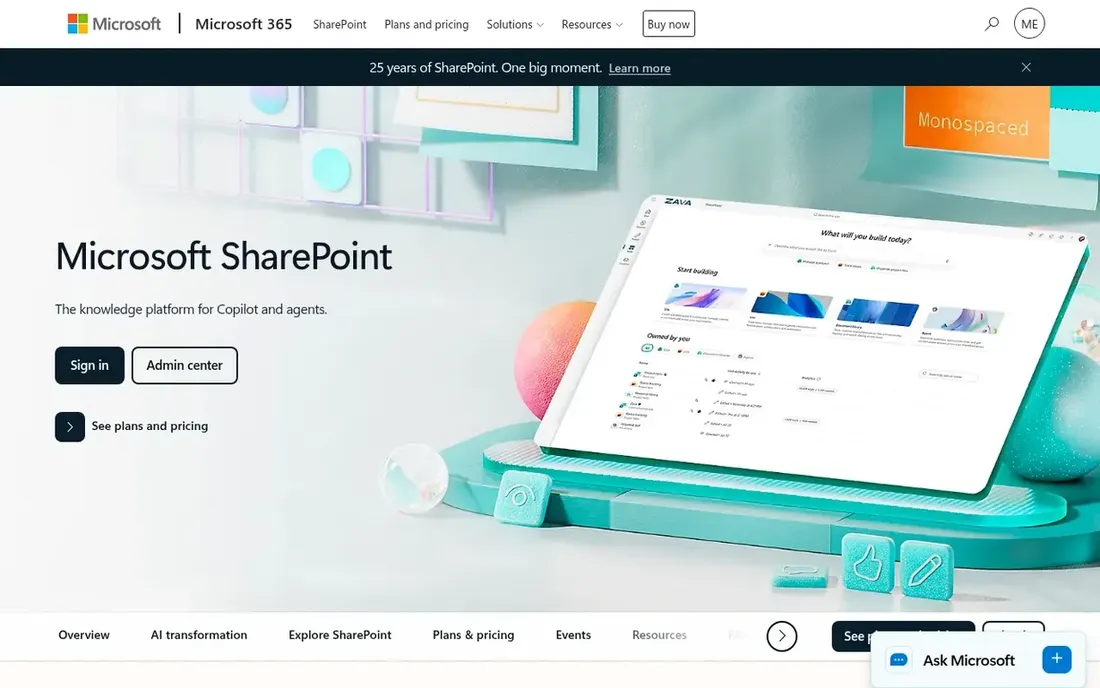
Microsoft SharePoint serves governed content in Microsoft 365 shops. Microsoft SharePoint lets organizations build, share and govern trusted knowledge whereas powering collaboration, communication, automation and AI across Microsoft 365. Small teams without Microsoft infrastructure may find it overbuilt.
Choose SharePoint when document control and integration with existing Microsoft tools outweigh simplicity. More specifically, contractors already using Microsoft tools can store drawings, contracts and safety records with version control and access permissions. Microsoft SharePoint shows no starting price here, so confirm the cost on the vendor site. Free plan details: Not stated.
The main drawbacks: Interface feels corporate.
- Solid content governance
- Deep Microsoft 365 integration
- Configuration can be complicated
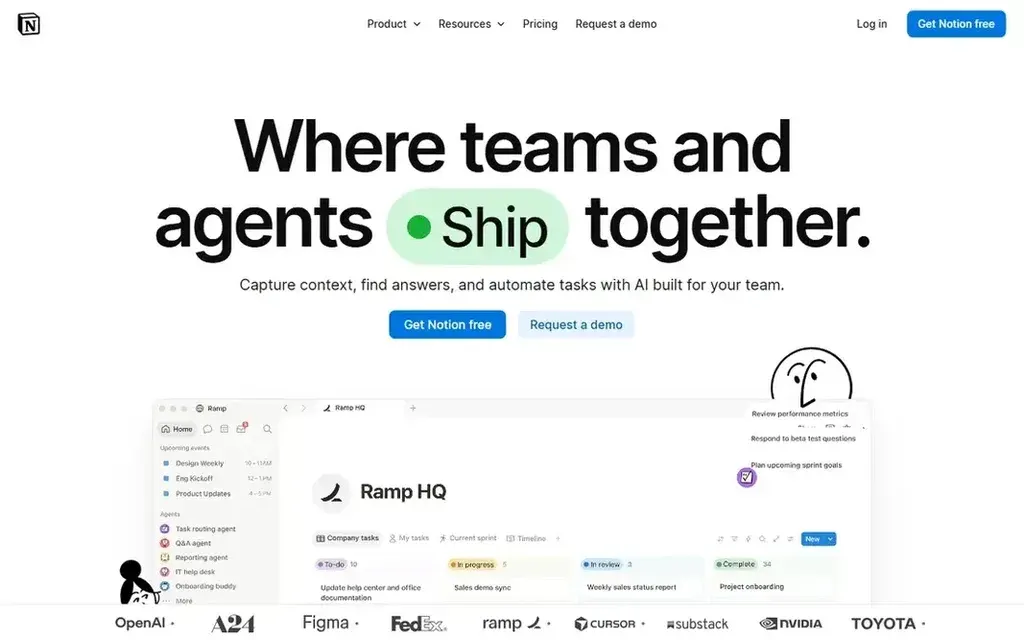
Think of Notion for adaptable project and document hubs. For contractors it works as a central hub for project briefs, bid notes, safety documents and client records, with databases that link related pages together. Worth adding: choose Notion when adaptability and speed of setup matter more than rigid structure.
Points against: Setup takes planning.
Bigger businesses with strict document governance may prefer a product built around those controls. In practice, the adaptability is also the catch: without clear conventions, pages multiply and search gets noisy. What you pay to start with Notion: $10 per member per month. Notion includes a free tier.
- Custom pages and databases
- AI search and automation
- Can sprawl without structure
How these tools were picked
Before you commit
- Ask Google Workspace, Confluence, Coda and others for a written quote, since no starting price is shown.
- Look at the free plan from Notion closely: its caps decide whether it is usable for real work.
- Before choosing Google Workspace, weigh its main limit: knowledge structure is loose.
- Pick one real project and run it in Confluence first; a small pilot shows fit faster than a checklist.
- List the apps you already depend on and check that Microsoft SharePoint supports each one on the plan you would buy.
FAQ
What is the cheapest option for knowledge management software for contractors in this list?
On published monthly entry prices, Notion is the lowest here at $10 per member per month. Entry price is only part of the cost, because seats, add-ons and billing terms can change the total. All 6 picks in this knowledge management software for contractors comparison list a starting price, free plan details and the main limits on their cards above.
Is Google Workspace the right pick for everyone comparing knowledge management software for contractors?
No single tool suits every team. Google Workspace comes first because it fits simple cloud collaboration for crews, while Confluence suits teams already using Atlassian tools and Coda suits docs blended with spreadsheet logic. Match the tool to your own size, budget and workflow before deciding.
How are the tools for knowledge management software for contractors ordered?
Google Workspace sits first and Notion last because the order follows typical fit for knowledge management software for contractors, then price clarity and free access. It is a judgement call, so read each profile for fit and limits.
Do these tools publish their prices?
Not all of them. Google Workspace, Confluence, Coda and others publish no starting price, so expect a quote request for those. The rest, Notion included, show a starting price, though seats and billing terms still change the final cost.
Sources
- https://workspace.google.com
- https://www.atlassian.com/software/confluence
- https://coda.io
- https://slab.com
- https://www.microsoft.com/en-us/microsoft-365/sharepoint/collaboration
- https://www.notion.so