Knowledge Base Software for Government Contractors in 2026: The 6 Best Options Side by Side
Best knowledge base software for government contractors: 6 tools compared on price, free plans and fit. Details on cost, catches and fit. Pick with confidence.
- Editor's choice
 Document360
Public documentation with AI search
Starts atSee websiteVisit document360.comFull review - Great alternative
 Helpjuice
Straightforward knowledge base for support
Starts atSee websiteVisit helpjuice.comFull review - Also consider
 Zendesk Guide
Service-linked knowledge and self-service
Starts atSee websiteVisit zendesk.comFull review
Direct answer
If you need public documentation with AI search, Document360 is the first tool to look at here. Listed starting prices: KnowledgeOwl from $100 a month. Helpjuice is better for straightforward knowledge base for support, and Zendesk Guide is better for service-linked knowledge and self-service. The remaining 3 options are covered below with prices and limits.
TL;DR:
- Number one here is Document360, a fit for public documentation with AI search.
- For ticketing with knowledge and automation, Freshdesk is worth a look.
- Check the limits for KnowledgeOwl before you commit: fewer advanced AI features described.
- None of the 6 tools, from Document360 to Freshdesk, has a free plan, so budget for a subscription or use a trial.
- Starting prices begin at $100 per month with KnowledgeOwl.
Last checked November 2026. Prices and plan details were read from the vendors' own pages in November 2026; vendors change plans often, so confirm the current price on the vendor site before you buy.
Quick comparison
| Tool | Best for | Starts at | Free plan? | |
|---|---|---|---|---|
| Document360 | Public documentation with AI search | See website | Not stated | Visit |
| Helpjuice | Straightforward knowledge base for support | See website | Free trial | Visit |
| Zendesk Guide | Service-linked knowledge and self-service | See website | Not stated | Visit |
 KnowledgeOwl | Dependable, straightforward knowledge sharing | $100 a month | Free trial | Visit |
 Confluence | Internal team knowledge and collaboration | See website | Not stated | Visit |
 Freshdesk | Ticketing with knowledge and automation | See website | Not stated | Visit |
Knowledge Base Software for Government Contractors compared in detail
LinkVetted compared 6 knowledge base software for government contractors. The goal is a practical shortlist: published prices, free plan facts, best-fit use cases and honest limits for every entry.
Document360 is built with public documentation with AI search in mind. Since Document360 is built around documentation, teams that require deep integration with service ticketing may prefer a support-oriented product.
Drawbacks to consider: Documentation-centric scope.
Document360 does not show a starting price in this comparison, so check the vendor site for current pricing. Free plan details: Not stated.
- Made for knowledge base publishing
- AI search and chatbot features
- Less centred on ticket workflows
Choose Helpjuice for straightforward knowledge base for support. Contractors wanting a direct, knowledge-centered tool for typical questions and internal reference may find its stated purpose simple to evaluate against their needs.
The main drawbacks: Restricted detail on governance features.
More specifically, Helpjuice presents itself as knowledge base software that simplifies support and boosts productivity, with a focus on sharing information with customers and staff. Helpjuice does not show a starting price in this comparison, so check the vendor site for current pricing. As for free access: Free trial.
- Straightforward knowledge sharing purpose
- Knowledge base concentrated on support
- May need extras for complicated workflows
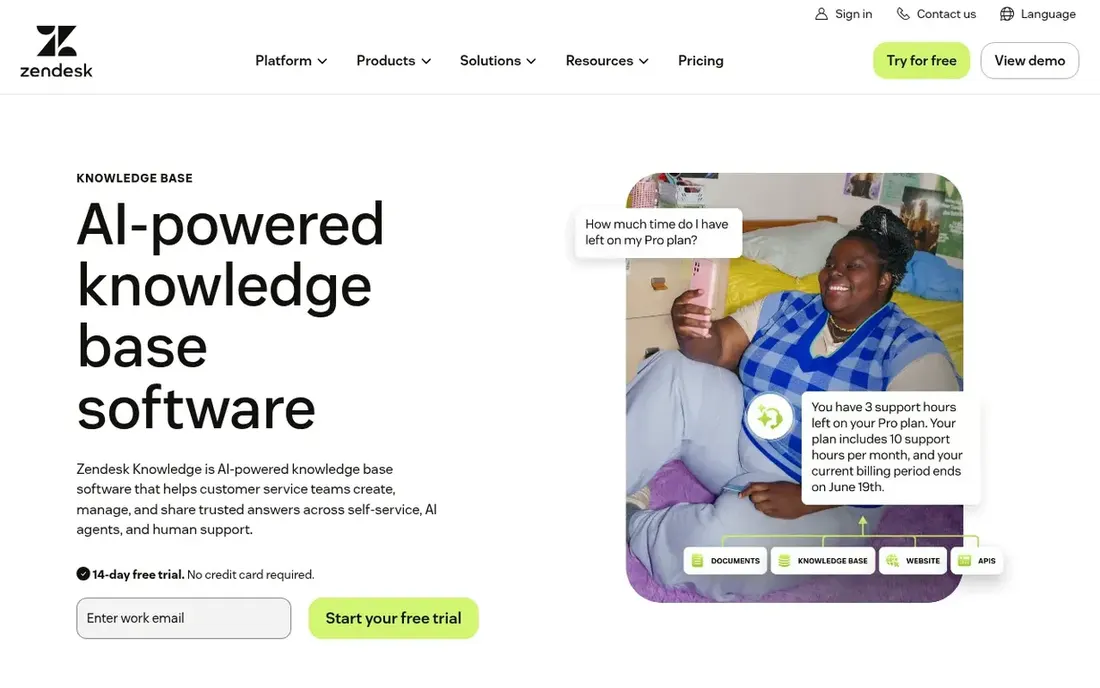
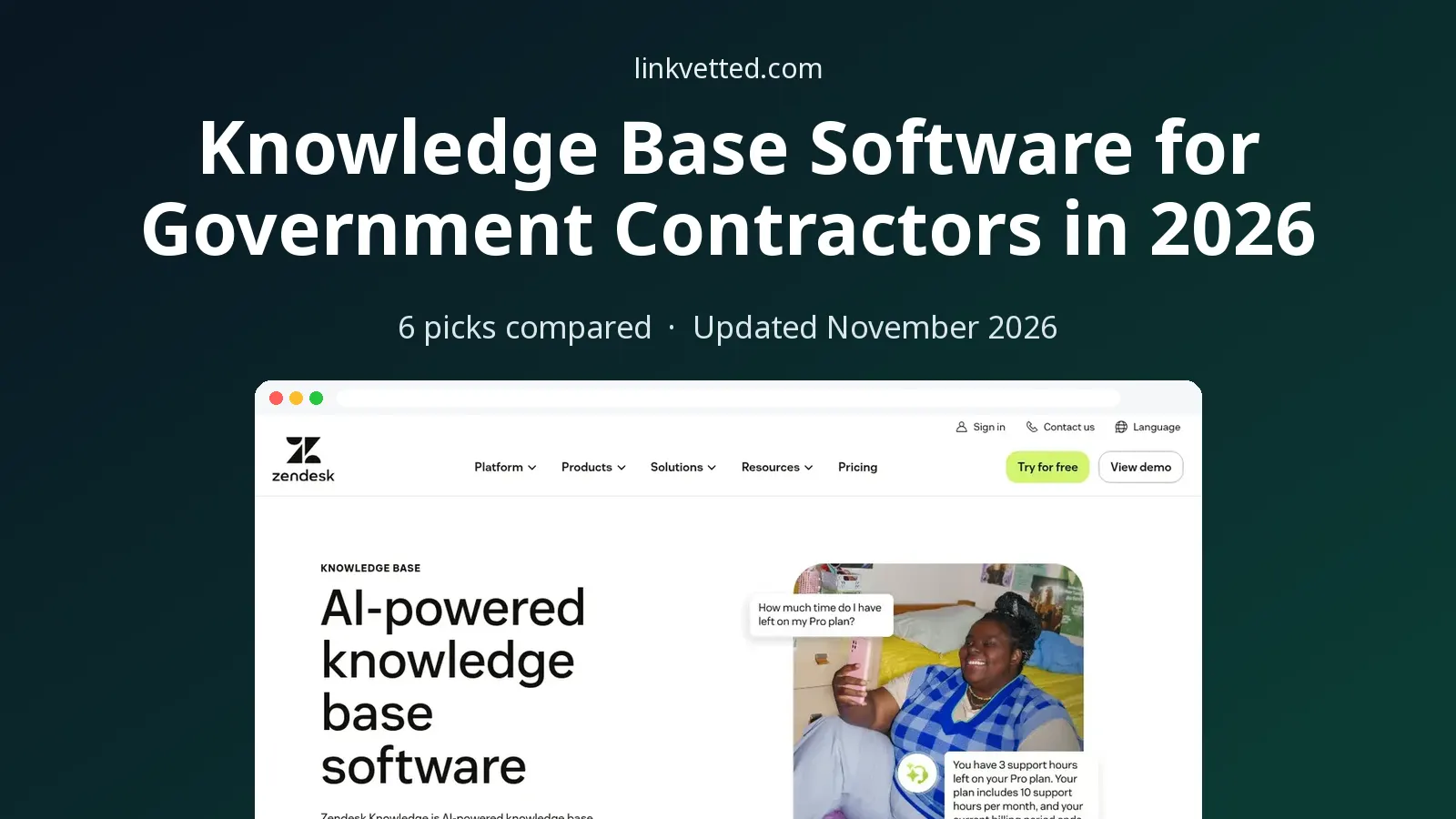
Where Zendesk Guide fits: service-linked knowledge and self-service. Zendesk Guide is a knowledge base product built around customer service. Its stated purpose is to help teams build a more accurate knowledge base by connecting trusted content, powering AI agents and self-service, and delivering better answers.
Trade-offs to know: May need setup for internal-only docs.
From a buyer's view, since the product is oriented toward customer service, teams that primarily need internal project documentation may prefer a workspace tool instead. More specifically, consider Zendesk Guide when your knowledge base must support external questions and service agents instead of purely internal reference material. No starting price is listed for Zendesk Guide here; confirm pricing on the vendor site. On free options: Not stated.
- Links trusted content to AI agents
- Supports self-service help centers
- Concentrated on service use cases
KnowledgeOwl makes the most sense for dependable, straightforward knowledge sharing. The homepage emphasizes simplicity and reliability instead of advanced AI or governance capabilities, so teams needing those features may look to other choices.
Starting cost for KnowledgeOwl: $100 per month. As for free access: Free trial.
Watch-outs: Fewer advanced AI features described.
- Easy-to-use knowledge base software
- Straightforward publishing focus
- May lack deep service integrations
Confluence is designed for internal team knowledge and collaboration. Confluence is oriented toward team workspaces instead of customer-facing support portals, so it may not replace a dedicated help center.
Confluence does not show a starting price in this comparison, so check the vendor site for current pricing. On free options: Not stated.
The main drawbacks: Structure relies on team discipline.
- Knowledge sharing across projects
- Collaborative workspace for teams
- Not built as a public help center
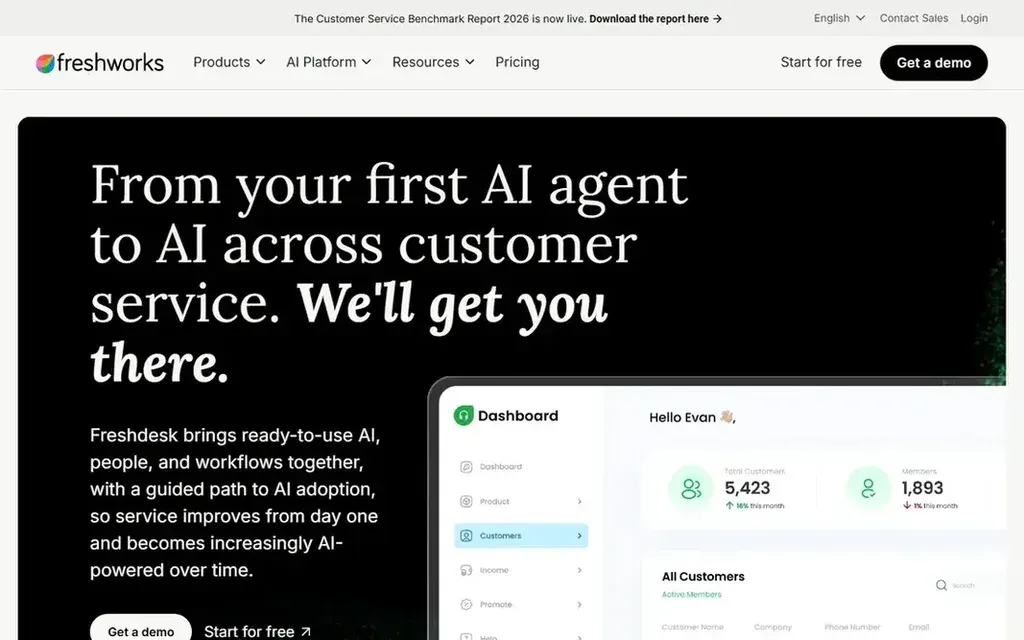
For ticketing with knowledge and automation, Freshdesk is a natural candidate. Freshdesk is an AI-powered customer service option with omnichannel ticketing and automatic workflows.
Its vendor presents it as a way to boost agent productivity. Worth adding: for contractors handling incoming inquiries, the combination of ticket handling and knowledge content can keep answers consistent across channels and cut repeated manual replies. Check the vendor site for Freshdesk pricing; none is listed in this comparison. Free access: Not stated.
Downsides: Not a dedicated documentation system.
- Omnichannel ticketing included
- Automatic workflows for agents
- Knowledge is part of a service suite
How we compared the tools
Selection started from tools commonly considered for knowledge base software for government contractors, then narrowed to 6 that have clear pricing information or a clear quote process. Prices and plan limits come from vendor pages and can change, so confirm them on the vendor site before you buy. The sequence is a judgement call: typical use case first, then pricing transparency, then free access. Use the profiles to check fit.
What to check before you buy
- Confirm the entry price on the vendor page. For Document360, Helpjuice, Zendesk Guide and others that means a quote rather than a fixed price.
- Use real work to test the free trial from Helpjuice and KnowledgeOwl, rather than a demo project.
- Before choosing Document360, weigh its main limit: documentation-centric scope.
- Compare total cost, not headline price: for Document360, add extra seats, add-ons and any usage-based charges.
- Look at the renewal terms for Confluence: auto-renewal, notice periods and price changes can matter more than the first-year price.
FAQ
Is a service-oriented knowledge base better than a documentation tool?
Service-oriented tools for example Zendesk Guide and Freshdesk suit teams answering inquiries, whereas documentation tools like Document360 fit published guides and reference material.
Do these tools publish their prices?
Not all of them. Document360, Helpjuice, Zendesk Guide and others publish no starting price, so expect a quote request for those. The rest, KnowledgeOwl included, show a starting price, though seats and billing terms still change the final cost.
How are the tools for knowledge base software for government contractors ordered?
Document360 sits first and Freshdesk last because the order follows typical fit for knowledge base software for government contractors, then price clarity and free access. It is a judgement call, so read each profile for fit and limits.
Is Document360 the right pick for everyone comparing knowledge base software for government contractors?
No single tool suits every team. Document360 comes first because it fits public documentation with AI search, while Helpjuice suits straightforward knowledge base for support and Zendesk Guide suits service-linked knowledge and self-service. Match the tool to your own size, budget and workflow before deciding.
Can I try these tools before paying?
Often, yes. Helpjuice and KnowledgeOwl offer a free trial. Use your own data and a real task during the test, and check what the free tier or trial limits before you rely on it. Each of the 6 options in this knowledge base software for government contractors guide has its own card above with the price, free plan and limits.
Sources
- https://document360.com
- https://helpjuice.com
- https://www.zendesk.com/service/help-center
- https://www.knowledgeowl.com
- https://www.atlassian.com/software/confluence
- https://www.freshworks.com/freshdesk