Knowledge Base Software for Plumbers in 2026: The 6 Best Options Side by Side
Weighing the best knowledge base software for plumbers? We lined up 6 products by cost, free access and fit. Every tool lists pros and cons. Compare quickly.
- Editor's choice
 Freshdesk
Omnichannel ticketing with automatic workflows
Starts atSee websiteVisit freshworks.comFull review - Great alternative
 HubSpot Service Hub
Expanding teams already using HubSpot
Starts atSee websiteVisit hubspot.comFull review - Also consider
 Zendesk
Full service product with help center
Starts at$19 agent/month premium yearlyVisit zendesk.comFull review
Direct answer
Freshdesk comes first here, mainly for omnichannel ticketing with automatic workflows. Listed starting prices: Zendesk from $19 agent/month premium yearly, Help Scout from $25 per user a month and KnowledgeOwl from $100 a month. Look at HubSpot Service Hub for expanding teams already using HubSpot, and at Zendesk for full service system with help center. Prices, free plans and limits for all 6 tools follow.
TL;DR:
- Freshdesk is the opening pick, best for omnichannel ticketing with automatic workflows.
- KnowledgeOwl suits simple, steady help content sharing.
- Before buying Zendesk, weigh this: wide product may exceed straightforward needs.
- Only Help Scout offers a free plan among these 6 tools.
- Zendesk is the lowest-priced starter here at $19 agent/month premium yearly.
Last checked November 2026. Prices and plan details were read from the vendors' own pages in November 2026; vendors change plans often, so confirm the current price on the vendor site before you buy.
Quick comparison
| Tool | Best for | Starts at | Free plan? | |
|---|---|---|---|---|
| Freshdesk | Omnichannel ticketing with automatic workflows | See website | Not stated | Visit |
| HubSpot Service Hub | Expanding teams already using HubSpot | See website | Not stated | Visit |
| Zendesk | Full service product with help center | $19 agent/month premium yearly | Free trial | Visit |
 Help Scout | Customer-first support with shared knowledge | $25 per user a month | Yes | Visit |
 Document360 | Dedicated AI-assisted documentation and help sites | See website | Not stated | Visit |
 KnowledgeOwl | Straightforward, dependable help content sharing | $100 a month | Free trial | Visit |
The best knowledge base software for plumbers
LinkVetted put together this guide to knowledge base software for plumbers for readers who want a clear shortlist without reading every vendor page. It compares 6 tools on starting price, free plans, who each one suits and where each one falls short.
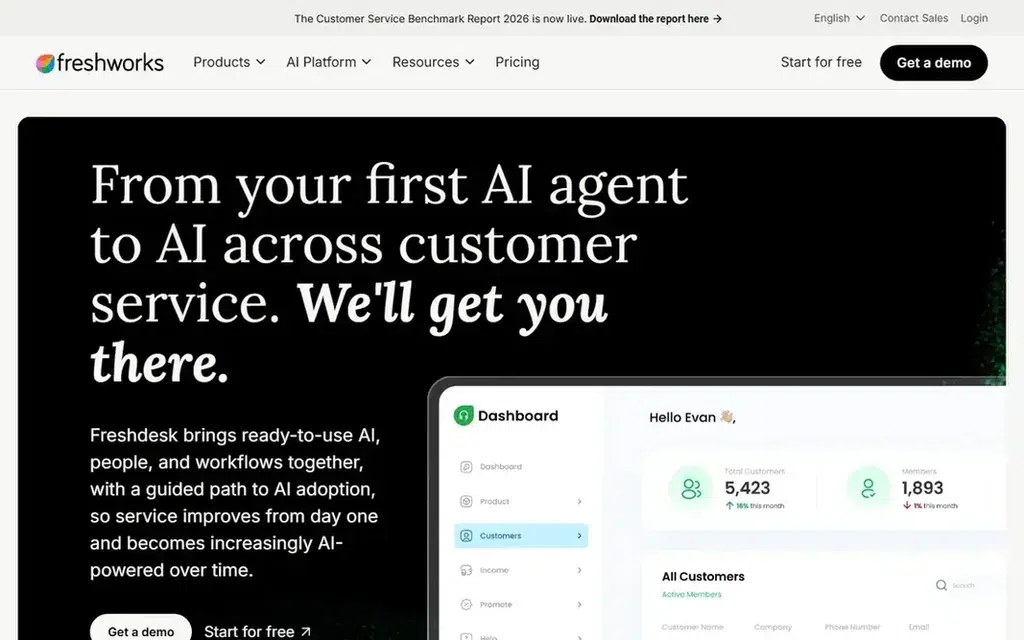
Freshdesk is built with omnichannel ticketing with automatic workflows in mind. The breadth of ticketing and automation features means a ramp-up time, and small crews may not use everything included.
Downsides: Automation needs careful setup.
- Knowledge base supports agent answers
- Omnichannel ticketing in one place
- Feature depth can take time to learn
HubSpot Service Hub targets expanding teams already using HubSpot. HubSpot Service Hub is presented as an AI-powered customer service product for growing teams, pitched at transforming customer experience.
Also, the service hub is most handy when you commit to the wider HubSpot product, so standalone users may find it heavier than needed. For everyday use, plumbing firms that already track leads and customers in HubSpot can add a knowledge base and service tools without stitching separate systems together. This comparison lists no price for HubSpot Service Hub; ask the vendor. As for free access: Not stated.
Points against: May feel wide for tiny crews.
- Knowledge base within a service system
- Aimed at expanding teams
- Best value inside the HubSpot ecosystem

For full service system with help center, Zendesk is a natural candidate. Choose Zendesk when you want your knowledge base to feed straight into daily customer conversations.
Limits to weigh: Wide product may exceed straightforward needs.
From a buyer's view, the product is wide, so a one-van operation may find more capability than it needs. Zendesk starts at: $19 agent/month premium yearly. Free options: Free trial.
- Help center sits alongside ticketing
- AI agents pitched at end-to-end resolution
- Setup takes planning
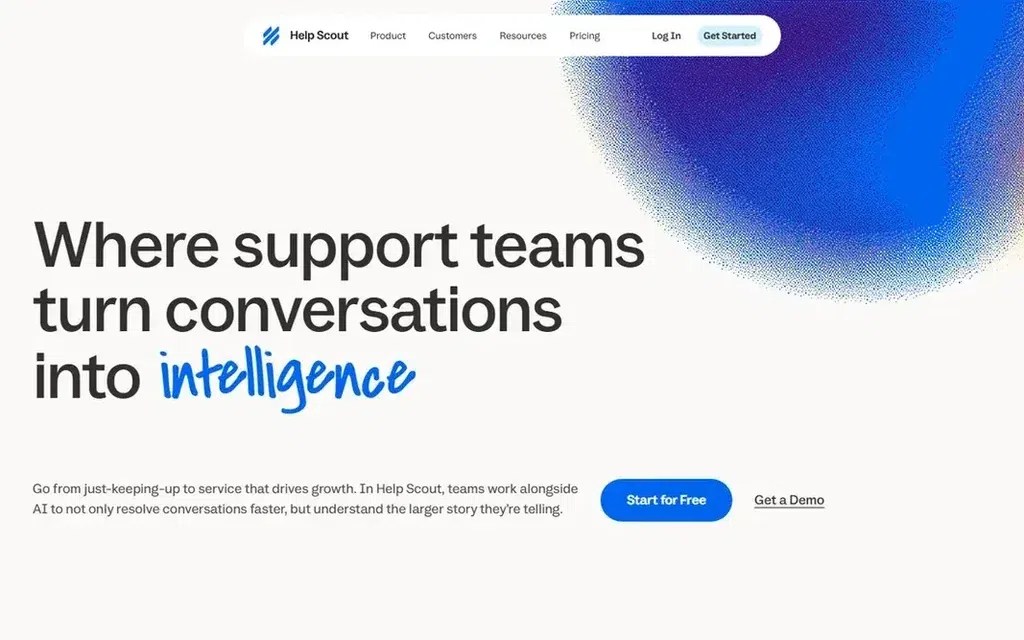
Where Help Scout fits: customer-first support with shared knowledge. Help Scout describes itself as an AI-driven support product for customer-first brands, delivering the features needed for exceptional support at a fraction of the cost of other customer service systems.
More specifically, choose Help Scout when approachable support and shared answers matter more than broad configuration. Entry price for Help Scout: $25 per user per month. Help Scout has a free plan.
Trade-offs to know: Less suited to complicated IT needs.
- Positioned for customer-first brands
- Easy-to-learn interface for small teams
- Knowledge features tied to support use
Document360 is designed for dedicated AI-assisted documentation and help sites. It suits companies that want documentation as the centerpiece instead of a side feature of a support suite.
From a buyer's view, as a focused knowledge base tool, it does not replace a complete ticketing system, so support inboxes would come from elsewhere. This comparison lists no price for Document360; ask the vendor. Free access: Not stated.
Honest limits: Best for teams willing to maintain content.
- AI search and chatbot for articles
- Focused knowledge base product
- Not a full ticketing suite
KnowledgeOwl makes the most sense for straightforward, reliable help content sharing. KnowledgeOwl gives you easy-to-use software to share information rapidly with customers and staff, based on its homepage. For a plumbing business, that means publishing answers about service areas, callout procedures and equipment care without a steep setup.
On top of that, expanding content libraries may call for more structured documentation tooling. More specifically, the product centers on knowledge sharing, so teams needing advanced ticketing or automation should look at broader service products. Choose KnowledgeOwl when simplicity and fast publishing are the central requirements. KnowledgeOwl pricing: $100 per month. Free access: Free trial.
The main drawbacks: Restricted fit for complicated workflows.
- Straightforward knowledge base focus
- Shares information with customers and staff
- Fewer adjacent support features
Selection criteria
LinkVetted looked at what each vendor publishes: pricing, plan limits, feature coverage for knowledge base software for plumbers and stated drawbacks. No hands-on testing is claimed. Treat prices as a snapshot: vendors change plans often, so check the vendor site for the figure that applies today. We ordered the tools by general fit, then by how clearly pricing is shown, then by free access. A buyer with unusual needs may reorder them.
Things to verify first
- Ask Freshdesk, HubSpot Service Hub and Document360 for a written quote, since no starting price is shown.
- Look at the free plan from Help Scout closely: its caps decide whether it is usable for real work.
- Run a trial of Zendesk and KnowledgeOwl with real work before paying for a year; your own workflow is the best test.
- Read the limits listed for Freshdesk first: feature depth can take time to learn.
- Add up seats, add-ons and usage charges for HubSpot Service Hub before comparing it with cheaper entries.
- Find out whether the entry plan of Help Scout covers your must-haves or only a trimmed-down version.
FAQ
Can I try these tools before paying?
Often, yes. Help Scout has a free plan and Zendesk and KnowledgeOwl offer a free trial. Use your own data and a real task during the test, and check what the free tier or trial limits before you rely on it. All 6 picks in this knowledge base software for Plumbers comparison list a starting price, free plan details and the main limits on their cards above.
Does a plumbing business really need knowledge base software?
It helps when the same questions about callouts, parts and maintenance arrive repeatedly. Small shops can start straightforward and expand as call volume grows.
What is the cheapest option for knowledge base software for plumbers in this list?
On published monthly entry prices, Zendesk is the lowest here at $19 agent/month premium yearly. Entry price is only part of the cost, because seats, add-ons and billing terms can change the total. For the full picture, the cards above cover all 6 entries of this knowledge base software for Plumbers list, including price, free plan and limits.
Do these tools publish their prices?
Not all of them. Freshdesk, HubSpot Service Hub and Document360 publish no starting price, so expect a quote request for those. The rest, Zendesk included, show a starting price, though seats and billing terms still change the final cost.
Is Freshdesk the right pick for everyone comparing knowledge base software for plumbers?
No single tool suits every team. Freshdesk comes first because it fits omnichannel ticketing with automated workflows, while HubSpot Service Hub suits growing teams already using HubSpot and Zendesk suits full service platform with help center. Match the tool to your own size, budget and workflow before deciding.
Sources
- https://www.freshworks.com/freshdesk
- https://www.hubspot.com/products/service
- https://www.zendesk.com
- https://www.helpscout.com
- https://document360.com
- https://www.knowledgeowl.com