6 Best Homeschool Curriculum Planning Software for 2026, Vetted and Compared
Best Homeschool curriculum planning software in 2026: 6 tools with starting prices, free plans and limits. Every entry states what it lacks. No filler.
- Editor's choiceSonlight
Literature-based Christian curriculum packages
Starts atSee websiteVisit sonlight.comFull review - Great alternativeAbeka
Textbooks and video lessons
Starts atSee websiteVisit abeka.comFull review - Also considerHomeschool Tracker
Lesson plans, grades and state reports
Starts at$8 a monthVisit homeschooltracker.comFull review
Direct answer
Start with Sonlight if you need Literature-based Christian curriculum packages. Listed starting prices: Homeschool Tracker from $8 a month, My Father's World from $399 and Homeschool Planet from $9.95 per month. Alternatives: Abeka for textbooks and video lessons, and Homeschool Tracker for lesson plans, grades and state reports. The other 3 tools in the list cover narrower or pricier cases.
TL;DR:
- Sonlight is the opening pick, best for Literature-based Christian curriculum packages.
- Starting prices begin at $8 per month with Homeschool Tracker.
- For calendar-driven online homeschool planning, Homeschool Planet is worth a look.
- A fair warning about Homeschool Tracker: geared toward record keeping more than teaching.
Last checked November 2026. Prices and plan details were read from the vendors' own pages in November 2026; vendors change plans often, so confirm the current price on the vendor site before you buy.
Quick comparison
| Tool | Best for | Starts at | Free plan? | |
|---|---|---|---|---|
| Sonlight | Literature-based Christian curriculum packages | See website | Not stated | Visit |
| Abeka | Textbooks and video lessons | See website | Not stated | Visit |
| Homeschool Tracker | Lesson plans, grades and state reports | $8 a month | No | Visit |
| Time4Learning | Online lessons with built-in parent tools | See website | Not stated | Visit |
| My Father's World | Charlotte Mason and unit study blend | $399 | Not stated | Visit |
| Homeschool Planet | Calendar-driven online homeschool planning | $9.95 per month | Free trial | Visit |
Every option for Homeschool curriculum planning software explained
LinkVetted put together this guide to Homeschool curriculum planning software for readers who want a clear shortlist without reading every vendor page. It compares 6 tools on starting price, free plans, who each one suits and where each one falls short.
Sonlight
Best for: Literature-based Christian curriculum packages
In short, Sonlight is for Literature-based Christian curriculum packages. Sonlight supplies complete Christian homeschool curriculum for preschool through high school, built around literature-based packages and products. Beyond that, choose Sonlight when a literature-rich package is the priority.
Families wanting a secular or unit-study approach may prefer another choice. On top of that, Sonlight is a curriculum provider, not a scheduling application, so you will still need a planner to organize days and records. Sonlight does not show a starting price in this comparison, so check the vendor site for current pricing. On free options: Not stated.
What to check first: Approach may not suit every teaching style.
- Preschool through high school coverage
- Complete Christian curriculum packages
- Curriculum purchase instead of planning software
Abeka
Best for: Textbooks and video lessons
Abeka targets textbooks and video lessons. Abeka supplies Christian school and homeschool curriculum, including proven textbooks and video lessons, presented from a Christian perspective.
Drawbacks to consider: Traditional approach may not fit every family.
On top of that, choose Abeka when textbooks and video lessons are the format you want. Also, Abeka supplies curriculum instead of scheduling software, so planning and record keeping still need a separate tool. Abeka shows no starting price here, so confirm the cost on the vendor site. Trial and free access: Not stated.
- Christian curriculum with textbooks
- Video lessons available
- Curriculum purchase, not a planner
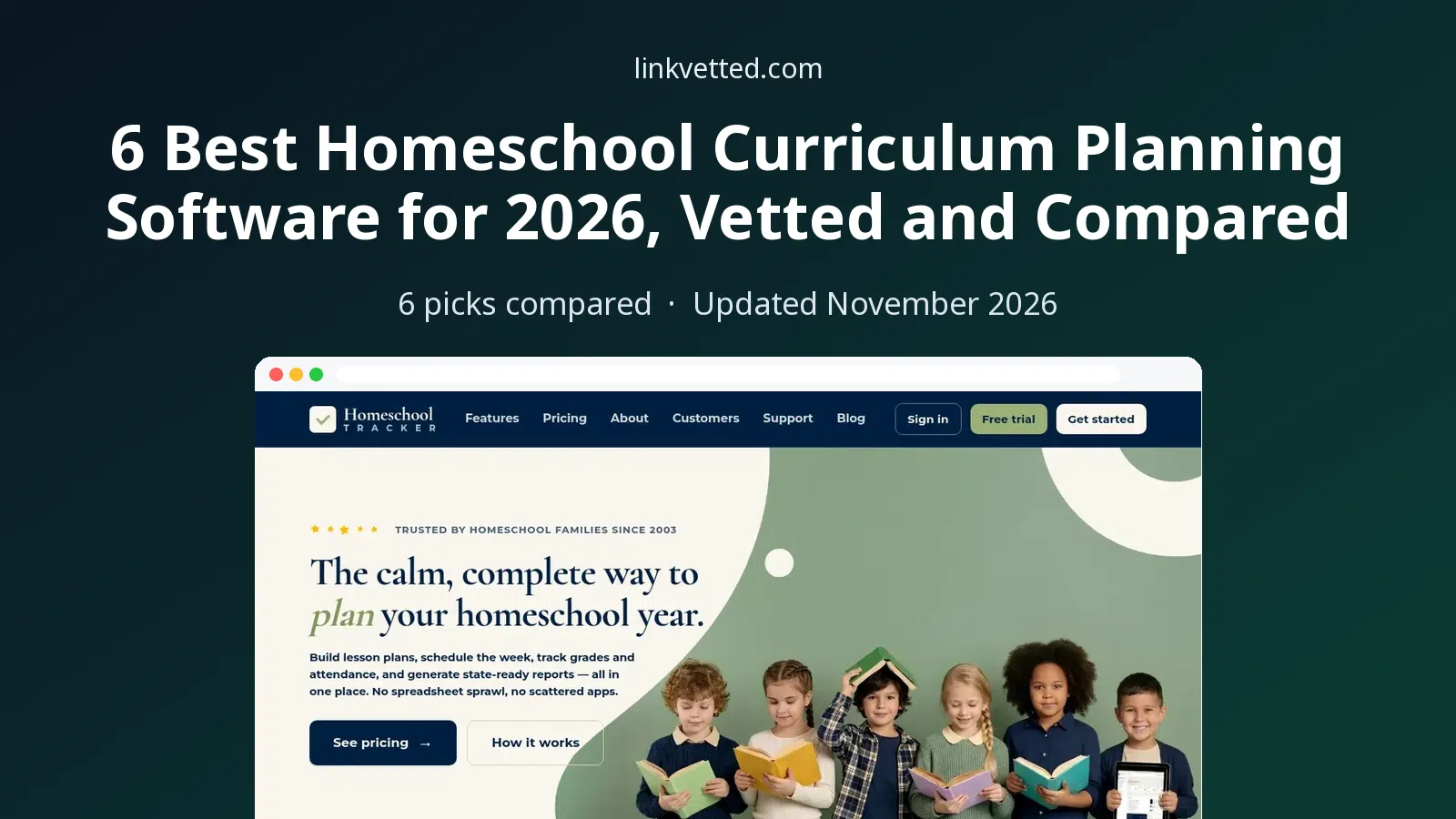
Homeschool Tracker
Best for: Lesson plans, grades and state reports

Homeschool Tracker is aimed squarely at lesson plans, grades and state reports. Pick Homeschool Tracker when documentation and grading are central to your planning needs. Homeschool Tracker is an all-in-one planner for building lesson plans, scheduling assignments, and tracking grades and attendance.
It also produces state-ready reports, which makes it appealing to families in areas with reporting requirements or to parents who want careful records of what was covered. For everyday use, families who want lessons included should look at Time4Learning or a packaged curriculum. Entry price for Homeschool Tracker: $8 per month. Homeschool Tracker has no permanent free option.
Limits to weigh: Requires setup of your own materials.
- Builds lesson plans and schedules assignments
- Tracks grades and attendance
- Pitched at record keeping more than teaching
Time4Learning
Best for: Online lessons with built-in parent tools
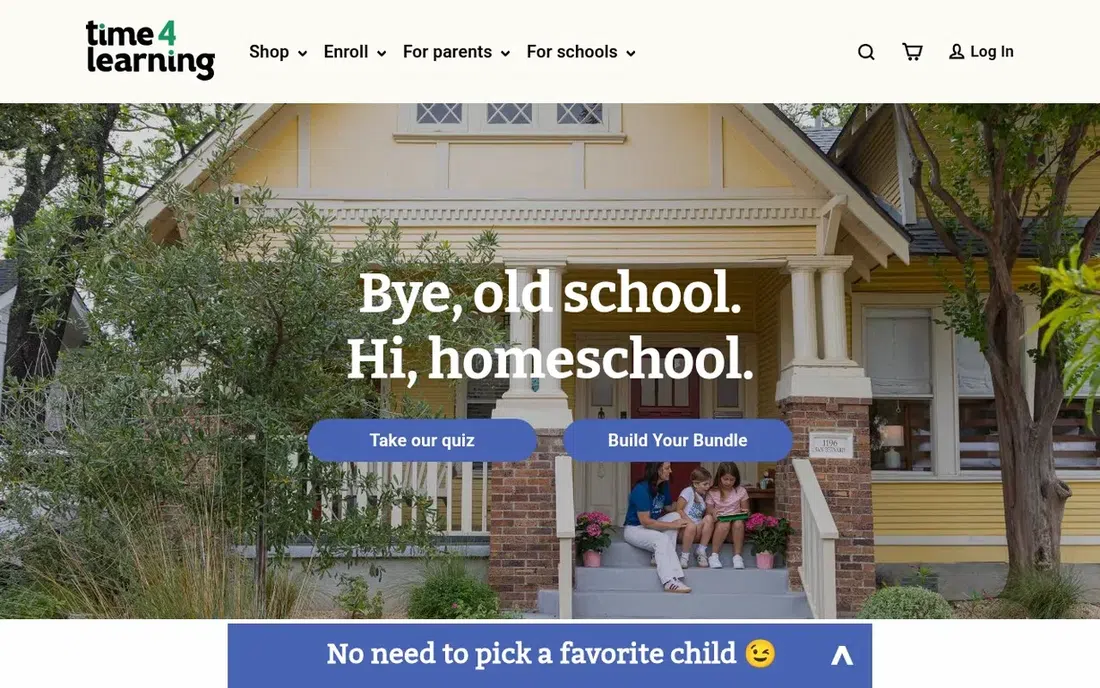
Where Time4Learning fits: online lessons with built-in parent tools. In that case a dedicated planner like Homeschool Planet or Homeschool Tracker is a better fit. In daily use, Time4Learning gives you online homeschool curriculum from PreK through high school, with parent-friendly planning and reporting tools alongside the lessons.
Where it falls short: Not a standalone planner for outside materials.
If your family follows a literature-based or textbook curriculum, Time4Learning will not organize those outside materials for you. On top of that, consider Time4Learning when you want the lessons themselves delivered online. Pricing for Time4Learning is not stated here, so ask the vendor for current figures. Trial and free access: Not stated.
- Lessons and scheduling in one account
- Parent-friendly planning and reporting tools
- Curriculum is online instead of paper-based
My Father's World
Best for: Charlotte Mason and unit study blend
My Father's World targets Charlotte Mason and unit study blend. My Father's World supplies Christian homeschool curriculum that blends Charlotte Mason ideas, classical education, and unit studies with a biblical worldview and global focus.
Where it is weaker: Specific philosophy may not match all families.
It fits families drawn to a structured, faith-based program that mixes multiple teaching philosophies instead of following one strictly. Price to start with My Father's World: $399. Trial and free access: Not stated.
What works well: classical and unit study ideas.
- Complete Christian curriculum
- Merges Charlotte Mason
- Curriculum rather than planning software
Homeschool Planet
Best for: Calendar-driven online homeschool planning

Homeschool Planet targets calendar-driven online homeschool planning. Choose Homeschool Planet when organizing your own plan is the priority.
Worth adding: families who want ready-made courses bundled with scheduling may prefer Time4Learning or a packaged curriculum. Homeschool Planet starts at: $9.95 per month. Free plan details: Free trial.
Limits to weigh: Planning focus.
- Click the calendar to add classes and assignments
- Full-featured online planner
- May feel busy for very straightforward schedules
How these tools were picked
We compared the tools on published pricing, free plan or trial availability, feature coverage for Homeschool curriculum planning software, and the limits each vendor documents. Seat minimums, billing terms and add-ons can move the real cost, so the starting prices here are a guide and not a quote. The ranking is editorial: typical fit first, then clear pricing, then free access. If your needs are unusual, read the profiles rather than relying on position.
What to check before you buy
- Ask Sonlight, Abeka and Time4Learning for a written quote, since no starting price is shown.
- Run a trial of Homeschool Planet with real work before paying for a year; your own workflow is the best test.
- Before choosing Sonlight, weigh its main limit: curriculum purchase instead of planning software.
- Pick one real project and run it in Time4Learning first; a small pilot shows fit faster than a checklist.
- Test the integrations you rely on with Sonlight before committing; some connectors sit on upper tiers.
FAQ
How are the tools for Homeschool curriculum planning software ordered?
Sonlight sits first and Homeschool Planet last because the order follows typical fit for Homeschool curriculum planning software, then price clarity and free access. It is a judgement call, so read each profile for fit and limits.
Does any tool for Homeschool curriculum planning software here have a free plan?
A permanent free plan is not offered by Sonlight, Homeschool Planet or the other tools here. Homeschool Planet offer a trial. Plan a short evaluation period instead.
Should I choose a planner or a full curriculum?
Planners like Homeschool Planet and Homeschool Tracker organize materials you already have, whereas Sonlight, Abeka and similar providers supply the lessons. Numerous families use one of each.
Can I try these options before paying?
Often, yes. Homeschool Planet offers a free trial. Use your own data and a real task during the test, and check what the free tier or trial limits before you rely on it.
Is Sonlight the right pick for everyone comparing Homeschool curriculum planning software?
No single tool suits every team. Sonlight comes first because it fits Literature-based Christian curriculum packages, while Abeka suits textbooks and video lessons and Homeschool Tracker suits lesson plans, grades and state reports. Match the tool to your own size, budget and workflow before deciding.
Which tool is best for tracking grades and attendance?
For most readers this guide would start with Sonlight, built for Literature-based Christian curriculum packages. Abeka is the alternative for textbooks and video lessons, and Homeschool Tracker for lesson plans, grades and state reports. The right answer depends on budget and workflow.
Sources
- https://www.sonlight.com
- https://www.abeka.com
- https://www.homeschooltracker.com
- https://www.time4learning.com
- https://www.mfwbooks.com
- https://homeschoolplanet.com