Best Lesson Planning Tool for Homeschool Co-Ops for 2026: Our 5 Vetted Picks
Best lesson planning tool for homeschool co-ops: 5 contenders ranked by fit, with entry costs and free tiers. Limits and pricing notes included. Quick to scan.
- Editor's choice
 Canvas LMS
Co-ops wanting a full course product
Starts atSee websiteVisit instructure.comFull review - Great alternativePlanbook
Structured daily lesson plans for teachers
Starts atSee websiteVisit planbook.comFull review - Also considerHomeschool Planet
Calendar-based planning for co-op classes
Starts at$9.95 a monthVisit homeschoolplanet.comFull review
Direct answer
Start with Canvas LMS if you need co-ops wanting a full course system. Listed starting prices: Homeschool Planet from $9.95 a month and Teachworks from $15 a month. Planbook is the stronger choice for structured daily lesson plans for teachers, while Homeschool Planet suits calendar-based planning for co-op classes. The remaining 2 options are covered below with prices and limits.
TL;DR:
- Canvas LMS takes the first slot, best suited to co-ops wanting a full course system.
- For scheduling and billing for premium classes, Teachworks is worth a look.
- Neither Canvas LMS nor Teachworks, nor any of the other 3 tools, has a permanent free plan; trials and quotes are the norm.
- A fair warning about Canvas LMS: heavier than a straightforward planner.
- Homeschool Planet is the lowest-priced starter here at $9.95 per month.
Last checked November 2026. Prices and plan details were read from the vendors' own pages in November 2026; vendors change plans often, so confirm the current price on the vendor site before you buy.
Quick comparison
| Tool | Best for | Starts at | Free plan? | |
|---|---|---|---|---|
| Canvas LMS | Co-ops wanting a full course product | See website | Not stated | Visit |
| Planbook | Structured daily lesson plans for teachers | See website | Not stated | Visit |
| Homeschool Planet | Calendar-based planning for co-op classes | $9.95 a month | Free trial | Visit |
 Google Classroom | Light classwork hub for co-op teachers | See website | Not stated | Visit |
 Teachworks | Scheduling and billing for premium classes | $15 a month | Free trial | Visit |
Tool-by-tool breakdown
If you are comparing lesson planning tool for homeschool co-ops, this page covers 5 tools in one place: what each is best for, what it costs to start, whether it has a free plan, and the main limit to know about.
Canvas LMS works best for co-ops wanting a full course system. Choose Canvas when course delivery and student accounts matter more than straightforward planning. Canvas by Instructure is a learning management system positioned as approachable and built to ease teaching and enhance student learning.
More specifically, groups that mainly want to schedule classes and assignments should start with Homeschool Planet. Canvas is more than most small co-ops need, and getting teachers and families onboard takes effort. This comparison lists no price for Canvas LMS; ask the vendor. On free options: Not stated.
What to check first: Setup needs more coordination.
- Approachable learning management system
- Built to ease teaching
- Heavier than a straightforward planner
Planbook
Best for: Structured daily lesson plans for teachers
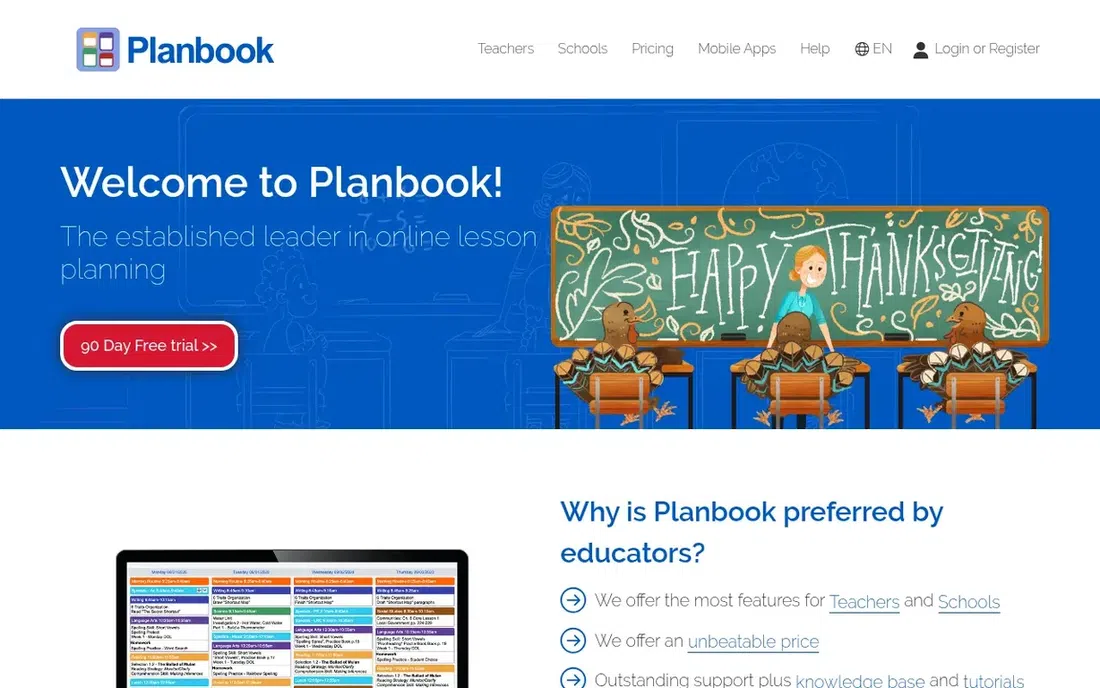
Planbook was built for structured daily lesson plans for teachers. Planbook is an online lesson planning tool positioned as a leader in lesson planning. If your co-op's teachers each prepare their own lessons, Planbook hands them a focused place to build and store those plans.
A co-op that needs one shared calendar across all families may prefer Homeschool Planet, whereas groups wanting course content and assignments online may prefer Google Classroom or a full LMS. For everyday use, the tool is teacher-centric, so it does not deal with family calendars, co-op billing or parent-facing scheduling. This comparison lists no price for Planbook; ask the vendor. Free options: Not stated.
Honest limits: Geared toward classroom teachers instead of co-op administration.
- Organizes plans by class and day
- Lesson planning is the core focus
- Shared family scheduling is not the central design
Homeschool Planet
Best for: Calendar-based planning for co-op classes

Homeschool Planet is aimed squarely at calendar-based planning for co-op classes. Homeschool Planet is a full-featured online homeschool planner built around a calendar. From a buyer's view, choose Homeschool Planet when the calendar is the core of your planning.
Reasons to shortlist it: Deals with appointments alongside schoolwork.
Where it is weaker: Built around homeschool families instead of group administration. Since it is made for homeschool planning instead of institutional administration, it is not a full learning management system. Worth adding: you launch it, click a day, and add classes, assignments and appointments, which fits co-op families who want one shared view of what each student is doing. It keeps the daily schedule visible for everyone involved. Starting cost for Homeschool Planet: $9.95 per month. As for free access: Free trial.
- Full-featured online planner
- Calendar-first interface for classes and assignments
- Coordinating plenty of teachers may need additional setup

Google Classroom is built with light classwork hub for co-op teachers in mind. Google Classroom is a classroom management hub meant to help educators run classes and enrich learning. For a co-op, it works as a shared space where teachers post assignments, share resources and collect work, which suits groups already comfortable with Google tools.
Limits to weigh: Not a dedicated lesson planner.
It is a practical middle ground between a personal planner and a full learning management system. It is not built as a lesson planning tool, so teachers who want structured daily plans may find it thin. It also does not handle co-op billing, enrollment or family schedules. Google Classroom shows no starting price here, so confirm the cost on the vendor site. As for free access: Not stated.
- Supports assigning and collecting work
- Central hub for class tools and resources
- Restricted co-op administration features
For scheduling and billing for premium classes, Teachworks is a natural candidate. Teachworks is tutor management software for tutoring and test prep firms, music schools and other education providers, including students, scheduling, billing and online lessons.
On top of that, a co-op that charges for classes and needs to coordinate instructors and payments may find the scheduling and billing side handy. In practice, Teachworks is management software instead of a lesson planning tool, so instructors would still plan elsewhere. Teachworks cost at the entry level: $15 per month. Free options: Free trial.
Downsides: Lesson planning is not the core focus.
- Handles students and scheduling
- Built for tutoring and education providers
- Designed for tutoring companies
How we compared the tools
Each tool was reviewed on what its vendor publishes: price, plan limits, core features and stated drawbacks. We did not run hands-on tests. Seat minimums, billing terms and add-ons can move the real cost, so the starting prices here are a guide and not a quote. The order reflects how well each tool fits the most common buying scenario for lesson planning tool for homeschool co-ops, then price clarity, then free plan access. It is a starting point, not a verdict.
Before you commit
- Confirm the entry price on the vendor page. For Canvas LMS, Planbook and Google Classroom that means a quote rather than a fixed price.
- Use real work to test the free trial from Homeschool Planet and Teachworks, rather than a demo project.
- Read the limits listed for Canvas LMS first: heavier than a straightforward planner.
- Pick one real project and run it in Canvas LMS first; a small pilot shows fit faster than a checklist.
- Ask Google Classroom how an export works before you move any records in; an easy exit lowers the risk.
FAQ
Does any tool for lesson planning tool for homeschool co-ops here have a free plan?
No tool in this list, Canvas LMS and Teachworks included, has a permanent free plan. Homeschool Planet, Teachworks offer a trial. Trials and quotes are the usual route, so plan a short evaluation period.
How are the tools for lesson planning tool for homeschool co-ops ordered?
The order follows typical fit for lesson planning tool for homeschool co-ops, with Canvas LMS first and Teachworks last, then price clarity and free access. It is editorial judgement, not a score, so another team could rank the tools differently.
Can I try these tools before paying?
Often, yes. Homeschool Planet and Teachworks offer a free trial. Use your own data and a real task during the test, and check what the free tier or trial limits before you rely on it.
Do these tools publish their prices?
Not all of them. Canvas LMS, Planbook and Google Classroom publish no starting price, so expect a quote request for those. The rest, Homeschool Planet included, show a starting price, though seats and billing terms still change the final cost.
Sources
- https://www.instructure.com/canvas
- https://www.planbook.com
- https://homeschoolplanet.com
- https://classroom.google.com
- https://teachworks.com