Best Life Planning Software for 2026: Our 6 Vetted Picks
Best life planning software, compared. 6 tools with published prices, free plans and limits. Each listing flags where it falls short. Skim the table first.
- Editor's choice
 Asana
Structured multi-person planning
Starts at$10.99 per user per monthVisit asana.comFull review - Great alternative
 Google Keep
Fast notes and light checklists
Starts atSee websiteVisit keep.google.comFull review - Also consider
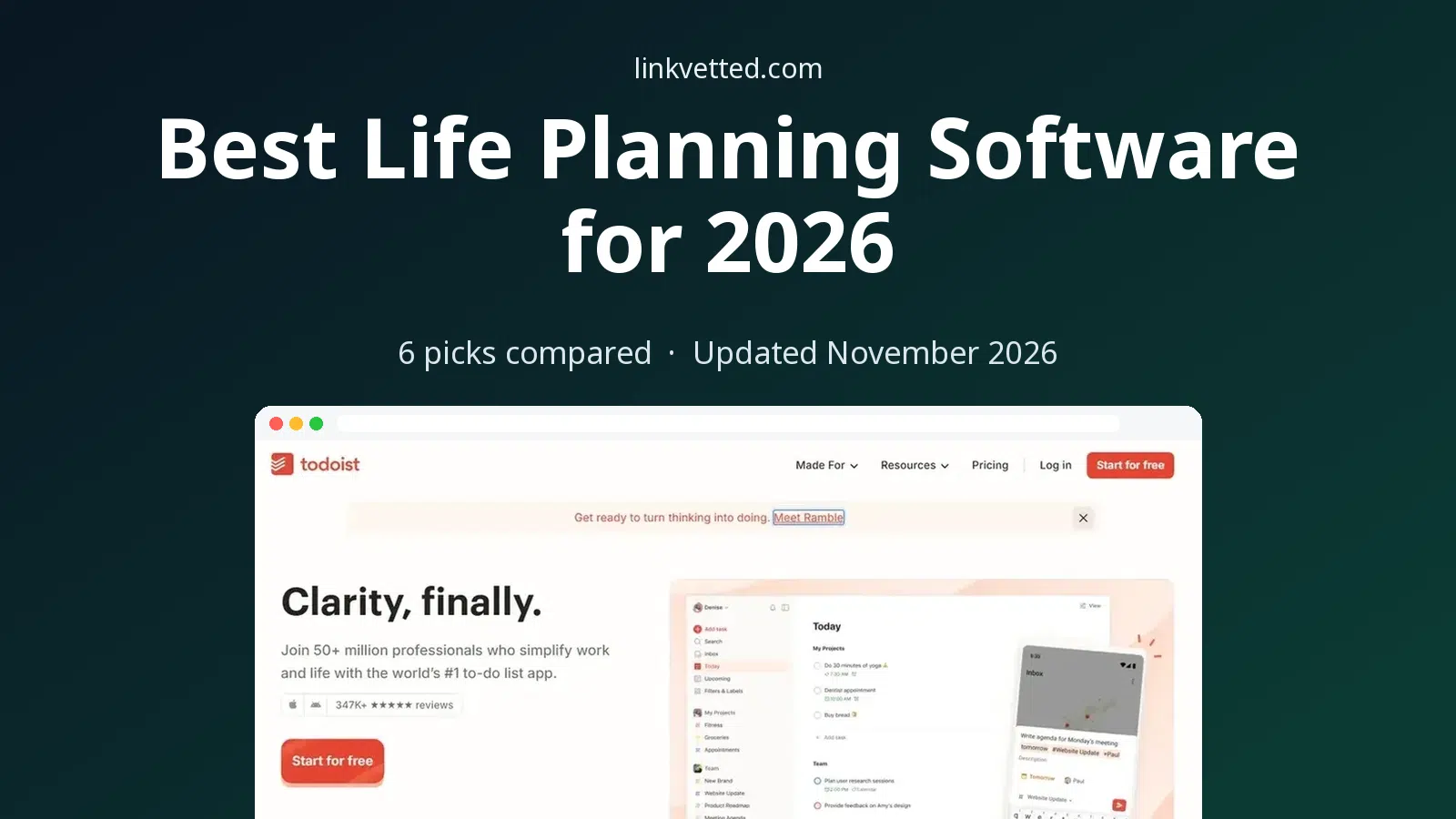
 Todoist
Straightforward daily task and routine tracking
Starts at$5 per monthVisit todoist.comFull review
Direct answer
This list puts Asana first for structured multi-person planning. Listed starting prices: Asana from $10.99 per user per month, Todoist from $5 per month and Notion from $10 per member per month. For a different need, Google Keep covers fast notes and light checklists and Todoist covers straightforward daily task and routine tracking. The remaining 3 options are covered below with prices and limits.
TL;DR:
- Top of the list is Asana, which targets structured multi-person planning.
- Asana comes with a trade-off: more than a solo planner needs.
- For the cheapest start, look at Todoist: $5 per month.
- 5 of 6 tools offer a free plan: Asana, Todoist, Notion, ClickUp, Trello.
- Trello fits visual board-based life planning.
Last checked November 2026. Prices and plan details were read from the vendors' own pages in November 2026; vendors change plans often, so confirm the current price on the vendor site before you buy.
Quick comparison
| Tool | Best for | Starts at | Free plan? | |
|---|---|---|---|---|
| Asana | Structured multi-person planning | $10.99 per user per month | Yes | Visit |
| Google Keep | Fast notes and light checklists | See website | Not stated | Visit |
| Todoist | Straightforward daily task and routine tracking | $5 per month | Yes | Visit |
 Notion | All-in-one personal planning workspace | $10 per member per month | Yes | Visit |
 ClickUp | Combining tasks, docs and goals | $9 per user a month | Yes | Visit |
 Trello | Visual board-based life planning | $5 per user a month | Yes | Visit |
Tool-by-tool breakdown
This LinkVetted guide covers 6 options for life planning software. Each profile lists a starting price, free plan details, strengths and drawbacks, so you can drop poor fits quickly.
Pick Asana if this describes you: structured multi-person planning. It brings more structure than a straightforward to-do list. It shines when multiple people share the plan.
Downsides: More than a solo planner needs.
If you plan alone and want speed over structure, a lighter task app is the better fit. Asana is work and project management software for teams and AI agents, aimed at planning, automating and running workflows together. Asana cost at the entry level: $10.99 per user per month. A free plan is available with Asana.
- Automation for workflows
- Work management structure
- Setup needs thought
Google Keep makes the most sense for fast notes and light checklists. Google Keep is a light note and checklist tool that is widely known for fast capture of short notes, lists and reminders.
Watch-outs: Entry-level planning features.
In practice, choose a broader workspace if your plans involve goals, timelines or shared projects. For everyday use, for life planning it works as a scratchpad for ideas, shopping lists and small routines that do not need a full system. Pricing for Google Keep is not stated here, so ask the vendor for current figures. As for free access: Not stated.
- Suits into Google accounts
- Very fast note capture
- Restricted structure for big plans
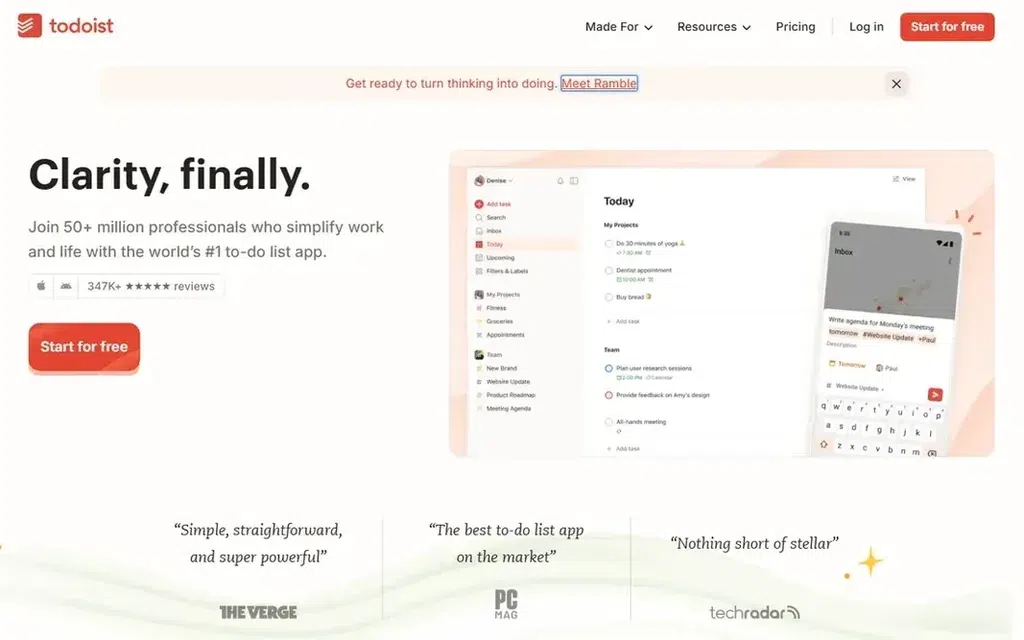
Pick Todoist if this describes you: straightforward daily task and routine tracking. Todoist is a to-do list app for organizing work and life, built around fast capture and clear task lists.
Drawbacks to consider: Planning views are task focused.
What you pay to start with Todoist: $5 per month. Todoist includes a free tier.
- Works across devices
- Takes care of recurring routines well
- Restricted for long-form notes
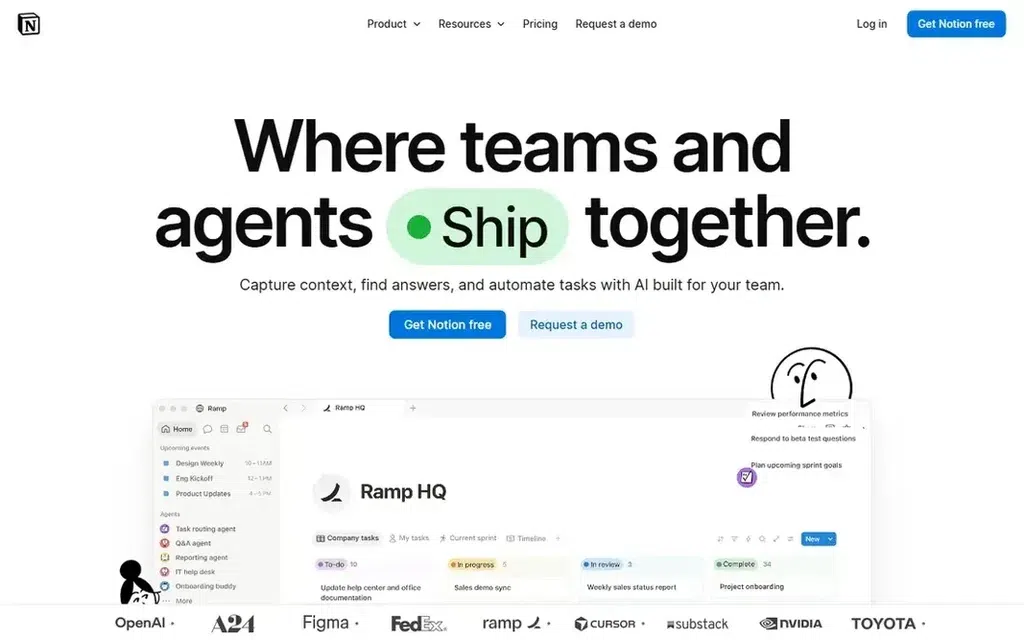
Think of Notion for all-in-one personal planning workspace. For life planning it works as a single home for goals, journals, project trackers and reference notes.
In practice, if you want a ready-made task list without design work, a dedicated to-do app is the simpler starting point. Entry price for Notion: $10 per member per month. You can start on Notion without paying.
Drawbacks to consider: Can feel open-ended at first.
- Goals and plans in one place
- Notes
- Setup takes effort
Think of ClickUp for combining tasks, docs and goals. It supplies plenty of ways to view the same work, which helps when a plan mixes projects and personal goals.
Where ClickUp stands out: Numerous view choices.
Where it is weaker: Needs time to configure. Some users will only ever need a fraction of it. The breadth of features can feel like a lot at first, and getting a clean setup takes deliberate effort. On cost, ClickUp starts like this: $9 per user per month. ClickUp offers a free plan.
- Automation and AI features
- Tasks
- Feature depth can overwhelm
Trello targets visual board-based life planning. Trello organizes to-dos on boards with lists and cards, with Inbox and Planner features and mobile access. From a buyer's view, if your planning is largely writing and reference material, a note tool may fit better.
Points against: Less suited to heavy text notes.
In daily use, Trello is not made for long documents or in-depth note taking, and large boards can become cluttered without regular cleanup. It performs best for plans with clear stages. In practice, for life planning it suits visual thinkers who like moving items through stages, for example planning a move or tracking personal projects. Trello cost at the entry level: $5 per user per month. You can start on Trello without paying.
- Simple to reorganize cards
- Clear visual boards
- Boards can sprawl over time
How we compared the tools
Each tool was reviewed on what its vendor publishes: price, plan limits, core features and stated drawbacks. We did not run hands-on tests. Plan names, prices and limits change often. Treat the figures here as a starting point and verify them with the vendor. Tools are placed by general fit for life planning software, with price clarity and free access as tie-breakers. A different team can reasonably rank them differently.
What to confirm before you sign up
- Get a written quote from Google Keep; the list shows no starting price for them.
- Check what the free option really includes: Asana, Todoist, Notion and others offer a free plan, and usage caps differ.
- Read the limits listed for Asana first: more than a solo planner needs.
- The entry price of Google Keep is only the starting point; model the full cost with seats and extras.
- Verify that exporting from ClickUp is possible on your plan and covers all your records.
FAQ
How are the tools for life planning software ordered?
The order follows typical fit for life planning software, with Asana first and Trello last, then price clarity and free access. It is editorial judgement, not a score, so another team could rank the tools differently.
Which options for life planning software have a free plan?
On this list, Asana, Todoist, Notion, ClickUp and Trello include a free plan. Caps on seats, usage or features are common, so test the free plan against your real workload.
Which tool fits visual planners?
Trello is the clearest fit since boards and cards make stages simple to see and move. ClickUp also supplies several views if you want visual boards alongside tasks and docs.
What is the cheapest option for life planning software in this list?
On published monthly entry prices, Todoist is the lowest here at $5 per month. Entry price is only part of the cost, because seats, add-ons and billing terms can change the total. For the full picture, the cards above cover all 6 entries of this life planning software list, including price, free plan and limits.
Can I plan my life with a simple to-do app?
Yes, for numerous people a task app like Todoist or Google Keep spans daily routines and short-term goals. Bigger plans involving documents, timelines or shared projects normally benefit from a workspace or project tool.
Do these tools publish their prices?
Not all of them. Google Keep publishes no starting price, so expect a quote request for it. The rest, Asana included, show a starting price, though seats and billing terms still change the final cost.
Sources
- https://asana.com
- https://keep.google.com
- https://todoist.com
- https://www.notion.so
- https://clickup.com
- https://trello.com