Best Construction Equipment Management Software in 2026: 9 Tools Compared
Compare the best construction equipment management software for 2026, with GPS tracking, maintenance, utilization, costs, and fleet tools for contractors.
- Editor's choice
 Tenna
Mixed construction fleets
Starts atSee websiteVisit tenna.comFull review - Great alternative
 HCSS Equipment360
Heavy civil maintenance
Starts atSee websiteVisit hcss.comFull review - Also consider
 Fleetio
Maintenance with published pricing
Starts at$4 per vehicle per monthVisit fleetio.comFull review
TL;DR:
- Tenna and EquipmentShare T3 are the most construction-specific picks, while Fleetio is the clearest value for maintenance-first fleets.
- Most telematics platforms use quote-based pricing, so compare hardware, contract length, and installation costs, not just the monthly fee.
- Hour-based maintenance matters more than calendar reminders for heavy equipment, because usage, not time, drives wear.
- Pair a maintenance tool with a telematics feed if you need both live location and service history in one view.
Quick comparison
| Tool | Best for | Starts at | Free plan? | |
|---|---|---|---|---|
| Tenna | Mixed construction fleets | See website | No | Visit |
| HCSS Equipment360 | Heavy civil maintenance | See website | No | Visit |
| Fleetio | Maintenance with published pricing | $4 per vehicle per month | Free trial | Visit |
 Samsara | Safety and telematics | See website | Free trial | Visit |
 Trackunit | OEM machine data | See website | No | Visit |
 EquipmentShare T3 | Rent and own fleets | See website | No | Visit |
 Hilti ON Track | Tool and asset tracking | See website | No | Visit |
 FleetWave | Fleet and workshop management | See website | No | Visit |
 Verizon Connect | Large vehicle fleets | See website | No | Visit |
The best construction equipment management software
These tools help contractors know where machines are, when they need service, and what each asset really costs to run.
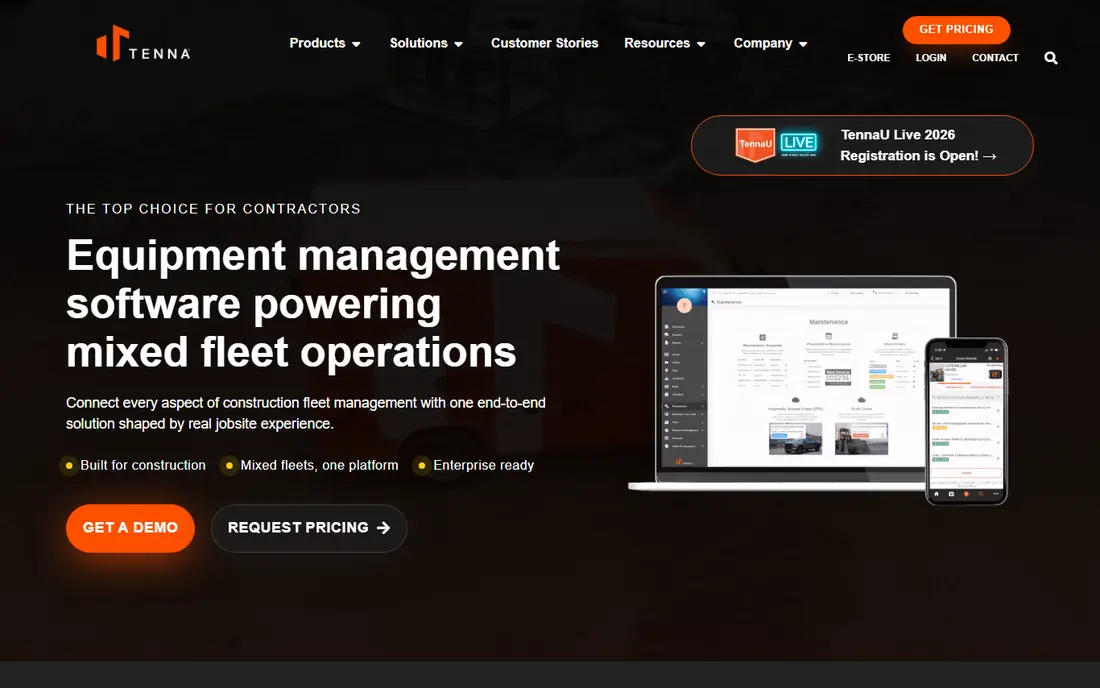
Tenna connects field, shop, and office views of a mixed fleet, covering heavy machines, trucks, attachments, and small tools in one system. Its hardware range runs from CANbus units for connected machines to Bluetooth beacons for tools and QR tags for low-value items. That breadth matters on a jobsite, where a $300,000 excavator and a $900 breaker should not need the same tracker.
The main drawback is pricing transparency. Tenna does not publish list prices, so you will need a quote based on fleet size, hardware, and services. Deployments are project managed and can take weeks. For contractors running several active sites with a mixed fleet, the construction-specific workflows often justify that effort.
- Built for construction mixed fleets
- Wide hardware range from machines to tools
- Hour-based maintenance
- Quote-only pricing
- Rollout can take weeks
- Newer ownership may raise roadmap questions
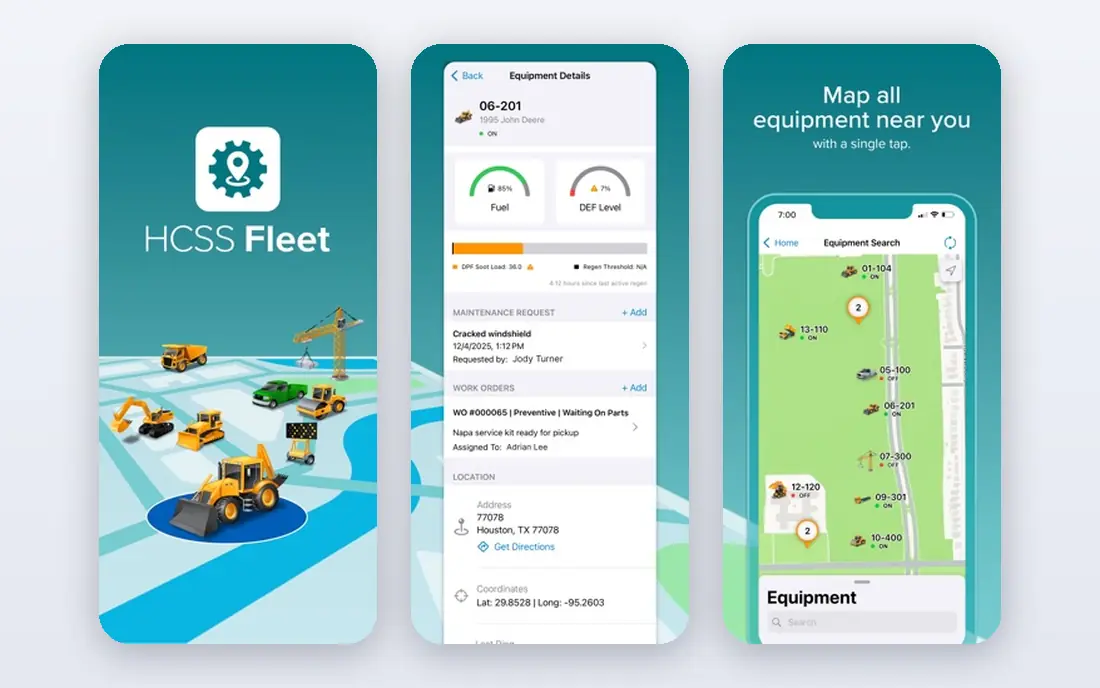
HCSS Equipment360 is built for heavy civil and infrastructure contractors that need tight control over equipment costs. It tracks maintenance, repairs, fuel, and utilization, and it ties equipment costs back to jobs so managers can see which machines are making money and which are draining margin. It works well alongside other HCSS products for estimating, field tracking, and safety.
Pricing is quoted based on company size and products chosen, which makes direct comparison harder. Teams that already use HCSS will get the most from Equipment360, since data flows across the suite. Teams that only need GPS tracking may find it more than they need, but teams focused on maintenance cost control will find it a strong fit.
- Deep maintenance and cost tracking
- Strong fit with other HCSS tools
- Good support reputation
- Quote-based pricing
- Best value inside the HCSS suite
- Setup takes planning
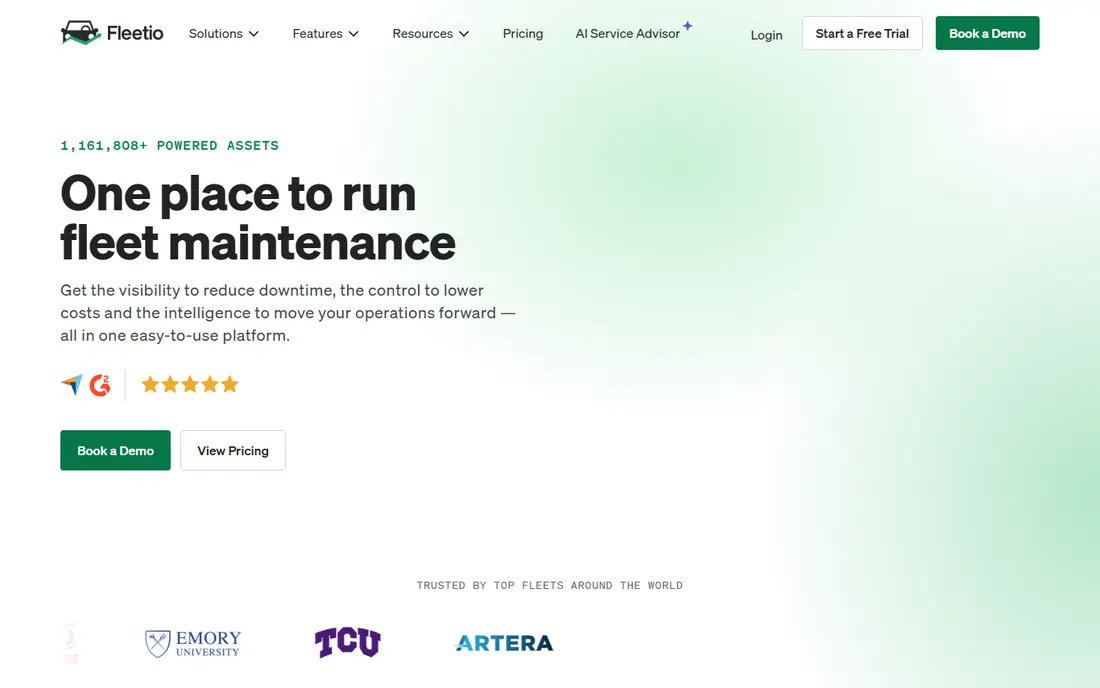
Fleetio is maintenance software, not a tracker, and that clarity is its strength. It manages service schedules, work orders, inspections, parts, and fuel logs, and it pulls odometer and location data from telematics providers such as Samsara and Geotab. The Essential plan starts at $4 per vehicle per month when billed annually, with a 14-day free trial and a five-vehicle minimum.
If your main problem is missed services, paper inspections, and unclear maintenance costs, Fleetio solves it at a lower price than full telematics platforms. If you have no telematics at all, you will need to add a tracking provider. For many fleets, that combination is still cheaper and clearer than buying an all-in-one platform that does neither job well.
- Published pricing from $4 per vehicle per month
- Hardware-agnostic integrations
- Unlimited users on plans
- No GPS hardware of its own
- Needs a telematics partner for live location
Samsara is a full telematics platform covering GPS tracking, dashcams, driver safety coaching, and compliance workflows. For construction fleets with trucks and heavy vehicles, its safety tools and real-time alerts help managers spot risky driving and coach drivers with video evidence. It also integrates with maintenance tools such as Fleetio, so service can be triggered by real usage data.
Pricing is quoted per fleet, and multi-year terms are common, so ask for hardware, camera, and installation costs in writing. Small fleets should confirm minimums and term options before signing. For vehicle-heavy operations where safety and compliance are the top concerns, Samsara is one of the strongest platforms available.
- Strong AI dashcams and safety coaching
- Wide telematics and compliance tools
- Good reporting
- Quote-only pricing
- Longer contract terms are common
- Cameras add cost
Trackunit focuses on construction equipment rather than road vehicles, and it pulls machine data from major OEM telematics systems into one view. That makes it useful for fleets with mixed brands, where each manufacturer portal alone gives only part of the picture. Utilization, location, and machine hours help managers move underused machines between sites instead of renting extra units.
Pricing is by quote, and the value depends on how many OEM feeds you need to unify. Fleets that are mostly trucks may prefer a vehicle telematics platform. Fleets that are mostly off-road machines, with several brands on site, will find Trackunit's equipment focus a better match.
- Strong OEM telematics integrations
- Equipment-focused platform
- Good utilization data
- Quote-based pricing
- Less vehicle-focused than Samsara
- Setup varies by fleet
EquipmentShare T3 is a telematics and fleet platform from a company that also rents equipment, so it understands fleets that mix owned and rented machines. It tracks location, utilization, and machine health, and it helps managers see whether a rented unit is sitting idle or an owned unit should have been rented instead. That rent-versus-own view is rare in general fleet tools.
Pricing is by quote, and teams that own their whole fleet will use only part of the platform. For contractors that regularly rent to cover peaks, T3 can pay for itself by cutting idle rental days. Check how it handles your existing OEM feeds and whether rental billing data flows into your accounting system.
- Built for contractors who rent and own
- Telematics plus rental management
- Construction focus
- Quote-only pricing
- Rental features matter less for own-only fleets
Hilti ON Track helps construction teams track tools, small equipment, and consumables that are easy to lose and expensive to replace. Assets get tags, workers check items in and out with a mobile app, and managers can see who has what and where it was last seen. That simple discipline cuts tool loss and stops crews from buying duplicates they already own.
It is not a full heavy machine telematics platform, so large fleets will still need a separate system for excavators and trucks. For tool cribs, service teams, and specialty contractors, ON Track fills a gap that GPS trackers for big machines do not cover. Ask about tag costs and user limits when you get a quote, since those drive the total for large tool inventories.
- Strong tool tracking with tags and apps
- Good for small tools and consumables
- Trusted construction brand
- Quote-based pricing
- Tool focus means less heavy machine depth
FleetWave, from Chevin Fleet Solutions, covers fleet administration, maintenance, workshops, and compliance in one system. It suits organizations that manage vehicles and plant together and need detailed cost, workshop, and driver records. Reporting is a strength, with views that help managers compare costs across depots, vehicle types, and time periods.
Pricing is by quote, and the platform's depth means setup and training take time. Smaller fleets may prefer a simpler tool with published pricing. Larger fleets and public sector teams that need configurable workflows and audit-ready records will find FleetWave worth the setup effort.
- Flexible fleet and workshop workflows
- Good reporting
- Works across vehicle types
- Quote-only pricing
- Interface takes time to learn
- Implementation needs planning
Verizon Connect offers GPS tracking, dispatch, dashcam video, and work order tools for vehicle fleets, with the backing of a large telecom network. It suits larger fleets that need coverage across regions and want tracking, driver behavior, and dispatch in one system. Field service integrations, including tools such as ServiceTitan, help service fleets tie dispatch to job completion.
The main cautions are pricing transparency and product clarity. Verizon Connect does not publish prices, and its line includes several acquired platforms, so confirm exactly which product you are buying and what contract length applies. For large vehicle fleets, it remains a strong contender, but get the quote details in writing before you commit.
- Broad telematics, dispatch, and dashcam tools
- Strong network backing
- Good for large fleets
- No published pricing
- Long terms have been common
- Product line spans several platforms
How we picked these
We compared official product pages, pricing disclosures, and public reviews for tools that manage construction equipment, not just road vehicles. We favored platforms with hour-based maintenance, OEM telematics support, or tool tracking, and we marked quote-based tools as See website rather than inventing a price. Fleetio is the only tool here with a fully published starting price, which is why it stands out on cost clarity.
What to check before you buy equipment software
Start with the asset mix. List every category you run, from heavy iron and trucks to attachments and hand tools, and check whether one platform covers them all or whether you need two tools that talk to each other. A platform that only tracks trucks will leave your most expensive machines and your most losable tools uncovered.
Hardware, contracts, and data
Ask what hardware each asset needs, who installs it, and what happens if a unit fails. Confirm contract length, early termination terms, and whether hardware is bundled or bought outright. Check which OEM feeds are supported, how often data updates, and whether maintenance alerts can trigger from engine hours rather than calendar dates. Those answers decide whether the system fits daily site work or just looks good in a demo.
FAQ
What is the best construction equipment management software?
Tenna and EquipmentShare T3 lead for construction-specific mixed fleets, while Fleetio is the best value for maintenance-first teams. The right pick depends on whether your main problem is location, maintenance cost, safety, or tool loss.
How much does construction equipment software cost?
Fleetio publishes pricing from $4 per vehicle per month, while most telematics and construction platforms are quote-based and vary by fleet size, hardware, and term. Always ask for hardware, installation, and contract costs in the same quote.
Do I need GPS trackers for every machine?
Not every asset needs the same tracker. Heavy machines benefit from telematics, trucks benefit from GPS and dashcams, and small tools often need only Bluetooth beacons or QR tags. Matching tracker cost to asset value keeps the total sensible.
Can equipment software work with my accounting system?
Many platforms integrate with construction accounting tools such as Viewpoint and Sage, and most offer APIs or exports. Confirm the exact integration before buying, since job costing is where equipment data turns into better bids.
What is the difference between fleet software and telematics?
Fleet software manages maintenance, costs, and records, while telematics supplies live location, engine data, and driver behavior from hardware. Many fleets run both, connected by an integration, rather than expecting one tool to do everything.