The 6 Best IT Onboarding Software for Hybrid Workforces in 2026, Ranked
Best IT onboarding software for hybrid workforces: 6 contenders ranked by fit, with entry costs and free tiers. With pricing notes and limits. Easy to scan.
- Editor's choice
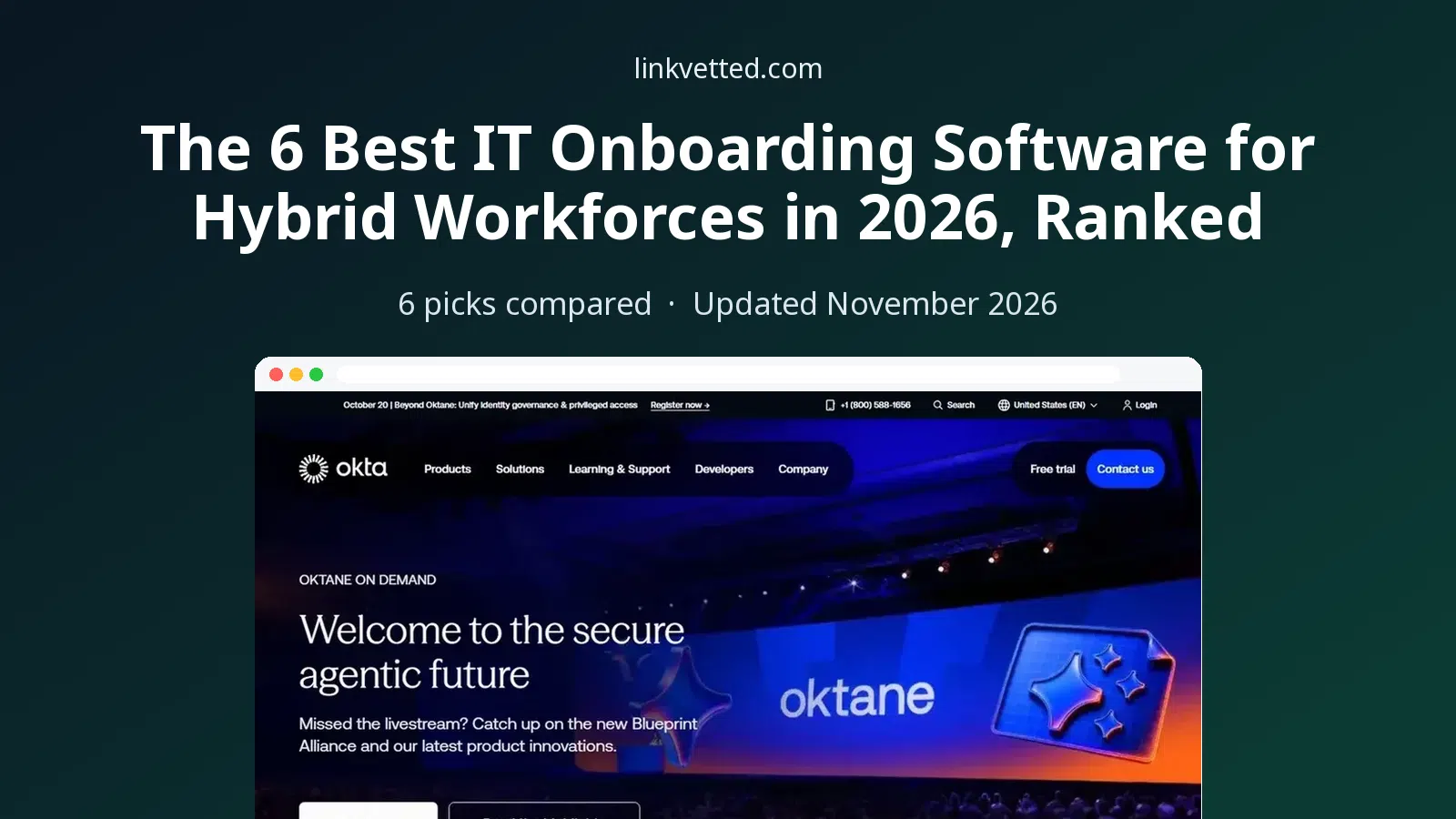
 Okta
Identity-centric secure access
Starts at$6 per user per monthVisit okta.comFull review - Great alternative
 Microsoft Intune
Device-first hybrid endpoint management
Starts atSee websiteVisit microsoft.comFull review - Also consider
 Workato
Automating cross-app onboarding workflows
Starts at$100 per monthVisit workato.comFull review
Direct answer
Okta is the first pick on this list for identity-centric secure access. Listed starting prices: Okta from $6 per user per month, Workato from $100 per month and BambooHR from $10 per employee a month. Alternatives: Microsoft Intune for device-first hybrid endpoint management, and Workato for automating cross-app onboarding workflows. All 6 tools are compared below on price, free plan and limits.
TL;DR:
- Number one here is Okta, a fit for identity-centric secure access.
- Enboarder is the one to check for personalized cross-functional onboarding journeys.
- Okta has the lowest monthly starting price in this list: $6 per user per month.
- Just one of the 6 tools, Workato, has a free plan.
Last checked November 2026. Prices and plan details were read from the vendors' own pages in November 2026; vendors change plans often, so confirm the current price on the vendor site before you buy.
Quick comparison
| Tool | Best for | Starts at | Free plan? | |
|---|---|---|---|---|
| Okta | Identity-centric secure access | $6 per user per month | Free trial | Visit |
| Microsoft Intune | Device-first hybrid endpoint management | See website | Not stated | Visit |
| Workato | Automating cross-app onboarding workflows | $100 per month | Yes | Visit |
 BambooHR | HR-led onboarding with people records | $10 per employee a month | No | Visit |
 Rippling | Unified HR and IT onboarding | $8 per employee a month | Not stated | Visit |
| Enboarder | Personalized cross-functional onboarding journeys | See website | Not stated | Visit |
IT Onboarding Software for Hybrid Workforces, one by one
LinkVetted compared 6 IT onboarding software for hybrid workforces. The goal is a practical shortlist: published prices, free plan facts, best-fit use cases and honest limits for every entry.
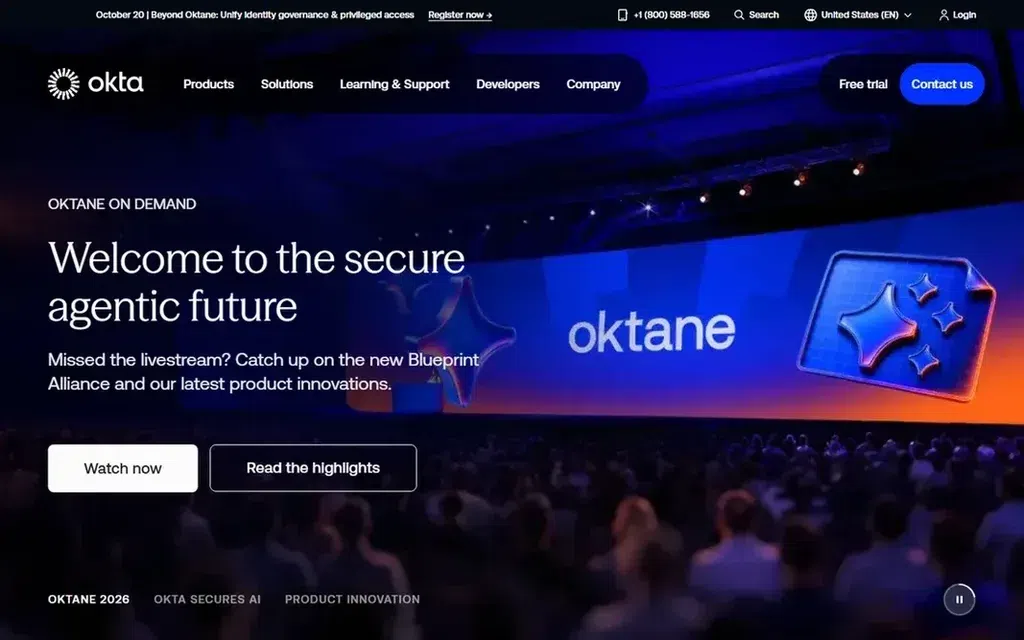
Where Okta fits: identity-centric secure access. Okta describes its systems as enabling secure access, authentication and automation, putting identity at the heart of business security and growth.
Honest limits: Needs integration with other systems.
For hybrid onboarding, that translates to giving new hires the right access to apps from day one whereas keeping control centralized. Beyond that, teams looking for a single system including everything may prefer a broader product. Okta starts at: $6 per user per month. Free access: Free trial.
- Secure access and authentication
- Platforms span employees and customers
- Does not manage devices
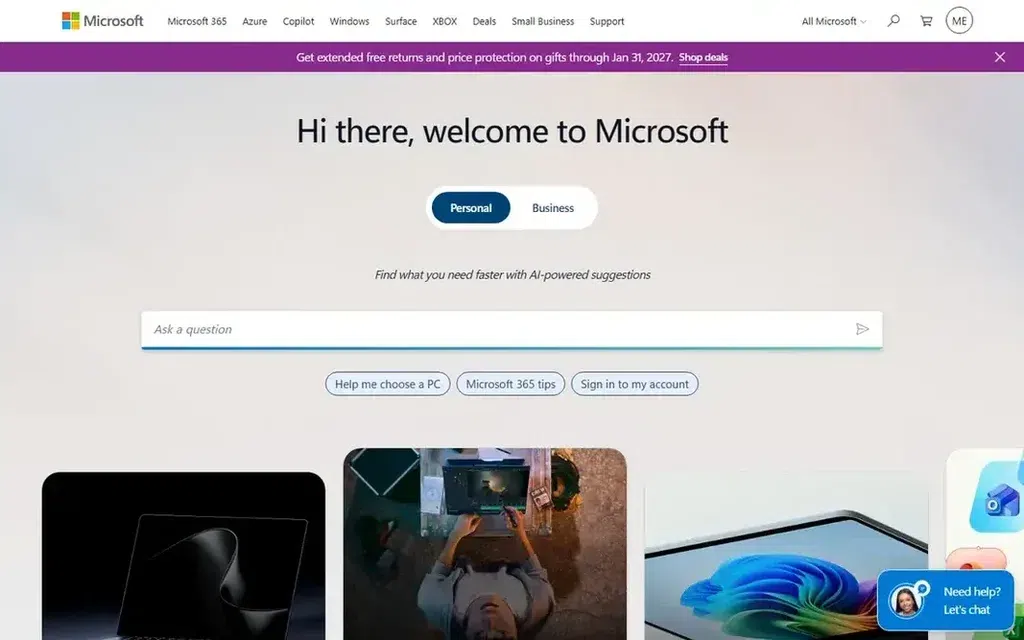
Microsoft Intune is a good fit for device-first hybrid endpoint management. Microsoft Intune is a unified endpoint management option, and its documentation flags core capabilities, features and benefits for driving operational efficiency.
More specifically, in a hybrid workforce, it is most relevant for getting laptops, phones and other endpoints configured and compliant for new hires. Pricing for Microsoft Intune is not stated here, so ask the vendor for current figures. Free plan details: Not stated.
Trade-offs to know: Centred on devices instead of people flows.
- Geared toward operational efficiency
- Core capabilities for device control
- Best understood as part of a broader stack
Workato was built for automating cross-app onboarding workflows. Workato links apps, data, workflows and AI agents on one enterprise system to securely orchestrate, automate and govern work. Choose it when cross-system automation is the core requirement.
Points against: Needs workflow design effort.
In daily use, Workato is a system for building automation, not an out-of-the-box onboarding product, so it demands design and maintenance effort. Also, in onboarding, that means building automatic flows that link HR, IT and other systems so a new hire's setup happens consistently. What you pay to start with Workato: $100 per month. Workato includes a free tier.
- Orchestrates automation across systems
- Supports governance of work
- Not a dedicated onboarding product
BambooHR is designed for HR-led onboarding with people records. For hybrid onboarding, it supplies the people record and workflow backbone that new-hire setup can build on.
Also, BambooHR centers on HR instead of devices or identity, so IT-specific onboarding tasks rely on connected tools. More specifically, teams seeking deep endpoint or access automation should pair it with a specialized system. Starting cost for BambooHR: $10 per employee per month. No free plan comes with BambooHR.
What to check first: Not an endpoint management tool.
- Includes hire to retire
- Payroll and benefits included
- IT provisioning needs integrations
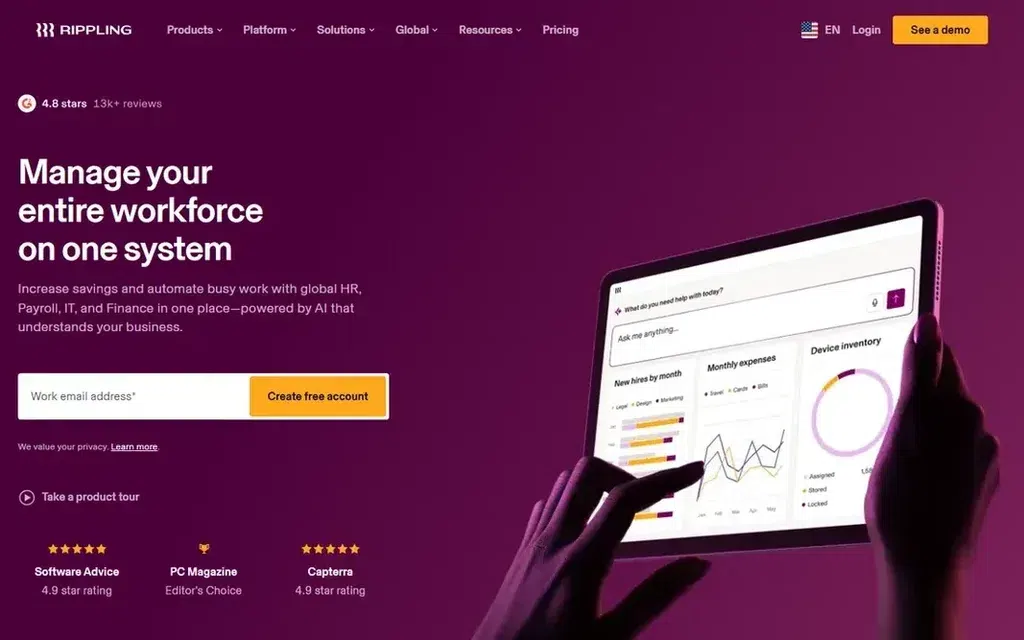
Rippling is built with unified HR and IT onboarding in mind. Rippling presents itself as a workforce management system that combines HR, IT and Finance apps on a unified data system.
For hybrid onboarding, that means employee records, device setup and app access can be coordinated from one place instead of stitched together from separate systems. From a buyer's view, since Rippling spans numerous functions, teams with a very narrow onboarding need may find it broader than necessary. What you pay to start with Rippling: $8 per employee per month. As for free access: Not stated.
Highlights: Runs on one unified data product. Where it falls short: Full value relies on adopting the system.
- IT and Finance apps
- Cuts friction across onboarding steps
- Wide scope may exceed narrow needs
Enboarder
Best for: Personalized cross-functional onboarding journeys
Pick Enboarder if this describes you: personalized cross-functional onboarding journeys. For hybrid workforces, it is geared toward the experience side of onboarding, coordinating steps and communication across teams.
In practice, choose it when the onboarding experience and cross-team coordination are the central goals. This comparison lists no price for Enboarder; ask the vendor. Free options: Not stated.
Where it is weaker: Best paired with an HR system.
- Personalized onboarding at scale
- Concentrates on employee journeys
- Restricted IT provisioning depth
How we built this list
Each tool was reviewed on what its vendor publishes: price, plan limits, core features and stated drawbacks. We did not run hands-on tests. Treat prices as a snapshot: vendors change plans often, so check the vendor site for the figure that applies today. The order reflects how well each tool fits the most common buying scenario for IT onboarding software for hybrid workforces, then price clarity, then free plan access. It is a starting point, not a verdict.
What to confirm before you sign up
- Get a written quote from Microsoft Intune and Enboarder; the list shows no starting price for them.
- Look at the free plan from Workato closely: its caps decide whether it is usable for real work.
- Take the trial from Okta and push a live task through it before you pay.
- Before choosing Okta, weigh its main limit: does not handle devices.
- Let daily users try BambooHR on real work; their feedback beats any feature checklist.
- Total up the real monthly cost of Microsoft Intune, including add-ons, extra users and usage-based fees.
FAQ
What is the cheapest option for IT onboarding software for hybrid workforces in this list?
On published monthly entry prices, Okta is the lowest here at $6 per user per month. Entry price is only part of the cost, because seats, add-ons and billing terms can change the total. Prices, free plan details and limits for all 6 tools in this IT onboarding software for hybrid Workforces roundup sit on the individual cards above.
Where does the employee experience fit in IT onboarding?
Tools like Enboarder focus on personalized, cross-functional journeys, guiding new hires through their first days across teams. For everyday use, pairing experience-focused software with provisioning tools hands coverage of both sides of onboarding.
Do these tools publish their prices?
Not all of them. Microsoft Intune and Enboarder publish no starting price, so expect a quote request for those. The rest, Okta included, show a starting price, though seats and billing terms still change the final cost.
Can I try these tools before paying?
Often, yes. Workato has a free plan and Okta offers a free trial. Use your own data and a real task during the test, and check what the free tier or trial limits before you rely on it.
Is Okta the right pick for everyone comparing IT onboarding software for hybrid workforces?
No single tool suits every team. Okta comes first because it fits identity-centric secure access, while Microsoft Intune suits device-first hybrid endpoint management and Workato suits automating cross-app onboarding workflows. Match the tool to your own size, budget and workflow before deciding.
Sources
- https://www.okta.com
- https://www.microsoft.com/en-us/security/business/endpoint-management/microsoft-intune
- https://www.workato.com
- https://www.bamboohr.com
- https://www.rippling.com
- https://enboarder.com