Best HR Software for Hourly Workforces in 2026: 8 Tools Compared
We compare 8 tools for best hr software for hourly workforces, with scheduling, time clocks, payroll links, and free plans for shift-based teams. in 2026
- Editor's choice
 Homebase
Small hourly teams that want scheduling plus payroll
Starts atFreeVisit joinhomebase.comFull review - Great alternative
 Deputy
Compliance heavy scheduling for growing teams
Starts at$5 per user per monthVisit deputy.comFull review - Also consider
 When I Work
Low cost scheduling for shift teams
Starts at$2.50 per user per monthVisit wheniwork.comFull review
TL;DR:
- Homebase, Connecteam, and Sling offer free plans that suit small hourly teams, while Deputy and When I Work offer low per user prices for growing teams.
- Scheduling, time tracking, and payroll links matter more than a long feature list, because errors in hours flow straight into pay.
- Restaurant and retail teams should check POS links, tip handling, and labor cost reports before choosing.
- Mobile apps matter most for hourly staff, so test clock in, shift swaps, and messaging on a phone before you commit.
Quick comparison
| Tool | Best for | Starts at | Free plan? | |
|---|---|---|---|---|
| Homebase | Small hourly teams that want scheduling plus payroll | Free | Yes | Visit |
| Deputy | Compliance heavy scheduling for growing teams | $5 per user per month | Free trial | Visit |
| When I Work | Low cost scheduling for shift teams | $2.50 per user per month | Free trial | Visit |
 7shifts | Restaurants that need scheduling through payroll | See website | Yes | Visit |
 Connecteam | Deskless teams that want one employee app | $29 per month | Yes | Visit |
 Sling | Budget teams that want free scheduling | See website | Yes | Visit |
 ZoomShift | Small teams that want simple scheduling | $2 per active user per month | Yes | Visit |
 Workstream | Hourly hiring plus scheduling and HR | See website | No | Visit |
The best hr software for hourly workforces
Hourly teams need tools that handle shifts, availability, time clocks, and pay without a desk based workflow. The tools below all support shift scheduling and mobile access, but they differ on payroll, compliance, and price structure.
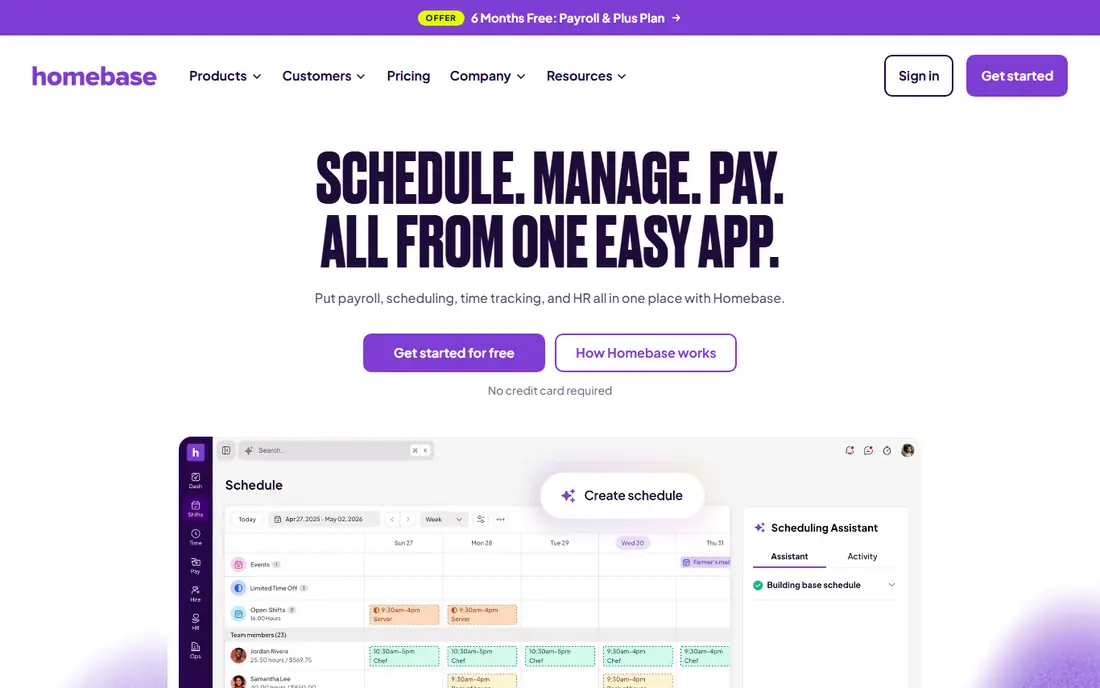
Homebase is our pick for small hourly teams because the free plan is genuinely usable. One location with up to 10 employees can schedule shifts, run a time clock, and message staff without paying, which helps a cafe, shop, or clinic test the workflow before committing. Paid plans add more locations, advanced scheduling help, and payroll as an add on.
The catch is per location pricing. A firm with several sites should model total cost across all locations, not just one. Payroll is also an add on rather than a core part of the free plan. For a single site team that wants one app for hiring, scheduling, time, and pay, Homebase is a strong and low risk start.
- Free Basic plan for one location and up to 10 employees
- Scheduling, time clock, and hiring in one app
- Optional payroll add on for small firms
- Pricing is per location, so multi site costs rise
- Some scheduling and PTO controls sit on higher tiers

Deputy suits teams where labor rules matter. Scheduling can respect availability, qualifications, and labor rules, while timesheets flow to payroll with approvals. That control helps retail, hospitality, and care teams that face overtime rules, break rules, and fair workweek requirements in some cities.
The Lite plan starts at $5 per user per month, which is fair for the depth offered, but per user billing means costs grow with staff numbers. There is no free plan, only a trial, so use the trial to test a full pay cycle. If compliance and multi location control are priorities, Deputy earns its price.
- Strong scheduling with compliance and award controls
- Good integrations with QuickBooks, Xero, and payroll tools
- Clear timesheet and approval flow
- No free plan, only a trial
- Price rises with headcount on per user billing
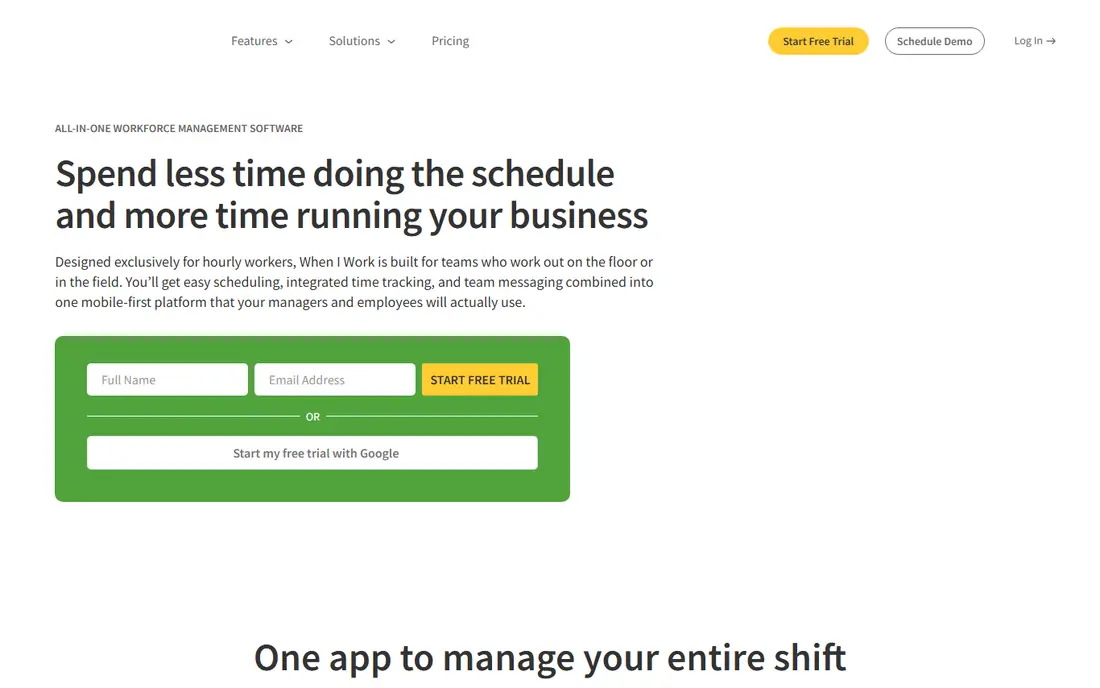
When I Work is the budget pick for teams that mainly need scheduling done well. Managers can build a schedule quickly, staff can swap shifts and set availability from a phone, and messaging keeps the team in one place. The starting price of $2.50 per user per month keeps costs low for larger hourly teams.
The trade off is that time tracking sits as an add on on some plans, so check the total price for scheduling plus time. There is no free plan, only a trial, so plan a test week with real staff. For teams that want simple, fast scheduling without a large HR suite, When I Work is easy to learn and easy to budget.
- Low starting price for scheduling
- Simple shift swaps and team messaging
- Good payroll and accounting links
- No free plan, only a 14 day trial
- Time tracking is an add on for some plans
7shifts is the restaurant specialist in this list. Scheduling links to POS sales data, labor cost reports show whether a shift plan fits the budget, and tip and payroll features help restaurants close the loop from schedule to pay. That restaurant focus shows in features such as availability, time off, and team communication built around shift work.
The free plan covers basic scheduling for a small restaurant, while paid plans add labor controls and payroll. Pricing is per location, so a restaurant group should quote all sites together. For a single restaurant or a small group, 7shifts feels purpose built in a way general HR tools do not.
- Built for restaurant scheduling, tips, and labor cost
- POS integrations for sales and labor data
- Free plan for basic scheduling
- Pricing is per location, so multi site costs need modeling
- Time tracking app is separate in some setups
Connecteam suits deskless teams that need more than scheduling. The free plan gives teams under 10 users full access, which is generous and lets a small crew test scheduling, time tracking, communication, and training together. Paid plans start at $29 per month for the first 30 users, which keeps early growth affordable.
The broad scope is both a strength and a risk. Teams that only need shifts may find the extra tools distracting at first, though most settle into the parts they use daily. For field, retail, and service teams that want one employee app rather than several separate tools, Connecteam is a strong choice.
- Free plan for teams under 10 users with full access
- Scheduling, time clock, forms, and training in one app
- Strong mobile experience for deskless staff
- Paid pricing is per month for a user block, so check the next tier
- Broad feature set can feel large at first
Sling is a good fit for budget minded teams that want free scheduling with messaging. The free plan covers scheduling essentials for up to 30 users, including shift swaps and team chat, which is more generous than many rivals. Paid tiers add time tracking, labor cost controls, and reporting at a low per user price.
The limit is depth. Advanced reporting and some payroll links sit on higher tiers, and the integration catalog is smaller than larger platforms. For a small team that mainly needs a clear schedule, easy swaps, and a way to message staff, Sling keeps costs near zero and setup simple.
- Free scheduling essentials for up to 30 users
- Team messaging and shift swaps included
- Low paid price for time and labor features
- Deeper time tracking and reporting sit on paid tiers
- Smaller integration range than Deputy or Homebase
ZoomShift is a quiet, simple option for small hourly teams. The free plan covers up to 20 users at one location, with schedule templates, reminders, and timesheets on paid tiers. Paid pricing per active user keeps costs tied to staff who actually work, which helps seasonal teams.
The trade off is scope. ZoomShift does not try to be a full HR and payroll suite, so firms that need hiring, benefits, and payroll in one place should look at Homebase or Deputy. For a team that wants a clean schedule, clear availability, and simple time tracking, ZoomShift is easy to run.
- Free plan for up to 20 users at one location
- Simple schedule templates and reminders
- Low paid price per active user
- Fewer HR and payroll features than Homebase
- Smaller team and support footprint than larger vendors
Workstream stands out for firms that hire hourly staff at volume. Recruiting by text, screening, onboarding, scheduling, and HR live in one workflow built for quick service, retail, and hospitality. That hiring focus matters when turnover is high and a manager needs to fill shifts quickly without a separate recruiting tool.
Pricing is quoted, which makes budgeting harder, and firms that only need scheduling may find the suite larger than needed. For multi location hourly employers that struggle most with hiring and retention, Workstream addresses the full cycle from application to first shift, which is a different strength than scheduling alone.
- Built for hourly hiring with text based recruiting
- Scheduling, time, and HR in one hourly focused suite
- Good fit for multi location quick service firms
- Pricing is quoted, so comparison needs a sales call
- Less suited to firms that only need scheduling
How we picked these
We compared official pricing pages, free plan limits, scheduling and time clock features, mobile apps, and payroll links for HR tools built for hourly work in October 2026. We favored tools with a usable free or low cost entry point, clear shift swap and availability flows, and a mobile experience that hourly staff can use without training. We mixed single site tools with multi location platforms, so small firms and growing groups can compare fairly.
How to run hourly scheduling without pay errors
Start by defining the rules that affect pay: overtime thresholds, break rules, shift differentials, and approval steps for edited timesheets. Put those rules in the tool before you publish the first schedule, and test a full pay cycle with a small group. Errors found in a pilot are cheap, while errors found after payroll runs are costly and damage trust.
Scheduling, availability, and swaps
Collect availability and time off in the app, not by text or paper, so the schedule reflects real constraints. Publish schedules early, allow swaps with manager approval, and track labor cost against sales or demand as you build each week. A schedule that staff can see, swap, and confirm from a phone reduces no shows and last minute calls.
Time clocks, approvals, and payroll links
Use a time clock with location or photo checks when your policy requires them, and require manager approval for edited timesheets. Sync approved hours to payroll or export a clean report each cycle, and keep a record of changes. That chain from clock in to pay is where hourly HR tools earn their keep, because it cuts manual entry and disputes.
FAQ
What is the best HR software for hourly workforces on a tight budget?
Homebase, Connecteam, and Sling offer free plans that cover scheduling for small teams, while When I Work starts at $2.50 per user per month for paid scheduling. Pick based on team size and whether you need payroll links, because a free plan that lacks payroll may still need a separate pay tool.
Do hourly staff need a computer to use these tools?
No, all the tools in this list offer mobile apps for iOS and Android. Staff can view schedules, set availability, swap shifts, clock in, and message managers from a phone. Managers should still test the mobile flow with real staff, because a desktop demo does not show how a shift swap feels on a small screen.
Can these tools handle overtime and labor law rules?
Deputy and 7shifts offer stronger compliance and labor cost controls, while simpler tools cover basic overtime and break tracking. Check your local and state rules, especially for fair workweek laws in some cities, and confirm that the tool you choose supports those rules before you rely on it for scheduling.
Should we use the same tool for hiring and scheduling?
Workstream and Homebase cover hiring beside scheduling, which helps firms with high turnover. Firms with stable teams may prefer a scheduling focused tool and a separate hiring tool. Choose based on where your biggest pain sits: filling roles, or running shifts once staff are hired.
How do payroll links work with hourly HR software?
Approved timesheets sync to payroll directly or export as a clean report for your payroll provider. Some tools offer built in payroll as an add on, while others link to QuickBooks, Gusto, Xero, or ADP. Confirm that your payroll system is supported and test one full pay cycle before you switch.