The 6 Best HR Software for Manufacturing in 2026, Ranked
Comparing the best HR software for manufacturing? 6 contenders, each with entry cost, free tier and best-fit buyer. Plain-spoken summaries throughout. No hype.
- Editor's choice
 Paycom
Single-database HR and payroll automation
Starts atPricing on requestVisit paycom.comFull review - Great alternative
 Workday HCM
Large enterprises unifying HR and finance
Starts atPricing on requestVisit workday.comFull review - Also consider
 UKG Pro
Shift-based HR and payroll operations
Starts atPricing on requestVisit ukg.comFull review
Direct answer
This list puts Paycom first for single-database HR and payroll automation. For a different need, Workday HCM covers large enterprises unifying HR and finance and UKG Pro covers shift-based HR and payroll operations. Free plan facts and limits for all 6 tools follow. None of these vendors publish plan prices, so pricing is on request for every option.
TL;DR:
- Top of the list is Paycom, which targets single-database HR and payroll automation.
- No starting price is shown for any of the 6 tools, Paycom and Infor Human Resources included, so plan time for sales calls.
- Neither Paycom nor Infor Human Resources, nor any of the other 4 tools, has a permanent free plan; trials and quotes are the norm.
- Infor Human Resources is the one to check for industry-specific cloud HR for manufacturers.
Last checked November 2026. Pricing on request: vendors did not publish plan prices when this guide was last checked (November 2026), so ask each vendor for a written quote.
Quick comparison
| Tool | Best for | Starts at | Free plan? | |
|---|---|---|---|---|
| Paycom | Single-database HR and payroll automation | Pricing on request | Not stated | Visit |
| Workday HCM | Large enterprises unifying HR and finance | Pricing on request | Not stated | Visit |
| UKG Pro | Shift-based HR and payroll operations | Pricing on request | Not stated | Visit |
 SAP SuccessFactors | Talent development and process automation | Pricing on request | Not stated | Visit |
 ADP Workforce Now | Scalable payroll and HR for expanding businesses | Pricing on request | Not stated | Visit |
| Infor Human Resources | Industry-specific cloud HR for manufacturers | Pricing on request | Not stated | Visit |
Every option for HR software for manufacturing explained
This LinkVetted guide covers 6 options for HR software for manufacturing. Each profile lists a starting price, free plan details, strengths and drawbacks, so you can drop poor fits quickly.
Paycom makes the most sense for single-database HR and payroll automation. Consider alternatives if you need deeper specialized workforce management.
Honest limits: Confirm fit for complicated manufacturing rules.
More specifically, Paycom presents its HR and payroll software as full-solution automation across the whole employee life cycle, all in a single database, with the goal of helping employees and leaders work smarter. Check the vendor site for Paycom pricing; none is listed in this comparison. Free access: Not stated.
- Full-solution automation across the employee lifecycle
- Single database for HR and payroll data
- Automation model may not suit every workflow
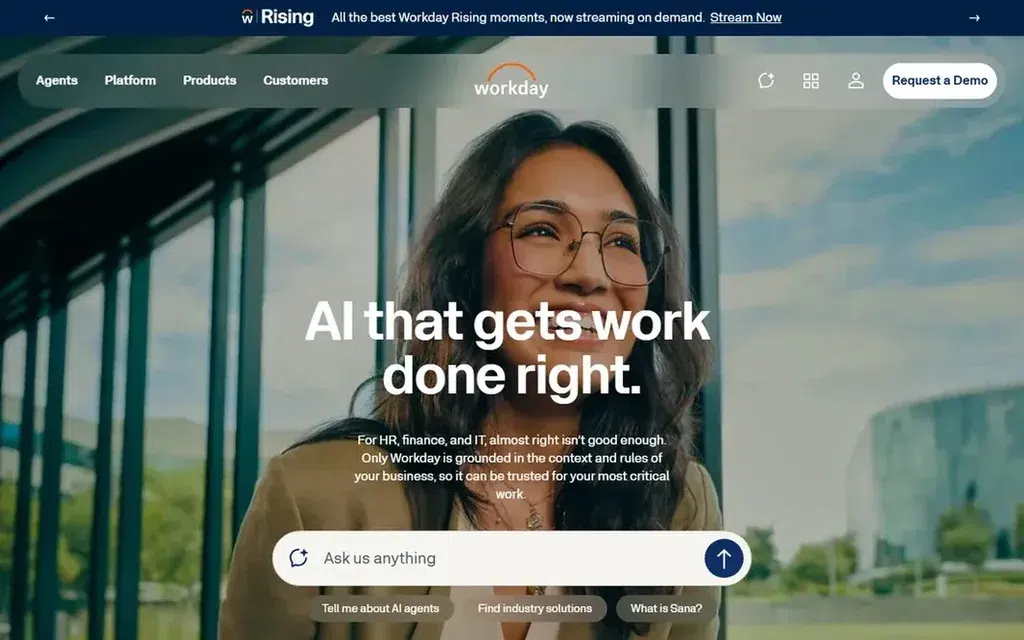
In short, Workday HCM is for large enterprises unifying HR and finance. Organizations seeking fast payroll-centric deployment with minimal configuration should weigh simpler choices.
Limits to weigh: Configuration demands specialist resources.
What Workday HCM does well: Capable fit for complicated global structures.
This comparison lists no price for Workday HCM; ask the vendor. Free plan details: Not stated.
- Finance and IT
- Enterprise-grade AI capabilities
- Enterprise focus can be heavy for small businesses
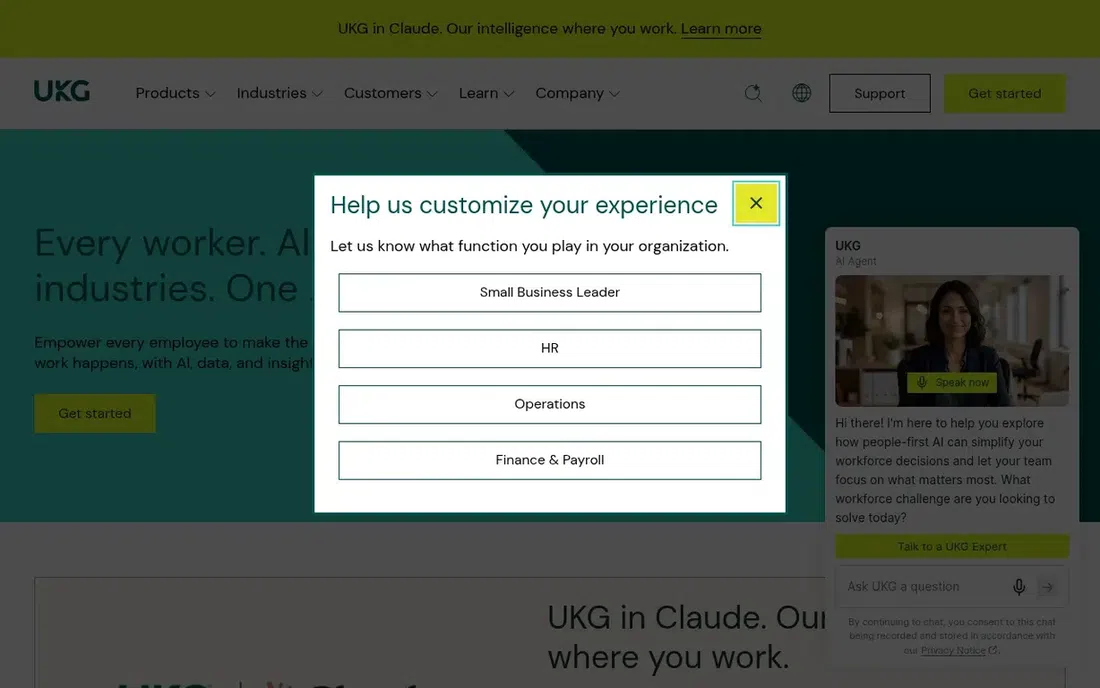
UKG Pro is a good fit for shift-based HR and payroll operations. It tends to fit mid-sized and bigger manufacturers that want one connected system for people data and shift operations instead of separate tools stitched together.
Watch-outs: May be more than small plants need.
Highlights: Workforce intelligence focus for operations.
Also, consider a lighter payroll-centered product if your scheduling needs are minimal and speed of setup matters more than operational depth. No starting price is listed for UKG Pro here; confirm pricing on the vendor site. On free options: Not stated.
- Suits complicated hourly scheduling needs
- Payroll and workforce management
- Wide suite can take time to configure
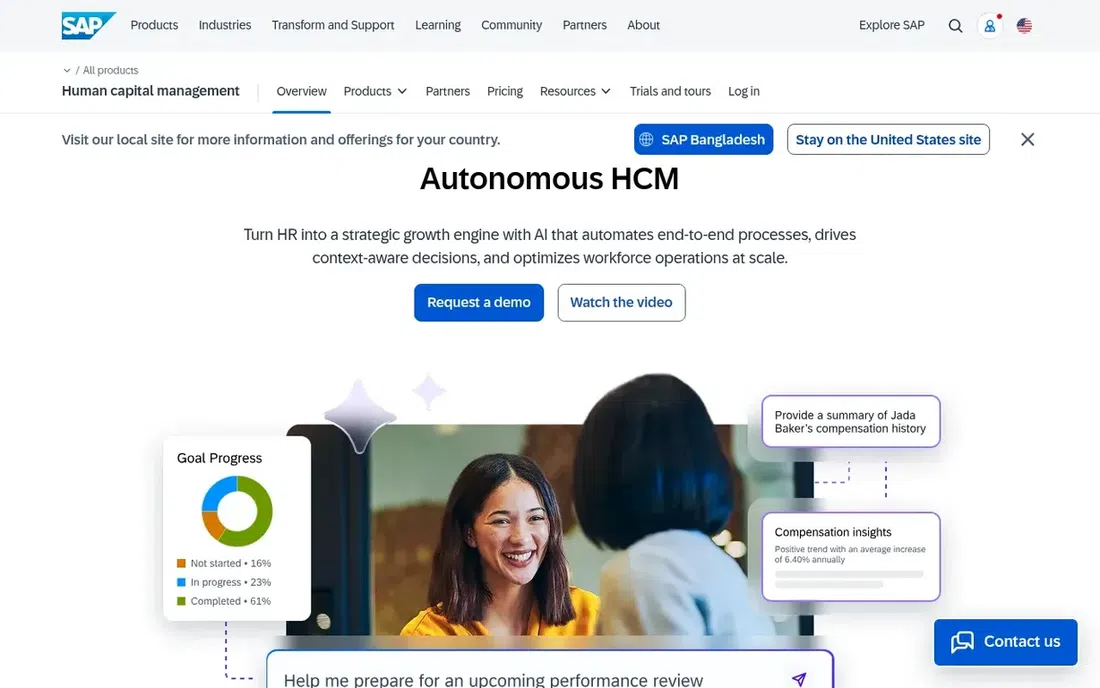
For talent development and process automation, SAP SuccessFactors is a natural candidate. Manufacturers already running SAP for operations or finance frequently find value in aligning workforce processes with the wider enterprise landscape. For everyday use, SuccessFactors carries the complexity usual of a thorough enterprise suite, and getting value relies on disciplined processes and capable administrators.
Consider it when talent depth and process automation outweigh the appeal of a more straightforward, payroll-first tool. Smaller manufacturers without existing SAP investments may find the fit less natural. No starting price is listed for SAP SuccessFactors here; confirm pricing on the vendor site. As for free access: Not stated.
Points against: Needs internal process discipline.
- Wide human capital management coverage
- Emphasis on talent development
- Suite complexity can slow adoption
ADP Workforce Now is built with scalable payroll and HR for expanding businesses in mind. ADP Workforce Now sits within ADP's payroll, tax, HR and HCM offerings, which the vendor describes as made for firms of every size and built to scale.
More specifically, choose ADP when payroll reliability and scalable HR basics are the core requirement. Manufacturers with intricate plant scheduling should confirm those capabilities straight. ADP Workforce Now does not show a starting price in this comparison, so check the vendor site for current pricing. Free plan details: Not stated.
Trade-offs to know: Experience varies by selected modules.
- Payroll
- Tax and HR in one provider
- Less specialized for complicated plant scheduling
Infor Human Resources
Best for: Industry-specific cloud HR for manufacturers
Infor Human Resources is built with industry-specific cloud HR for manufacturers in mind. Manufacturers commonly appreciate that industry orientation, since HR data often needs to align with operational and plant systems. It tends to fit organizations in manufacturing and similar sectors that want HR software shaped around their industry instead of a purely generic product.
Choose Infor when industry alignment and integration with operational systems matter more than a straightforward, quick deployment. For everyday use, manufacturers outside that ecosystem should compare carefully against standalone HR products. Industry-specific configuration can add implementation complexity, and the value is greatest when Infor already supports other parts of your business. Check the vendor site for Infor Human Resources pricing; none is listed in this comparison. Free plan details: Not stated.
Limits to weigh: Fit relies on your existing Infor footprint.
- Industry-specific enterprise software focus
- Cloud-based with purpose-built AI
- Industry configuration may add complexity
What went into this list
For each of the 6 tools we noted price, free plan or trial, fit for HR software for manufacturing and the main limit, using vendor pages and documentation. Where a price is missing, the vendor does not list one publicly or ties it to a quote. Always confirm before budgeting. We ordered the tools by general fit, then by how clearly pricing is shown, then by free access. A buyer with unusual needs may reorder them.
Questions to settle before buying
- Request quotes from Paycom, Infor Human Resources and the others; the list shows no fixed prices.
- Read the limits listed for Paycom first: automation model may not suit every workflow.
- Look at the help docs and support options for ADP Workforce Now before you commit.
- Price Infor Human Resources for your actual team size; headline prices rarely include add-ons or overage.
- Ask Workday HCM whether prices are locked for the first term and what happens at renewal.
FAQ
Can I try these tools before paying?
Not by default. None of the tools, from Paycom to Infor Human Resources, lists a free plan or a free trial here, so ask each vendor for a demo before committing.
Is Paycom the right pick for everyone comparing HR software for manufacturing?
No single tool suits every team. Paycom comes first because it fits single-database HR and payroll automation, while Workday HCM suits large enterprises unifying HR and finance and UKG Pro suits shift-based HR and payroll operations. Match the tool to your own size, budget and workflow before deciding.
Do these tools publish their prices?
No. None of the tools, from Paycom to Infor Human Resources, shows a fixed starting price here, so budget time for quotes.
How are the tools for HR software for manufacturing ordered?
The order follows typical fit for HR software for manufacturing, with Paycom first and Infor Human Resources last, then price clarity and free access. It is editorial judgement, not a score, so another team could rank the tools differently.
Sources
- https://www.paycom.com
- https://www.workday.com
- https://www.ukg.com
- https://www.sap.com/products/hcm.html
- https://www.adp.com
- https://www.infor.com