Best Payroll Software for Manufacturing in 2026: 8 Tools Compared
Compare the best payroll software for manufacturing in 2026, from Gusto and Rippling to ADP and Dayforce, with shift pay, overtime, taxes and pricing.
- Editor's choice
 Gusto
Small manufacturers wanting simple payroll
Starts at$49 per month plus $6 per personVisit gusto.comFull review - Great alternative
 Rippling
Automating HR, IT and payroll together
Starts at$8 per user per monthVisit rippling.comFull review - Also consider
 ADP Run
Growing firms needing tax depth
Starts atSee websiteVisit adp.comFull review
TL;DR:
- The best payroll software for manufacturing handles shift differentials, overtime, multi-state taxes and union or contract pay rules without manual spreadsheets.
- Gusto and OnPay suit smaller plants, while ADP, Paychex, Dayforce and UKG suit larger, multi-state operations.
- Time tracking is the weak link: if clock data does not flow cleanly into payroll, errors will follow.
- Published starting prices range from about $35 to $49 per month plus per-person fees, while enterprise tools use quotes.
- Our pick for most small to mid-size manufacturers is Gusto, because it pairs simple full-service payroll with time tracking and benefits in one place.
Quick comparison
| Tool | Best for | Starts at | Free plan? | |
|---|---|---|---|---|
| Gusto | Small manufacturers wanting simple payroll | $49 per month plus $6 per person | Free trial | Visit |
| Rippling | Automating HR, IT and payroll together | $8 per user per month | Free trial | Visit |
| ADP Run | Growing firms needing tax depth | See website | Free trial | Visit |
 Paychex Flex | Compliance-heavy manufacturing | See website | Free trial | Visit |
 Paylocity | All-in-one HR and payroll | See website | Free trial | Visit |
 OnPay | Affordable full-service payroll | $40 per month plus $6 per person | Free trial | Visit |
 Dayforce | Complex hourly and shift workforces | See website | No | Visit |
 UKG Pro | Large manufacturers with scheduling needs | See website | No | Visit |
The best payroll software for manufacturing
We compared official pricing pages, feature documentation and public manufacturing payroll guides. The focus is shift work, overtime, multi-site payroll and tax filing, not only office payroll.
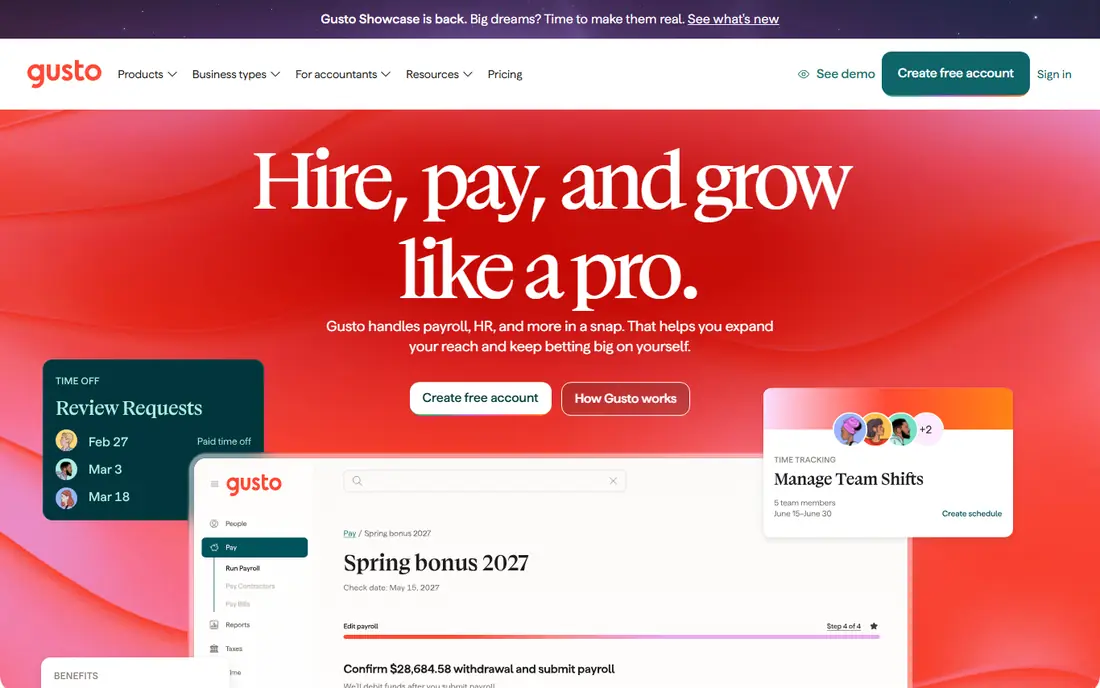
Gusto suits a small plant that wants payroll done correctly without a payroll specialist on staff. It handles unlimited pay runs, automatic tax filing, direct deposit and contractor payments, with a time clock app for shop staff. Overtime and shift data feed into payroll, which cuts the manual entry that causes most errors.
Gusto is less suited to a plant with hundreds of workers, complex union rules or global payroll. Larger manufacturers should look at ADP, Dayforce or UKG. For a plant with up to about 100 workers, Gusto offers a clear price and a fast setup, with Simple pricing listed at $49 per month plus $6 per person.
- Simple full-service payroll with automatic tax filing
- Time clock and overtime tools
- Benefits and contractor payments in one place
- Less deep for very large multi-state plants
- Advanced HR needs higher tiers
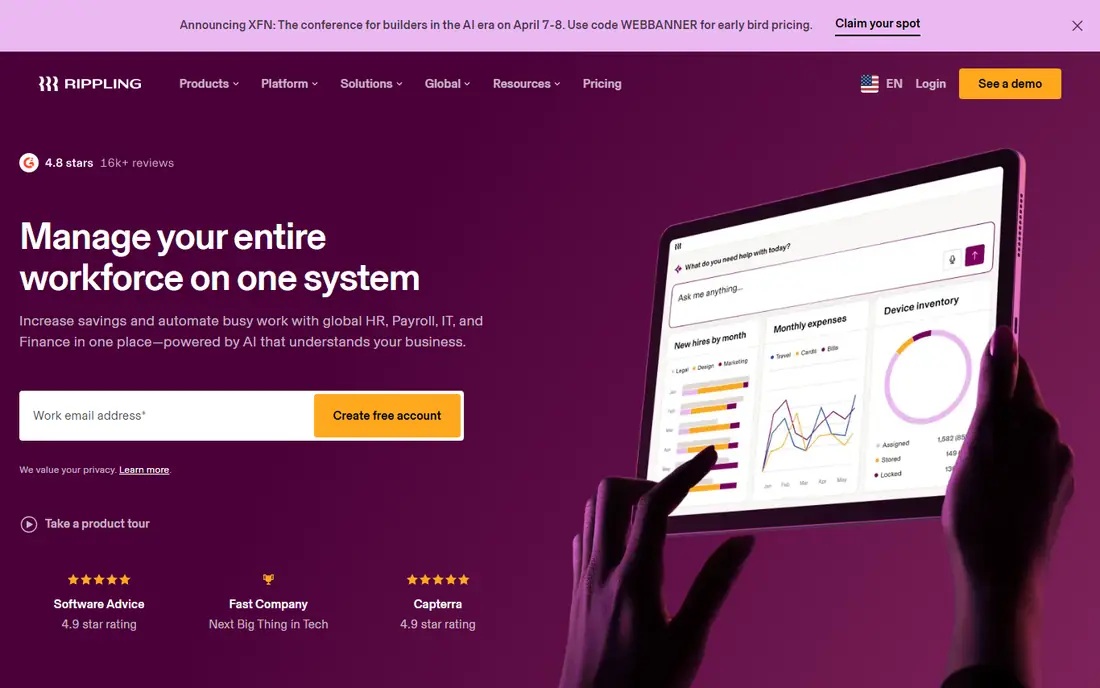
Rippling treats payroll as part of the employee lifecycle, not a separate monthly task. When a worker changes role, shift or location, pay, benefits and system access can update from one record. That link helps manufacturers that hire seasonally or move staff between lines and sites.
Rippling payroll has been listed from $8 per user per month, with other modules adding cost, so get a full quote for payroll plus time and HR. Complex union or multi-state rules need testing with real pay cases. For manufacturers that also want HR and IT automation, Rippling is a strong all-in-one pick.
- Payroll linked to HR and IT onboarding
- Workflow automation for pay changes
- Strong reporting and integrations
- Payroll pricing depends on modules
- Implementation needs care for complex shift rules
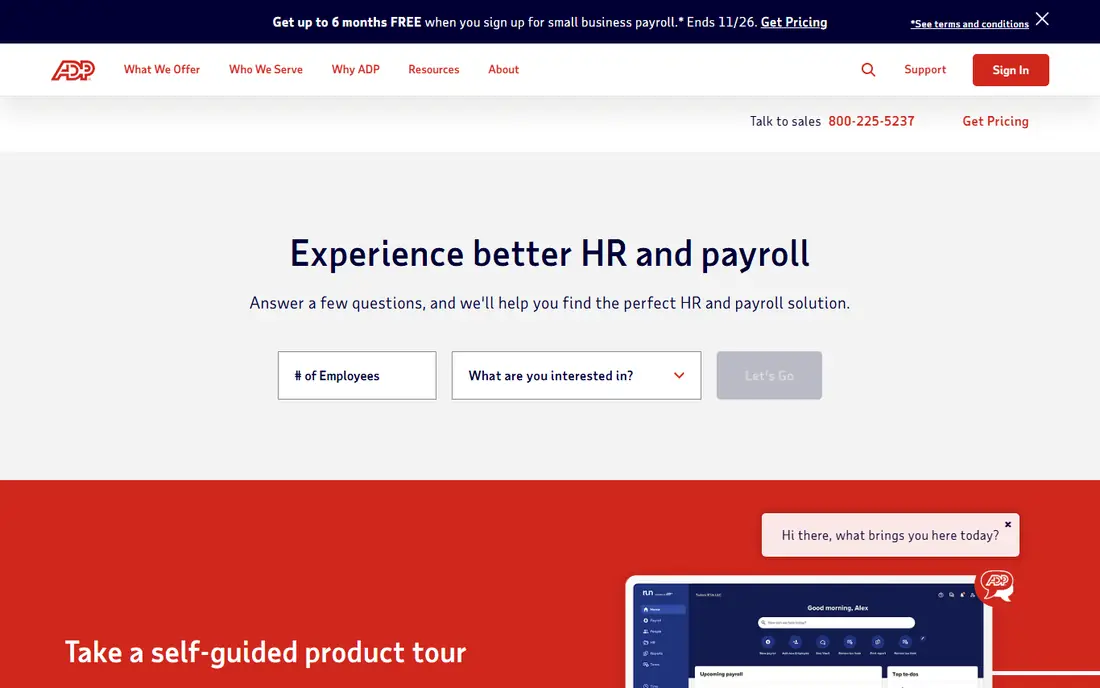
ADP Run suits manufacturers that cannot afford payroll tax errors. It offers automatic tax calculation and filing, new-hire reporting, garnishment handling and support for multi-state and multi-company payroll. ADP also offers a tax guarantee on some plans, where it covers penalties for its filing errors, which matters for regulated plants.
ADP pricing is largely quote-based, with entry tiers reported around $59 per month plus per-person fees. The sales process takes longer than a self-serve signup, and the interface feels older. For a growing manufacturer with complex taxes, that depth and support are worth the extra process.
- Deep tax filing expertise and compliance support
- Multi-company and multi-state payroll
- Large support network
- Pricing requires a quote for most tiers
- Interface is less modern than Gusto
Paychex Flex covers payroll, tax filing, time tracking, benefits and HR in one platform, with support for garnishments, new-hire reporting and workers compensation. Manufacturers in regulated industries like the compliance depth and the option of a dedicated support contact on higher tiers.
Paychex pricing is quote-based, so buyers should ask for a total price at their headcount and shift complexity. It is not the fastest signup, but it is a steady choice for plants that need help staying compliant across states. Test time clock integration with your shop floor setup before you commit.
- Strong tax administration and compliance tools
- Payroll plus HR and benefits
- Dedicated support options
- Quote-based pricing
- Setup can be slower than self-serve rivals
Paylocity suits manufacturers that want payroll, scheduling, time and HR analytics in one system. Managers can see labor cost by shift, department and site, while workers use self-service for pay, schedules and time off. That view helps plants control overtime and plan staffing.
Paylocity pricing is custom, so get a quote based on headcount and modules. Implementation takes planning, especially if you migrate from another system mid-year. For mid-size manufacturers that want one HR and payroll home, Paylocity is a solid shortlist option.
- Central payroll and workforce management
- Scheduling and time tools
- Analytics for labor cost
- Quote-based pricing
- Implementation effort for larger plants
OnPay is the value pick for smaller manufacturers that want full-service payroll without a high base fee. Pricing has been listed at $40 per month plus $6 per person, with automatic tax filing, direct deposit and multi-state support. It handles the core payroll job cleanly, without a large platform to learn.
OnPay is less suited to plants that need deep scheduling, workforce analytics or global payroll. If payroll is the main job and time data comes from a separate clock system, check the integration first. For budget-conscious plants, OnPay delivers full-service payroll at a fair price.
- Full-service payroll at a low price
- Strong multi-state tax filing
- Simple setup
- HR tools are lighter than Rippling or Paylocity
- Fewer advanced scheduling features
Dayforce is built for large, hourly workforces where pay changes with every shift, overtime rule and schedule change. Its continuous calculation engine updates gross-to-net pay as time data arrives, rather than only at pay run time. Managers can spot anomalies before payday, which reduces corrections and reissues.
Dayforce is an enterprise purchase with quote-based pricing and a serious implementation project. Small plants will not need that depth. For a manufacturer with hundreds or thousands of hourly workers across sites, Dayforce is one of the strongest options for shift pay accuracy.
- Continuous payroll calculation for hourly staff
- Strong scheduling and time tools
- AI anomaly checks for pay errors
- Enterprise pricing and implementation
- Overkill for a small plant
UKG Pro combines HR, payroll and workforce management for large employers. Manufacturers get scheduling, time tracking, payroll and analytics in one system, with tools for labor forecasting and compliance. Multi-site plants benefit from central rules and site-level reporting.
UKG is not a quick signup for a small plant. Pricing is custom and implementation needs dedicated owners. For a large manufacturer that already struggles with scheduling and payroll as separate jobs, UKG brings them together in a way smaller tools cannot match.
- Strong workforce management, scheduling and payroll
- Real-time gross-to-net views
- Good for large multi-site plants
- Quote-based pricing
- Implementation and admin effort are high
How we picked these
We compared official pricing pages, feature documentation and public manufacturing payroll guides for tools in active use in 2026. We favored tools with automatic tax filing, overtime and shift support, time integration and multi-state coverage. Where pricing is quote-based, we say so rather than presenting an estimate as a vendor price. This article is general information, not tax advice, and manufacturers should confirm tax and labor rules with a qualified professional.
What to check before you buy manufacturing payroll software
Start with your hardest pay cases, not your easiest ones. List night shifts, weekend premiums, overtime rules, split shifts, union differentials and multi-state workers, then test each tool with those cases. A tool that handles office salary well can still fail on shop floor pay.
Test time data end to end
Run a full cycle from clock-in to pay stub with real shift data, including missed punches, overtime and schedule changes. Check how errors are flagged, who can fix them and whether corrections flow to taxes and reports. If time data needs manual re-entry, budget that labor into the total cost.
Price for headcount swings
Manufacturers often hire seasonally. Ask how pricing changes when headcount rises or falls, whether inactive workers still cost money and how contractor pay is billed. A low base price can become expensive during peak season if per-person fees and modules stack up.
FAQ
What is the best payroll software for manufacturing for a small plant?
Gusto or OnPay are strong picks. Gusto starts at $49 per month plus $6 per person with time tools and benefits, while OnPay starts at $40 per month plus $6 per person for full-service payroll. Choose Gusto for a broader HR feel and OnPay for the lowest full-service price.
How does manufacturing payroll differ from office payroll?
Manufacturing payroll must handle hourly pay, shift differentials, overtime, multi-site schedules and often union or contract rules. Time tracking and schedule data feed directly into pay, so errors in clock data become pay errors. Office payroll is simpler because pay is usually fixed salary.
How much does manufacturing payroll software cost?
Small-plant tools publish prices from about $40 to $49 per month plus $6 per person, while Rippling payroll starts around $8 per user per month plus modules. Enterprise tools such as ADP, Paychex, Dayforce and UKG use quotes based on headcount and complexity.
Do these tools file payroll taxes automatically?
Most tools on this list offer automatic tax calculation and filing, but the scope varies by plan and state. Confirm federal, state and local filing, year-end forms and new-hire reporting for every state where you have workers before you sign.
Can payroll software handle multi-state manufacturing workers?
Yes, but check each tool carefully. ADP, Paychex, Dayforce and UKG are built for multi-state complexity, while smaller tools may need add-ons or manual steps for some states. Test a multi-state pay case with your real locations.
What about workers compensation and benefits?
Many payroll tools integrate workers compensation on a pay-as-you-go basis and offer benefits administration. Confirm whether benefits are included or an add-on, and how premiums adjust with actual payroll. That link can save a large year-end adjustment.