Best Unified HR, Payroll and IT Platforms in 2026: 8 Platforms Compared
Compare the best unified hr + payroll + it platform options for 2026, with one employee record driving hiring, pay, benefits and device access for teams.
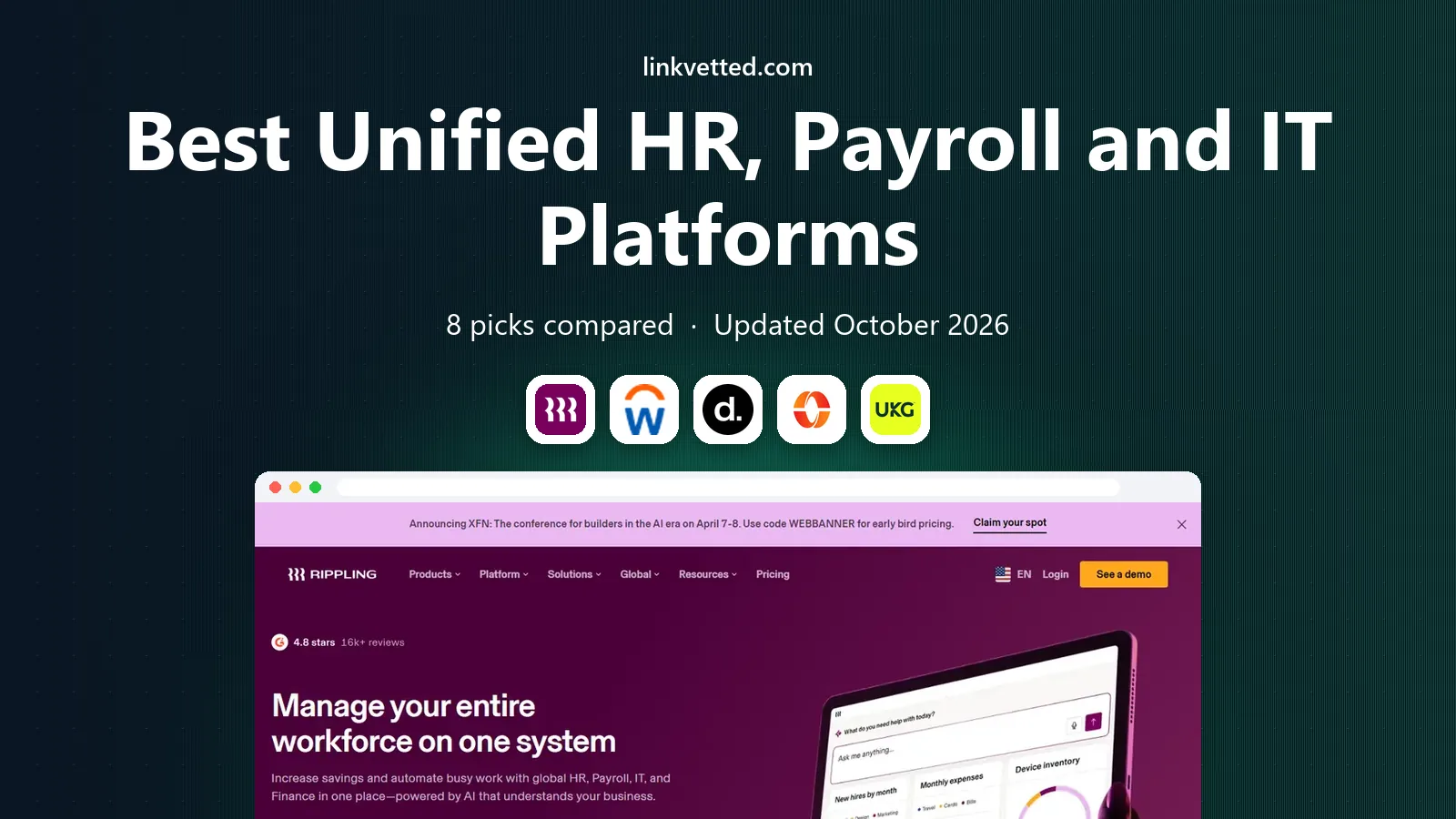
- Editor's choice
 Rippling
True HR, payroll and IT unity
Starts at$8 per monthVisit rippling.comFull review - Great alternative
 Workday
Large enterprise HR, payroll and finance unity
Starts atSee websiteVisit workday.comFull review - Also consider
 Deel
Global HR, payroll and IT in one account
Starts at$5 per monthVisit deel.comFull review
TL;DR:
- Rippling is our pick for a truly unified platform, since HR, payroll, benefits, IT access and device management share one employee record.
- Workday suits large enterprises that need deep HR, payroll, finance and workforce planning in one enterprise suite.
- Deel is the strongest unified option when global hiring sits alongside HR, payroll and IT tools.
- Paylocity, UKG Pro, ADP and BambooHR cover HR and payroll well, with IT handled through integrations rather than native device management.
- Gusto is a simpler unified choice for small teams, but IT access is limited compared with Rippling.
Quick comparison
| Tool | Best for | Starts at | Free plan? | |
|---|---|---|---|---|
| Rippling | True HR, payroll and IT unity | $8 per month | Free trial | Visit |
| Workday | Large enterprise HR, payroll and finance unity | See website | No | Visit |
| Deel | Global HR, payroll and IT in one account | $5 per month | No | Visit |
 Paylocity | HR and payroll plus finance and IT modules | See website | No | Visit |
 UKG Pro | Workforce, HR and payroll unity | See website | No | Visit |
 ADP Workforce Now | Enterprise HR and payroll with broad integrations | See website | No | Visit |
 BambooHR | HR and payroll with a clean integration model | $10 per month | Free trial | Visit |
 Gusto | Simple HR and payroll for small teams | $49 per month | No | Visit |
The best unified hr, payroll and it platforms
A unified platform should mean one employee record, not three systems with sync jobs. When a hire starts, payroll, benefits, app access and device policy should update together. We compared how tightly HR, payroll and IT are joined, plus pricing and integration depth.

Rippling core starts at $8 per employee per month plus a $40 monthly base fee, with payroll, benefits, time, IT and spend modules on top. The unified claim is real here: onboarding can create payroll records, benefits enrolment, app accounts and device policies from a single workflow, and offboarding can revoke access and return devices through the same flow. That reduces the manual tickets that pile up when HR, payroll and IT run separately.
Rippling also offers global payroll, employer of record, PEO and spend tools, so a growing company can add scope without changing its core record. The cost challenge is modular pricing, since a full HR, payroll, benefits and IT setup costs far more than the core rate. Get a written quote for the full unified scope, not just HR alone.
- One record drives HR, payroll, benefits, app access and devices
- Strong automation and workflows
- 650 plus integrations
- Modular pricing adds up
- Global and IT modules are quoted on top of core
Workday Human Capital Management combines HR, payroll, talent, time, benefits and workforce planning with finance tools in one enterprise system. For a large employer, that breadth matters: headcount planning, pay, benefits and finance data share one model, and reporting can cut across HR and finance without reconciling separate systems. IT access is handled through integrations with identity providers and device management tools rather than a native device fleet product.
Workday is not a small-team tool. Pricing is quoted, implementation takes months, and a dedicated team is usually needed to run it. It suits companies with thousands of employees, complex structures and a need for enterprise reporting. Smaller companies should compare Rippling first.
- Deep HCM, payroll, finance and planning in one enterprise suite
- Strong reporting and analytics
- Proven at very large scale
- Pricing is quote-only and enterprise-level
- Implementation is a major project

Deel HR starts from $5 per employee per month, with contractor management from $49, global payroll from $29 per employee per month in reported pricing, and employer of record from $599. Deel also offers IT tools for device management and app access, so a global team can handle hiring, pay and equipment from one vendor. That combination is rare: most global platforms stop at HR and payroll.
Deel IT is less deep than Rippling device management for a US-focused team, and global costs rise quickly with EOR hires. For a distributed team that hires across borders, the unified HR, payroll and IT scope in one account outweighs those limits. Confirm IT coverage for each country, since device shipping and support vary by market.
- HR, EOR, contractors, payroll, PEO and IT tools in one account
- Broad country coverage
- Published starting prices
- EOR fees dominate global costs
- IT depth is narrower than Rippling device management
Paylocity covers payroll, HR, time, talent, benefits and employee experience, and it added finance and IT modules through its acquisition of Airbase, including spend management, corporate cards and asset management. That gives a mid-market employer a wider unified scope than HR and payroll alone, with one vendor for people, spend and some IT asset needs.
The IT side is not as tightly joined as Rippling, since it comes from an acquired product rather than a single original system. Pricing is also custom, with implementation fees and some items billed separately. Paylocity suits a team that wants HR, payroll, finance and asset tools from one vendor, and that will check integration depth during a demo.
- Broad HCM suite
- Finance and IT modules through Airbase
- Engagement and communication tools
- Pricing is quote-only
- IT depth comes from acquired modules rather than a single native system
UKG Pro combines HR, HR service delivery, payroll, talent, time and attendance, scheduling and workforce planning in one enterprise-grade suite. For an employer with complex shifts, multiple sites and varied pay rules, that workforce depth is the main advantage. Payroll, time and scheduling share data, which reduces errors in overtime and differentials.
IT access is handled through integrations with identity and device tools, rather than native Rippling-style device management. Implementation can be longer and more costly than simpler platforms. UKG Pro suits larger employers whose unity problem is workforce complexity, rather than device provisioning alone.
- Deep HR, payroll, talent, time and scheduling
- Workforce planning
- Strong compliance support
- Pricing is quote-only
- IT access runs through integrations, not native device management
ADP Workforce Now covers HR, payroll, time, talent and benefits for employers of many sizes, with compliance and tax filing strength that smaller vendors cannot match. Its integration ecosystem connects to identity providers, benefits carriers, accounting systems and workforce tools, which lets a company build a unified workflow even though IT device management is not native to ADP.
That integration model works well for large employers with an existing IT stack. It requires more configuration than a single native system, and support experience can vary by account size. For a company that already runs identity and device tools and wants HR and payroll to connect cleanly to them, ADP is a safe choice.
- Very broad HR, payroll, time, talent and benefits coverage
- Strong compliance and tax handling
- Large integration ecosystem
- Pricing is quote-only
- IT unity depends on integrations and partner tools
BambooHR Core starts at $10 per employee per month above 25 employees, with a flat rate from $250 per month for smaller teams. It covers employee records, hiring, onboarding, time off, benefits tracking and reporting, with payroll, benefits administration and time tracking as add-ons. Integrations with identity providers, payroll tools and other HR apps let a team connect IT access to the HR record, even though BambooHR does not manage devices natively.
That model suits teams that already have identity and device tools and want a clear HR system of record. It is less unified than Rippling for a team that wants device provisioning from HR alone. Implementation typically takes four to six weeks, which is manageable for a mid-sized team.
- Published core pricing
- Clear records, hiring and onboarding
- 150 plus integrations
- Payroll is a quoted add-on
- IT access is integration-only, not native device management
Gusto Simple costs $49 per month plus $6 per person, Plus $80 plus $12, and Premium $180 plus $22. It covers payroll, benefits, hiring, onboarding and time tracking depending on plan, with a simple interface that small teams can run without a dedicated HR or IT staff. Integrations connect Gusto to accounting, time and identity tools, which covers basic IT access needs for a small team.
Gusto does not offer native device management or deep IT provisioning, so a growing team with many laptops and app licences will outgrow its IT scope before its payroll scope. It also runs employee payroll in the US only. For a small team that wants HR and payroll unified simply, Gusto is an excellent start, with Rippling as the next step when IT unity matters.
- Published pricing
- Unlimited payroll runs
- Easy onboarding and benefits administration
- US payroll only for employees
- IT access is limited to integrations
How we picked these
We compared how tightly HR, payroll and IT are joined, whether one employee record drives all three, pricing transparency, integration depth and availability today. We kept platforms that cover HR and payroll natively or as a clear add-on, plus IT access either natively or through strong identity integrations. We left out HR-only tools and IT-only tools, since neither meets the unified brief.
What to check before you choose a unified HR, payroll and IT platform
Start with the employee lifecycle. Write down every step from offer to first day to exit: payroll setup, benefits enrolment, app accounts, device shipment, access changes and revocation. Test each platform against that list, not against a feature grid, and note which steps are automated, which need a ticket, and which need a separate tool.
One record, automation and access control
Check that a single HR change updates payroll, benefits and access together, and that role-based permissions control who can see pay, benefits and IT data. Ask how offboarding works: access should be revoked promptly, devices tracked, and payroll finalised from the same flow. Audit logs for access and pay changes are essential.
Integrations, identity and devices
Confirm support for your identity provider, single sign-on, multi-factor authentication and device management tool. Check whether devices can be ordered, shipped, tracked and wiped from the platform or only through an integration. A platform that claims IT unity but only exports a CSV to your device tool is not truly unified.
Pricing, implementation and data ownership
Quote the full unified scope at your current and expected headcount, including payroll, benefits, time and IT modules. Ask for implementation timelines, data migration help and export terms. Confirm who owns employee and device data, how it is exported on exit, and what happens to access and payroll data if you change vendors.
FAQ
What is the best unified HR, payroll and IT platform?
Rippling is our pick for true unity, since HR, payroll, benefits, app access and devices share one record. Workday suits large enterprises, Deel suits global teams, and Gusto suits small teams that need HR and payroll unified simply.
Does Rippling really manage IT devices?
Yes, Rippling offers IT device management alongside HR and payroll, including device ordering, app provisioning and access management from the same employee record. Device coverage and shipping vary by country, so confirm details for your locations during a demo.
Can Workday replace separate HR, payroll and IT tools?
Workday can replace separate HR, payroll and finance systems for large employers, and it integrates with identity and device tools for IT access. It does not natively manage a device fleet in the same way Rippling does, so large employers often pair Workday with a dedicated device management tool.
How much does a unified platform cost?
Rippling core starts at $8 per employee per month plus a $40 base fee, with payroll, benefits and IT modules on top. BambooHR core starts at $10 per employee per month above 25 employees, and Gusto starts at $49 per month plus $6 per person. Workday, UKG Pro, ADP and Paylocity are quote-only.
Should a small company buy a unified platform or separate tools?
A small team often does well with Gusto or BambooHR plus its existing identity tool, since separate tools are cheaper at low headcount. As hiring, device count and access changes grow, a unified platform saves admin time and reduces offboarding risk. The tipping point is usually when manual access tickets become a weekly burden.
What happens to access when an employee leaves?
On a truly unified platform, offboarding revokes app access, tracks device return and finalises payroll from one flow. On an integrated model, HR triggers a ticket or automated workflow in the identity tool. Test offboarding during a demo, including timing, audit logs and device return tracking.