The 6 Best IT Management Software for Schools in 2026, Ranked
Best IT management software for schools: 6 contenders ranked by fit, with entry costs and free tiers. We note where every tool falls short. Prices included.
- Editor's choiceConnectWise Automate
Automating repetitive school IT tasks
Starts atSee websiteVisit connectwise.comFull review - Great alternativeKaseya VSA
Remote monitoring and automatic IT workflows
Starts atSee websiteVisit kaseya.comFull review - Also consider
 NinjaOne
Unified endpoint operations and patching
Starts at$1.50 per device a monthVisit ninjaone.comFull review
Direct answer
Our first pick is ConnectWise Automate, best for automating repetitive school IT tasks. Listed starting prices: NinjaOne from $1.50 per device a month. For a different need, Kaseya VSA covers remote monitoring and automatic IT workflows and NinjaOne covers unified endpoint operations and patching. All 6 tools are compared below on price, free plan and limits.
TL;DR:
- Top of the list is ConnectWise Automate, which targets automating repetitive school IT tasks.
- Neither ConnectWise Automate nor Mosyle, nor any of the other 4 tools, has a permanent free plan; trials and quotes are the norm.
- NinjaOne has the lowest monthly starting price in this list: $1.50 per device per month.
- For Apple-first schools wanting a unified platform, Mosyle is worth a look.
Last checked November 2026. Prices and plan details were read from the vendors' own pages in November 2026; vendors change plans often, so confirm the current price on the vendor site before you buy.
Quick comparison
| Tool | Best for | Starts at | Free plan? | |
|---|---|---|---|---|
| ConnectWise Automate | Automating repetitive school IT tasks | See website | Not stated | Visit |
| Kaseya VSA | Remote monitoring and automatic IT workflows | See website | Not stated | Visit |
| NinjaOne | Unified endpoint operations and patching | $1.50 per device a month | Free trial | Visit |
 Jamf Pro | Apple device management in education | See website | Not stated | Visit |
 ManageEngine Endpoint Central | Mixed device fleets in schools | See website | Not stated | Visit |
 Mosyle | Apple-first schools wanting a unified product | See website | Not stated | Visit |
The 6 tools in detail
LinkVetted compared 6 IT management software for schools. The goal is a practical shortlist: published prices, free plan facts, best-fit use cases and honest limits for every entry.
ConnectWise Automate
Best for: Automating repetitive school IT tasks
ConnectWise Automate targets automating repetitive school IT tasks. The system is oriented toward managed service providers, so in-house school teams may need time to adapt workflows.
Points against: Steeper ramp-up time for small teams.
No starting price is listed for ConnectWise Automate here; confirm pricing on the vendor site. Free plan details: Not stated.
- Aims to boost team efficiency
- Automation of technical work
- Aimed at service provider workflows
Kaseya VSA
Best for: Remote monitoring and automatic IT workflows
Kaseya VSA was built for remote monitoring and automatic IT workflows. Kaseya VSA is presented as remote monitoring and management software, with automation for monitoring, patching, remediation, and remote support whereas connecting IT workflows.
No starting price is listed for Kaseya VSA here; confirm pricing on the vendor site. Free plan details: Not stated.
Points against: Feature depth fits experienced IT staff.
- Automation for patching and remediation
- Remote monitoring and management focus
- RMM orientation may need adjustment for classrooms
NinjaOne is a good fit for unified endpoint operations and patching. NinjaOne is a unified IT operations product including endpoint management, autonomous patching, backup, and remote access, aimed at IT teams and managed service providers. School technology departments that want monitoring, patching, and remote help in one place can map these functions onto lab computers, staff laptops, and administrative systems.
It is a general IT operations product instead of an education-specific one, so student safety filtering and classroom controls are not its emphasis. As for the details, schools whose priority is K-12 digital learning safeguards should pair it with a dedicated education tool. The starting price for NinjaOne: $1.50 per device per month. As for free access: Free trial.
Trade-offs to know: Configuration effort for school policies.
- Unified operations product
- Backup and remote access included
- General IT focus instead of K-12 specific
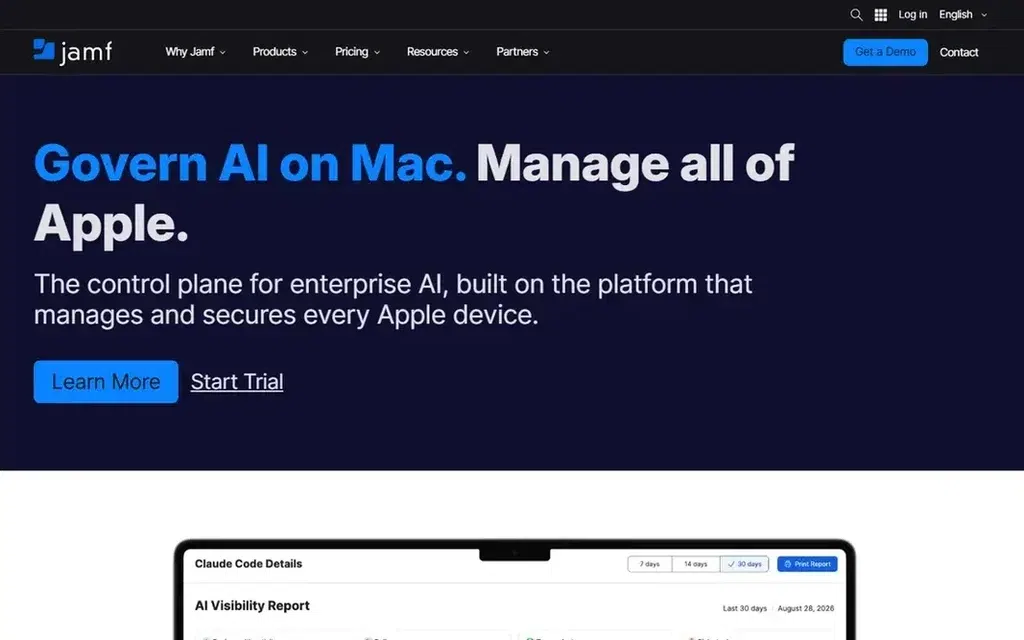
Jamf Pro is aimed squarely at Apple device management in education. Jamf Pro is enterprise-level mobile device management software for Apple devices, with advanced tools and integrations. Worth adding: smaller schools with restricted Apple fleets may also find the enterprise orientation heavier than needed.
Schools that standardize on iPads and Macs for students and staff can use it to handle and secure those devices, and its education reputation makes it a typical shortlist entry for Apple-heavy classrooms. Since it centers on Apple hardware, Jamf Pro is not the choice for schools with large Windows or Android populations except when paired with another tool. Jamf Pro does not show a starting price in this comparison, so check the vendor site for current pricing. As for free access: Not stated.
What to check first: Centred on Apple devices only.
- Designed for Apple mobile device management
- Fits managed iPad and Mac programs
- Enterprise depth may overwhelm small teams
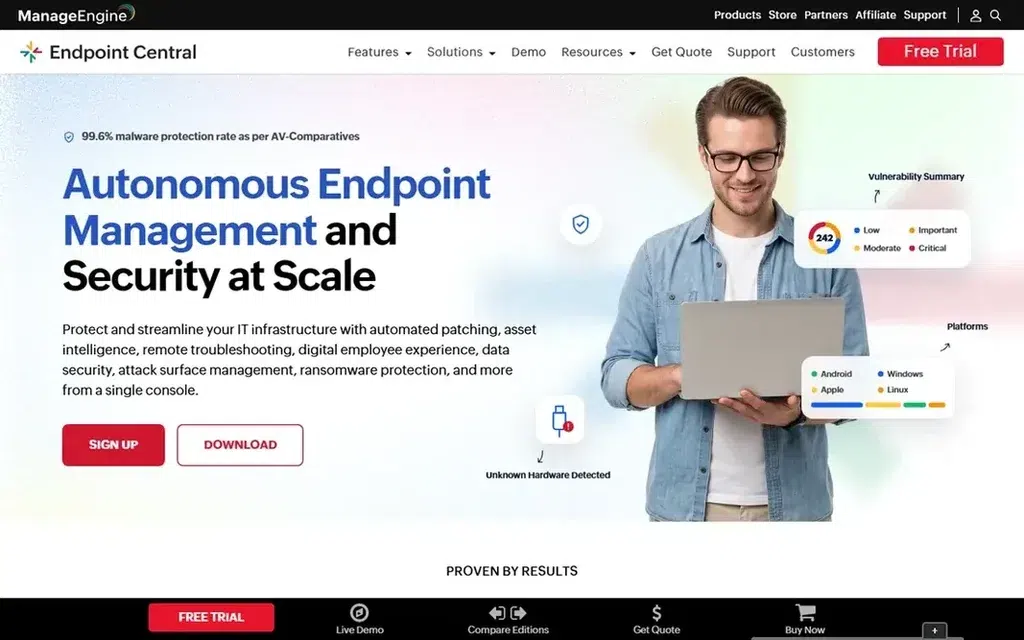
ManageEngine Endpoint Central is built with mixed device fleets in schools in mind. ManageEngine Endpoint Central is a unified endpoint management and security option built to handle and secure servers, desktops, laptops, and mobile devices from a central console.
Points against: Wide feature set can take time to learn.
Schools that only handle Apple hardware may find a dedicated Apple-focused tool more direct, whereas districts with varied fleets will get more from a cross-platform approach. Check the vendor site for ManageEngine Endpoint Central pricing; none is listed in this comparison. Free access: Not stated.
- Central console for administration
- Unified endpoint management and security
- May be more than small schools need
Pick Mosyle if this describes you: Apple-first schools wanting a unified product. Mosyle describes itself as an Apple unified system, combining mobile device management and Apple security with a stated commitment to Apple at Work and Apple Education. In daily use, schools wanting a single cross-platform console should weigh broader endpoint tools before committing.
Drawbacks to consider: Not suited to mixed Windows fleets.
Schools that issue iPads or Macs and want management and security handled together may find the unified framing appealing compared to piecing tools together. Its scope is Apple devices, so districts with significant Windows or Chromebook populations need extra coverage. Mosyle shows no starting price here, so confirm the cost on the vendor site. Free plan details: Not stated.
- Unified approach for Apple at Work and Education
- Explicit education focus
- Apple-only scope
How the list was put together
Questions to settle before buying
- Ask ConnectWise Automate, Kaseya VSA, Jamf Pro and others for a written quote, since no starting price is shown.
- Take the trial from NinjaOne and push a live task through it before you pay.
- Read the limits listed for ConnectWise Automate first: aimed at service provider workflows.
- Read the plan comparison for NinjaOne carefully; key features often start on a higher tier.
- See whether ManageEngine Endpoint Central offers onboarding or training, and whether it is included in the price.
FAQ
Do schools with only Apple devices need a cross-platform tool?
Not necessarily. Apple-focused products for example Jamf Pro and Mosyle are built around Apple management and security, which can ease administration for iPad and Mac programs. A cross-platform tool becomes more valuable once Windows or Android devices enter the mix.
Do these tools publish their prices?
Not all of them. ConnectWise Automate, Kaseya VSA, Jamf Pro and others publish no starting price, so expect a quote request for those. The rest, NinjaOne included, show a starting price, though seats and billing terms still change the final cost.
What is the cheapest option for IT management software for schools in this list?
On published monthly entry prices, NinjaOne is the lowest here at $1.50 per device per month. Entry price is only part of the cost, because seats, add-ons and billing terms can change the total. Prices, free plan details and limits for all 6 tools in this IT management software for schools roundup sit on the individual cards above.
How should a small school IT team choose?
Start with the devices you run and the tasks that consume the most time, like patching or remote support. From a buyer's view, then favor tools whose documented scope matches those needs, and confirm setup effort and support choices on vendor sites before committing.
Is ConnectWise Automate the right pick for everyone comparing IT management software for schools?
No single tool suits every team. ConnectWise Automate comes first because it fits automating repetitive school IT tasks, while Kaseya VSA suits remote monitoring and automated IT workflows and NinjaOne suits unified endpoint operations and patching. Match the tool to your own size, budget and workflow before deciding.
Can I try these tools before paying?
Often, yes. NinjaOne offers a free trial. Use your own data and a real task during the test, and check what the free tier or trial limits before you rely on it. Each of the 6 options in this IT management software for schools guide has its own card above with the price, free plan and limits.
Sources
- https://www.connectwise.com/platform/automate
- https://www.kaseya.com/products/vsa
- https://www.ninjaone.com
- https://www.jamf.com/products/jamf-pro
- https://www.manageengine.com/products/desktop-central
- https://mosyle.com