The 6 Best IT Management Software for Pharmacies in 2026, Ranked
Compare 6 best IT management software for pharmacies, with prices, free plans and who each fits. Costs and caveats sit beside each pick. Jump to the table.
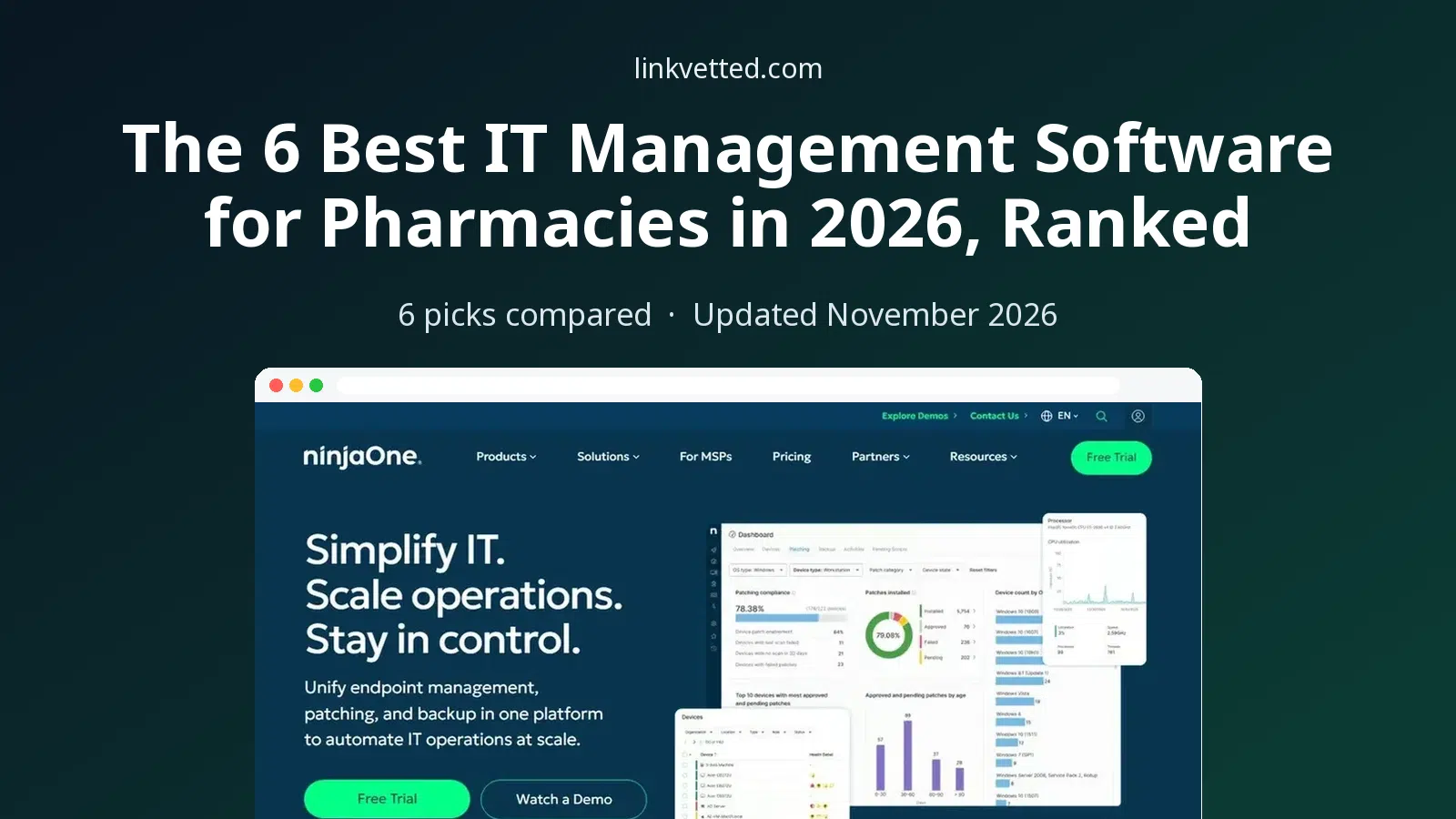
- Editor's choiceDatto RMM
Cloud-based remote endpoint management
Starts atSee websiteVisit datto.comFull review - Great alternative
 NinjaOne
Unified endpoint operations in one console
Starts at$1.50 per device a monthVisit ninjaone.comFull review - Also consider
 ManageEngine Endpoint Central
Endpoint security and patching
Starts atSee websiteVisit manageengine.comFull review
Direct answer
Start with Datto RMM if you need cloud-based remote endpoint management. Listed starting prices: NinjaOne from $1.50 per device a month. For a different need, NinjaOne covers unified endpoint operations in one console and ManageEngine Endpoint Central covers Endpoint security and patching. The full list of 6 tools follows, with prices and free plan facts.
TL;DR:
- Datto RMM takes the first slot, best suited to cloud-based remote endpoint management.
- What to know about ConnectWise Automate first: wide product that may need setup time.
- Ivanti Neurons for ITAM fits asset lifecycle visibility and records.
- Datto RMM, Ivanti Neurons for ITAM and the 4 others all need a premium plan or a trial, since no free plan is listed.
- NinjaOne is the lowest-priced starter here at $1.50 per device per month.
Last checked November 2026. Prices and plan details were read from the vendors' own pages in November 2026; vendors change plans often, so confirm the current price on the vendor site before you buy.
Quick comparison
| Tool | Best for | Starts at | Free plan? | |
|---|---|---|---|---|
| Datto RMM | Cloud-based remote endpoint management | See website | Not stated | Visit |
| NinjaOne | Unified endpoint operations in one console | $1.50 per device a month | Free trial | Visit |
| ManageEngine Endpoint Central | Endpoint security and patching | See website | Not stated | Visit |
| ConnectWise Automate | Automating repetitive IT tasks | See website | Not stated | Visit |
| N-able N-central | RMM at scale in complicated environments | See website | Not stated | Visit |
| Ivanti Neurons for ITAM | Asset lifecycle visibility and records | See website | Not stated | Visit |
6 IT management software for pharmacies in detail
Choosing IT management software for pharmacies usually comes down to price, fit and limits. This LinkVetted guide sets 6 tools side by side on those three points, with the facts kept short and checkable.
Datto RMM
Best for: Cloud-based remote endpoint management
Datto RMM is built with cloud-based remote endpoint management in mind. Datto RMM is remote monitoring and management software that lets IT staff run, monitor and secure endpoints from the cloud. Evaluate how its monitoring scope matches your workstation and server mix.
In practice, for a pharmacy chain with sites spread across locations, cloud-based control means staff can check and maintain systems without being on site at each store. Its emphasis is remote endpoint control instead of full asset lifecycle accounting, so asset-heavy requirements may call for Ivanti Neurons for ITAM alongside it. Pricing for Datto RMM is not stated here, so ask the vendor for current figures. Free options: Not stated.
Honest limits: Setup relies on environment size.
- Cloud-hosted remote management
- Monitor and secure endpoints remotely
- Remote-first focus may not handle every asset task
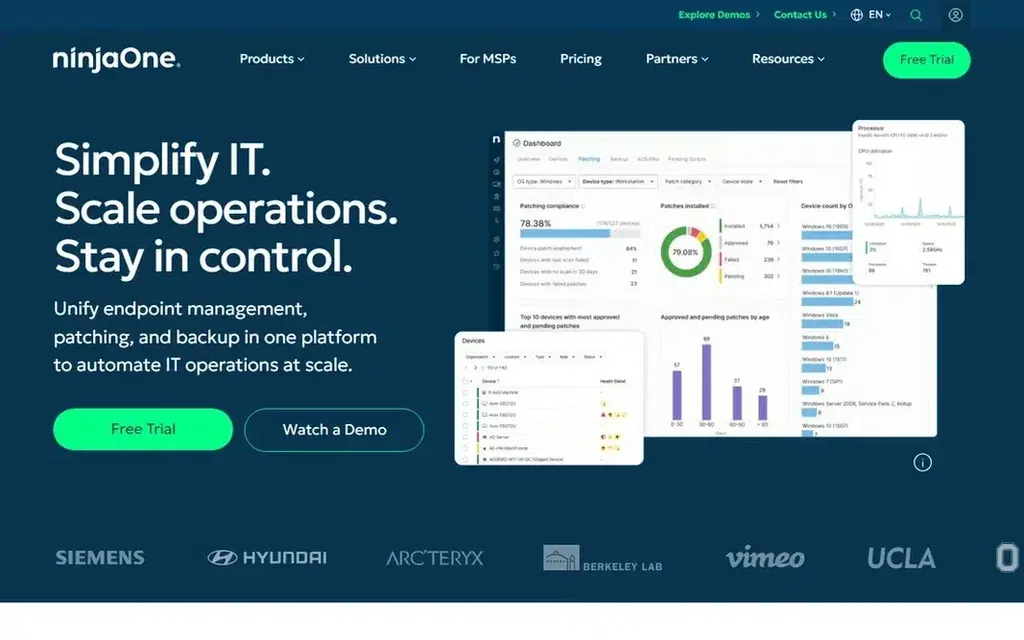
NinjaOne works best for unified endpoint operations in one console. Since it spans plenty of functions, initial configuration can take effort, and pharmacy-specific regulatory workflows are not its focus. For everyday use, a pharmacy juggling multiple point tools may value having monitoring, patching and remote support in one place, which eases day-to-day administration.
Drawbacks to consider: Not tailored to pharmacy compliance needs.
Where NinjaOne stands out: Aimed at IT teams and MSPs.
Teams that primarily need deep asset lifecycle records may prefer a dedicated asset management system instead. NinjaOne presents itself as a unified IT operations product for endpoint management, autonomous patching, backup and remote access, geared toward IT teams and managed service providers. NinjaOne starts at: $1.50 per device per month. Free access: Free trial.
- Backup and remote access included
- Endpoint management with autonomous patching
- Wide feature set can take time to configure
For Endpoint security and patching, ManageEngine Endpoint Central is a natural candidate. ManageEngine Endpoint Central is a unified endpoint management and security option for managing and securing servers, desktops, laptops and mobile devices centrally. Pharmacies that want one place to manage patching and endpoint security across dispensing stations and back-office machines should put it on the shortlist.
It is a general endpoint product, so pharmacy-specific workflows and device types have to be mapped during setup. More specifically, if your central need is automation of routine technical tasks instead of endpoint security breadth, ConnectWise Automate may fit better. ManageEngine Endpoint Central does not show a starting price in this comparison, so check the vendor site for current pricing. On free options: Not stated.
Where it is weaker: Mobile and desktop scope needs mapping to pharmacy devices.
- Manages servers, desktops
- Laptops and mobile devices
- General-purpose instead of pharmacy-specific
ConnectWise Automate
Best for: Automating repetitive IT tasks
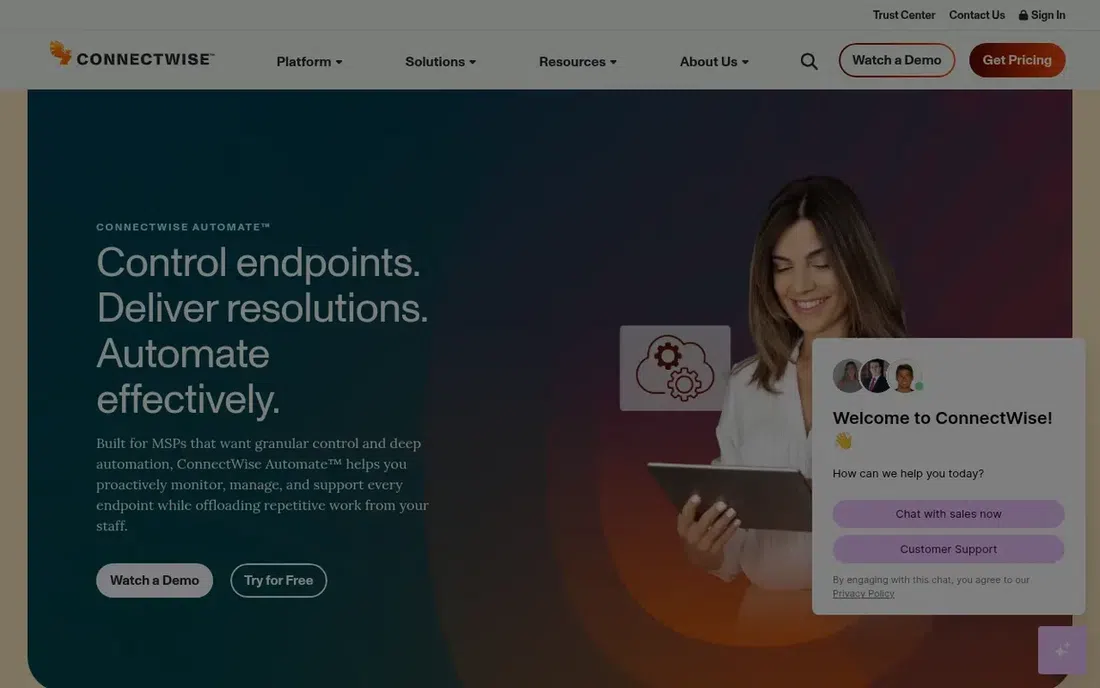
Choose ConnectWise Automate for automating repetitive IT tasks. For a pharmacy with a small IT group or a managed service provider, that automation angle can cut manual effort on routine monitoring and maintenance tasks across workstations and servers.
Limits to weigh: Not pharmacy-specific.
From a buyer's view, ConnectWise Automate is remote monitoring and management software built to boost an IT team's efficiency by automating technical work. In daily use, the system is general-purpose instead of pharmacy-specific, so workflows must be adapted to dispensing and back-office environments. Check the vendor site for ConnectWise Automate pricing; none is listed in this comparison. As for free access: Not stated.
- Automation-focused remote monitoring and management
- Positioned around technical task automation
- Wide system that may need setup time
N-able N-central
Best for: RMM at scale in complicated environments
N-able N-central is designed for RMM at scale in complicated environments. N-able N-central provides unified endpoint management with advanced RMM capabilities, positioned for securing endpoints and automating IT operations at scale in complex environments.
An expanding pharmacy group with mixed systems and several sites may find that scale-oriented design handy for consistent monitoring. Pricing for N-able N-central is not stated here, so ask the vendor for current figures. Trial and free access: Not stated.
Watch-outs: Scale focus may be more than small pharmacies need.
- Automates IT operations at scale
- Targeted at complicated environments
- Configuration depth needs planning
Ivanti Neurons for ITAM
Best for: Asset lifecycle visibility and records
Where Ivanti Neurons for ITAM fits: asset lifecycle visibility and records. Its strength is asset records instead of daily remote monitoring and patching, so pair it with a RMM tool if you need both.
Honest limits: Needs clean asset data to be handy.
Asset data quality also determines how much value you get from the product. This comparison lists no price for Ivanti Neurons for ITAM; ask the vendor. On free options: Not stated.
- Brings together IT asset management
- Automation on one product
- Asset focus instead of full RMM
How we built this list
We compared the tools on published pricing, free plan or trial availability, feature coverage for IT management software for pharmacies, and the limits each vendor documents. Plan names, prices and limits change often. Treat the figures here as a starting point and verify them with the vendor. Tools are placed by general fit for IT management software for pharmacies, with price clarity and free access as tie-breakers. A different team can reasonably rank them differently.
What to confirm before you sign up
- Get a written quote from Datto RMM, ManageEngine Endpoint Central, ConnectWise Automate and others; the list shows no starting price for them.
- Run a trial of NinjaOne with real work before paying for a year; your own workflow is the best test.
- Read the limits listed for Datto RMM first: remote-first focus may not include every asset task.
- Check whether the features you need in ConnectWise Automate sit on the entry plan or only on higher tiers.
- Add up seats, add-ons and usage charges for N-able N-central before comparing it with cheaper entries.
FAQ
Can I try these tools before paying?
Often, yes. NinjaOne offers a free trial. Use your own data and a real task during the test, and check what the free tier or trial limits before you rely on it. For the full picture, the cards above cover all 6 entries of this IT management software for Pharmacies list, including price, free plan and limits.
Does any tool for IT management software for pharmacies here have a free plan?
No tool in this list, Datto RMM and Ivanti Neurons for ITAM included, has a permanent free plan. NinjaOne offer a trial. Trials and quotes are the usual route, so plan a short evaluation period.
Do these tools publish their prices?
Not all of them. Datto RMM, ManageEngine Endpoint Central, ConnectWise Automate and others publish no starting price, so expect a quote request for those. The rest, NinjaOne included, show a starting price, though seats and billing terms still change the final cost.
How do RMM tools differ from IT asset management software?
RMM tools focus on monitoring, patching and remote support for endpoints, whereas IT asset management centers on lifecycle records and a system of record for each asset. Some pharmacies use both. Decide based on whether your priority is daily operations or asset accountability.
Do small pharmacies need remote monitoring and management tools?
Not always, but a RMM product helps when you have multiple workstations or sites and restricted IT staff. Automation of monitoring and patching cuts manual checks. From a buyer's view, smaller setups can start with a lighter unified console and expand later.
What should a pharmacy look for in IT management software?
Prioritize steady patching and endpoint monitoring, since dispensing and inventory systems must stay available. Also check remote support for several locations and, if equipment tracking matters, asset lifecycle records.
Sources
- https://www.datto.com/products/rmm
- https://www.ninjaone.com
- https://www.manageengine.com/products/desktop-central
- https://www.connectwise.com/platform/automate
- https://www.n-able.com/products/n-central
- https://www.ivanti.com/products/it-asset-management