Choosing IT Incident Management Software for On-Call Teams in 2026: 5 Options Compared
5 best IT incident management software for On-Call teams, compared on pricing, free plans and best-fit use. Fit, price and catches for every tool. Start here.
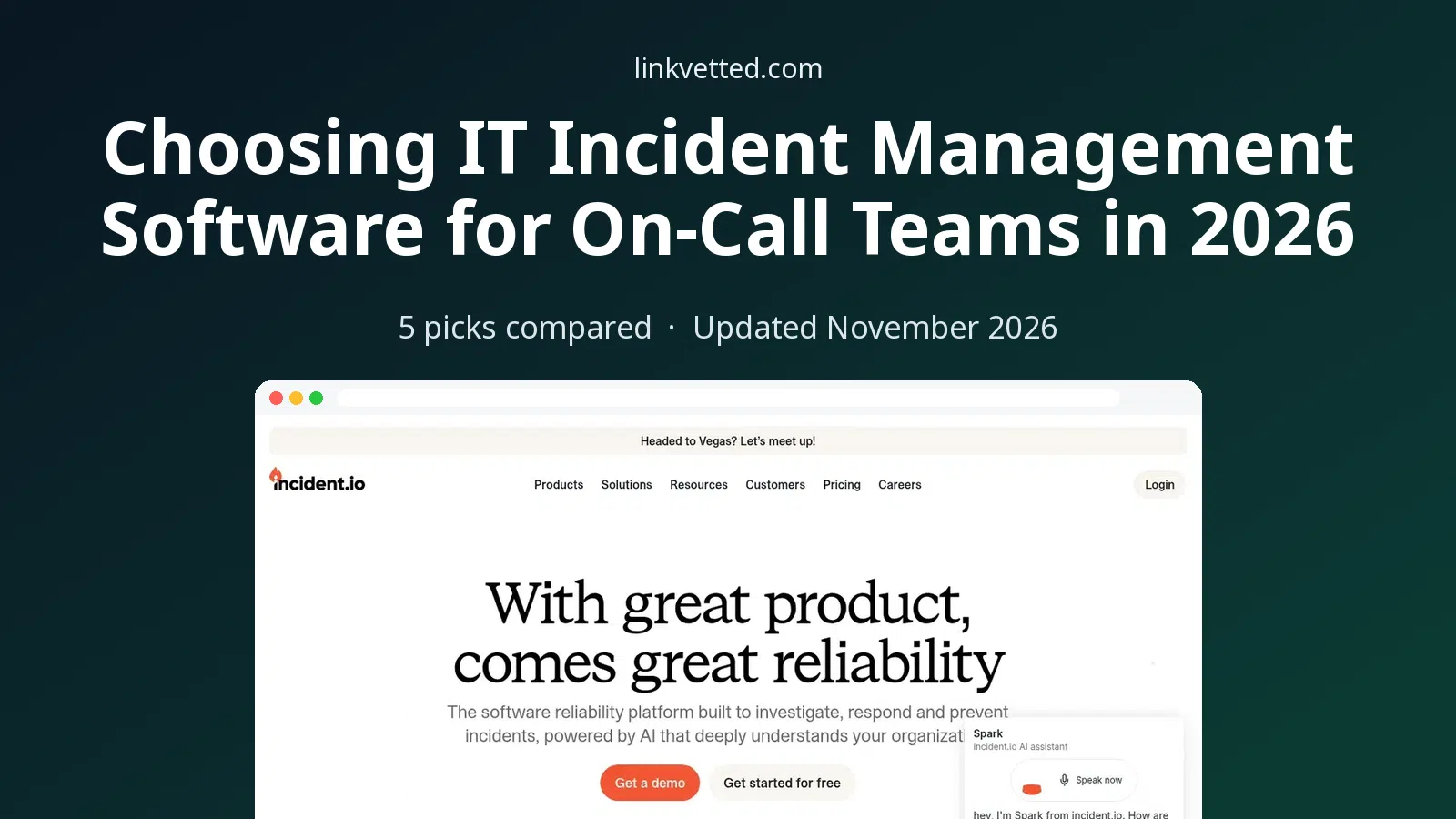
- Editor's choice
 Incident.io
AI-powered reliability and status pages
Starts at$15 per user per monthVisit incident.ioFull review - Great alternativeServiceNow Incident Management
ITIL-aligned enterprise service management
Starts atSee websiteVisit servicenow.comFull review - Also consider
 xMatters
Automatic workflows for DevOps and SRE
Starts at$15 per user a monthVisit xmatters.comFull review
Direct answer
Incident.io leads the list, best for AI-powered reliability and status pages. Listed starting prices: Incident.io from $15 per user per month, xMatters from $15 per user a month and PagerDuty from $21 per user a month. Alternatives: ServiceNow Incident Management for ITIL-aligned enterprise service management, and xMatters for automatic workflows for DevOps and SRE. Details, prices and limits for the rest of the 5 tools are below.
TL;DR:
- Number one here is Incident.io, a fit for AI-powered reliability and status pages.
- The lowest published monthly entry price here is $15 per user per month, from Incident.io.
- Rootly suits fast-moving engineering teams wanting AI-native response.
- The main caution on PagerDuty: feature depth may overwhelm small teams.
- A free plan is available from 3 of the 5 tools: Incident.io, xMatters, PagerDuty.
Last checked November 2026. Prices and plan details were read from the vendors' own pages in November 2026; vendors change plans often, so confirm the current price on the vendor site before you buy.
Quick comparison
| Tool | Best for | Starts at | Free plan? | |
|---|---|---|---|---|
| Incident.io | AI-powered reliability and status pages | $15 per user per month | Yes | Visit |
| ServiceNow Incident Management | ITIL-aligned enterprise service management | See website | Not stated | Visit |
| xMatters | Automatic workflows for DevOps and SRE | $15 per user a month | Yes | Visit |
 PagerDuty | AI-driven incident automation at scale | $21 per user a month | Yes | Visit |
 Rootly | Fast-moving engineering teams wanting AI-native response | $20 per user a month | Not stated | Visit |
IT Incident Management Software for On-Call Teams, one by one
LinkVetted put together this guide to IT incident management software for On-Call teams for readers who want a clear shortlist without reading every vendor page. It compares 5 tools on starting price, free plans, who each one suits and where each one falls short.

Think of Incident.io for AI-powered reliability and status pages. It aims to help teams resolve issues quicker by bringing these functions together.
The main drawbacks: May be more than small teams need.
Teams seeking only entry-level alerting might prefer a simpler tool. Price to start with Incident.io: $15 per user per month. Incident.io has a free plan.
- Agentic root cause analysis
- Brings together on-call and incident response
- AI features may need tuning
ServiceNow Incident Management
Best for: ITIL-aligned enterprise service management
In short, ServiceNow Incident Management is for ITIL-aligned enterprise service management. ServiceNow Incident Management is part of the ServiceNow ITSM offering, which aligns with ITIL standards to manage access and availability of services, fulfill service requests, and simplify services. Enterprises with formal service management requirements may find the alignment valuable.
Where it falls short: Enterprise focus may be heavy for small teams.
Choose ServiceNow when ITIL alignment and integration with broader ITSM workflows are priorities for your organization. The enterprise and ITIL focus can be heavy for small on-call teams or those without formal service management processes. Check the vendor site for ServiceNow Incident Management pricing; none is listed in this comparison. On free options: Not stated.
- Handles service access and availability
- Aligns with ITIL standards
- Wide product can need dedicated administration
xMatters makes the most sense for automatic workflows for DevOps and SRE. Pick xMatters when automatic workflows for DevOps, SRE, and Ops are central to your incident management needs. In daily use, teams seeking primarily on-call scheduling might find other tools more straight focused. xMatters is an automated incident management product that helps DevOps, SREs, and Ops teams automate workflows, ensure infrastructure availability, and deliver products at scale.
Watch-outs: Workflow automation needs planning.
It emphasizes workflow automation for operations teams. The workflow automation focus may need planning to map existing processes. xMatters cost at the entry level: $15 per user per month. xMatters has a free plan.
- Automates incident workflows
- Focus on infrastructure availability
- May be less concentrated on pure on-call scheduling
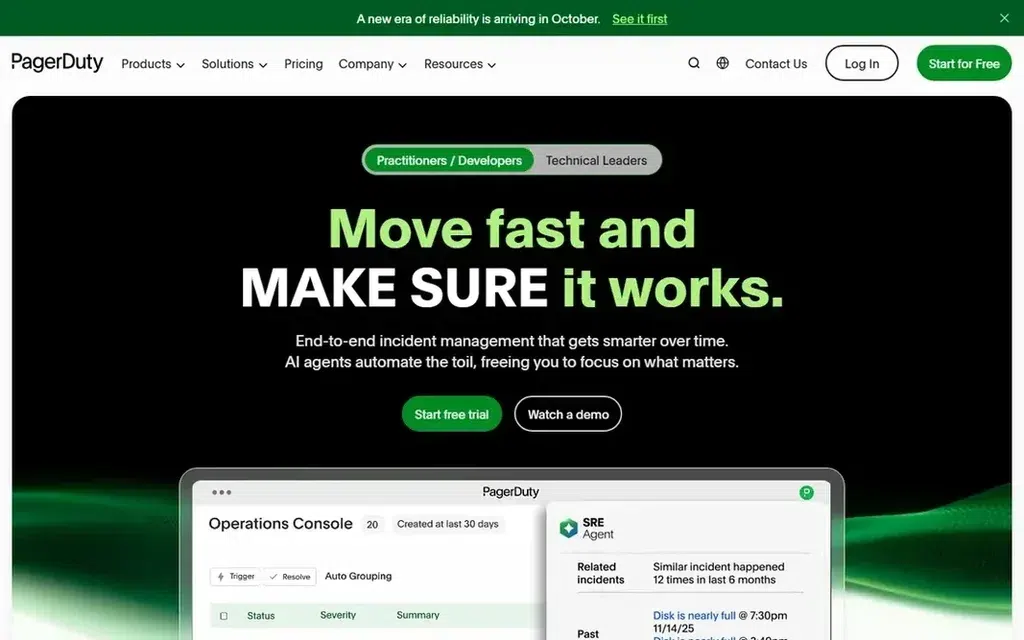
Where PagerDuty fits: AI-driven incident automation at scale. The product fits organizations that want to cut manual incident work and apply automation across the response lifecycle.
Smaller teams may prefer a more straightforward tool with fewer configuration steps. On cost, PagerDuty starts like this: $21 per user per month. PagerDuty includes a free tier.
Watch-outs: Feature depth may overwhelm small teams.
- Automates detection to resolution
- Helps prevent critical issues
- Needs setup for full automation
For fast-moving engineering teams wanting AI-native response, Rootly is a natural candidate. The all-in-one approach handles the incident lifecycle with AI assistance. Also, an AI-native product may need teams to adjust existing processes to get full value.
Where it is weaker: AI-native approach may need process change.
Worth adding: consider Rootly when your engineering team is ready to adopt AI-assisted incident management across detection through learning. From a buyer's view, teams without defined incident workflows might have to establish them first. What you pay to start with Rootly: $20 per user per month. Trial and free access: Not stated.
- Aimed at fast-moving teams
- Handles detect to learn
- Best for teams with defined incident workflows
How we compared the tools
What to confirm before you sign up
- Ask ServiceNow Incident Management for a written quote, since no starting price is shown.
- Look at free plan limits closely: Incident.io, xMatters and PagerDuty have one, and the caps decide whether it is usable for real work.
- Before choosing Incident.io, weigh its main limit: AI features may require tuning.
- Look at which plan of PagerDuty unlocks the features you need; entry tiers are often cut down.
- Verify that exporting from ServiceNow Incident Management is possible on your plan and covers all your records.
FAQ
Do these tools publish their prices?
Not all of them. ServiceNow Incident Management publishes no starting price, so expect a quote request for it. The rest, Incident.io included, show a starting price, though seats and billing terms still change the final cost. Prices, free plan details and limits for all 5 tools in this IT incident management software for On-Call teams roundup sit on the individual cards above.
What is the cheapest option for IT incident management software for On-Call teams in this list?
On published monthly entry prices, Incident.io is the lowest here at $15 per user per month. Entry price is only part of the cost, because seats, add-ons and billing terms can change the total. Each of the 5 options in this IT incident management software for On-Call teams guide has its own card above with the price, free plan and limits.
Is Incident.io the right pick for everyone comparing IT incident management software for On-Call teams?
No single tool suits every team. Incident.io comes first because it fits AI-powered reliability and status pages, while ServiceNow Incident Management suits ITIL-aligned enterprise service management and xMatters suits automated workflows for DevOps and SRE. Match the tool to your own size, budget and workflow before deciding.
Can I try these tools before paying?
Often, yes. Incident.io, xMatters and PagerDuty have a free plan. Use your own data and a real task during the test, and check what the free tier or trial limits before you rely on it.
Sources
- https://incident.io
- https://www.servicenow.com/products/itsm.html
- https://www.xmatters.com
- https://www.pagerduty.com
- https://rootly.com