Top 6 Image Optimization Software for Small Business for 2026 (Prices and Free Plans)
Searching for the best image optimization software for small business? Here are 6 options with prices and free plans. Real limits included. Reviewed this month.
- Editor's choice
 Capture One
RAW handling and tethered shooting
Starts atSee websiteVisit captureone.comFull review - Great alternative
 Canva
Quick template-driven visual content
Starts atSee websiteVisit canva.comFull review - Also consider
 Sketch
Design, prototype and handoff
Starts at$12 per editor per monthVisit sketch.comFull review
Direct answer
If you need RAW handling and tethered shooting, Capture One is the first tool to look at here. Listed starting prices: Sketch from $12 per editor per month and Figma from $3 a month. Look at Canva for fast template-driven visual content, and at Sketch for design, prototype and handoff. The remaining 3 options are covered below with prices and limits.
TL;DR:
- The list opens with Capture One, aimed at RAW handling and tethered shooting.
- The lowest published monthly entry price here is $3 per month, from Figma.
- Before buying Sketch, weigh this: centred on interface design work.
- Adobe Photoshop suits advanced editing and export control.
Last checked November 2026. Prices and plan details were read from the vendors' own pages in November 2026; vendors change plans often, so confirm the current price on the vendor site before you buy.
Quick comparison
| Tool | Best for | Starts at | Free plan? | |
|---|---|---|---|---|
| Capture One | RAW handling and tethered shooting | See website | Not stated | Visit |
| Canva | Quick template-driven visual content | See website | Not stated | Visit |
| Sketch | Design, prototype and handoff | $12 per editor per month | Free trial | Visit |
 Adobe Lightroom | Photo editing and organizing | See website | Not stated | Visit |
 Figma | Collaborative design and handoff | $3 a month | Not stated | Visit |
 Adobe Photoshop | Advanced editing and export control | See website | Not stated | Visit |
Image Optimization Software for Small Business, one by one
Choosing image optimization software for small business usually comes down to price, fit and limits. This LinkVetted guide sets 6 tools side by side on those three points, with the facts kept short and checkable.
Capture One is built with RAW handling and tethered shooting in mind. Choose Capture One when RAW quality and tethered capture drive your workflow, and use a more straightforward editor for everyday graphics.
Limits to weigh: Overkill for light editing needs.
- Capable tethering capabilities
- Smooth RAW handling
- Geared toward demanding photo workflows
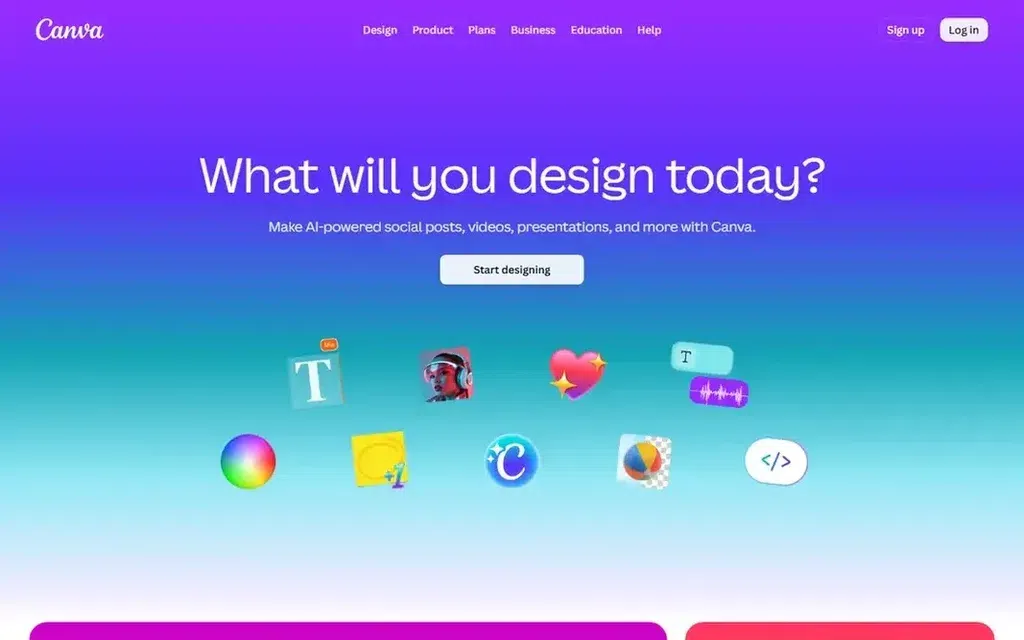
For quick template-driven visual content, Canva is a natural candidate. Canva is an online graphic design tool for social posts, presentations, posters, videos and logos.
Where it is weaker: Output control is lighter than pro editors.
It fits small firms that produce a steady stream of marketing visuals without a dedicated designer, since templates and a browser-based editor keep production fast. Check the vendor site for Canva pricing; none is listed in this comparison. Free access: Not stated. Strengths: Browser-based design with templates.
- Posters and logos
- Includes posts, presentations
- Less precise for deep photo retouching
For design, prototype and handoff, Sketch is a natural candidate. Small companies working on websites or product interfaces can use it to shape layouts and prepare assets, then hand off to developers.
Drawbacks to consider: Concentrated on interface design work.
Also, choose it when interface design and handoff are the central tasks, and keep a photo tool for image cleanup. Sketch does not manage photo retouching or image compression, so it complements instead of replaces an editor. Starting cost for Sketch: $12 per editor per month. Free plan details: Free trial.
- Design and prototyping in one app
- Built with designers in mind
- Not a photo editor
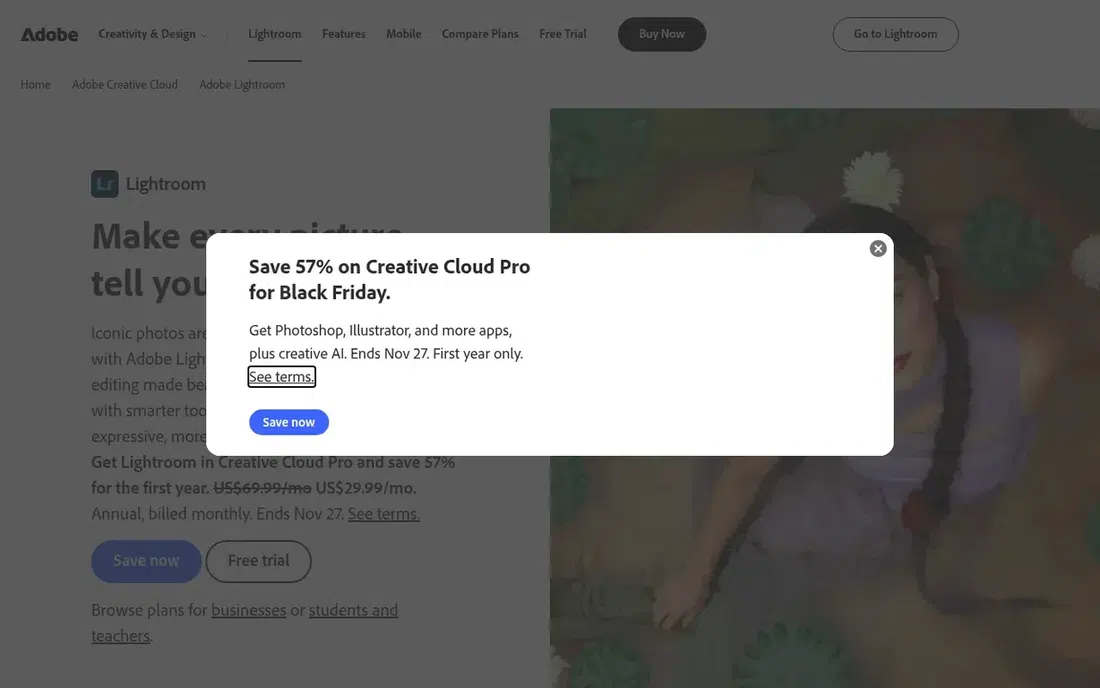
Adobe Lightroom is a good fit for Photo editing and organizing. Lightroom is Adobe's photo editing and organizing tool for photographers and enthusiasts, available on desktop, web and mobile.
Where it falls short: Not a layout or template tool.
Highlights: web and mobile.
Check the vendor site for Adobe Lightroom pricing; none is listed in this comparison. Free access: Not stated.
- Capable for large photo libraries
- Editing and organizing in one place
- Centred on photos, not graphic design
In short, Figma is for collaborative design and handoff. Figma describes itself as a collaborative canvas where design, code and AI come together.
Beyond that, pick it when collaboration and design handoff are the bottleneck instead of photo editing itself. Beyond that, Figma is not made for photo correction or color grading, so image optimization at the pixel level needs another tool. Figma pricing: $3 per month. Free plan details: Not stated.
Where it is weaker: Best value for teams with design workflows.
- Moves concepts toward production
- Shared canvas for design and code
- Not a photo retouching tool
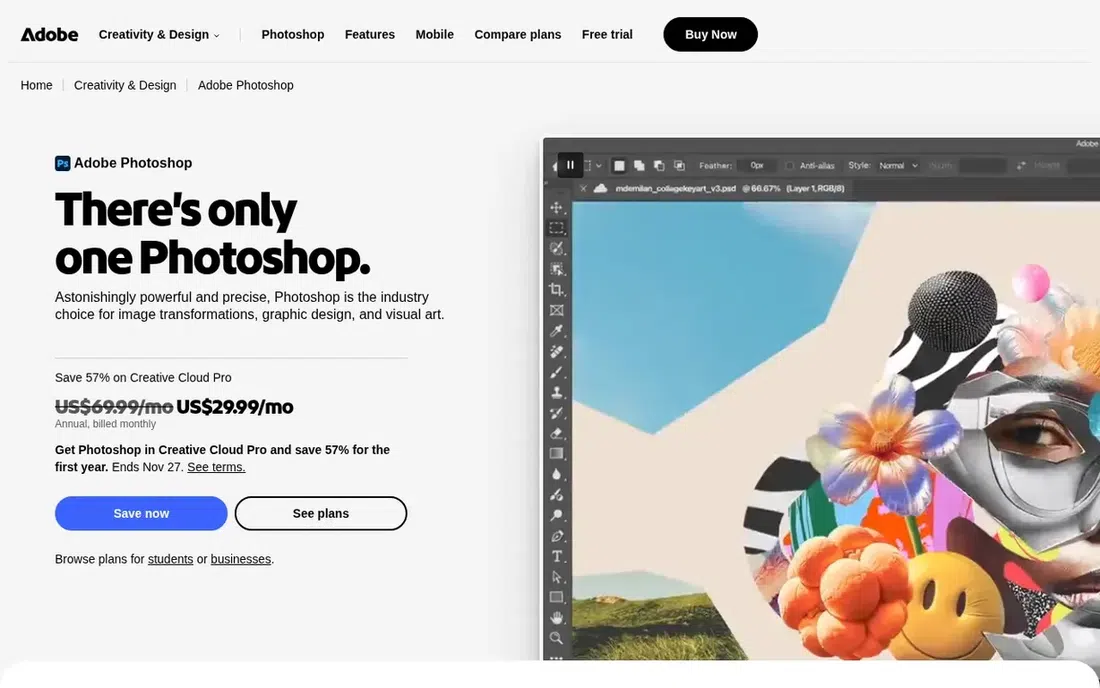
Adobe Photoshop is designed for advanced editing and export control. Photoshop is Adobe's flagship image editor, aimed at complicated edits, custom scenes and combining images. For everyday use, choose Photoshop when image quality and editing control matter more than speed, and look elsewhere if you primarily need templates and layouts.
The ramp-up time is real, and casual users may find more straightforward design tools quicker for everyday social graphics. The online and mobile versions add adaptability for fast changes away from a desk. In practice, for a small business, it suits when product photos, marketing visuals or brand assets need careful retouching and precise export settings before they go on a site or store. Adobe Photoshop shows no starting price here, so confirm the cost on the vendor site. On free options: Not stated.
Limits to weigh: Feature depth can overwhelm beginners.
- Precise control over image size and format
- Works online or through the mobile app
- Needs time to learn well
How these tools were picked
We compared the tools on published pricing, free plan or trial availability, feature coverage for image optimization software for small business, and the limits each vendor documents. Seat minimums, billing terms and add-ons can move the real cost, so the starting prices here are a guide and not a quote. We ordered the tools by general fit, then by how clearly pricing is shown, then by free access. A buyer with unusual needs may reorder them.
Before you commit
- Get a written quote from Capture One, Canva, Adobe Lightroom and Adobe Photoshop; the list shows no starting price for them.
- Use real work to test the free trial from Sketch, rather than a demo project.
- Before choosing Capture One, weigh its main limit: geared toward demanding photo workflows.
- Get the contract term, renewal terms and any onboarding fees from Figma in writing.
- Read the plan comparison for Sketch carefully; key features often start on a higher tier.
FAQ
Does any tool for image optimization software for small business here have a free plan?
No tool in this list, Capture One and Adobe Photoshop included, has a permanent free plan. Sketch offer a trial. Trials and quotes are the usual route, so plan a short evaluation period.
What should a small business look for in image optimization software?
Focus on the formats you publish, how much retouching you need and whether non-designers will use the tool. A template-driven design tool and a photo editor frequently work together instead of as substitutes.
Do I need a professional photo editor for web images?
Only if image quality and control matter for your products or brand. For everyday social graphics, a more straightforward design tool typically includes the job quicker.
Is Lightroom or Capture One better for product photography?
Lightroom fits wide editing and organizing across devices, whereas Capture One emphasizes RAW handling and tethering for controlled shoots. Match the choice to whether you shoot tethered and how much RAW control you need.
How are the tools for image optimization software for small business ordered?
Capture One sits first and Adobe Photoshop last because the order follows typical fit for image optimization software for small business, then price clarity and free access. It is a judgement call, so read each profile for fit and limits.
Can I try these tools before paying?
Often, yes. Sketch offers a free trial. Use your own data and a real task during the test, and check what the free tier or trial limits before you rely on it. Prices, free plan details and limits for all 6 tools in this image optimization software for small business roundup sit on the individual cards above.
Sources
- https://www.captureone.com
- https://www.canva.com
- https://www.sketch.com
- https://www.adobe.com/products/photoshop-lightroom.html
- https://www.figma.com
- https://www.adobe.com/products/photoshop.html