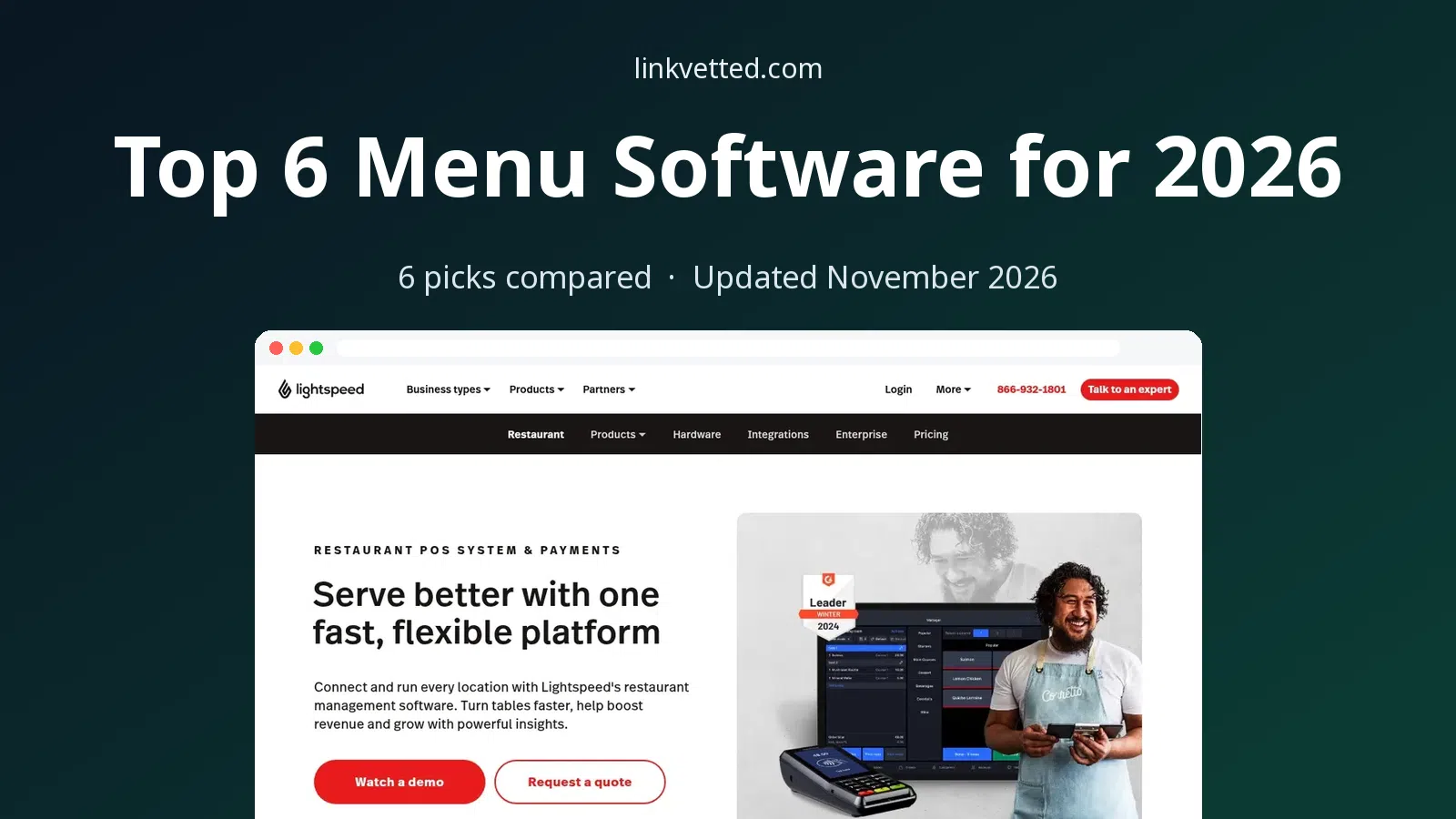
Top 6 Menu Software for 2026 (Prices and Free Plans)
Need the best menu software? We compare 6 tools on cost, free access and who each suits. Trade-offs are spelled out for each entry. Last reviewed November 2026.
- Editor's choiceMenuTiger
QR ordering and all-in-one management
Starts at$17 a monthVisit menutiger.comFull review - Great alternative
 Lightspeed Restaurant
Adaptable POS with insights
Starts atSee websiteVisit lightspeedhq.comFull review - Also consider
 Toast
All-in-one restaurant management
Starts atSee websiteVisit pos.toasttab.comFull review
Direct answer
Start with MenuTiger if you need QR ordering and all-in-one management. Listed starting prices: MenuTiger from $17 a month and TouchBistro from $69 a month. For a different need, Lightspeed Restaurant covers adaptable POS with insights and Toast covers all-in-one restaurant management. All 6 tools are compared below on price, free plan and limits.
TL;DR:
- Top of the list is MenuTiger, which targets QR ordering and all-in-one management.
- A fair warning about Lightspeed Restaurant: may require annual contracts.
- TouchBistro fits all-in-one POS and management.
- Just one of the 6 tools, MenuTiger, has a free plan.
Last checked November 2026. Prices and plan details were read from the vendors' own pages in November 2026; vendors change plans often, so confirm the current price on the vendor site before you buy.
Quick comparison
| Tool | Best for | Starts at | Free plan? | |
|---|---|---|---|---|
| MenuTiger | QR ordering and all-in-one management | $17 a month | Yes | Visit |
| Lightspeed Restaurant | Adaptable POS with insights | See website | Not stated | Visit |
| Toast | All-in-one restaurant management | See website | Not stated | Visit |
| Lavu | Restaurant POS with menu management | See website | Not stated | Visit |
 Clover | Adaptable POS with app market | See website | Not stated | Visit |
 TouchBistro | All-in-one POS and management | $69 a month | Not stated | Visit |
Menu Software profiles
LinkVetted put together this guide to menu software for readers who want a clear shortlist without reading every vendor page. It compares 6 tools on starting price, free plans, who each one suits and where each one falls short.
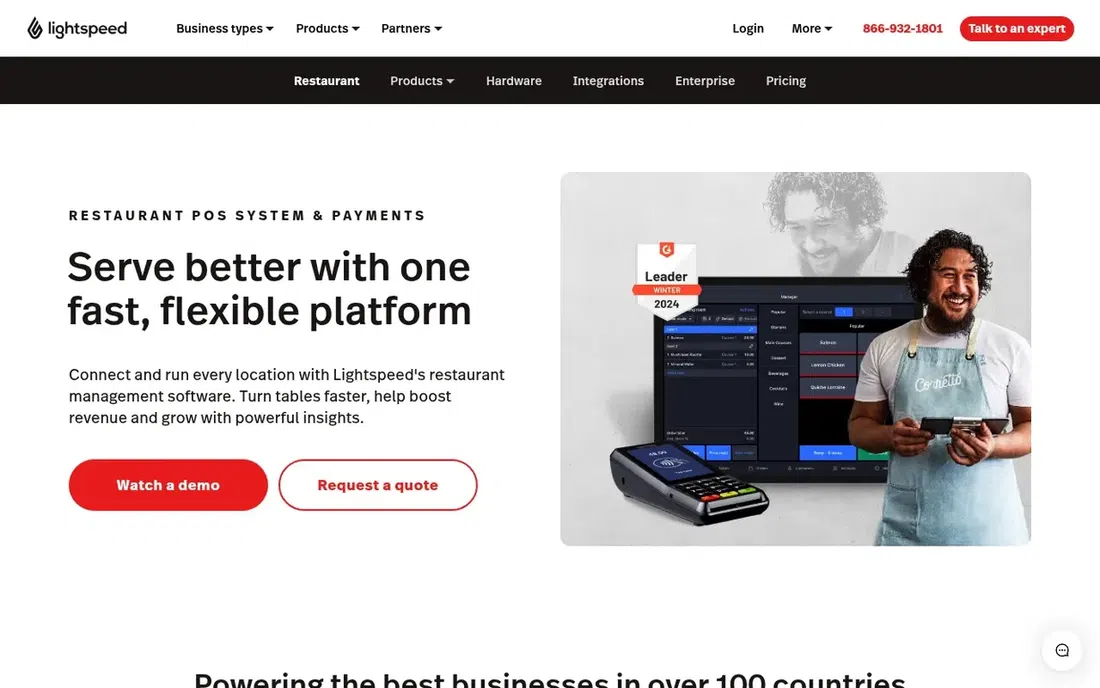
Lightspeed Restaurant works best for adaptable POS with insights. Lightspeed Restaurant is a flexible, configurable point of sale and management product that includes menu management, payments, and analytics. It is made for restaurants that want deep insights into their operations and the capacity to tailor the system to their workflow.
What to check first: Can be more costly for small firms.
Lightspeed may need a longer commitment and higher cost, which can be challenging for smaller establishments. As for the details, Lightspeed fits full-service restaurants and multi-location operations that need solid features and scalability. No starting price is listed for Lightspeed Restaurant here; confirm pricing on the vendor site. Free options: Not stated.
- Configurable to fit different restaurant needs
- Integrated payments and management
- May need annual contracts
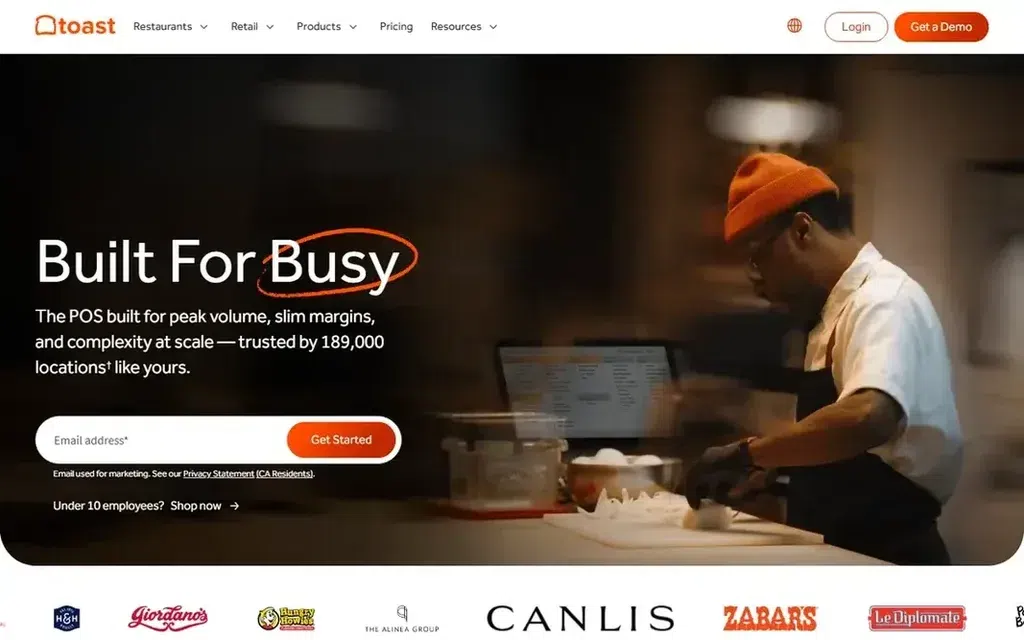
Toast makes the most sense for all-in-one restaurant management. Toast is a restaurant management system that merges point of sale, menu management, online ordering, and more. It is aimed at restaurants of several sizes, from fast service to full service, and aims to simplify operations with a single system.
Points against: Pricing not transparent without consultation.
Toast may need specific hardware and long-term contracts, which can be a barrier for some. Its pricing is not publicly listed, so you have to contact sales for a quote. Also, Toast suits companies looking for an integrated option that manages menus, orders, and payments together. Toast shows no starting price here, so confirm the cost on the vendor site. Trial and free access: Not stated.
- Integrated online ordering and menu management
- Thorough restaurant system
- Hardware may be required for full functionality
Lavu
Best for: Restaurant POS with menu management
Lavu is a good fit for Restaurant POS with menu management. Lavu is a restaurant point-of-sale system that contains menu management, online ordering, and other tools for restaurants. It is cloud-based, allowing owners to handle operations remotely.
Limits to weigh: May need hardware purchase.
Lavu may need you to purchase proprietary hardware, and its ecosystem of integrations is smaller compared with larger competitors. Even so, Lavu offers a focused restaurant option. Pricing for Lavu is not stated here, so ask the vendor for current figures. As for free access: Not stated.
- Cloud-based for remote access
- Integrated online ordering
- Less brand recognition
Clover is a good fit for adaptable POS with app market. It is built to be adaptable and can be used by restaurants, retail keeps, and service firms.
On top of that, Clover's restaurant-specific features may not be as deep as those from dedicated restaurant POS systems. You may have to depend on external apps for advanced menu management. Check the vendor site for Clover pricing; none is listed in this comparison. As for free access: Not stated.
Where it is weaker: Restaurant-specific features may be restricted.
- Right for several business types
- Broad range of integrated apps
- Payment processing fees apply
TouchBistro is designed for all-in-one POS and management. TouchBistro is an all-in-one POS and restaurant management system that comes with menu management, order processing, and tools to increase sales and delight guests.
Limits to weigh: Contract may be required.
It is designed for the restaurant industry and is used by numerous types of food companies. It may also need a contract. Entry price for TouchBistro: $69 per month. Trial and free access: Not stated.
- Built to increase sales and save time
- Approachable interface
- Needs iPad hardware
How we compared the tools
Pre-purchase checklist
- Get a written quote from Lightspeed Restaurant, Toast, Lavu and Clover; the list shows no starting price for them.
- Test the free plan from MenuTiger against your real workload before relying on it.
- Read the limits listed for MenuTiger first: newer to the market.
- Ask Lavu about contract length, onboarding fees and user minimums before you sign.
- Map your must-have features to a specific TouchBistro plan before you compare prices.
FAQ
What is menu software?
Menu software helps restaurants handle their menus, including updating items, prices, and descriptions. It commonly links up with point-of-sale systems to simplify ordering and inventory.
What is the cheapest option for menu software in this list?
On published monthly entry prices, MenuTiger is the lowest here at $17 per month. Entry price is only part of the cost, because seats, add-ons and billing terms can change the total.
Can menu software manage online orders?
Plenty of menu software contain online ordering capabilities, allowing customers to place orders straight through a website or app. This can help increase sales and boost convenience.
Do I need special hardware for menu software?
Some menu software runs on standard tablets or computers, whereas others need proprietary hardware. Check with each vendor to understand their hardware requirements and any associated costs.
Which options for menu software have a free plan?
MenuTiger is the only tool in this list with a free plan. Free plans usually cap users, projects or features, so check the limits on the vendor page.
How are the tools for menu software ordered?
MenuTiger sits first and TouchBistro last because the order follows typical fit for menu software, then price clarity and free access. It is a judgement call, so read each profile for fit and limits.
Sources
- https://www.menutiger.com
- https://www.lightspeedhq.com/pos/restaurant
- https://pos.toasttab.com
- https://www.lavu.com
- https://www.clover.com
- https://www.touchbistro.com