Best Image Recognition Software for Small Business for 2026: Our 5 Vetted Picks
Best image recognition software for small business in 2026: 5 tools with starting prices, free plans and limits. Costs and caveats sit beside each pick.
- Editor's choiceNyckel
No-code custom classifier training
Starts at$149 a monthVisit nyckel.comFull review - Great alternativeV7
Automating document-heavy workflows with AI
Starts atSee websiteVisit v7labs.comFull review - Also consider
 Roboflow
End-to-end custom vision model development
Starts at$39 a monthVisit roboflow.comFull review
Direct answer
This list puts Nyckel first for no-code custom classifier training. Listed starting prices: Nyckel from $149 a month, Roboflow from $39 a month and Hugging Face from $9 a month. Alternatives: V7 for automating document-heavy workflows with AI, and Roboflow for end-to-end custom vision model development. The other 2 tools in the list cover narrower or pricier cases.
TL;DR:
- Nyckel takes the first slot, best suited to no-code custom classifier training.
- For the cheapest start, look at Hugging Face: $9 per month.
- Hugging Face is the one to check for accessing open-source models and datasets.
- Only 3 of the 5 tools have a free plan (Nyckel, Roboflow, Hugging Face), so check the caps.
Last checked November 2026. Prices and plan details were read from the vendors' own pages in November 2026; vendors change plans often, so confirm the current price on the vendor site before you buy.
Quick comparison
| Tool | Best for | Starts at | Free plan? | |
|---|---|---|---|---|
| Nyckel | No-code custom classifier training | $149 a month | Yes | Visit |
| V7 | Automating document-heavy workflows with AI | See website | Not stated | Visit |
| Roboflow | End-to-end custom vision model development | $39 a month | Yes | Visit |
| OpenCV | Developer-friendly computer vision library | See website | Not stated | Visit |
 Hugging Face | Accessing open-source models and datasets | $9 a month | Yes | Visit |
Image Recognition Software for Small Business, one by one
Short on time? The summary and table above give the quick view of 5 tools for image recognition software for small business, and the profiles that follow give the detail behind each entry.
Nyckel
Best for: No-code custom classifier training
Where Nyckel fits: no-code custom classifier training. Nyckel centres on classification and may not include advanced use cases like object detection or video analysis.
Small firms that want to add image recognition to their operations without hiring data scientists will find it approachable and fast to set up. What you pay to start with Nyckel: $149 per month. Nyckel offers a free plan.
Downsides: May not support complicated vision workflows.
- No ML pipeline or infrastructure to handle
- Confidence calibrated to your data
- Restricted to classification tasks
V7
Best for: Automating document-heavy workflows with AI
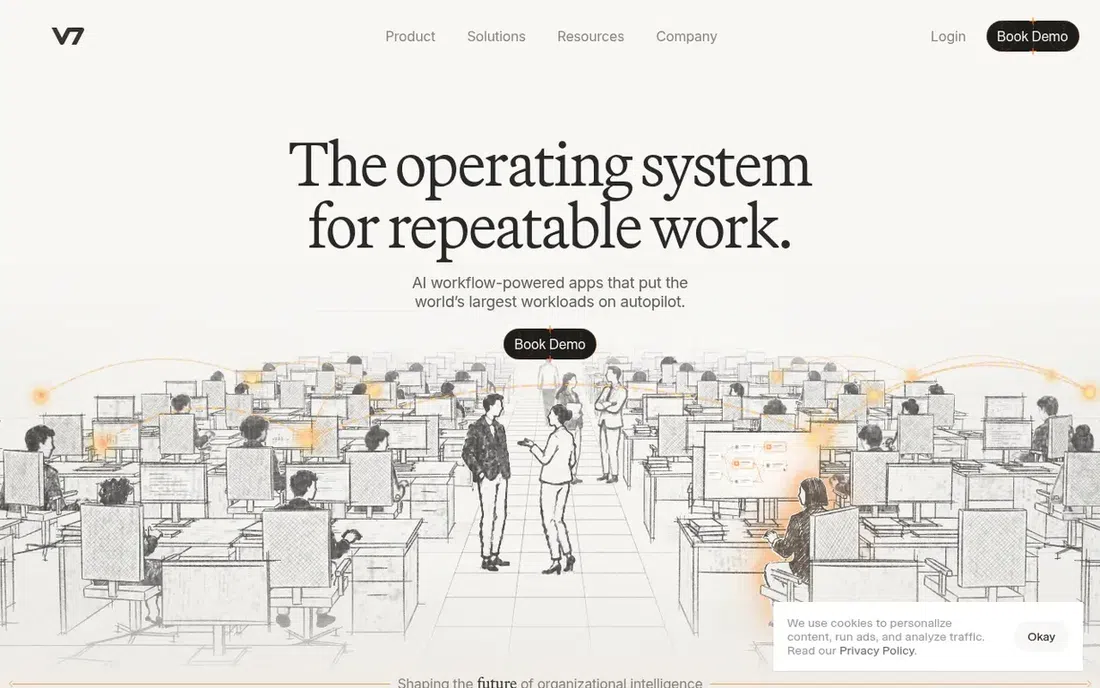
V7 is a good fit for automating document-heavy workflows with AI. V7 gives you an operating system for repeatable work, turning hundreds of pages of instructions into AI workflows. It is targeted at operations like due diligence, underwriting, and claims processing.
The main drawbacks: May be specialized for document processing.
In practice, small firms in insurance, legal, or finance that require to extract information from documents can benefit from its workflow automation. V7 is less suited for pure image classification tasks outside document workflows. Pricing for V7 is not stated here, so ask the vendor for current figures. Free options: Not stated.
- Takes care of complicated operations at scale
- Turns instructions into AI workflows
- Not a general-purpose image recognition tool
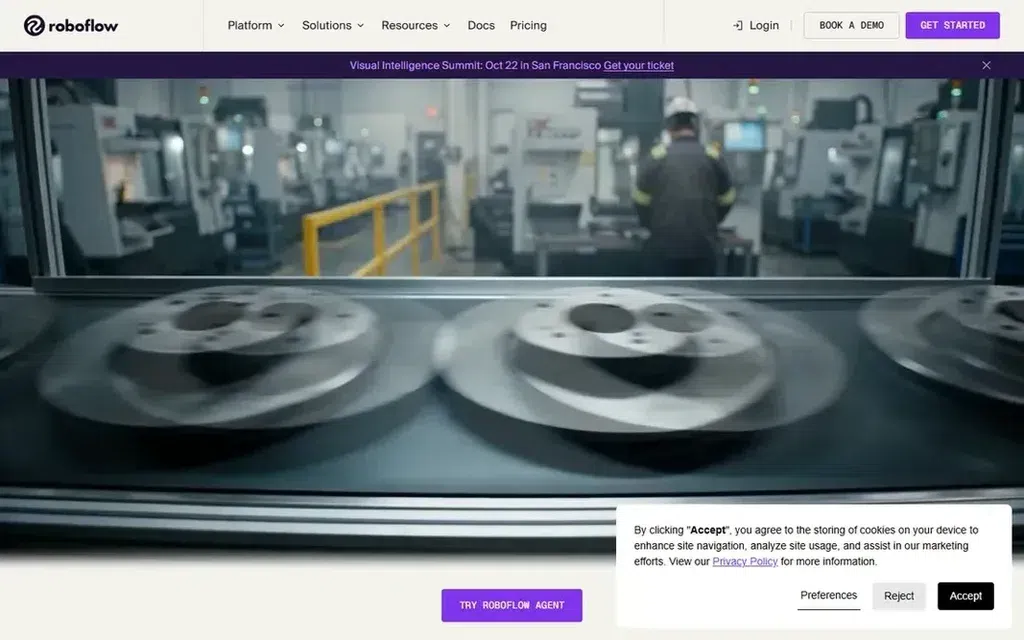
Roboflow is a good fit for end-to-end custom vision model development. Roboflow is a vision AI product that turns images, videos, and streams into intelligence. It is made for businesses that operate in the physical world, like manufacturing or logistics.
If you need a straightforward classifier without pipeline management, a no-code choice like Nyckel could be a better fit. More specifically, the system assumes some familiarity with machine learning concepts and may be overkill for entry-level image sorting. Price to start with Roboflow: $39 per month. You can start on Roboflow without paying.
Limits to weigh: Needs some technical setup.
- Deals with images, videos, streams
- Supports model training and deployment
- May be complicated for straightforward classification tasks
OpenCV
Best for: Developer-friendly computer vision library
OpenCV makes the most sense for developer-friendly computer vision library. Small companies with developer resources can use it to build custom image recognition features straight into their applications.
Pricing for OpenCV is not stated here, so ask the vendor for current figures. Trial and free access: Not stated.
Watch-outs: Needs programming knowledge.
- Supports ML and AI model execution
- Open source and free to use
- No built-in labeling or training interface
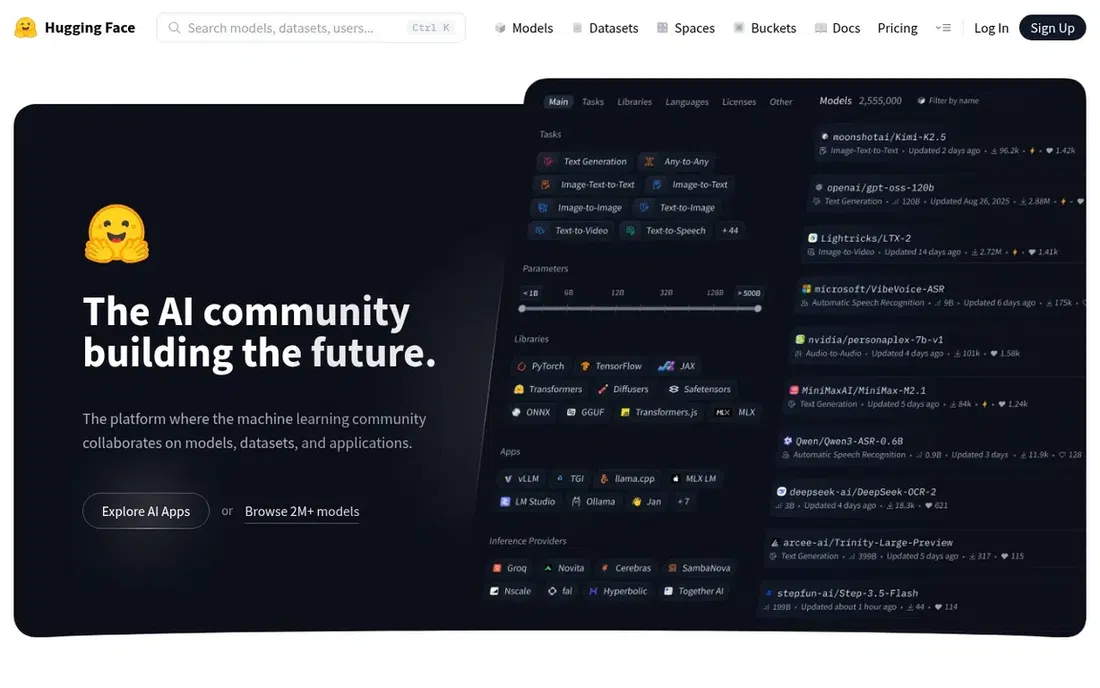
Think of Hugging Face for accessing open-source models and datasets. The system is not a managed service, so you will have to manage deployment and scaling yourself.
In daily use, for a more guided experience with custom classifiers, consider Nyckel or Roboflow. Hugging Face cost at the entry level: $9 per month. Hugging Face includes a free tier.
Where it is weaker: Not a turnkey small-business option.
- Supports plenty of AI tasks beyond vision
- Community-driven and open source
- Needs technical knowledge to integrate
How these tools were picked
For each of the 5 tools we noted price, free plan or trial, fit for image recognition software for small business and the main limit, using vendor pages and documentation. Treat prices as a snapshot: vendors change plans often, so check the vendor site for the figure that applies today. The ranking is editorial: typical fit first, then clear pricing, then free access. If your needs are unusual, read the profiles rather than relying on position.
A buyer's checklist
- Confirm the entry price on the vendor page. For V7 and OpenCV that means a quote rather than a fixed price.
- Look at free plan limits closely: Nyckel, Roboflow and Hugging Face have one, and the caps decide whether it is usable for real work.
- Read the limits listed for Nyckel first: restricted to classification tasks.
- Test how quickly Roboflow answers a pre-sales question; it hints at how support will feel later.
- Confirm you can export your data from Nyckel, so leaving later does not mean losing records.
FAQ
Do these tools publish their prices?
Not all of them. V7 and OpenCV publish no starting price, so expect a quote request for those. The rest, Nyckel included, show a starting price, though seats and billing terms still change the final cost.
What is the best image recognition software for a small business with no technical staff?
This list starts with Nyckel, which fits no-code custom classifier training. For other needs, V7 is aimed at automating document-heavy workflows with AI, and Roboflow at end-to-end custom vision model development. Check each tool's price and main limit first.
Is Nyckel the right pick for everyone comparing image recognition software for small business?
No single tool suits every team. Nyckel comes first because it fits no-code custom classifier training, while V7 suits automating document-heavy workflows with AI and Roboflow suits end-to-end custom vision model development. Match the tool to your own size, budget and workflow before deciding.
What is the cheapest option for image recognition software for small business in this list?
On published monthly entry prices, Hugging Face is the lowest here at $9 per month. Entry price is only part of the cost, because seats, add-ons and billing terms can change the total. Each of the 5 options in this image recognition software for small business guide has its own card above with the price, free plan and limits.
Which options for image recognition software for small business have a free plan?
On this list, Nyckel, Roboflow and Hugging Face include a free plan. Caps on seats, usage or features are common, so test the free plan against your real workload.
Sources
- https://www.nyckel.com
- https://www.v7labs.com
- https://roboflow.com
- https://opencv.org
- https://huggingface.co