Best Hosting for WooCommerce Subscriptions for 2026: Our 5 Vetted Picks
Best hosting for WooCommerce subscriptions in 2026: 5 tools with starting prices, free plans and limits. Read the caveats before you buy. Narrow your shortlist.
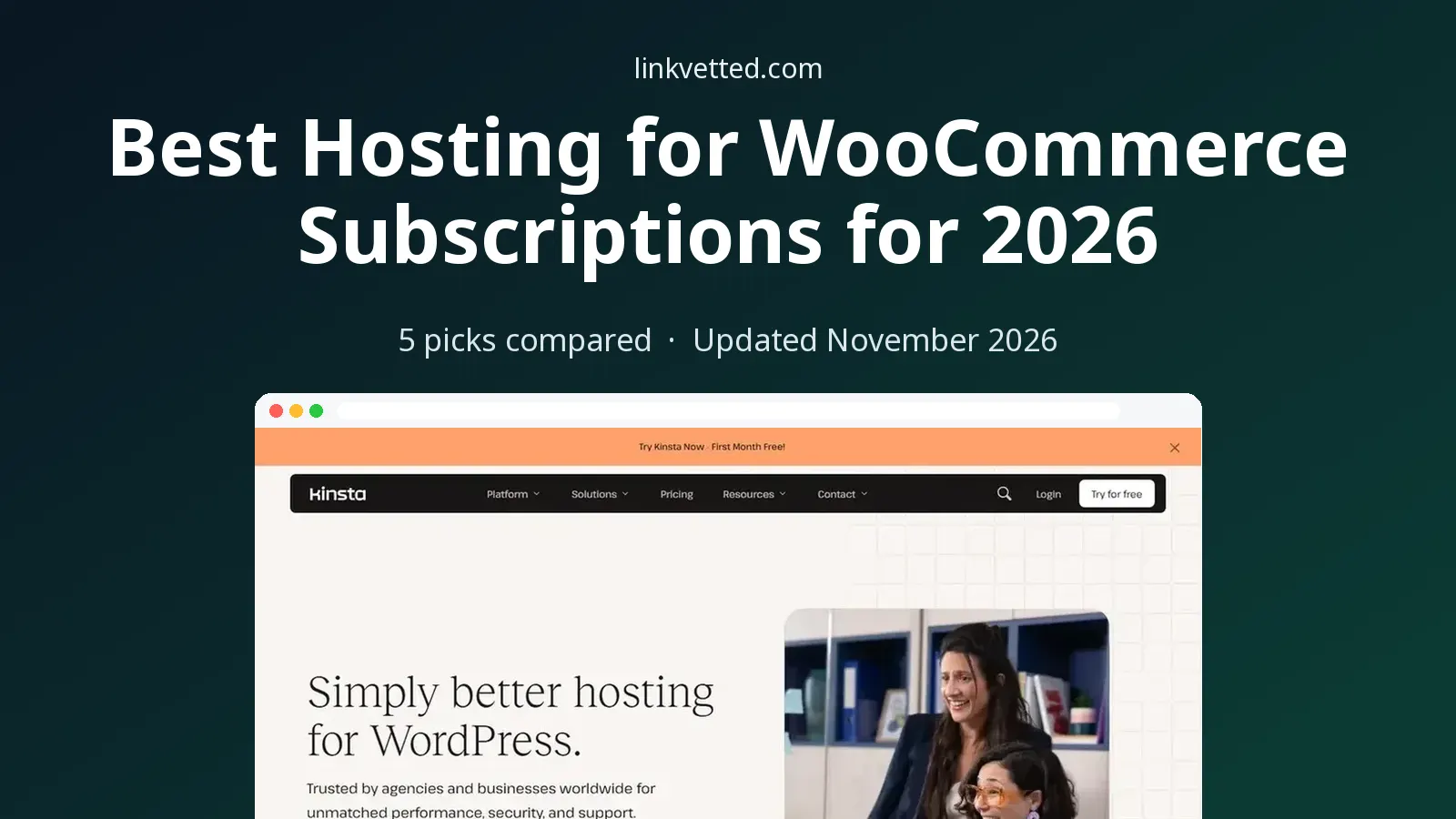
- Editor's choice
 Kinsta
Performance-focused managed WordPress hosting
Starts at$17.50 a monthVisit kinsta.comFull review - Great alternative
 SiteGround
Shared and managed WordPress hosting
Starts atSee websiteVisit siteground.comFull review - Also consider
 Cloudways
Scalable cloud hosting for expanding keeps
Starts at$20 a monthVisit cloudways.comFull review
Direct answer
Kinsta is the first pick on this list for performance-focused managed WordPress hosting. Listed starting prices: Kinsta from $17.50 a month, Cloudways from $20 a month and WP Engine from $28.00 a month. Look at SiteGround for shared and managed WordPress hosting, and at Cloudways for scalable cloud hosting for growing keeps. All 5 tools are compared below on price, free plan and limits.
TL;DR:
- Kinsta takes the first slot, best suited to performance-focused managed WordPress hosting.
- What to know about Kinsta first: no email hosting included.
- Hostinger is the lowest-priced starter here at $1.99 per month.
- Kinsta, Hostinger and the 3 others all need a premium plan or a trial, since no free plan is listed.
- Hostinger fits budget-friendly hosting for small keeps.
Last checked November 2026. Prices and plan details were read from the vendors' own pages in November 2026; vendors change plans often, so confirm the current price on the vendor site before you buy.
Quick comparison
| Tool | Best for | Starts at | Free plan? | |
|---|---|---|---|---|
| Kinsta | Performance-focused managed WordPress hosting | $17.50 a month | Free trial | Visit |
| SiteGround | Shared and managed WordPress hosting | See website | Not stated | Visit |
| Cloudways | Scalable cloud hosting for expanding keeps | $20 a month | Free trial | Visit |
 WP Engine | Managed WordPress hosting for subscriptions | $28.00 a month | Not stated | Visit |
 Hostinger | Budget-friendly hosting for small keeps | $1.99 per month | Not stated | Visit |
Tool-by-tool breakdown
Choosing hosting for WooCommerce subscriptions usually comes down to price, fit and limits. This LinkVetted guide sets 5 tools side by side on those three points, with the facts kept short and checkable.

Kinsta is built with performance-focused managed WordPress hosting in mind. Kinsta is a managed WordPress hosting provider that emphasizes speed, security, and support. It is a decent choice for WooCommerce subscription keeps that prioritize performance and uptime.
Trade-offs to know: Higher price point.
Kinsta does not bundle email hosting, so you will need a separate email service. Its pricing is on the higher end, which may not suit very small or new subscription companies. Also, the product gives you features like automatic backups and staging environments, which can help test subscription-related changes safely. Price to start with Kinsta: $17.50 per month. On free options: Free trial.
- Enterprise-grade infrastructure
- Managed WordPress environment
- No email hosting included
SiteGround is built with shared and managed WordPress hosting in mind. Shared hosting plans may have resource limits that could affect subscription keeps as they grow.
Where it is weaker: Renewal prices higher than initial.
Check the vendor site for SiteGround pricing; none is listed in this comparison. Free access: Not stated.
- Quick and secure hosting
- WordPress-specific features
- Resource limits on shared plans
In short, Cloudways is for scalable cloud hosting for expanding keeps. Cloudways gives you a managed cloud hosting system that eases deploying and scaling cloud servers. Worth adding: if you prefer a hands-off WordPress experience, consider a specialized managed host.
On top of that, the system supports several cloud providers, giving you choices for infrastructure. Worth adding: support is not as WordPress-centric as some competitors. Entry price for Cloudways: $20 per month. Free plan details: Free trial.
What to check first: Needs some server management knowledge.
- Managed cloud hosting
- Scalable server resources
- Less WordPress-specific support
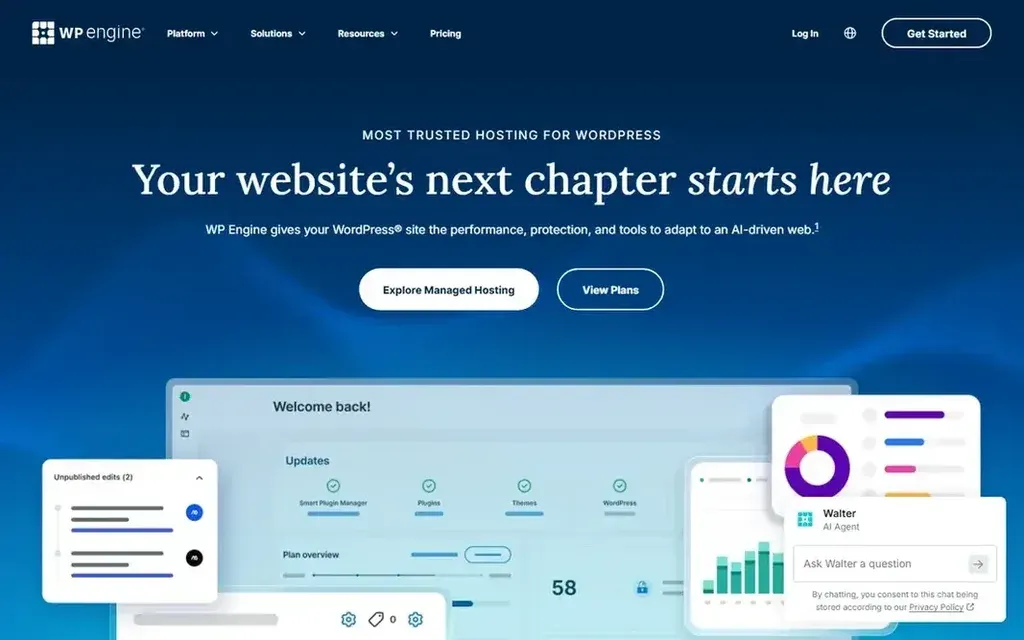
WP Engine is a good fit for managed WordPress hosting for subscriptions. WP Engine concentrates on WordPress, so it may not be ideal if you have to host other applications alongside your store.
Watch-outs: Higher cost than shared hosting.
Starting cost for WP Engine: $28.00 per month. Trial and free access: Not stated.
- Managed WordPress environment
- 24/7 support and security features
- Restricted to WordPress and WooCommerce
Hostinger is designed for budget-friendly hosting for small keeps. It is a budget-friendly choice for small WooCommerce subscription keeps that require entry-level hosting with room to grow. Lower-tier plans may lack advanced managed WordPress features and have restricted resources.
Beyond that, the platform bundles tools to set up a site rapidly. More specifically, for mission-critical subscription keeps, a more specialized managed host might be preferable. From a buyer's view, support responsiveness can vary based on the plan. The starting price for Hostinger: $1.99 per month. Free options: Not stated.
What to check first: Restricted managed WordPress features on lower levels.
- Low-cost shared and VPS plans
- Easy website setup
- Support quality varies by plan
How we chose
Pricing pages, product documentation and feature lists were the main sources, and every entry carries at least one honest drawback. Prices and plan limits come from vendor pages and can change, so confirm them on the vendor site before you buy. Tools are placed by general fit for hosting for WooCommerce subscriptions, with price clarity and free access as tie-breakers. A different team can reasonably rank them differently.
What to check before you buy
- Ask SiteGround for a written quote, since no starting price is shown.
- Take the trial from Kinsta and Cloudways and push a live task through it before you pay.
- Read the limits listed for Kinsta first: no email hosting included.
- Map your must-have features to a specific WP Engine plan before you compare prices.
- Ask whether Hostinger integrates with your current software, and whether that comes standard or as an add-on.
FAQ
Is Kinsta the right pick for everyone comparing hosting for WooCommerce subscriptions?
No single tool suits every team. Kinsta comes first because it fits performance-focused managed WordPress hosting, while SiteGround suits shared and managed WordPress hosting and Cloudways suits scalable cloud hosting for growing stores. Match the tool to your own size, budget and workflow before deciding.
Does any tool for hosting for WooCommerce subscriptions here have a free plan?
No tool in this list, Kinsta and Hostinger included, has a permanent free plan. Kinsta, Cloudways offer a trial. Trials and quotes are the usual route, so plan a short evaluation period.
Do these tools publish their prices?
Not all of them. SiteGround publishes no starting price, so expect a quote request for it. The rest, Kinsta included, show a starting price, though seats and billing terms still change the final cost.
What should I look for in hosting for WooCommerce subscriptions?
Look for dependable uptime, performance optimizations for WordPress, and scalable resources to deal with recurring transactions. Support for secure payment gateways and automatic backups is also important.
How are the tools for hosting for WooCommerce subscriptions ordered?
The order follows typical fit for hosting for WooCommerce subscriptions, with Kinsta first and Hostinger last, then price clarity and free access. It is editorial judgement, not a score, so another team could rank the tools differently.
Sources
- https://kinsta.com
- https://www.siteground.com
- https://www.cloudways.com
- https://wpengine.com
- https://www.hostinger.com