Best WordPress Hosting for WooCommerce Stores (2026): 5 Picks Checked on Vendor Pages
Searching for the best WordPress hosting for WooCommerce stores? Here are 5 options with prices and free plans. Real limits included. Compare quickly.
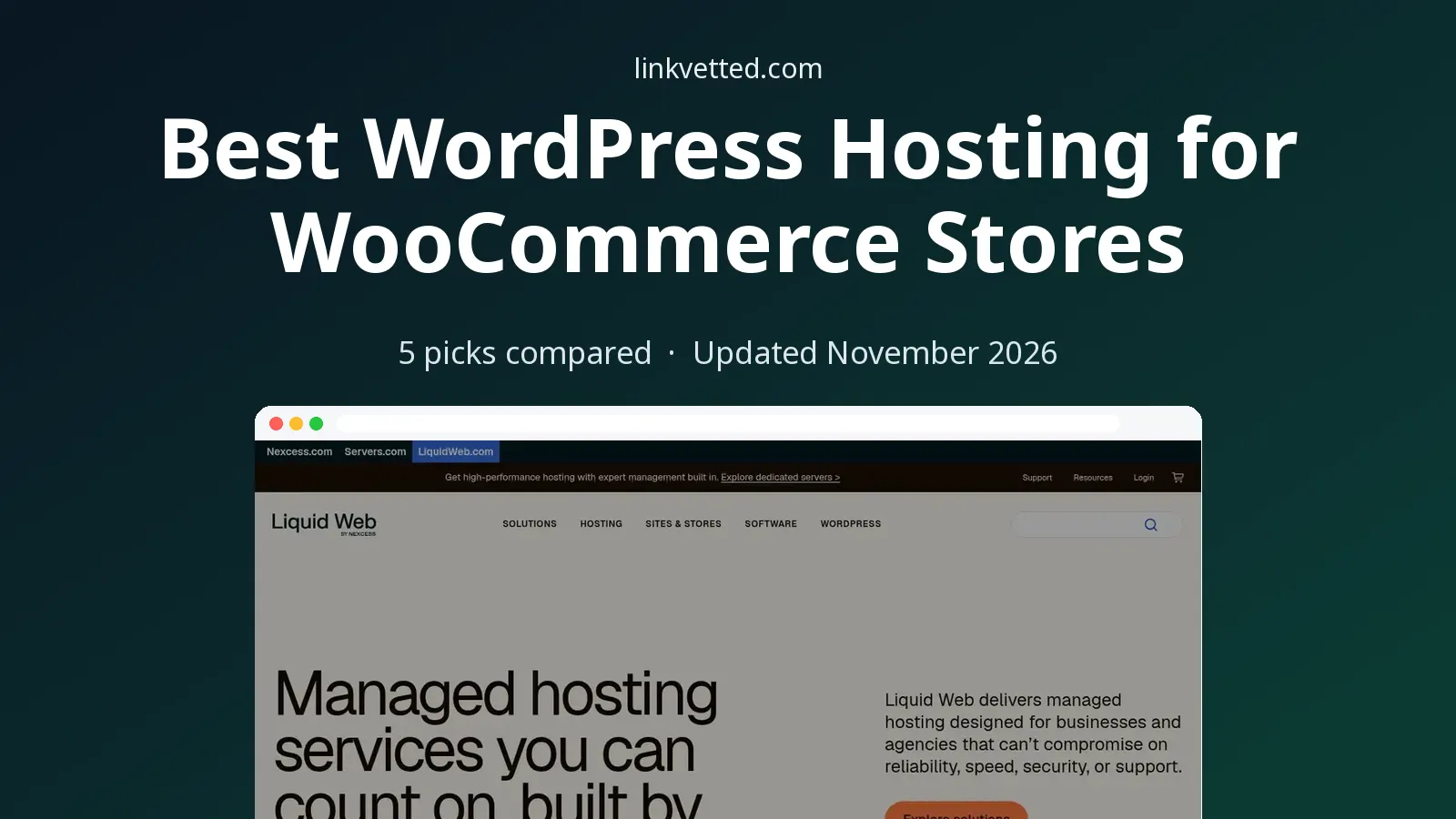
- Editor's choice
 Liquid Web
Reliability and scalable managed infrastructure
Starts atSee websiteVisit liquidweb.comFull review - Great alternative
 Cloudways
Managed cloud hosting with tuning control
Starts at$20 a monthVisit cloudways.comFull review - Also consider
 Kinsta
Performance-focused WooCommerce keeps
Starts at$17.50 a monthVisit kinsta.comFull review
Direct answer
Start with Liquid Web if you need reliability and scalable managed infrastructure. Listed starting prices: Cloudways from $20 a month, Kinsta from $17.50 a month and Hostinger from $1.99 a month. Alternatives: Cloudways for managed cloud hosting with tuning control, and Kinsta for performance-focused WooCommerce keeps. The full list of 5 tools follows, with prices and free plan facts.
TL;DR:
- Liquid Web takes the first slot, best suited to reliability and scalable managed infrastructure.
- For managed WooCommerce with capable support, WP Engine is worth a look.
- Neither Liquid Web nor WP Engine, nor any of the other 3 tools, has a permanent free plan; trials and quotes are the norm.
- For the cheapest start, look at Hostinger: $1.99 per month.
- The main caution on Cloudways: needs more setup knowledge.
Last checked November 2026. Prices and plan details were read from the vendors' own pages in November 2026; vendors change plans often, so confirm the current price on the vendor site before you buy.
Quick comparison
| Tool | Best for | Starts at | Free plan? | |
|---|---|---|---|---|
| Liquid Web | Reliability and scalable managed infrastructure | See website | Not stated | Visit |
| Cloudways | Managed cloud hosting with tuning control | $20 a month | Free trial | Visit |
| Kinsta | Performance-focused WooCommerce keeps | $17.50 a month | Free trial | Visit |
 Hostinger | Budget-friendly starting point for new keeps | $1.99 a month | Not stated | Visit |
 WP Engine | Managed WooCommerce with capable support | $28.00 per month | Not stated | Visit |
WordPress Hosting for WooCommerce Stores, one by one
If you are comparing WordPress hosting for WooCommerce stores, this page covers 5 tools in one place: what each is best for, what it costs to start, whether it has a free plan, and the main limit to know about.

Where Liquid Web fits: reliability and scalable managed infrastructure. Liquid Web gives hosting solutions aimed at uptime, performance, and security, including dedicated servers, managed hosting, and compliant infrastructure. Since Liquid Web handles numerous hosting types, the WordPress-specific experience may feel less turnkey than a dedicated managed WordPress host.
Downsides: Can need more technical decisions.
Choose Liquid Web when reliability and room to scale are priorities. Also, keeps wanting a straightforward, preconfigured WooCommerce environment may prefer a narrower provider. Liquid Web does not show a starting price in this comparison, so check the vendor site for current pricing. Free options: Not stated.
- Dedicated server options
- Uptime and security emphasis
- Broader hosting focus than WordPress only
Cloudways is a good fit for managed cloud hosting with tuning control. For WooCommerce, this means you can run WordPress on cloud infrastructure whereas the system manages management tasks.
Worth adding: Cloudways expects some technical comfort: you choose infrastructure and configure your stack. So it is less plug-and-play than a WordPress-only managed host. Price to start with Cloudways: $20 per month. Free options: Free trial.
Watch-outs: Not a turnkey WordPress-only host.
- Managed cloud system
- Choice of cloud infrastructure
- Needs more setup knowledge

In short, Kinsta is for performance-focused WooCommerce keeps. For WooCommerce, that combination can help keep product pages and checkout responsive during traffic spikes.
Kinsta positions itself as just better hosting for WordPress, with enterprise-grade speed, security, and support. Its homepage emphasizes performance and managed service. Price to start with Kinsta: $17.50 per month. Trial and free access: Free trial.
What to check first: Managed limits on customization.
- Managed WordPress environment
- Enterprise-grade speed focus
- Premium positioning
Hostinger is aimed squarely at budget-friendly starting point for new keeps. Hostinger gives you shared hosting, domains, VPS, and cloud plans aimed at getting a site online. Its homepage positions the company as an all-in-one place to build a website.
Pick Hostinger when budget and ease of launch come first. Worth adding: Hostinger's shared plans carry resource limits that a busy store can hit. The product is less specialized in managed WooCommerce than dedicated WordPress hosts. Hostinger cost at the entry level: $1.99 per month. Free plan details: Not stated.
Honest limits: Shared plans have resource limits.
- Beginner-friendly setup
- Domain and VPS choices
- Less managed WooCommerce specialization
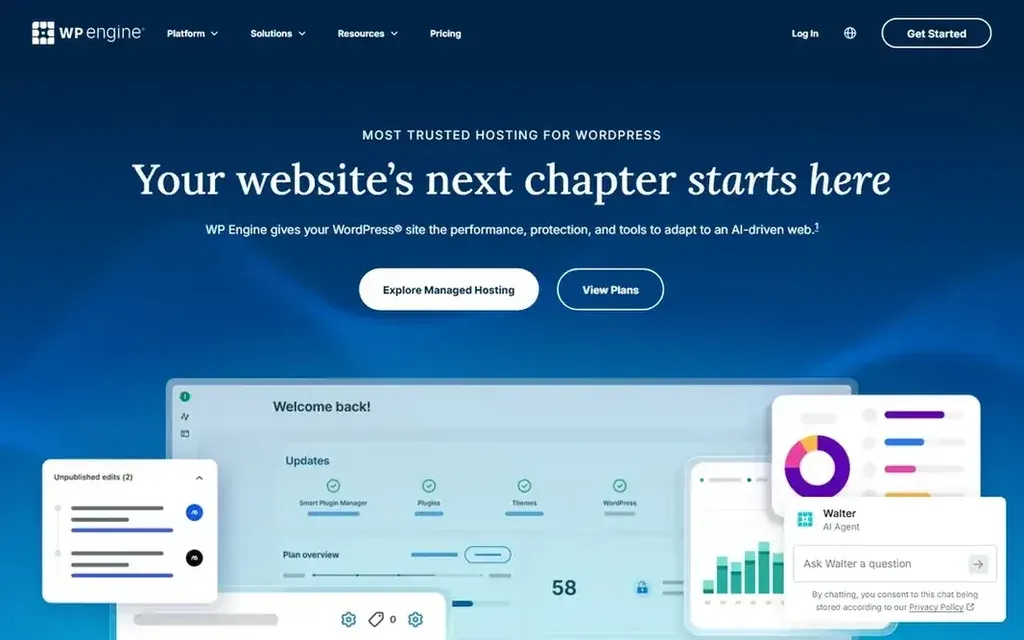
WP Engine targets managed WooCommerce with solid support. WP Engine is a managed WordPress hosting product built around performance, security, and support. Its homepage flags a trusted hosting product with round-the-clock support and security options.
Where it falls short: Higher cost than shared hosts.
The trade-off is adaptability: managed products limit some server-level customization and tend to cost more than shared hosting. As for the details, if you need root access or want to run a custom stack, a cloud or unmanaged option may suit you better. Choose WP Engine when managed support and security matter more than practical server control. Starting cost for WP Engine: $28.00 per month. On free options: Not stated.
- Security and support included
- Managed WordPress system
- Less low-level server control
How we built this list
The comparison looks at four things: starting price, free access, how well the feature set matches WordPress hosting for WooCommerce stores, and the main limit of each tool. Treat prices as a snapshot: vendors change plans often, so check the vendor site for the figure that applies today. Position on the page reflects fit for a typical buyer first, with price clarity and free access breaking ties. Treat it as a guide, not a ruling.
Questions to settle before buying
- Ask Liquid Web for a written quote, since no starting price is shown.
- Use real work to test the free trial from Cloudways and Kinsta, rather than a demo project.
- Read the limits listed for Liquid Web first: broader hosting focus than WordPress only.
- List the apps you already depend on and check that WP Engine supports each one on the plan you would buy.
- Make sure Hostinger lets you export your data in a format another tool can read.
FAQ
Can I move an existing WooCommerce store to a new host?
Most hosts offer migration assistance, but the process varies. Ask whether the host migrates WordPress files and databases and how it manages WooCommerce data.
Does any tool for WordPress hosting for WooCommerce stores here have a free plan?
A permanent free plan is not offered by Liquid Web, WP Engine or the other tools here. Cloudways, Kinsta offer a trial. Plan a short evaluation period instead. Each of the 5 options in this WordPress hosting for WooCommerce stores guide has its own card above with the price, free plan and limits.
What should a WooCommerce store look for in WordPress hosting?
Look for steady speed, managed WordPress support, and room to scale as orders grow. Security features and backups matter since checkout and customer data are involved.
Is Liquid Web the right pick for everyone comparing WordPress hosting for WooCommerce stores?
No single tool suits every team. Liquid Web comes first because it fits reliability and scalable managed infrastructure, while Cloudways suits managed cloud hosting with tuning control and Kinsta suits performance-focused WooCommerce stores. Match the tool to your own size, budget and workflow before deciding.
What is the cheapest option for WordPress hosting for WooCommerce stores in this list?
On published monthly entry prices, Hostinger is the lowest here at $1.99 per month. Entry price is only part of the cost, because seats, add-ons and billing terms can change the total. All 5 picks in this WordPress hosting for WooCommerce stores comparison list a starting price, free plan details and the main limits on their cards above.
Can I try these tools before paying?
Often, yes. Cloudways and Kinsta offer a free trial. Use your own data and a real task during the test, and check what the free tier or trial limits before you rely on it. For the full picture, the cards above cover all 5 entries of this WordPress hosting for WooCommerce stores list, including price, free plan and limits.
Sources
- https://www.liquidweb.com
- https://www.cloudways.com
- https://kinsta.com
- https://www.hostinger.com
- https://wpengine.com