Choosing HIPAA Compliant Remote Access Software in 2026: 6 Options Compared
Best HIPAA compliant remote access software in 2026: 6 contenders with entry costs and free tiers. Every pick includes one clear drawback. Checked this month.
- Editor's choiceTeamViewer Remote
Everyday remote desktop access and support
Starts atSee websiteVisit teamviewer.comFull review - Great alternative
 ConnectWise ScreenConnect
MSPs wanting remote support plus broader tooling
Starts atSee websiteVisit connectwise.comFull review - Also consider
 Keeper
Unified privileged access and secrets control
Starts atSee websiteVisit keepersecurity.comFull review
Direct answer
If you need everyday remote desktop access and support, TeamViewer Remote is the first tool to look at here. Listed starting prices: Splashtop from $6 a month. If your case is different, ConnectWise ScreenConnect suits MSPs wanting remote support plus broader tooling and Keeper suits unified privileged access and secrets control. Details, prices and limits for the rest of the 6 tools are below.
TL;DR:
- Top of the list is TeamViewer Remote, which targets everyday remote desktop access and support.
- TeamViewer Remote, Datto RMM and the 4 others all need a premium plan or a trial, since no free plan is listed.
- Datto RMM fits managed IT providers supporting healthcare clients.
- Starting prices begin at $6 per month with Splashtop.
Last checked November 2026. Prices and plan details were read from the vendors' own pages in November 2026; vendors change plans often, so confirm the current price on the vendor site before you buy.
Quick comparison
| Tool | Best for | Starts at | Free plan? | |
|---|---|---|---|---|
| TeamViewer Remote | Everyday remote desktop access and support | See website | Free trial | Visit |
| ConnectWise ScreenConnect | MSPs wanting remote support plus broader tooling | See website | Free trial | Visit |
| Keeper | Unified privileged access and secrets control | See website | Free trial | Visit |
 Splashtop | Quick, value-focused remote access and support | $6 a month | Free trial | Visit |
 GoTo Resolve | IT support within a business communications suite | See website | Not stated | Visit |
| Datto RMM | Managed IT providers supporting healthcare clients | See website | Not stated | Visit |
HIPAA Compliant Remote Access Software compared in detail
Short on time? The summary and table above give the quick view of 6 tools for HIPAA compliant remote access software, and the profiles that follow give the detail behind each entry.
TeamViewer Remote
Best for: Everyday remote desktop access and support
TeamViewer Remote is a good fit for everyday remote desktop access and support. TeamViewer Remote is presented as a digital workplace product for remote desktop access, connecting to remote computers, offering remote support and collaborating online. Its familiarity makes it simple for staff and patients' caregivers to follow instructions during a session.
Watch-outs: Consumer heritage can blur business positioning.
As for the details, choose TeamViewer when straightforward remote desktop access is the priority. As for the details, since the product is widely used by individuals along with firms, healthcare buyers should verify the administrative and security controls that matter to their compliance review. If you need deep privileged access governance, a system like Keeper may align better. TeamViewer Remote does not show a starting price in this comparison, so check the vendor site for current pricing. Free plan details: Free trial.
Upsides: Well-known remote desktop and support product.
- Includes connections
- Widely recognized interface for end users
- Confirm healthcare-specific safeguards on vendor pages
ConnectWise ScreenConnect
Best for: MSPs wanting remote support plus broader tooling
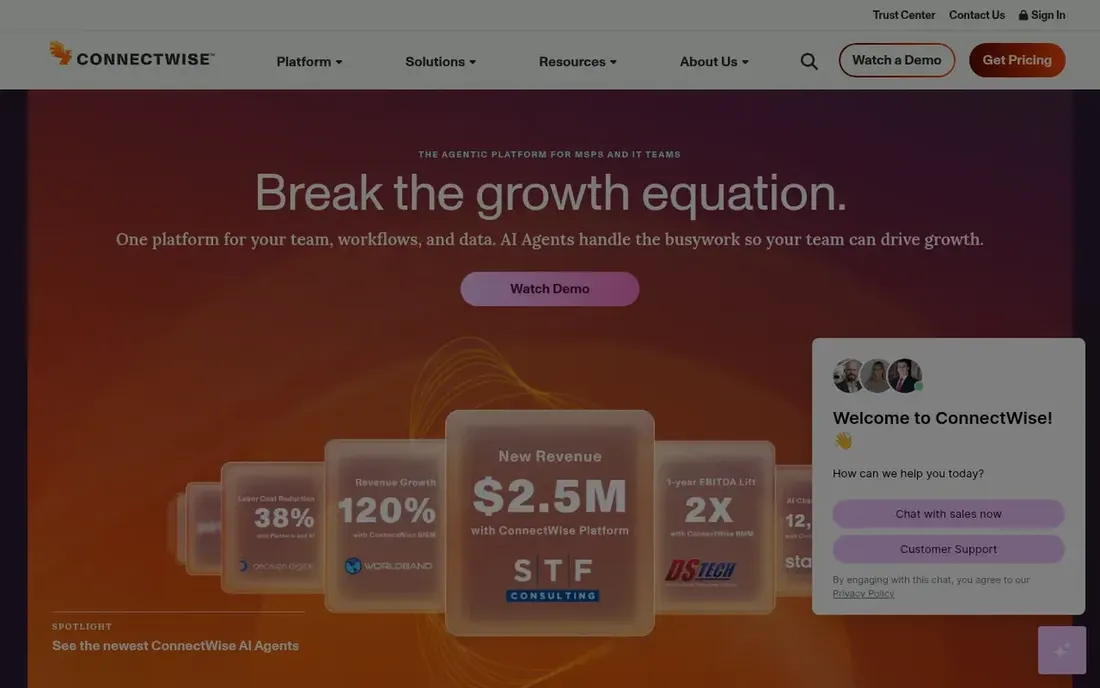
ConnectWise ScreenConnect is built with MSPs wanting remote support plus broader tooling in mind. If you need only occasional remote desktop access, a lighter product is simpler to justify.
Trade-offs to know: Breadth may overwhelm single-purpose users.
ConnectWise ScreenConnect shows no starting price here, so confirm the cost on the vendor site. Free options: Free trial.
- Remote support within a wider MSP toolset
- Surrounding tools for RMM and cybersecurity
- Best value appears within the wider ecosystem
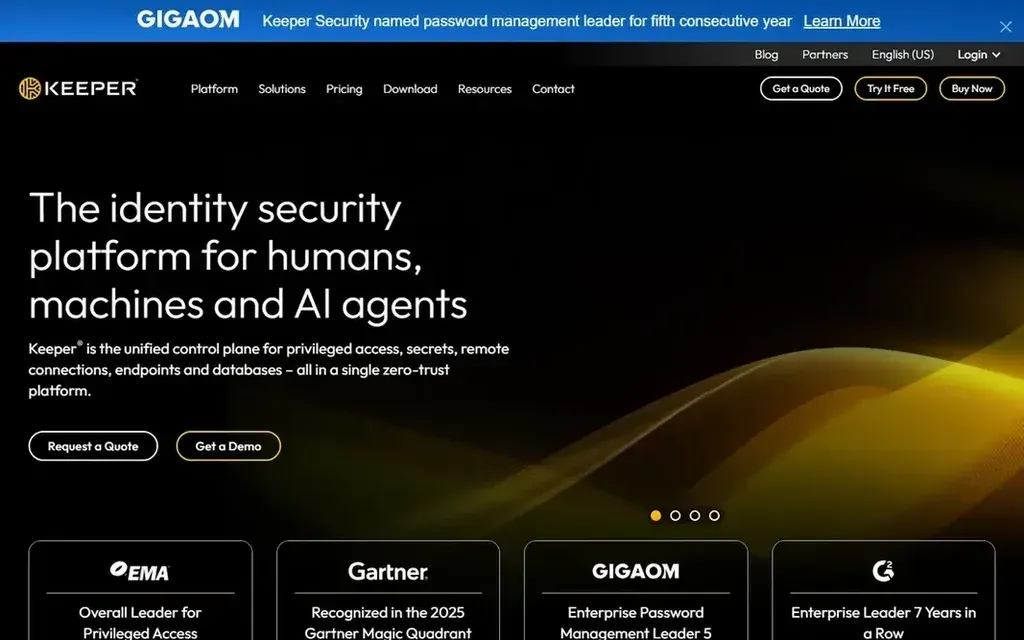
Keeper is a good fit for unified privileged access and secrets control. Keeper describes itself as a unified control plane for privileged access, secrets, remote connections, endpoints and databases within a single zero-trust system. That positioning makes it a fit for healthcare organizations that require to govern who reaches which systems and credentials, instead of only screen-sharing into a desktop.
From a buyer's view, choose Keeper when privileged access and secrets management are central to your HIPAA program. For everyday use, because Keeper spans numerous security functions, smaller teams may find the scope heavier than a straightforward remote support tool. Keeper shows no starting price here, so confirm the cost on the vendor site. On free options: Free trial.
Drawbacks to consider: Wide product may exceed straightforward remote desktop needs. What Keeper does well: Spans remote connections and databases in one place.
- Zero-trust system spanning access
- Secrets and endpoints
- Configuration depth needs planning
Splashtop makes the most sense for quick, value-focused remote access and support. Splashtop markets quick and secure options for remote work, remote support, remote learning and similar needs. On top of that, choose Splashtop when speed and simplicity matter most.
Reasons to shortlist it: Straightforward positioning for small IT teams.
Drawbacks to consider: Compliance detail must be confirmed on vendor pages.
The vendor frames its remote access around value and user satisfaction, which appeals to small IT teams that want fast deployment. More specifically, healthcare buyers should confirm the specific safeguards and documentation their compliance review needs. Entry price for Splashtop: $6 per month. Free plan details: Free trial.
- Positioned around secure remote access and support
- Support and learning use cases
- Less emphasis on broader IT management
GoTo Resolve makes the most sense for IT support within a business communications suite. Choose GoTo Resolve when aligning IT support with an existing GoTo communications environment is the primary goal.
Downsides: Healthcare fit relies on your existing stack.
As for the details, GoTo Resolve is part of a portfolio the vendor describes as business communication and IT support software, including phone systems, contact center and IT support products. Beyond that, since GoTo spreads across communications and support, the remote access depth may be less specialized than dedicated tools. This comparison lists no price for GoTo Resolve; ask the vendor. Free options: Not stated.
- IT support product within a broader business suite
- Covers support alongside communications products
- Remote access is one piece of a bigger portfolio
Datto RMM
Best for: Managed IT providers supporting healthcare clients
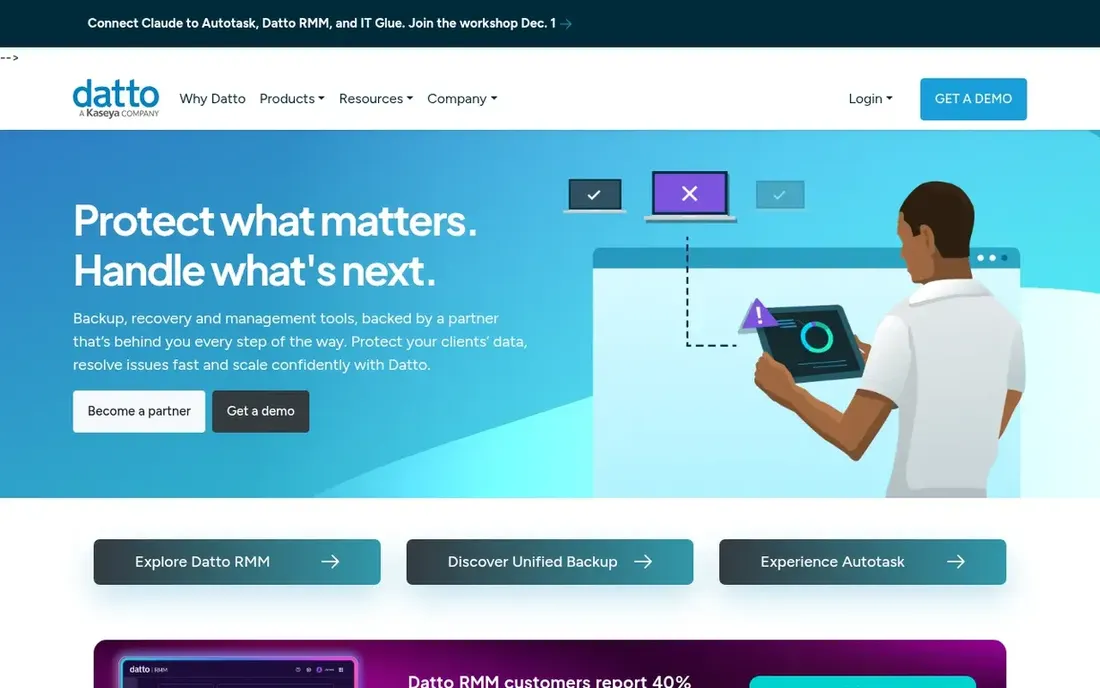
Datto RMM is built with managed IT providers supporting healthcare clients in mind. Datto RMM is part of a portfolio the vendor describes as mission-critical business continuity, disaster recovery, networking, business management and file backup and sync options for IT professionals.
Consider Datto RMM when endpoint management and recovery planning are part of the same HIPAA conversation. This comparison lists no price for Datto RMM; ask the vendor. On free options: Not stated.
Honest limits: Feature breadth can be complicated to configure.
- Backup and disaster recovery alongside remote tools
- Made for IT professionals managing plenty of endpoints
- Targeted at managed service providers
How we compared the tools
LinkVetted looked at what each vendor publishes: pricing, plan limits, feature coverage for HIPAA compliant remote access software and stated drawbacks. No hands-on testing is claimed. Where a vendor does not publish a price, the entry says quote. Where a price depends on seats or billing term, the entry says so. The ranking is editorial: typical fit first, then clear pricing, then free access. If your needs are unusual, read the profiles rather than relying on position.
Before you commit
- Ask TeamViewer Remote, ConnectWise ScreenConnect, Keeper and others for a written quote, since no starting price is shown.
- Use real work to test the free trial from TeamViewer Remote, ConnectWise ScreenConnect, Keeper and Splashtop, rather than a demo project.
- Before choosing TeamViewer Remote, weigh its main limit: consumer heritage can blur business positioning.
- Pick one real project and run it in Datto RMM first; a small pilot shows fit faster than a checklist.
- Ask GoTo Resolve which support channels and response times come with the plan you would buy.
FAQ
Can I try these options before paying?
Often, yes. TeamViewer Remote, ConnectWise ScreenConnect, Keeper and Splashtop offer a free trial. Use your own data and a real task during the test, and check what the free tier or trial limits before you rely on it.
What makes remote access software a good match for HIPAA-conscious teams?
Suitability relies on documented safeguards, access logging, administrative controls and a business associate agreement where required. Buyers should confirm these details with each vendor instead of relying on marketing language.
What is the cheapest option for HIPAA compliant remote access software in this list?
On published monthly entry prices, Splashtop is the lowest here at $6 per month. Entry price is only part of the cost, because seats, add-ons and billing terms can change the total.
Is TeamViewer Remote the right pick for everyone comparing HIPAA compliant remote access software?
No single tool suits every team. TeamViewer Remote comes first because it fits everyday remote desktop access and support, while ConnectWise ScreenConnect suits MSPs wanting remote support plus broader tooling and Keeper suits unified privileged access and secrets control. Match the tool to your own size, budget and workflow before deciding.
How are the tools for HIPAA compliant remote access software ordered?
TeamViewer Remote sits first and Datto RMM last because the order follows typical fit for HIPAA compliant remote access software, then price clarity and free access. It is a judgement call, so read each profile for fit and limits.
Sources
- https://www.teamviewer.com
- https://www.connectwise.com
- https://www.keepersecurity.com
- https://www.splashtop.com
- https://www.goto.com
- https://www.datto.com