Best HIPAA Compliant Email Software in 2026: Prices, Free Plans and 6 Picks
6 options for the best HIPAA compliant email software, with entry costs, free tiers and the buyer each one serves. Short verdicts, no fluff. See which fits.
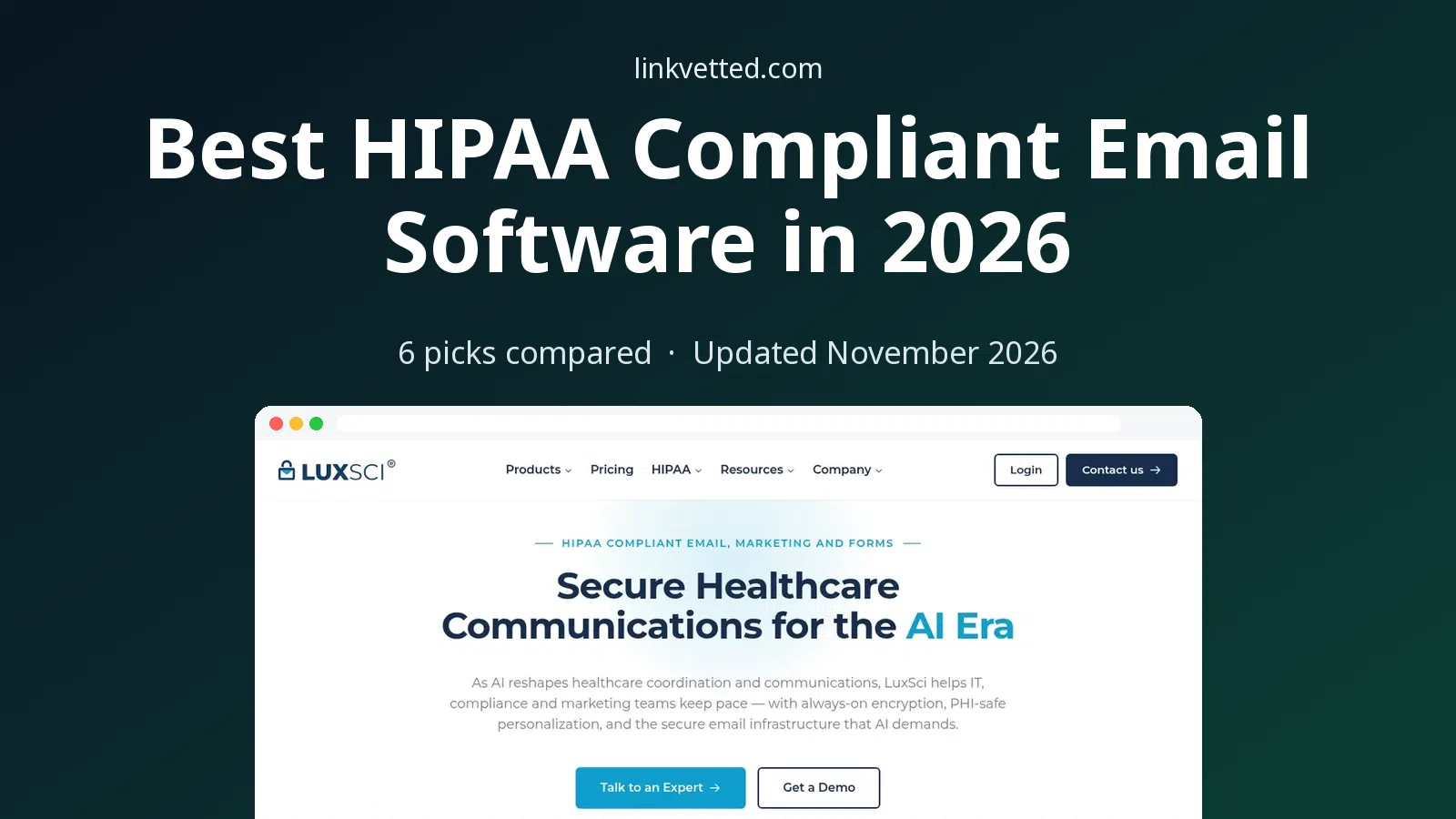
- Editor's choice
 Barracuda Email Protection
Bundled email and network security
Starts atSee websiteVisit barracuda.comFull review - Great alternativeProofpoint Email Protection
Security-focused email defense
Starts atSee websiteVisit proofpoint.comFull review - Also consider
 Microsoft 365
Organizations standardized on Microsoft tools
Starts atSee websiteVisit microsoft.comFull review
Direct answer
For bundled email and network security, Barracuda Email Protection is where this list starts. Listed starting prices: LuxSci HIPAA Email from $50 a month and Virtru Email Protection from $119 a month. If your case is different, Proofpoint Email Protection suits security-focused email defense and Microsoft 365 suits organizations standardized on Microsoft tools. Details, prices and limits for the rest of the 6 tools are below.
TL;DR:
- The list opens with Barracuda Email Protection, aimed at bundled email and network security.
- 2 of 6 tools offer a free plan: LuxSci HIPAA Email, Paubox Email Suite.
- Paubox Email Suite fits simple encrypted email for healthcare.
- LuxSci HIPAA Email comes with a trade-off: feature depth may need configuration effort.
- For the cheapest start, look at LuxSci HIPAA Email: $50 per month.
Last checked November 2026. Prices and plan details were read from the vendors' own pages in November 2026; vendors change plans often, so confirm the current price on the vendor site before you buy.
Quick comparison
| Tool | Best for | Starts at | Free plan? | |
|---|---|---|---|---|
| Barracuda Email Protection | Bundled email and network security | See website | Free trial | Visit |
| Proofpoint Email Protection | Security-focused email defense | See website | Not stated | Visit |
| Microsoft 365 | Organizations standardized on Microsoft tools | See website | Free trial | Visit |
| LuxSci HIPAA Email | Multi-channel secure healthcare communications | $50 a month | Yes | Visit |
| Virtru Email Protection | Encryption layered on existing email | $119 a month | No | Visit |
| Paubox Email Suite | Straightforward encrypted email for healthcare | See website | Yes | Visit |
Tool-by-tool breakdown
If you are comparing HIPAA compliant email software, this page covers 6 tools in one place: what each is best for, what it costs to start, whether it has a free plan, and the main limit to know about.
Barracuda Email Protection works best for bundled email and network security. Barracuda Email Protection is part of a cybersecurity portfolio spanning email, applications, network and data protection. Check how it integrates with your current email stack before committing.
Also, teams seeking a single tool for encrypted patient email may need an extra product. On top of that, like other gateways, it does not replace your mailbox provider or guarantee compliant messaging on its own. Check the vendor site for Barracuda Email Protection pricing; none is listed in this comparison. As for free access: Free trial.
Highlights: Vendor describes itself as a leader in these areas.
Trade-offs to know: Several products may need separate administration.
- Email protection within a wide security portfolio
- Handles apps
- Not an email hosting product
Proofpoint Email Protection
Best for: Security-focused email defense
Choose Proofpoint Email Protection for security-focused email defense. Proofpoint Email Protection sits within a security portfolio the vendor describes as agentic security for people, data and AI, with intent-based protection. From a buyer's view, healthcare security teams frequently pair a gateway like this with an email system instead of using it as a standalone mailbox provider.
It is a protection layer, not a replacement for email hosting or encrypted delivery to patients. Smaller organizations may find the security stack more than they need. Proofpoint Email Protection does not show a starting price in this comparison, so check the vendor site for current pricing. Free plan details: Not stated.
Where Proofpoint Email Protection stands out: Intent-based protection described by the vendor. Where it falls short: Security gateway instead of an email client.
- Focus on people
- Covers collaboration and data security
- Brings complexity to mail administration
Microsoft 365 targets organizations standardized on Microsoft tools. For healthcare organizations, it can serve as the email and collaboration backbone when configured with appropriate compliance controls.
Where it is weaker: Encryption choices can need specific licensing.
As for the details, smaller practices without IT support may find the breadth overwhelming. On top of that, consider a dedicated encrypted email tool if simplicity for recipients is the primary goal. Microsoft 365 does not show a starting price in this comparison, so check the vendor site for current pricing. Free options: Free trial.
- Security features described by the vendor
- Familiar tools for many workplaces
- Compliance setup relies on configuration
LuxSci HIPAA Email
Best for: Multi-channel secure healthcare communications
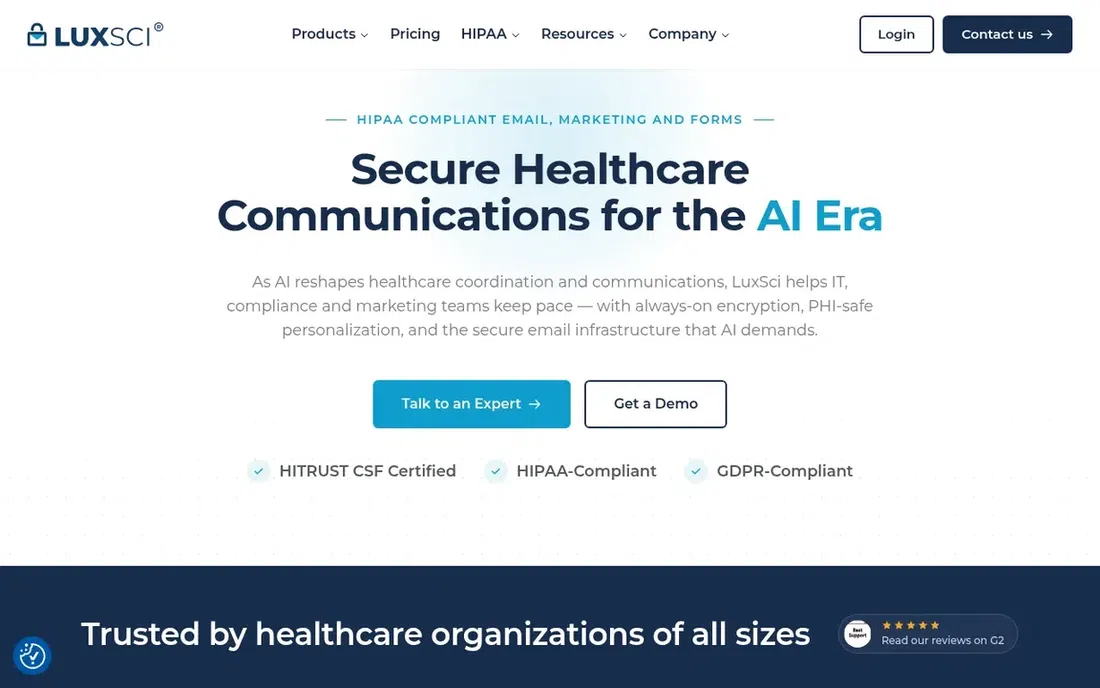
LuxSci HIPAA Email is aimed squarely at multi-channel secure healthcare communications. The vendor describes multi-channel HIPAA compliant options made for personalization and hyper segmentation, which fits teams sending targeted outreach alongside secure email.
Drawbacks to consider: Overlaps with broader products you may already own.
A rich feature set can mean more setup and administration than a straightforward encrypted email tool. Confirm how the channels you plan to use fit your existing systems before deciding. Entry price for LuxSci HIPAA Email: $50 per month. LuxSci HIPAA Email offers a free plan.
- Secure healthcare communications focus
- Aimed at personalization and segmentation
- Feature depth may need configuration effort
Virtru Email Protection
Best for: Encryption layered on existing email

Virtru Email Protection works best for encryption layered on existing email. Teams wanting a single vendor for hosting, encryption and productivity may prefer a bundled suite. More specifically, since protection relies on users applying encryption and access settings, training and policy design matter.
In daily use, Virtru Email Protection is part of the Virtru Data Harbor Platform, which gives end-to-end encryption and access control for email, files and apps. Worth adding: evaluate how Virtru works with your current mail client before rollout. Entry price for Virtru Email Protection: $119 per month. No free plan comes with Virtru Email Protection.
Watch-outs: Needs user adoption of encryption controls.
- End-to-end encryption for email and files
- Works alongside typical email clients
- Not a full email hosting system
Paubox Email Suite
Best for: Straightforward encrypted email for healthcare
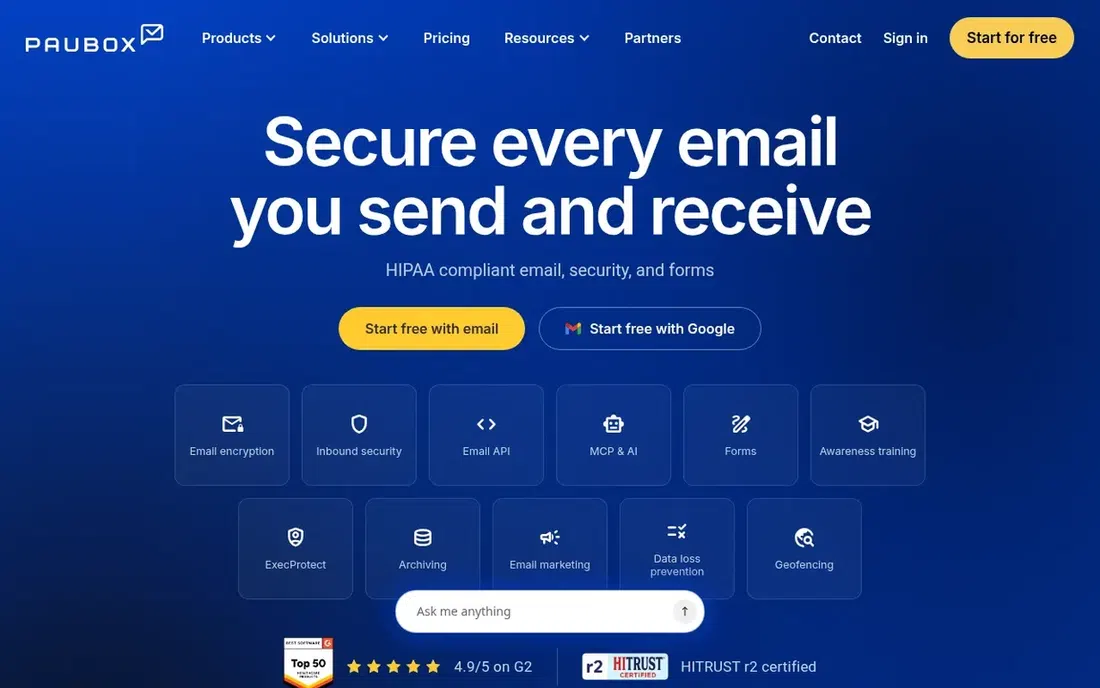
For straightforward encrypted email for healthcare, Paubox Email Suite is a natural candidate. Paubox Email Suite is a secure email product aimed at modern healthcare, with HIPAA compliant email as its core focus.
As for the details, the vendor emphasizes simple setup and delivery that avoids portals or passcodes, which can cut friction when patients and partners receive messages. Paubox Email Suite does not show a starting price in this comparison, so check the vendor site for current pricing. You can start on Paubox Email Suite without paying.
What to check first: Less suited to teams wanting one system for all work.
- Built around HIPAA compliant email
- Encryption without recipient portals or passcodes
- Narrower scope than full productivity suites
What went into this list
Before you commit
- Confirm the entry price on the vendor page. For Barracuda Email Protection, Proofpoint Email Protection, Microsoft 365 and Paubox Email Suite that means a quote rather than a fixed price.
- Read the fine print on the free plans from LuxSci HIPAA Email and Paubox Email Suite; seat, project and feature caps differ.
- Take the trial from Barracuda Email Protection and Microsoft 365 and push a live task through it before you pay.
- Read the limits listed for Barracuda Email Protection first: not an email hosting product.
- Look at which plan of LuxSci HIPAA Email unlocks the features you need; entry tiers are often cut down.
- Check whether Barracuda Email Protection bills monthly or annually, and what cancelling early costs.
FAQ
What makes email software HIPAA compliant?
Compliance relies on safeguards for example encryption in transit and at rest, access controls, audit logging and a business associate agreement with the vendor. Confirm each vendor's documented capabilities and contractual commitments.
Do these tools publish their prices?
Not all of them. Barracuda Email Protection, Proofpoint Email Protection, Microsoft 365 and Paubox Email Suite publish no starting price, so expect a quote request for those. The rest, LuxSci HIPAA Email included, show a starting price, though seats and billing terms still change the final cost.
How are the tools for HIPAA compliant email software ordered?
The order follows typical fit for HIPAA compliant email software, with Barracuda Email Protection first and Paubox Email Suite last, then price clarity and free access. It is editorial judgement, not a score, so another team could rank the tools differently.
What is the cheapest option for HIPAA compliant email software in this list?
On published monthly entry prices, LuxSci HIPAA Email is the lowest here at $50 per month. Entry price is only part of the cost, because seats, add-ons and billing terms can change the total.
Can I try these options before paying?
Often, yes. LuxSci HIPAA Email and Paubox Email Suite have a free plan and Barracuda Email Protection and Microsoft 365 offer a free trial. Use your own data and a real task during the test, and check what the free tier or trial limits before you rely on it.
Sources
- https://www.barracuda.com
- https://www.proofpoint.com
- https://www.microsoft.com/microsoft-365
- https://luxsci.com
- https://www.virtru.com
- https://www.paubox.com