HIPAA Compliant Email Software for Therapists in 2026: The 5 Best Options Side by Side
5 best HIPAA compliant email software for therapists, with entry costs, free tiers and the buyer each one serves. Real limits included. See the full list.
- Editor's choice
 Virtru
Encryption and access control add-on
Starts at$119 a monthVisit virtru.comFull review - Great alternative
 Microsoft 365
Productivity suite with security features
Starts atSee websiteVisit microsoft.comFull review - Also considerLuxSci
Multi-channel secure healthcare communications
Starts at$50 a monthVisit luxsci.comFull review
Direct answer
Start with Virtru if you need encryption and access control add-on. Listed starting prices: Virtru from $119 a month and LuxSci from $50 a month. Microsoft 365 is the stronger choice for productivity suite with security features, while LuxSci suits multi-channel secure healthcare communications. The full list of 5 tools follows, with prices and free plan facts.
TL;DR:
- Virtru takes the first slot, best suited to encryption and access control add-on.
- 2 of 5 tools offer a free plan: LuxSci, Paubox.
- A fair warning about LuxSci: may require more configuration.
- Starting prices begin at $50 per month with LuxSci.
- Google Workspace is the one to check for secure online productivity and collaboration.
Last checked November 2026. Prices and plan details were read from the vendors' own pages in November 2026; vendors change plans often, so confirm the current price on the vendor site before you buy.
Quick comparison
| Tool | Best for | Starts at | Free plan? | |
|---|---|---|---|---|
| Virtru | Encryption and access control add-on | $119 a month | No | Visit |
| Microsoft 365 | Productivity suite with security features | See website | Free trial | Visit |
| LuxSci | Multi-channel secure healthcare communications | $50 a month | Yes | Visit |
 Paubox | Frictionless HIPAA compliant email | See website | Yes | Visit |
 Google Workspace | Secure online productivity and collaboration | See website | Not stated | Visit |
The 5 tools in detail
If you are comparing HIPAA compliant email software for therapists, this page covers 5 tools in one place: what each is best for, what it costs to start, whether it has a free plan, and the main limit to know about.
Virtru is aimed squarely at encryption and access control add-on. For therapists, Virtru can be attractive if you want to keep your current email provider and add encryption and access controls on top. As for the details, Virtru is an encryption layer, not a complete email service.
So you still depend on your existing email host for core functionality. Its enterprise framing may feel heavier than needed for a solo practice. Pick it when adding encryption to an established email environment is the goal. On cost, Virtru starts like this: $119 per month. Virtru has no free tier.
Honest limits: Add-on instead of a full email host.
- End-to-end encryption for email and files
- Works with existing email
- Enterprise-oriented positioning
Microsoft 365 targets productivity suite with security features. Microsoft 365 is a subscription suite of productivity tools and cloud services with world-class security and capable AI, as described on its homepage. Numerous healthcare organizations use it for email, calendars and documents.
Microsoft 365 is not marketed specifically as HIPAA compliant email software, so compliance relies on proper configuration and business associate arrangements. In daily use, therapists already comfortable with Microsoft tools may prefer it as a foundation, provided they configure settings and agreements appropriately for protected health information. Microsoft 365 shows no starting price here, so confirm the cost on the vendor site. Free options: Free trial.
Trade-offs to know: Wide suite may be more than needed.
- Familiar productivity apps and cloud services
- AI capabilities included
- HIPAA compliance relies on configuration
LuxSci
Best for: Multi-channel secure healthcare communications
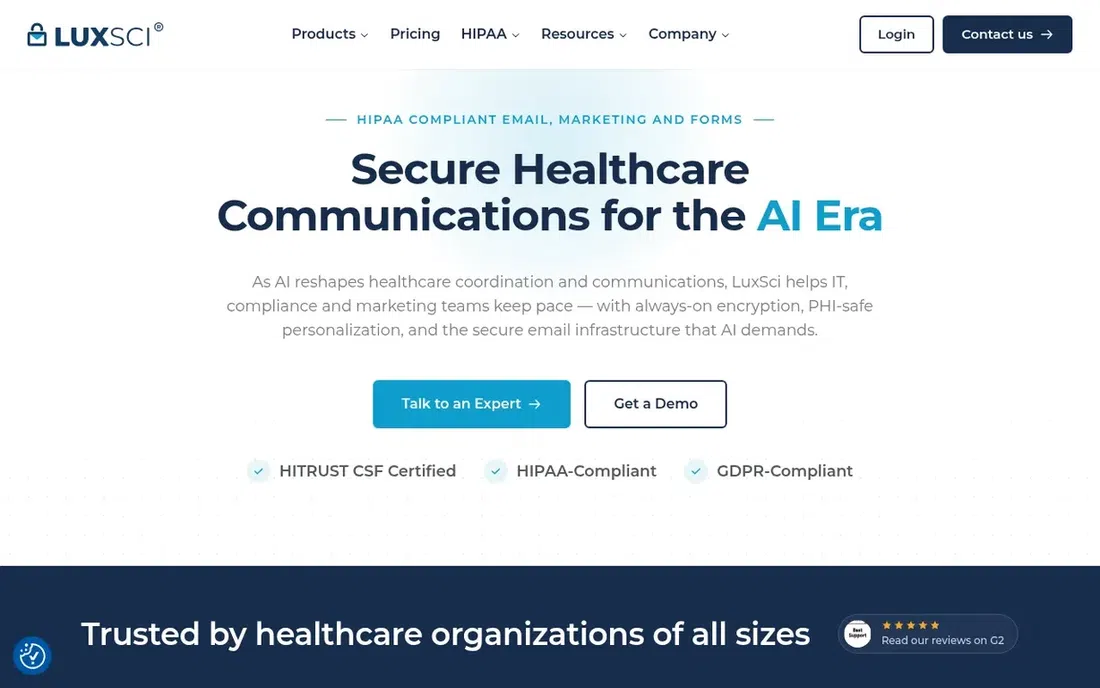
LuxSci works best for multi-channel secure healthcare communications. LuxSci offers secure healthcare communications, including multi-channel HIPAA compliant options made for personalization and hyper segmentation. That makes it a fit for practices or groups that send different types of communications to distinct audiences and want a secure foundation.
On top of that, smaller solo practices may not need multi-channel segmentation and could prefer a more focused tool. The broader feature set can mean more setup and administration than a straightforward secure email service. What you pay to start with LuxSci: $50 per month. Free access exists with LuxSci.
Where it falls short: May need more configuration.
- Made for personalization and segmentation
- Secure healthcare communications focus
- Broader than entry-level email
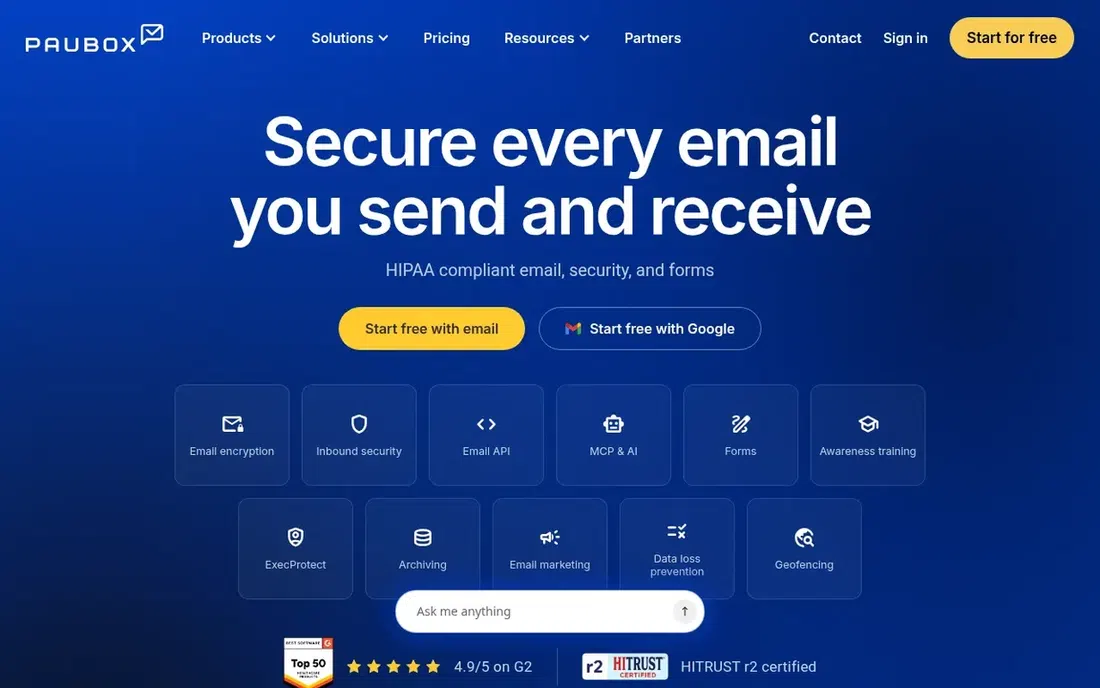
Paubox targets Frictionless HIPAA compliant email. For broader collaboration needs, a suite-based approach may be more suitable. Consider it when secure email is the priority and you prefer a service that keeps recipient steps straightforward.
What to check first: Not a full productivity suite.
Since Paubox centers on email, teams that require integrated calendars, document editing and file storage may need additional tools. From a buyer's view, Paubox is a HIPAA compliant email service designed for modern healthcare. Its homepage emphasizes simple setup and delivery that avoids portals or passcodes, which can cut friction when therapists exchange messages with clients or colleagues. Pricing for Paubox is not stated here, so ask the vendor for current figures. You can start on Paubox without paying.
- Simple setup for healthcare practices
- No portals or passcodes for recipients
- Restricted to email and related encryption
Pick Google Workspace if this describes you: secure online productivity and collaboration. Google Workspace supplies a suite of secure, online productivity and collaboration tools that enable teams of all sizes. Its homepage emphasizes security and collaboration.
From a buyer's view, pick it when a familiar, collaborative suite is preferred and compliance can be managed internally or with expert help. Practices needing therapy-specific workflows may find it generic. No starting price is listed for Google Workspace here; confirm pricing on the vendor site. Free options: Not stated.
Drawbacks to consider: Not therapy-specific.
- Secure online tools for teams
- Familiar collaboration apps
- HIPAA compliance needs proper setup
Selection criteria
Selection started from tools commonly considered for HIPAA compliant email software for therapists, then narrowed to 5 that have clear pricing information or a clear quote process. Prices and plan limits come from vendor pages and can change, so confirm them on the vendor site before you buy. Position on the page reflects fit for a typical buyer first, with price clarity and free access breaking ties. Treat it as a guide, not a ruling.
What to check before you buy
- Confirm the entry price on the vendor page. For Microsoft 365, Paubox and Google Workspace that means a quote rather than a fixed price.
- Look at free plan limits closely: LuxSci and Paubox have one, and the caps decide whether it is usable for real work.
- Run a trial of Microsoft 365 with real work before paying for a year; your own workflow is the best test.
- Read the limits listed for Virtru first: add-on instead of a full email host.
- Map your must-have features to a specific Virtru plan before you compare prices.
- Before you load data into Paubox, check what an export looks like and who can run it.
FAQ
What is the cheapest option for HIPAA compliant email software for therapists in this list?
On published monthly entry prices, LuxSci is the lowest here at $50 per month. Entry price is only part of the cost, because seats, add-ons and billing terms can change the total. Each of the 5 options in this HIPAA compliant email software for therapists guide has its own card above with the price, free plan and limits.
How do encryption extras like Virtru fit into a therapy practice?
Virtru layers on end-to-end encryption and access control to email, files and apps, so you can keep your current email provider. Confirm that the combined setup meets your compliance needs.
What should therapists check before choosing HIPAA email software?
Confirm business associate agreements, recipient experience, encryption method and administrative controls. Also check whether the tool supports forms or e-signatures if you need them.
Is Virtru the right pick for everyone comparing HIPAA compliant email software for therapists?
No single tool suits every team. Virtru comes first because it fits encryption and access control add-on, while Microsoft 365 suits productivity suite with security features and LuxSci suits multi-channel secure healthcare communications. Match the tool to your own size, budget and workflow before deciding.
How are the tools for HIPAA compliant email software for therapists ordered?
The order follows typical fit for HIPAA compliant email software for therapists, with Virtru first and Google Workspace last, then price clarity and free access. It is editorial judgement, not a score, so another team could rank the tools differently.
Can I try these tools before paying?
Often, yes. LuxSci and Paubox have a free plan and Microsoft 365 offers a free trial. Use your own data and a real task during the test, and check what the free tier or trial limits before you rely on it.
Sources
- https://www.virtru.com
- https://www.microsoft.com/microsoft-365
- https://luxsci.com
- https://www.paubox.com
- https://workspace.google.com