5 Best HIPAA Compliant Cloud Storage Software for 2026, Vetted and Compared
Searching for the best HIPAA compliant cloud storage software? Here are 5 options with prices and free plans. Honest caveats for every entry. Start here.
- Editor's choice
 Egnyte
Governing large files across enterprise content
Starts at$22 per user a monthVisit egnyte.comFull review - Great alternative
 Box
Governed content management and workflows
Starts atSee websiteVisit box.comFull review - Also considerMicrosoft OneDrive for Business
Teams standardized on Microsoft 365
Starts atSee websiteVisit microsoft.comFull review
Direct answer
If you need governing large files across enterprise content, Egnyte is the first tool to look at here. Listed starting prices: Egnyte from $22 per user a month and ShareFile from $16.50 per user a month. Box is better for governed content management and workflows, and Microsoft OneDrive for Business is better for teams standardized on Microsoft 365. All 5 tools are compared below on price, free plan and limits.
TL;DR:
- Egnyte sits first on this list: governing large files across enterprise content.
- The lowest published monthly entry price here is $16.50 per user per month, from ShareFile.
- ShareFile is the one to check for secure document workflows and client sharing.
- A permanent free plan is missing from all 5 tools, Egnyte and ShareFile included; plan for a trial or a premium start.
- One limit worth knowing about Egnyte: enterprise orientation can add setup complexity.
Last checked November 2026. Prices and plan details were read from the vendors' own pages in November 2026; vendors change plans often, so confirm the current price on the vendor site before you buy.
Quick comparison
| Tool | Best for | Starts at | Free plan? | |
|---|---|---|---|---|
| Egnyte | Governing large files across enterprise content | $22 per user a month | Free trial | Visit |
| Box | Governed content management and workflows | See website | Not stated | Visit |
| Microsoft OneDrive for Business | Teams standardized on Microsoft 365 | See website | Not stated | Visit |
| AWS (Amazon S3) | Scalable object storage for backups and apps | See website | Not stated | Visit |
 ShareFile | Secure document workflows and client sharing | $16.50 per user a month | Free trial | Visit |
HIPAA Compliant Cloud Storage Software, one by one
LinkVetted put together this guide to HIPAA compliant cloud storage software for readers who want a clear shortlist without reading every vendor page. It compares 5 tools on starting price, free plans, who each one suits and where each one falls short.
Egnyte makes the most sense for governing large files across enterprise content. Egnyte describes itself as an AI context layer and content cloud for enterprises, concentrated on giving AI the business context it needs, supporting collaboration on massive files, and governing sensitive content on one secure product. Confirm which governance features you actually need before standardizing on it.
Honest limits: Feature access varies by service level.
The enterprise focus means more planning and configuration than a straightforward storage service needs, and some capabilities rely on your service level. Smaller teams without complicated governance demands may find it heavier than necessary. Egnyte cost at the entry level: $22 per user per month. Free plan details: Free trial.
- Positions content as context for AI initiatives
- Manages collaboration on very large files
- Enterprise orientation can add setup complexity
Box is aimed squarely at governed content management and workflows. Box positions itself as an intelligent content management product that automates workflows, supports collaboration inside and outside the organization, and protects sensitive data in one place.
Where it falls short: Can be more than small teams need.
Some capabilities rely on the service level you choose. This comparison lists no price for Box; ask the vendor. Free plan details: Not stated.
- Focus on protecting sensitive data
- Workflow automation for internal and external collaboration
- Full feature depth relies on service level
Microsoft OneDrive for Business
Best for: Teams standardized on Microsoft 365
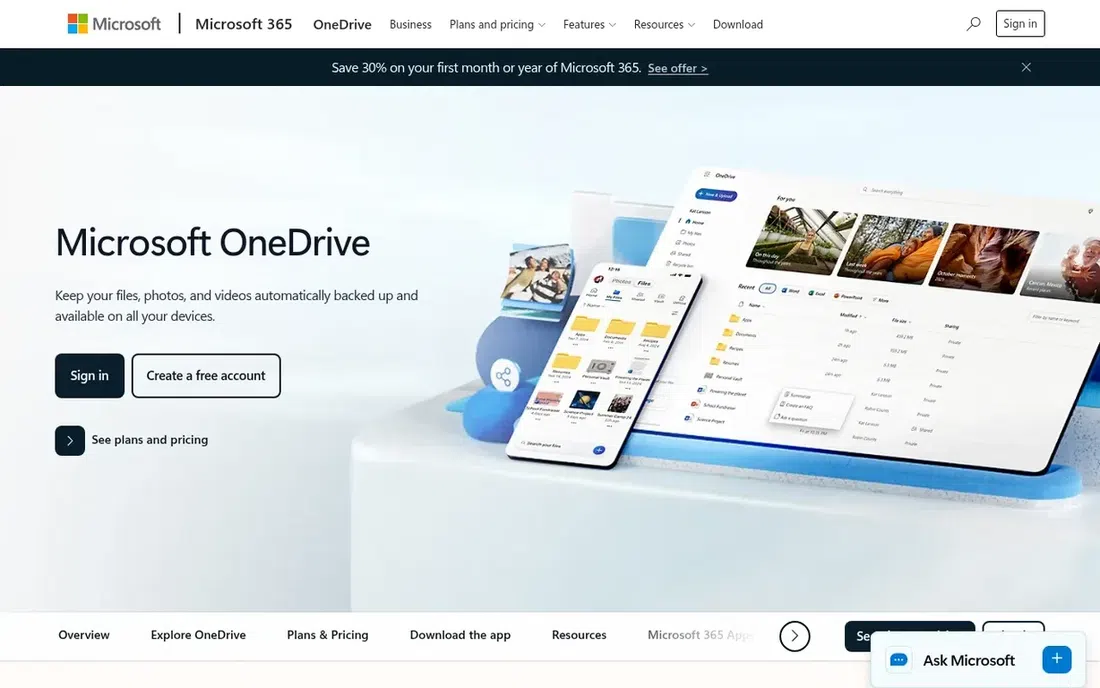
Think of Microsoft OneDrive for Business for teams standardized on Microsoft 365. Consider alternatives when storage is only one piece of a bigger document governance program. OneDrive for Business is Microsoft's cloud file storage and sharing service, delivered as part of the Microsoft 365 family.
It handles personal and team document storage, sync across devices, and sharing with internal and external collaborators. Its strength is convenience within the Microsoft ecosystem instead of deep standalone content governance. Check the vendor site for Microsoft OneDrive for Business pricing; none is listed in this comparison. Free plan details: Not stated.
Watch-outs: Full governance relies on broader Microsoft configuration.
- Tight integration with Microsoft productivity tools
- Admin controls through the Microsoft 365 admin center
- Less suited to heavy external content workflows
AWS (Amazon S3)
Best for: Scalable object storage for backups and apps
AWS (Amazon S3) is designed for scalable object storage for backups and apps. S3 is infrastructure, not an end-user file collaboration product, so business users will not find a familiar shared-drive experience from day one.
Points against: Not a ready-made collaboration interface.
More specifically, Amazon S3 is cloud object storage designed for scalability, data availability, security and performance. Pricing for AWS (Amazon S3) is not stated here, so ask the vendor for current figures. On free options: Not stated.
- Suited to backup
- Archival and data lakes
- Needs technical setup and management
Think of ShareFile for secure document workflows and client sharing. It suits organizations that on a regular basis exchange sensitive documents with clients or partners and want the sharing step itself to be controlled and trackable instead of bolted on afterward.
Price to start with ShareFile: $16.50 per user per month. Free options: Free trial.
Honest limits: Narrower scope than full content systems.
- Secure document workflow and file sharing focus
- Suited to sending files to clients
- Fewer adjacent productivity tools
How these tools were picked
For each of the 5 tools we noted price, free plan or trial, fit for HIPAA compliant cloud storage software and the main limit, using vendor pages and documentation. Seat minimums, billing terms and add-ons can move the real cost, so the starting prices here are a guide and not a quote. We ordered the tools by general fit, then by how clearly pricing is shown, then by free access. A buyer with unusual needs may reorder them.
Before you commit
- Get a written quote from Box, Microsoft OneDrive for Business and AWS (Amazon S3); the list shows no starting price for them.
- Take the trial from Egnyte and ShareFile and push a live task through it before you pay.
- Before choosing Egnyte, weigh its main limit: enterprise orientation can add setup complexity.
- Read the plan comparison for Box carefully; key features often start on a higher tier.
- Let daily users try Microsoft OneDrive for Business on real work; their feedback beats any feature checklist.
FAQ
Does any tool for HIPAA compliant cloud storage software here have a free plan?
No tool in this list, Egnyte and ShareFile included, has a permanent free plan. Egnyte, ShareFile offer a trial. Trials and quotes are the usual route, so plan a short evaluation period.
When does object storage like Amazon S3 make sense?
S3 suits technical teams building applications, backups, archives or data lakes where storage is a foundation instead of an end-user interface. It needs deliberate configuration of encryption, access policies and logging, so plan for engineering effort alongside compliance review.
Can I try these options before paying?
Often, yes. Egnyte and ShareFile offer a free trial. Use your own data and a real task during the test, and check what the free tier or trial limits before you rely on it. All 5 picks in this HIPAA compliant cloud storage software comparison list a starting price, free plan details and the main limits on their cards above.
How are the tools for HIPAA compliant cloud storage software ordered?
The order follows typical fit for HIPAA compliant cloud storage software, with Egnyte first and ShareFile last, then price clarity and free access. It is editorial judgement, not a score, so another team could rank the tools differently.
What is the cheapest option for HIPAA compliant cloud storage software in this list?
On published monthly entry prices, ShareFile is the lowest here at $16.50 per user per month. Entry price is only part of the cost, because seats, add-ons and billing terms can change the total. For the full picture, the cards above cover all 5 entries of this HIPAA compliant cloud storage software list, including price, free plan and limits.
Sources
- https://www.egnyte.com
- https://www.box.com
- https://www.microsoft.com/en-us/microsoft-365/onedrive/online-cloud-storage
- https://aws.amazon.com/s3
- https://www.sharefile.com