Best Google Workspace Development Tools (2026): 6 Picks Checked on Vendor Pages
Compare 6 best google workspace development tools, with prices, free plans and who each fits. Hidden costs and gaps are flagged. Narrow your shortlist.
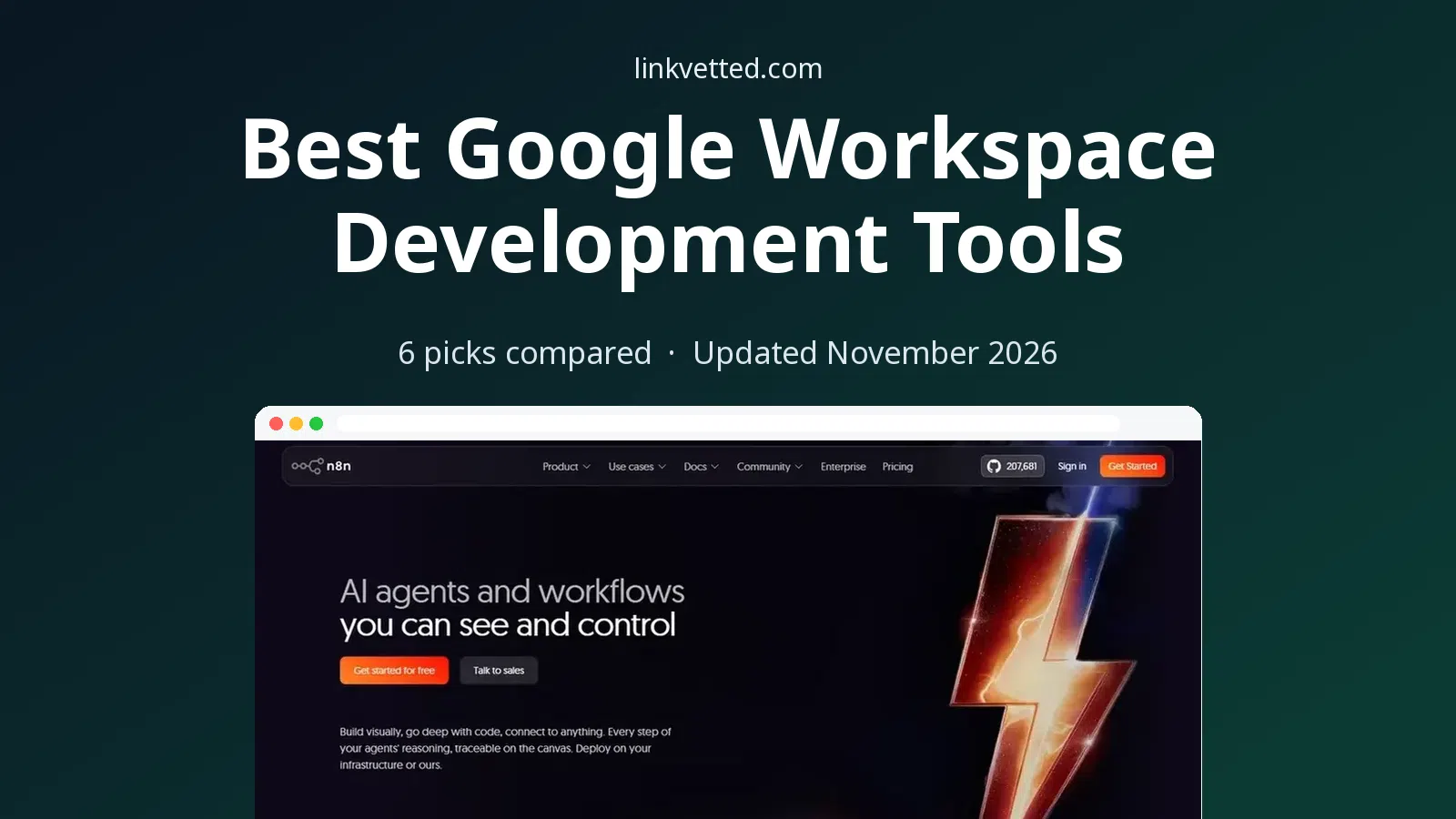
- Editor's choice
 Tray.ai
AI-native integration and orchestration
Starts at$50 a monthVisit tray.aiFull review - Great alternative
 n8n
Technical teams needing adaptability
Starts at€20 a month, billed yearlyVisit n8n.ioFull review - Also consider
 Retool
Building internal tools with AI
Starts at$10 per builder a monthVisit retool.comFull review
Direct answer
If you need AI-native integration and orchestration, Tray.ai is the first tool to look at here. n8n is the stronger choice for technical teams needing adaptability, while Retool suits building internal tools with AI. Listed starting prices: Tray.ai from $50 a month, n8n from €20 a month, billed yearly and Retool from $10 per builder a month. All 6 tools are compared below on price, free plan and limits.
TL;DR:
- The list opens with Tray.ai, aimed at AI-native integration and orchestration.
- A fair warning about Retool: concentrated on internal tools, not general automation.
- Postman has the lowest monthly starting price in this list: $9 per month.
- For enterprise integration and governance, Workato is worth a look.
- Free plans exist at 4 of 6 tools (Retool, Make, Postman, Workato).
Last checked November 2026. Prices and plan details were read from the vendors' own pages in November 2026; vendors change plans often, so confirm the current price on the vendor site before you buy.
Quick comparison
| Tool | Best for | Starts at | Free plan? | |
|---|---|---|---|---|
| Tray.ai | AI-native integration and orchestration | $50 a month | Free trial | Visit |
| n8n | Technical teams needing adaptability | €20 a month, billed yearly | Free trial | Visit |
| Retool | Building internal tools with AI | $10 per builder a month | Yes | Visit |
 Make | Visual no-code automation | See website | Yes | Visit |
 Postman | API development and testing | $9 a month | Yes | Visit |
 Workato | Enterprise integration and governance | $100 a month | Yes | Visit |
Google Workspace Development Tools compared in detail
Short on time? The summary and table above give the quick view of 6 google workspace development tools, and the profiles that follow give the detail behind each entry.
Where Tray.ai fits: AI-native integration and orchestration. Tray.ai is an AI-native iPaaS that connects to a broad set of apps, databases, APIs, and services.
Where it falls short: Advanced features may need training.
In practice, Tray.ai's advanced capabilities may come with a ramp-up time, and it might be more than what small teams need. It is not the simplest option for entry-level no-code automation. Entry price for Tray.ai: $50 per month. Trial and free access: Free trial.
- Links to plenty of apps and APIs
- Supports AI agents and MCP governance
- Can be complicated for beginners
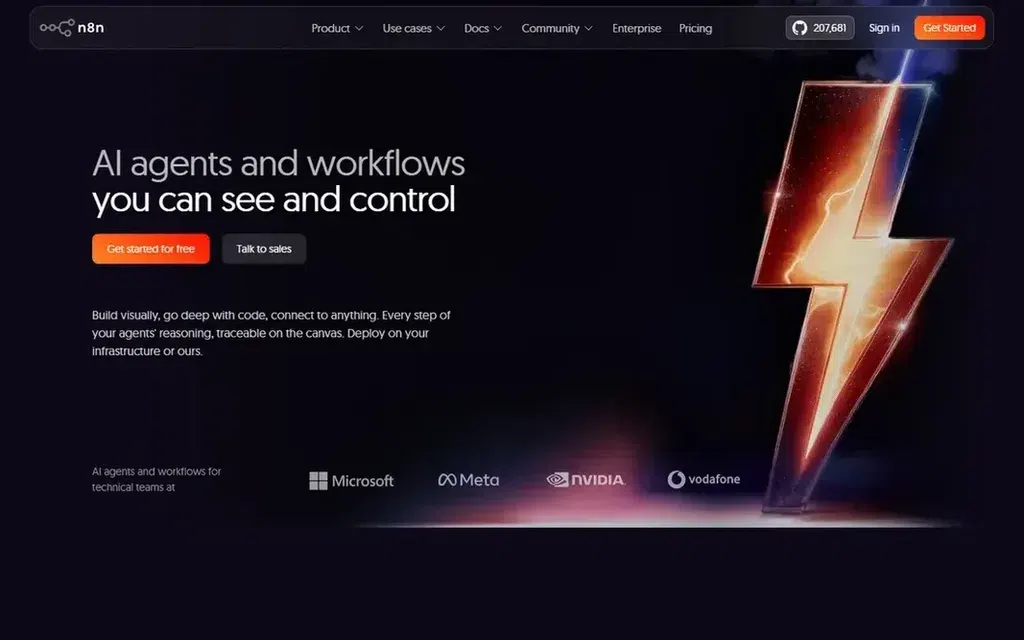
n8n makes the most sense for technical teams needing adaptability. It provides technical teams the adaptability of code with the speed of no-code, making it right for developers and IT teams who want to build complicated automations involving Google Workspace and other services. Its node-based approach permits for custom logic and integrations.
Beyond that, n8n may be overwhelming for business users without technical backgrounds, as it frequently needs some scripting or configuration. It is less suited for straightforward, no-code automation needs where tools like Make excel. n8n cost at the entry level: €20 per month, billed annually. As for free access: Free trial.
Limits to weigh: Steeper ramp-up time for non-technical users.
- Open and extensible
- Merges AI with business process automation
- Needs some technical expertise
Think of Retool for building internal tools with AI. Retool is frequently used by developers and operations teams to build admin panels and dashboards. As for the details, for pure automation, consider Make or n8n; for API work, Postman.
Points against: Centred on internal tools, not general automation.
For everyday use, Retool is designed for building internal tools instead of general workflow automation, so it may not be the best fit for straightforward automation tasks. It usually needs some development knowledge to use effectively. Retool pricing: $10 per builder per month. A free plan is available with Retool.
- Unified engine for internal tools
- Links to databases, APIs, LLMs
- May require development skills

Make is a good fit for visual no-code automation. Make is an AI workflow automation product that lets you visually build, scale, and automate AI and agentic workflows. Its drag-and-drop interface helps automate repetitive tasks and orchestrate multi-step processes.
Trade-offs to know: Restricted deep customization without code.
In daily use, Whereas Make is capable for no-code automation, complex or highly customized workflows may hit limitations compared with code-first products. It may not be a strong match for developers who require fine-grained control over every step. Check the vendor site for Make pricing; none is listed in this comparison. You can start on Make without paying.
- Approachable visual builder
- No-code integration approach
- May need ramp-up time for complicated flows
Postman is built with API development and testing in mind. It is widely used by developers to design, test, and document APIs, including those for Google Workspace integrations.
Postman is not a workflow automation or integration system, so it won't replace tools like Make or Workato for connecting apps. What you pay to start with Postman: $9 per month. You can start on Postman without paying.
Drawbacks to consider: Not a workflow automation tool.
- Focus on accuracy and efficiency
- Thorough API tooling
- Primarily for API-focused work
Think of Workato for enterprise integration and governance. Workato emphasizes security and scalability for enterprise environments.
Where it is weaker: Enterprise focus might be overkill.
Beyond that, Workato links apps, data, workflows, and AI agents on one enterprise product to securely orchestrate, automate, and govern work. Workato cost at the entry level: $100 per month. Workato has a free plan.
- Enterprise-grade platform
- AI agents
- May be complicated for small teams
How the list was put together
Selection started from tools commonly considered for google workspace development tools, then narrowed to 6 that have clear pricing information or a clear quote process. Where a vendor does not publish a price, the entry says quote. Where a price depends on seats or billing term, the entry says so. The sequence is a judgement call: typical use case first, then pricing transparency, then free access. Use the profiles to check fit.
Pre-purchase checklist
- Ask Make for a written quote, since no starting price is shown.
- Check what the free option really includes: Retool, Make, Postman and Workato offer a free plan, and usage caps differ.
- Use real work to test the free trial from Tray.ai and n8n, rather than a demo project.
- Read the limits listed for Tray.ai first: advanced features may need training.
- Get the contract term, renewal terms and any onboarding fees from Make in writing.
- Look at which plan of Workato unlocks the features you need; entry tiers are often cut down.
FAQ
Can I try these options before paying?
Often, yes. Retool, Make, Postman and Workato have a free plan and Tray.ai and n8n offer a free trial. Use your own data and a real task during the test, and check what the free tier or trial limits before you rely on it.
What is the best tool for automating Google Workspace tasks without coding?
Start with Tray.ai if you need AI-native integration and orchestration. n8n is the better match for technical teams needing adaptability, and Retool for building internal tools with AI. The best choice depends on budget, team size and workflow.
Do these tools publish their prices?
Not all of them. Make publishes no starting price, so expect a quote request for it. The rest, Tray.ai included, show a starting price, though seats and billing terms still change the final cost. Each of the 6 options in this Google workspace development tools guide has its own card above with the price, free plan and limits.
Which tool is a good match for enterprise-level Google Workspace integration?
Tray.ai comes first here and is built for AI-native integration and orchestration. Buyers with other needs may prefer n8n (for technical teams needing adaptability) or Retool (for building internal tools with AI). Compare costs and limits first.
Is Tray.ai the right pick for everyone comparing google workspace development tools?
No single tool suits every team. Tray.ai comes first because it fits AI-native integration and orchestration, while n8n suits technical teams needing flexibility and Retool suits building internal tools with AI. Match the tool to your own size, budget and workflow before deciding.
How are the tools for google workspace development tools ordered?
The order follows typical fit for google workspace development tools, with Tray.ai first and Workato last, then price clarity and free access. It is editorial judgement, not a score, so another team could rank the tools differently.
Sources
- https://tray.ai
- https://n8n.io
- https://retool.com
- https://www.make.com
- https://www.postman.com
- https://www.workato.com