Best Flashing Software in 2026: Prices, Free Plans and 5 Picks
Best flashing software in 2026: 5 tools with starting prices, free plans and limits. The weak spots sit next to the strengths. Built for quick decisions.
- Editor's choiceEtcher CLI
Scripted and command-line image flashing
Starts at$4 per user per monthVisit github.comFull review - Great alternativeRufus
Bootable Windows and Linux USB drives
Starts atSee websiteVisit rufus.ieFull review - Also considerUNetbootin
Live Linux USB drives without burning discs
Starts atSee websiteVisit unetbootin.github.ioFull review
Direct answer
Etcher CLI is the first pick on this list for scripted and command-line image flashing. Listed starting prices: Etcher CLI from $4 per user per month. Rufus is the stronger choice for bootable Windows and Linux USB drives, while UNetbootin suits live Linux USB drives without burning discs. The other 2 tools in the list cover narrower or pricier cases.
TL;DR:
- Etcher CLI is the opening pick, best for scripted and command-line image flashing.
- Just one of the 5 tools, Etcher CLI, has a free plan.
- BalenaEtcher fits straightforward, safe cross-platform image flashing.
- The cheapest monthly starting price in the list is $4 per user per month, offered by Etcher CLI.
Last checked November 2026. Prices and plan details were read from the vendors' own pages in November 2026; vendors change plans often, so confirm the current price on the vendor site before you buy.
Quick comparison
| Tool | Best for | Starts at | Free plan? | |
|---|---|---|---|---|
| Etcher CLI | Scripted and command-line image flashing | $4 per user per month | Yes | Visit |
| Rufus | Bootable Windows and Linux USB drives | See website | Not stated | Visit |
| UNetbootin | Live Linux USB drives without burning discs | See website | Not stated | Visit |
| YUMI | Multiboot USB sticks with multiple ISOs | See website | Not stated | Visit |
| BalenaEtcher | Straightforward, safe cross-platform image flashing | See website | Not stated | Visit |
Flashing Software, one by one
Short on time? The summary and table above give the quick view of 5 tools for flashing software, and the profiles that follow give the detail behind each entry.
Etcher CLI
Best for: Scripted and command-line image flashing
Etcher CLI is aimed squarely at scripted and command-line image flashing. Etcher CLI is the command-line side of the open source Etcher project, which flashes OS images to SD cards and USB drives safely and easily.
Limits to weigh: Needs comfort with a terminal.
In daily use, a command-line tool assumes familiarity with terminals and device naming, which can be risky for newcomers. As for the details, Etcher CLI rewards those who value automation over hand-holding. Entry price for Etcher CLI: $4 per user per month. Etcher CLI has a free plan.
- Command-line access to Etcher flashing
- Open source project on GitHub
- No graphical guidance for beginners
Rufus
Best for: Bootable Windows and Linux USB drives
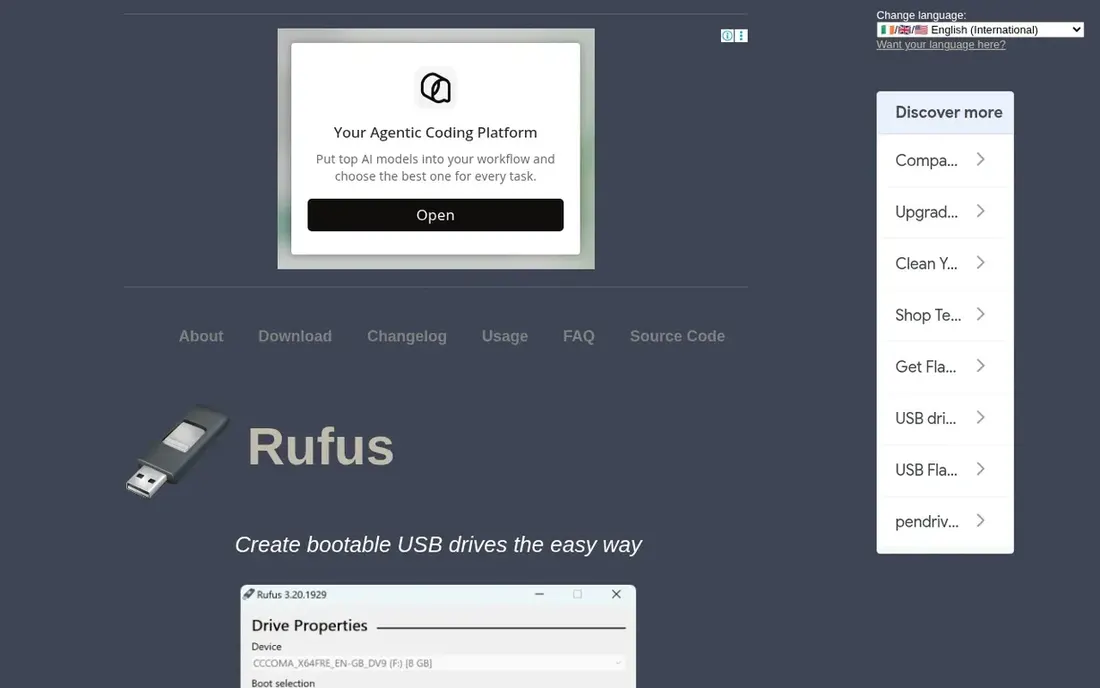
Rufus works best for bootable Windows and Linux USB drives. Rufus is a small application that produces bootable USB drives for installing or running Microsoft Windows, Linux or DOS.
Its options can be more than a beginner needs for a single straightforward flash. No starting price is listed for Rufus here; confirm pricing on the vendor site. Free options: Not stated.
What Rufus does well: Linux and DOS targets.
Trade-offs to know: Interface assumes some familiarity.
- Small application with few clicks
- Produces bootable USB drives rapidly
- Windows-centric in practice
UNetbootin
Best for: Live Linux USB drives without burning discs
UNetbootin targets live Linux USB drives without burning discs. It fits users who want to try or install Linux from an USB stick and prefer a dedicated tool for that purpose.
From a buyer's view, users who require Windows installers may be better served by Rufus, and those wanting multiple ISOs on one stick should look at YUMI. UNetbootin does not show a starting price in this comparison, so check the vendor site for current pricing. As for free access: Not stated.
Trade-offs to know: Concentrated on Linux live media.
Highlights: Linux and Mac.
- Supports multiple Linux distributions
- Produces bootable Live USB drives
- Interface feels dated to some users
YUMI
Best for: Multiboot USB sticks with multiple ISOs
YUMI is aimed squarely at Multiboot USB sticks with multiple ISOs. YUMI is a multiboot USB creator for Windows and Linux that lets you boot several ISOs, live distributions and tools all from one single USB stick.
Watch-outs: More setup steps than single-image writers.
In practice, if you only ever need one image on one drive, a more straightforward writer is simpler. No starting price is listed for YUMI here; confirm pricing on the vendor site. Trial and free access: Not stated.
- Takes care of Windows and Linux images
- Also carries live distributions and tools
- Multiboot structure can confuse beginners
BalenaEtcher
Best for: Straightforward, safe cross-platform image flashing
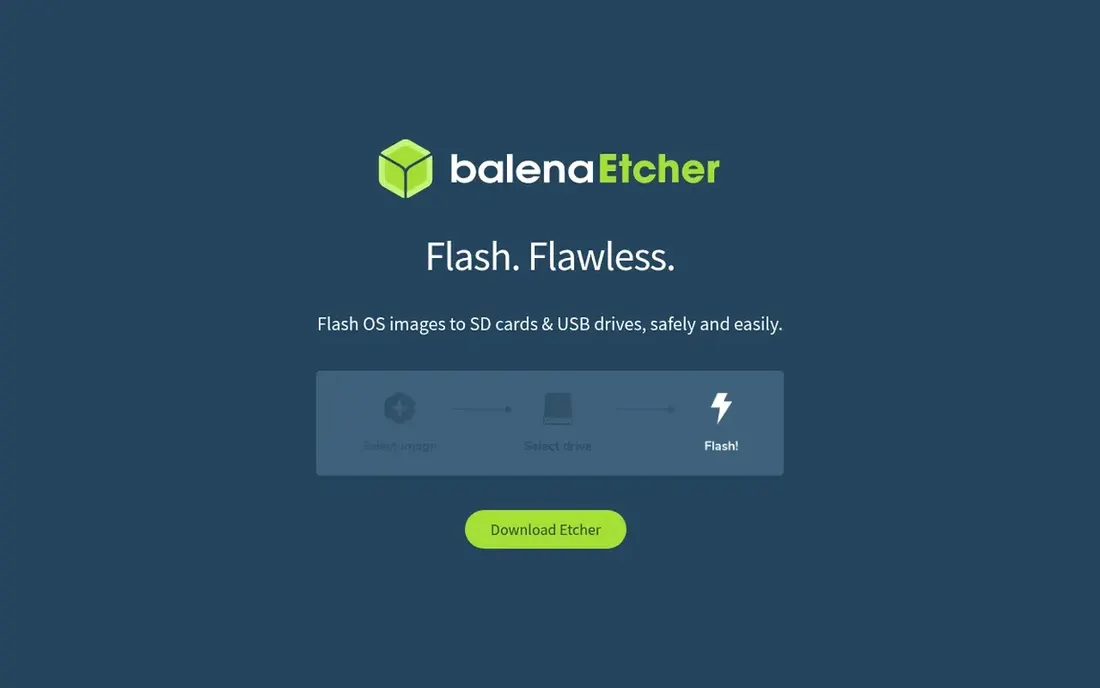
BalenaEtcher makes the most sense for straightforward, safe cross-platform image flashing. BalenaEtcher is a cross-platform, open source application that writes OS images onto SD cards and USB drives. Its stated goal is to make flashing safe and simple, which suits makers and everyday users who want to prepare installation media without digging into settings.
From a buyer's view, if you primarily have to turn a downloaded image into a bootable card or stick, this is the most direct option here. On top of that, Etcher is not made for building multiboot drives or for deep customization of the boot process. For plain image writing, its simplicity is the point. Users who require multiple ISOs on one stick, or who want fine control over partitioning and boot choices, should look at YUMI or Rufus instead. BalenaEtcher shows no starting price here, so confirm the cost on the vendor site. Free access: Not stated.
What to check first: Restricted advanced configuration.
- Cross-platform and open source
- Flashes OS images to SD cards and USB drives
- Not pitched at multiboot setups
How we chose
For each of the 5 tools we noted price, free plan or trial, fit for flashing software and the main limit, using vendor pages and documentation. Prices and plan limits come from vendor pages and can change, so confirm them on the vendor site before you buy. The sequence is a judgement call: typical use case first, then pricing transparency, then free access. Use the profiles to check fit.
A buyer's checklist
- Get a written quote from Rufus, UNetbootin, YUMI and BalenaEtcher; the list shows no starting price for them.
- Look at the free plan from Etcher CLI closely: its caps decide whether it is usable for real work.
- Read the limits listed for Etcher CLI first: needs comfort with a terminal.
- Work out what Rufus costs with your real seat count, add-ons and usage, not just the entry price.
- Confirm you can export your data from YUMI, so leaving later does not mean losing records.
FAQ
Which options for flashing software have a free plan?
Etcher CLI is the only tool in this list with a free plan. Free plans usually cap users, projects or features, so check the limits on the vendor page.
Can I use these tools on any operating system?
Support varies. BalenaEtcher and UNetbootin are described as cross-platform, whereas Rufus is centered on Windows use. Check the vendor page for your system before downloading.
What is flashing software used for?
Flashing software writes a disk image, for example an operating system installer, onto an USB drive or SD card so the device can boot and run it.
Can I try these options before paying?
Often, yes. Etcher CLI has a free plan. Use your own data and a real task during the test, and check what the free tier or trial limits before you rely on it.
Is command-line flashing worth considering?
Etcher CLI is handy if you want to script or repeat flashes as part of a bigger workflow. If you prefer visual prompts and safeguards, the desktop version of BalenaEtcher is the simpler starting point.
Is Etcher CLI the right pick for everyone comparing flashing software?
No single tool suits every team. Etcher CLI comes first because it fits scripted and command-line image flashing, while Rufus suits bootable Windows and Linux USB drives and UNetbootin suits live Linux USB drives without burning discs. Match the tool to your own size, budget and workflow before deciding.
Sources
- https://github.com/balena-io/etcher
- https://rufus.ie
- https://unetbootin.github.io
- https://www.pendrivelinux.com/yumi-multiboot-usb-creator
- https://etcher.balena.io