Top 6 Field Software for Data Collection for 2026 (Prices and Free Plans)
Need the best field software for data collection? We compare 6 tools on cost, free access and who each suits. Verdicts stay brief and factual. Decide faster.
- Editor's choiceODK
Capable forms for field teams anywhere
Starts atSee websiteVisit getodk.orgFull review - Great alternative
 GoCanvas
Configurable frontline operations data
Starts at$29 per user a monthVisit gocanvas.comFull review - Also considerCommCare
Frontline digital workflows and case management
Starts at$100 a monthVisit dimagi.comFull review
Direct answer
Start with ODK if you need feature-rich forms for field teams anywhere. Listed starting prices: GoCanvas from $29 per user a month, CommCare from $100 a month and KoboToolbox from $25 a month. For a different need, GoCanvas covers configurable frontline operations data and CommCare covers frontline digital workflows and case management. The other 3 tools in the list cover narrower or pricier cases.
TL;DR:
- ODK sits first on this list: capable forms for field teams anywhere.
- FastField is the lowest-priced starter here at $24 per seat, per month.
- Free plans exist at 2 of 6 tools (CommCare, KoboToolbox).
- FastField suits customizable mobile forms and inspections.
- One limit worth knowing about ODK: needs some technical comfort.
Last checked November 2026. Prices and plan details were read from the vendors' own pages in November 2026; vendors change plans often, so confirm the current price on the vendor site before you buy.
Quick comparison
| Tool | Best for | Starts at | Free plan? | |
|---|---|---|---|---|
| ODK | Capable forms for field teams anywhere | See website | Not stated | Visit |
| GoCanvas | Configurable frontline operations data | $29 per user a month | No | Visit |
| CommCare | Frontline digital workflows and case management | $100 a month | Yes | Visit |
| ArcGIS Field Maps | Map-centric field data collection and workforce management | See website | Not stated | Visit |
 KoboToolbox | Surveys, monitoring, evaluation, and research | $25 a month | Yes | Visit |
 FastField | Configurable mobile forms and inspections | $24 per seat, a month | Free trial | Visit |
The best field software for data collection
LinkVetted put together this guide to field software for data collection for readers who want a clear shortlist without reading every vendor page. It compares 6 tools on starting price, free plans, who each one suits and where each one falls short.
ODK
Best for: Capable forms for field teams anywhere
Where ODK fits: capable forms for field teams anywhere. ODK gives you capable forms for collecting data wherever field teams are working.
Pick ODK when adaptable, capable forms are the primary need. ODK shows no starting price here, so confirm the cost on the vendor site. Free options: Not stated.
What to check first: Less emphasis on workforce management.
- Used by researchers and field teams
- Capable form building
- Needs some technical comfort
GoCanvas is designed for configurable frontline operations data. Teams with narrow survey needs may find more straightforward tools sufficient. Choose GoCanvas when frontline operations data needs to be standardized and customized.
GoCanvas is a frontline operations system that can be customized to how teams work and standardized across an organization. Its operations focus can mean more setup than an entry-level form builder. GoCanvas pricing: $29 per user per month. GoCanvas has no free tier.
The main drawbacks: Wide product may exceed straightforward form needs.
- Focus on operational field data
- Configurable to team workflows
- Setup effort grows with customization
CommCare
Best for: Frontline digital workflows and case management
Choose CommCare for frontline digital workflows and case management. CommCare is a digital system for frontline success, pitched at organizations running field programs with structured workflows. Choose CommCare when frontline programs need structured digital support.
Watch-outs: May need setup for complicated programs.
From a buyer's view, small teams with straightforward surveys may not need its workflow depth. As for the details, since it is a broader system, it can be more involved to set up than an entry-level form tool. What you pay to start with CommCare: $100 per month. CommCare includes a free tier.
- Supports digital workflow standardization
- Made for frontline teams
- More product than straightforward form capture
ArcGIS Field Maps
Best for: Map-centric field data collection and workforce management
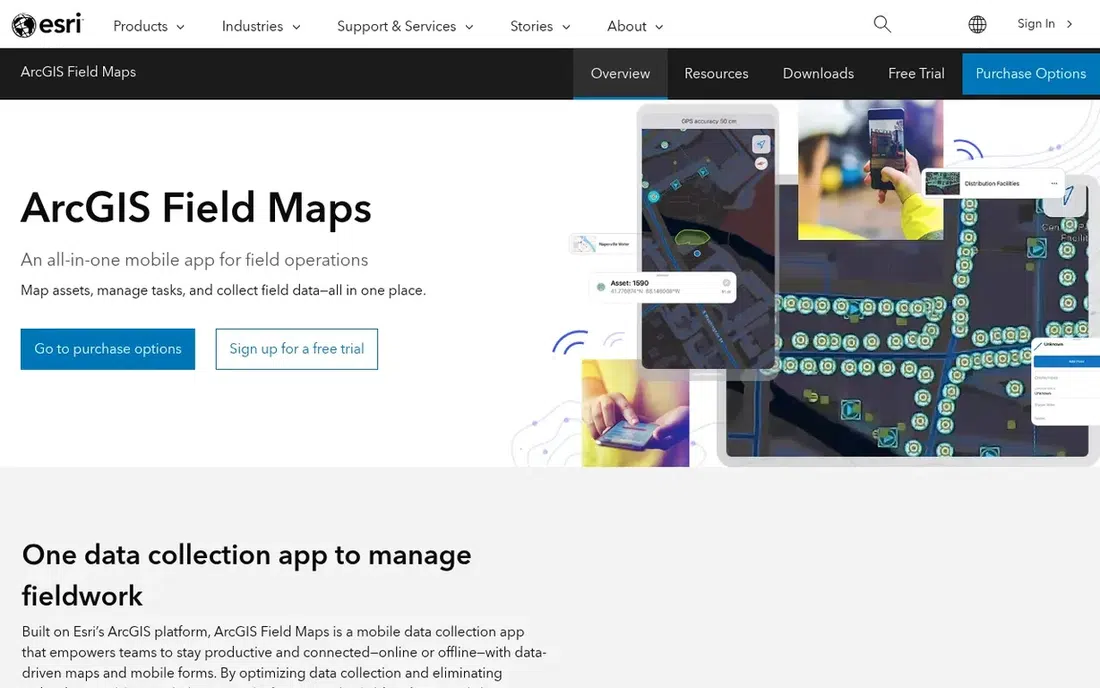
Think of ArcGIS Field Maps for map-centric field data collection and workforce management. ArcGIS Field Maps is a field data collection app that merges mobile data capture with map navigation and field workforce management. Its strengths are tied to map-based workflows, so teams without location data may find it heavier than needed.
For everyday use, more straightforward form tools can be a better match for straightforward surveys. As for the details, choose ArcGIS Field Maps when location context and map navigation are central to the work. ArcGIS Field Maps does not show a starting price in this comparison, so check the vendor site for current pricing. Free plan details: Not stated.
Downsides: Best fit within the ArcGIS environment.
- Simplifies accurate field data collection
- Integrates map navigation with data capture
- May be more than straightforward form projects need
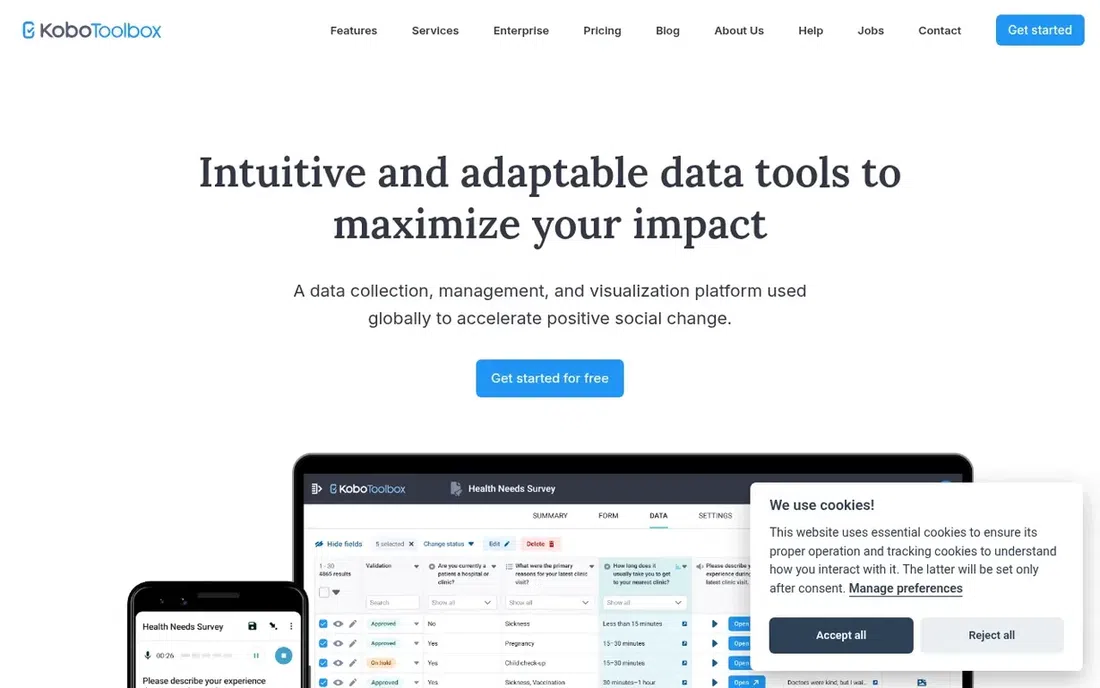
KoboToolbox was built for surveys, monitoring, evaluation, and research. KoboToolbox is software for collecting, analyzing, and managing data for surveys, monitoring, evaluation, and research. It is not built around map navigation or workforce management, so location-heavy operations may need a different tool.
Worth adding: teams needing deep inspection or asset workflows should compare other choices. Pick KoboToolbox when survey and research data are the core requirement. Starting cost for KoboToolbox: $25 per month. Free access exists with KoboToolbox.
Where it falls short: Less focused on map navigation.
- Supports data collection, analysis, management
- Easy-to-learn interface for field teams
- May need extras for complicated field operations
For configurable mobile forms and inspections, FastField is a natural candidate. Pick FastField when configurable inspection and checklist forms are the focus.
The main drawbacks: Not a map-first field product.
Worth adding: teams needing deep programmatic workflows should compare alternatives. The product pairs form building with analytics for the data collected. FastField cost at the entry level: $24 per seat, per month. On free options: Free trial.
- Suited to inspections and checklists
- Comes with analytics for collected data
- Analytics depth may vary by use case
Selection criteria
We compared the tools on published pricing, free plan or trial availability, feature coverage for field software for data collection, and the limits each vendor documents. Figures are shown as the vendors publish them. Billing terms, seat minimums and add-ons can change the real cost. Tools are placed by general fit for field software for data collection, with price clarity and free access as tie-breakers. A different team can reasonably rank them differently.
A buyer's checklist
- Get a written quote from ODK and ArcGIS Field Maps; the list shows no starting price for them.
- Read the fine print on the free plans from CommCare and KoboToolbox; seat, project and feature caps differ.
- Take the trial from FastField and push a live task through it before you pay.
- Before choosing ODK, weigh its main limit: needs some technical comfort.
- Work out what KoboToolbox costs with your real seat count, add-ons and usage, not just the entry price.
- Check the support hours and onboarding help CommCare offers; smaller vendors vary a lot here.
FAQ
Which field data collection tool is a good match for map-based work?
For most readers this guide would start with ODK, built for capable forms for field teams anywhere. GoCanvas is the alternative for configurable frontline operations data, and CommCare for frontline digital workflows and case management. The right answer depends on budget and workflow.
What is the cheapest option for field software for data collection in this list?
On published monthly entry prices, FastField is the lowest here at $24 per seat, per month. Entry price is only part of the cost, because seats, add-ons and billing terms can change the total. For the full picture, the cards above cover all 6 entries of this field software for data collection list, including price, free plan and limits.
Which options for field software for data collection have a free plan?
CommCare and KoboToolbox offer a free plan in this list. Free plans usually cap users, projects or features, so check the limits on the vendor page. One other tool offers a trial instead.
Do these tools publish their prices?
Not all of them. ODK and ArcGIS Field Maps publish no starting price, so expect a quote request for those. The rest, GoCanvas included, show a starting price, though seats and billing terms still change the final cost.
Is ODK the right pick for everyone comparing field software for data collection?
No single tool suits every team. ODK comes first because it fits powerful forms for field teams anywhere, while GoCanvas suits customizable frontline operations data and CommCare suits frontline digital workflows and case management. Match the tool to your own size, budget and workflow before deciding.
How should I choose between FastField and GoCanvas?
FastField concentrates on configurable mobile forms for inspections and checklists with analytics. Choose based on whether form tasks or broader operations data is the priority.
Sources
- https://getodk.org
- https://www.gocanvas.com
- https://www.dimagi.com/commcare
- https://www.esri.com/en-us/arcgis/products/arcgis-field-maps/overview
- https://www.kobotoolbox.org
- https://www.fastfieldforms.com