Field Service Software for Landscaping Crews in 2026: The 6 Best Options Side by Side
Best field service software for landscaping crews, compared. 6 tools with published prices, free plans and limits. Concise write-ups of every option. No filler.
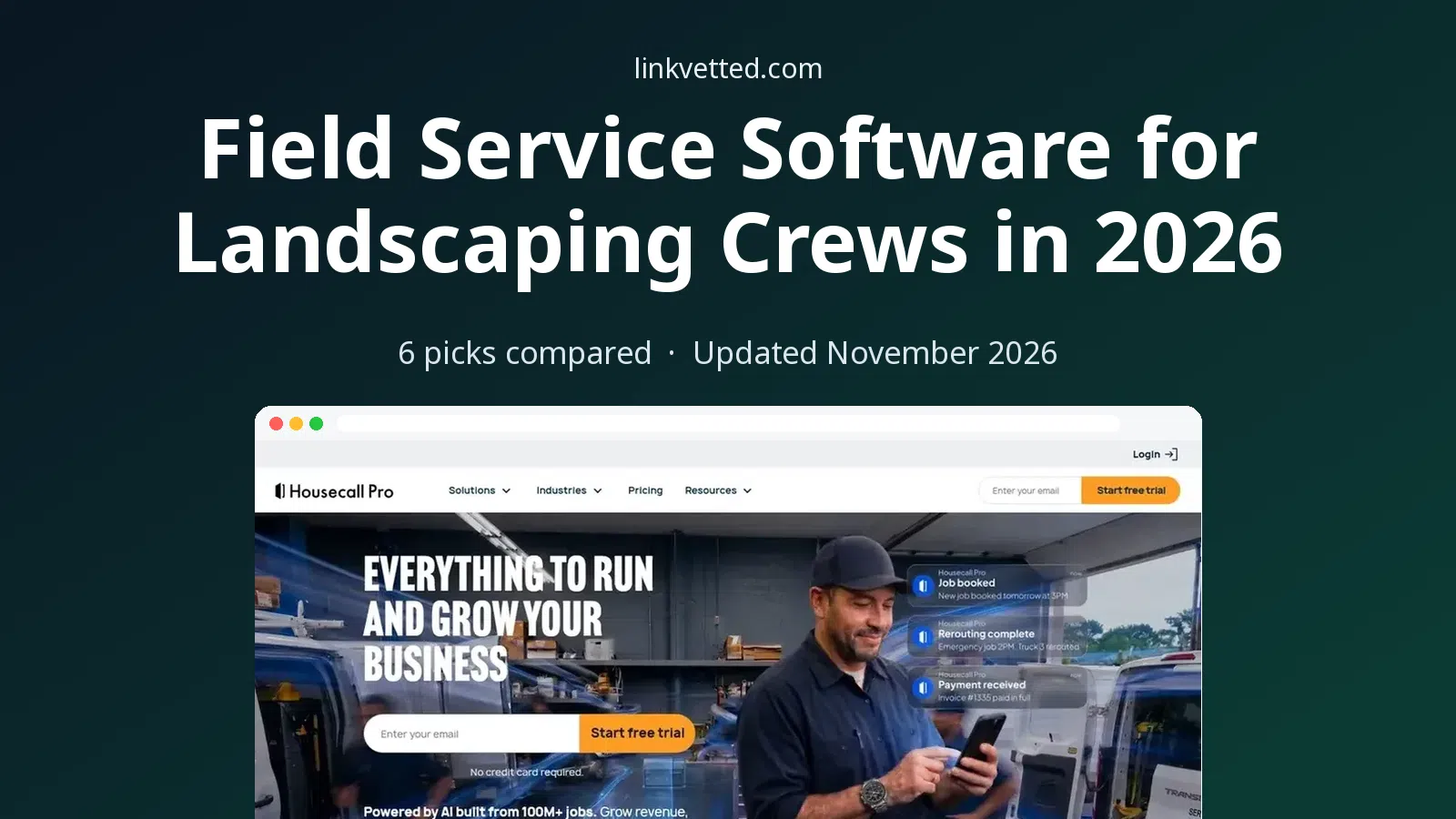
- Editor's choice
 Housecall Pro
Home service firms seeking an established product
Starts at$59 a monthVisit housecallpro.comFull review - Great alternative
 Service Autopilot
Lawn care and landscaping businesses concentrated on growth
Starts atSee websiteVisit serviceautopilot.comFull review - Also consider
 LMN
Landscaping firms managing estimates and finances
Starts at$297 a monthVisit golmn.comFull review
Direct answer
For home service companies seeking an established product, Housecall Pro is where this list starts. Listed starting prices: Housecall Pro from $59 a month and LMN from $297 a month. If your case is different, Service Autopilot suits lawn care and landscaping firms concentrated on growth and LMN suits landscaping firms managing estimates and finances. Details, prices and limits for the rest of the 6 tools are below.
TL;DR:
- Number one here is Housecall Pro, a fit for home service firms seeking an established system.
- Housecall Pro is the lowest-priced starter here at $59 per month.
- What to know about LMN first: restricted to landscape management.
- ServiceTitan suits all-in-one product for bigger contractors.
- None of the 6 tools, from Housecall Pro to ServiceTitan, has a free plan, so budget for a subscription or use a trial.
Last checked November 2026. Prices and plan details were read from the vendors' own pages in November 2026; vendors change plans often, so confirm the current price on the vendor site before you buy.
Quick comparison
| Tool | Best for | Starts at | Free plan? | |
|---|---|---|---|---|
| Housecall Pro | Home service firms seeking an established product | $59 a month | Free trial | Visit |
| Service Autopilot | Lawn care and landscaping businesses concentrated on growth | See website | Not stated | Visit |
| LMN | Landscaping firms managing estimates and finances | $297 a month | No | Visit |
 Aspire | Large-scale landscape businesses | See website | Not stated | Visit |
 Jobber | Straightforward quoting and scheduling for small crews | See website | Not stated | Visit |
 ServiceTitan | All-in-one product for bigger contractors | See website | Free trial | Visit |
The 6 tools in detail
If you are comparing field service software for landscaping crews, this page covers 6 tools in one place: what each is best for, what it costs to start, whether it has a free plan, and the main limit to know about.
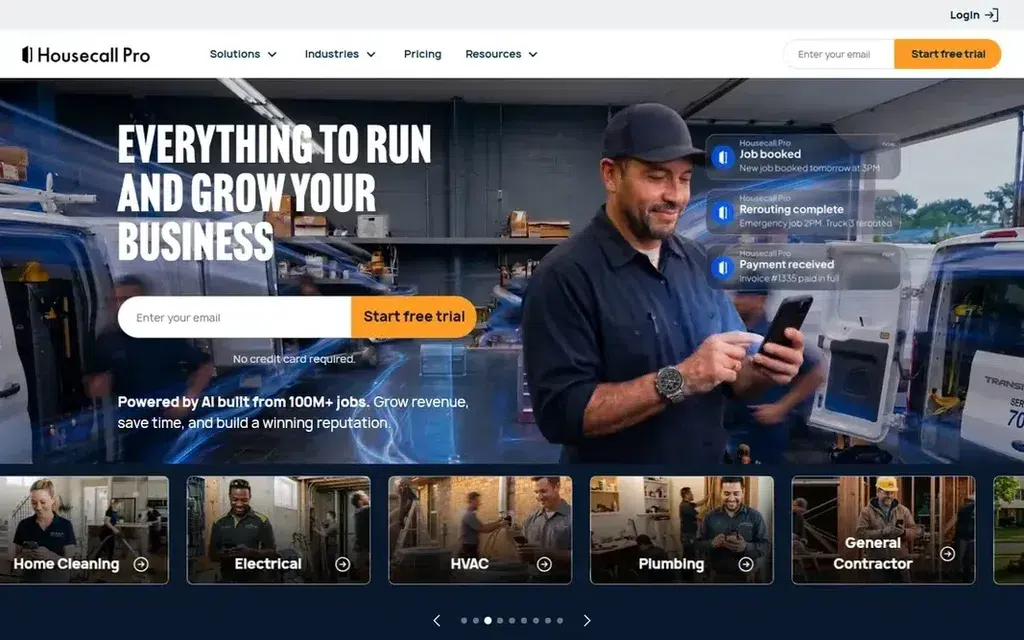
In short, Housecall Pro is for home service companies seeking an established system. Housecall Pro is a software option for home service companies. It offers field service management capabilities that can support landscaping crews with scheduling, dispatching and customer management.
Also, if you want software built exclusively for landscape operations, consider a landscaping-focused choice. Worth adding: Housecall Pro is not tailored specifically to landscaping, so some workflows may need customization. On cost, Housecall Pro starts like this: $59 per month. Trial and free access: Free trial.
Points against: Not landscaping-specific.
- Aimed at home service firms
- Established presence in the market
- May need adaptation for crew workflows
Service Autopilot
Best for: Lawn care and landscaping businesses concentrated on growth
In short, Service Autopilot is for lawn care and landscaping firms centred on growth. Landscaping crews that manage lawn care and maintenance can benefit from its scheduling and invoicing tools.
Where it falls short: May lack deep construction tools.
From a buyer's view, Service Autopilot may not offer the advanced project management features needed for large installation jobs. No starting price is listed for Service Autopilot here; confirm pricing on the vendor site. Trial and free access: Not stated.
- Designed for lawn care and landscaping
- Invoicing and scheduling software
- Best for recurring service work
LMN is a good fit for landscaping companies managing estimates and finances. LMN by Granum is landscape management software that helps landscaping companies tackle daily operations with job estimates, scheduling crews and finances in one place. It is designed for the landscaping industry, so crews can run estimates, schedules and financials without juggling separate tools.
On top of that, LMN is centred on landscaping, so it may not fit companies that also offer unrelated field services. If you need a product that covers several trades beyond landscaping, a broader field service option could be a better match. On cost, LMN starts like this: $297 per month. No free plan comes with LMN.
Honest limits: May not suit other field services.
- Crew scheduling features
- Financial management in one place
- Restricted to landscape management
Aspire is aimed squarely at large-scale landscape firms. Aspire supplies field service management software that contains an end-to-end system for large-scale firms and landscape scheduling software for expanding contractors. It is built to support landscaping businesses as they scale, with tools that handle scheduling and broader operational needs.
Watch-outs: Concentrated on bigger operations.
This makes it a solid candidate for bigger crews with complicated scheduling requirements. In practice, smaller companies might prefer a more straightforward tool with fewer configuration steps. Aspire does not show a starting price in this comparison, so check the vendor site for current pricing. On free options: Not stated.
- End-to-end product for large firms
- Landscape scheduling software
- May be complicated for small crews
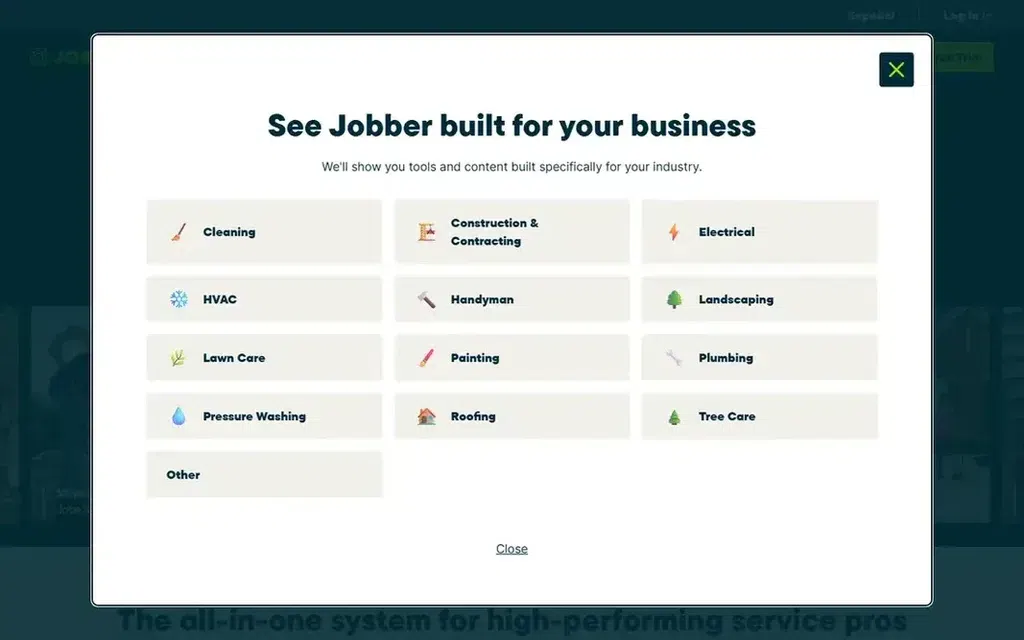
Jobber is designed for straightforward quoting and scheduling for small crews. Jobber may not offer the depth needed for complicated construction or large-scale project management. On top of that, Jobber is home and commercial service software that helps organize a service business.
It lets you quote, schedule, invoice and get premium in one place, and its easy-to-use app powers sales, operations and customer service. This makes it a solid fit for small to mid-size landscaping crews that want a straightforward way to handle daily work. If your landscaping business deals with major installation projects alongside maintenance, you might look at a product with broader project tracking. This comparison lists no price for Jobber; ask the vendor. Trial and free access: Not stated.
Trade-offs to know: May lack deep construction project tools.
- Schedule and invoice in one place
- Easy-to-use app
- Best for more straightforward service workflows

ServiceTitan serves all-in-one system for bigger contractors. Since it is designed for a wide range of trades, smaller landscaping crews may find the feature set overwhelming.
Honest limits: May be more than small crews need.
Pricing for ServiceTitan is not stated here, so ask the vendor for current figures. Free options: Free trial.
- Keeps operations in one system
- Made for home and commercial trades
- Setup can need planning
Our selection method
The comparison looks at four things: starting price, free access, how well the feature set matches field service software for landscaping crews, and the main limit of each tool. Plan names, prices and limits change often. Treat the figures here as a starting point and verify them with the vendor. Order on the page follows fit for the typical buyer first, then price transparency and free access. Your own requirements should decide the final pick.
A buyer's checklist
- Ask Service Autopilot, Aspire, Jobber and ServiceTitan for a written quote, since no starting price is shown.
- Run a trial of Housecall Pro and ServiceTitan with real work before paying for a year; your own workflow is the best test.
- Read the limits listed for Housecall Pro first: not landscaping-specific.
- Check whether the features you need in Aspire sit on the entry plan or only on higher tiers.
- See whether ServiceTitan offers onboarding or training, and whether it is included in the price.
FAQ
Is Housecall Pro the right pick for everyone comparing field service software for landscaping crews?
No single tool suits every team. Housecall Pro comes first because it fits home service businesses seeking an established platform, while Service Autopilot suits lawn care and landscaping companies focused on growth and LMN suits landscaping businesses managing estimates and finances. Match the tool to your own size, budget and workflow before deciding.
Does any tool for field service software for landscaping crews here have a free plan?
A permanent free plan is not offered by Housecall Pro, ServiceTitan or the other tools here. Housecall Pro, ServiceTitan offer a trial. Plan a short evaluation period instead. For the full picture, the cards above cover all 6 entries of this field service software for landscaping crews list, including price, free plan and limits.
Do these tools publish their prices?
Not all of them. Service Autopilot, Aspire, Jobber and ServiceTitan publish no starting price, so expect a quote request for those. The rest, Housecall Pro included, show a starting price, though seats and billing terms still change the final cost.
What is the cheapest option for field service software for landscaping crews in this list?
On published monthly entry prices, Housecall Pro is the lowest here at $59 per month. Entry price is only part of the cost, because seats, add-ons and billing terms can change the total. Prices, free plan details and limits for all 6 tools in this field service software for landscaping crews roundup sit on the individual cards above.
What should landscaping crews look for in field service software?
Since landscaping commonly involves both recurring maintenance and project work, consider whether the software can manage both. Mobile access for field crews is also important.
Sources
- https://www.housecallpro.com
- https://www.serviceautopilot.com
- https://www.golmn.com
- https://www.youraspire.com
- https://www.getjobber.com
- https://www.servicetitan.com