Best Accounting Software for Landscaping Company in 2026: 8 Tools Compared
Looking for the best accounting software for landscaping company books? We compare 8 tools on invoicing, payroll, job costs and pricing for firms of every size.

- Editor's choice
 QuickBooks Online
Most landscaping firms
Starts at$38 per monthVisit quickbooks.intuit.comFull review - Great alternative
 Xero
Teams that need unlimited users
Starts at$29 per monthVisit xero.comFull review - Also consider
 FreshBooks
Job and hourly invoicing
Starts at$19 per monthVisit freshbooks.comFull review
TL;DR:
- QuickBooks Online is the safest default for a landscaping firm, mainly because most accountants already know it.
- Xero suits firms where several people need access, since it does not charge per user on every plan.
- FreshBooks fits smaller firms that bill by the job or by the hour and want clean invoicing.
- Wave and Zoho Books keep costs near zero for a solo operator or a very small crew.
- Job costing matters more than fancy reports for this trade, so test how each tool tracks a job from quote to payment.
Quick comparison
| Tool | Best for | Starts at | Free plan? | |
|---|---|---|---|---|
| QuickBooks Online | Most landscaping firms | $38 per month | Free trial | Visit |
| Xero | Teams that need unlimited users | $29 per month | Free trial | Visit |
| FreshBooks | Job and hourly invoicing | $19 per month | Free trial | Visit |
 Wave | Solo operators on a budget | Free | Yes | Visit |
 Zoho Books | Low-cost automation | Free | Yes | Visit |
 Sage | Inventory and job costing depth | $25 per month | Free trial | Visit |
 Patriot Accounting | Simple books plus payroll | $20 per month | Free trial | Visit |
 Kashoo | Owners who want very simple books | $18 per month | Free trial | Visit |
The best accounting software for landscaping companies
Landscaping work mixes recurring maintenance, one-off projects, materials, fuel and seasonal staff, so the books need to handle job costs and payroll as well as invoices. We compared official pricing, invoicing, bank reconciliation, payroll options and job tracking for tools that suit firms from solo operators to larger crews.
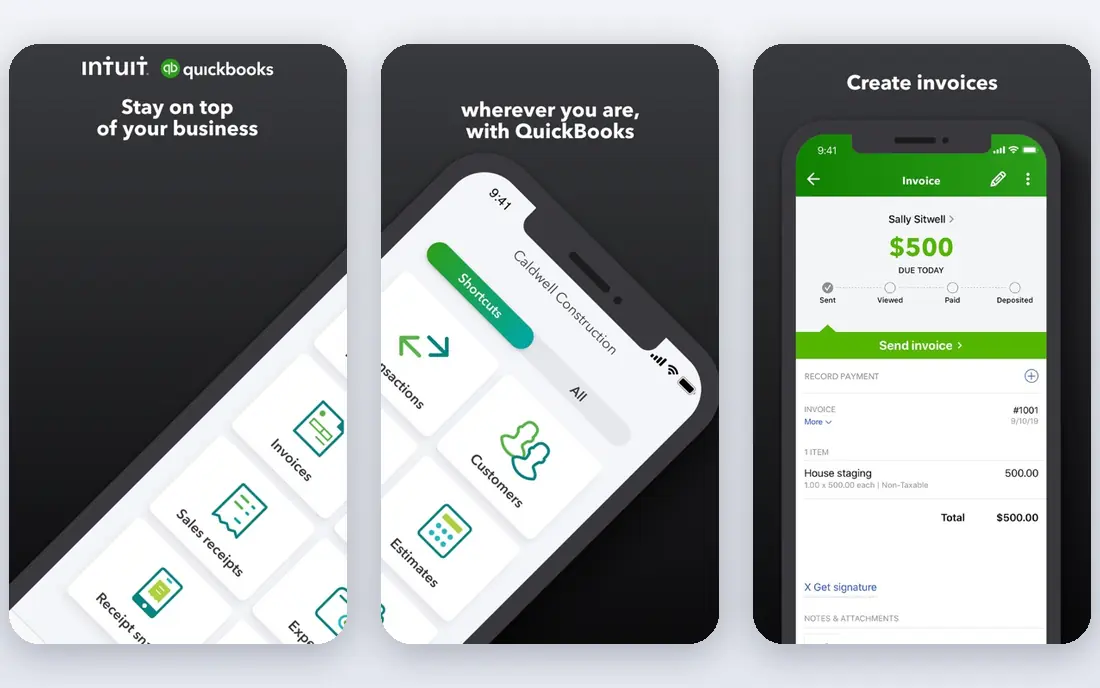
QuickBooks Online is the default recommendation for a reason that has little to do with design. Most US accountants and bookkeepers already work in it, so year-end work, questions and clean-up cost less time. Invoicing, expense tracking, bank reconciliation and mileage tracking are all solid, and the Plus plan adds inventory and project profitability, which helps a firm see which jobs actually make money.
The cost is the honest drawback. Entry pricing starts at $38 per month, payroll adds a further monthly fee, and prices have risen in recent years. The interface also takes longer to learn than FreshBooks or Wave. For a firm that plans to grow or work with an outside accountant, those costs are usually worth paying.
- Widest accountant familiarity
- Strong invoicing, expenses and reporting
- Project profitability on Plus and up
- Price has risen over time
- Payroll is a paid add-on
- Learning curve is steeper than simpler tools
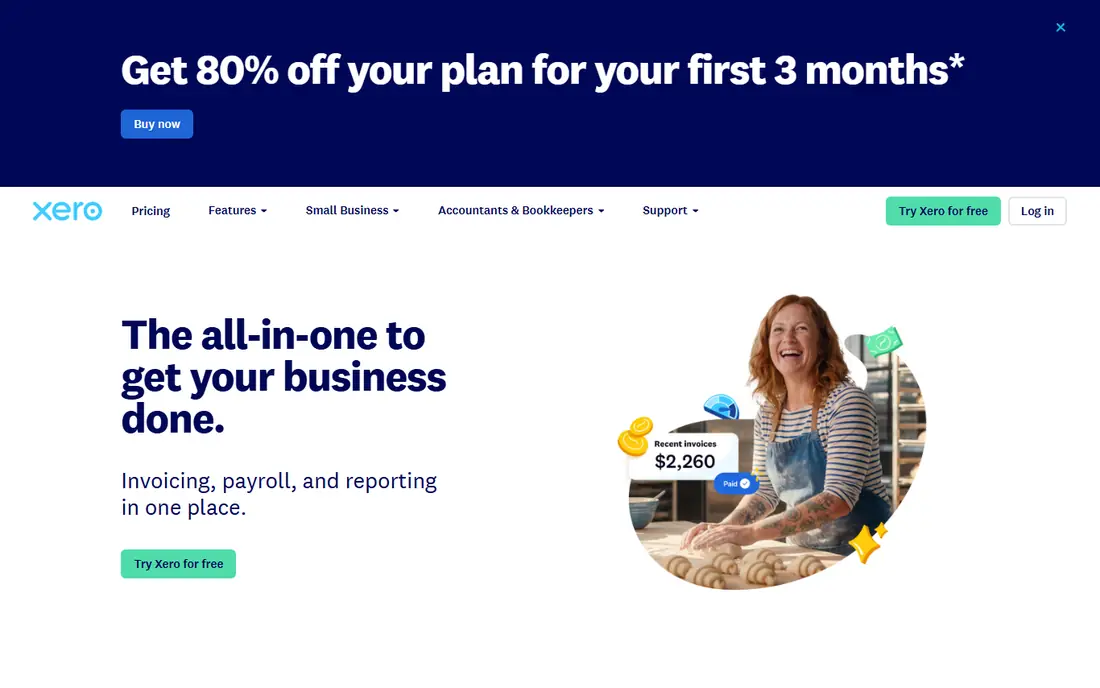
Xero appeals to firms where the owner, the office manager and the bookkeeper all need access without paying per seat. Bank reconciliation is clean and quick, the dashboard is easy to read, and the integration list covers payroll partners, payment tools and field service apps. For a team that hates per-user fees, that structure is a real saving.
The entry plan caps the number of invoices and bills, so a busy firm will need a higher tier sooner than the headline price suggests. US payroll is handled through Gusto rather than inside Xero itself. If your firm has several users and a moderate invoice volume, Xero is a strong alternative to QuickBooks.
- Unlimited users on every plan
- Clean bank reconciliation
- Strong app integrations
- Lowest plan caps invoices and bills
- US payroll runs through a partner, not natively
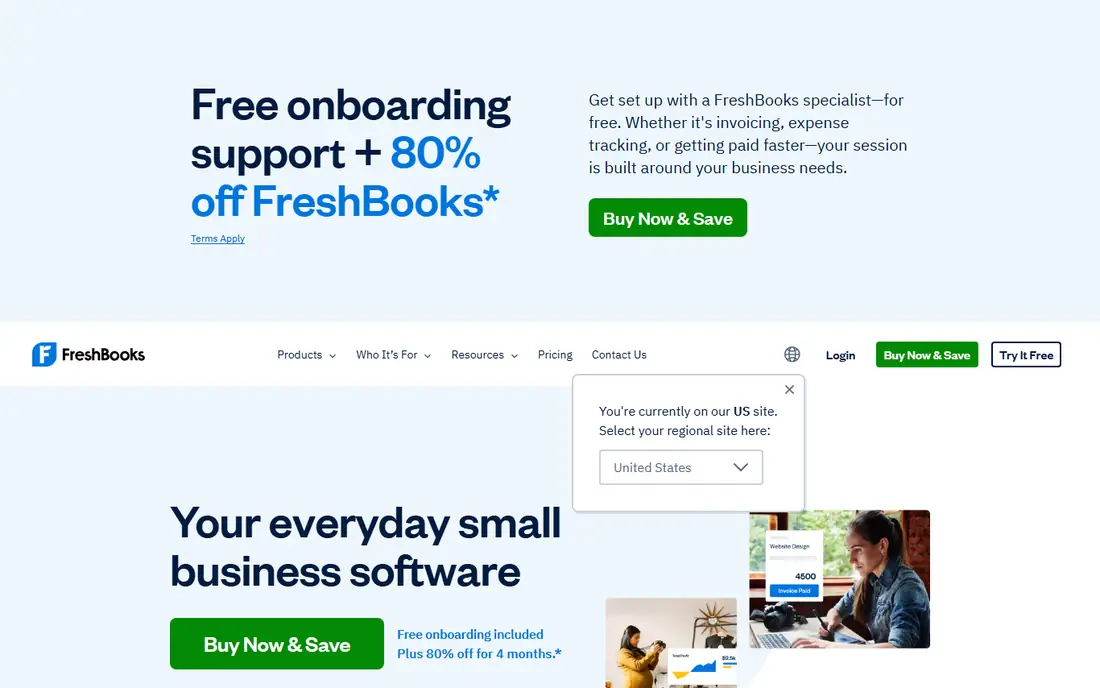
FreshBooks is the easiest tool on this list to pick up, and it shines when the firm bills by the job or by the hour. Invoices look professional, time can be tracked against a project, and expenses and mileage feed into the same client record. A small crew that mainly needs to bill cleanly and get paid fast will feel at home here.
The limits matter as the client list grows. The Lite plan covers only a small number of billable clients, and payroll comes through a partner add-on rather than a native feature. Pure accounting depth is also lighter than QuickBooks or Xero. For a firm with a modest client count and simple books, FreshBooks is a pleasure to use.
- Excellent invoicing and time tracking
- Very easy to learn
- Project billing built in
- Lite plan limits billable clients
- Payroll is an add-on
- Accounting depth is lighter than QuickBooks
Wave is the best free option for a solo operator who needs proper books without a monthly fee. Invoicing is unlimited, accounting uses double-entry, and the setup is quick enough to finish in an evening. For a one-person firm testing whether a tool beats spreadsheets, the price is hard to argue with.
Free has boundaries. Automatic bank feeds now sit on the paid Pro plan, payroll costs extra, and support is thinner than on paid tools. A growing firm with staff and many transactions will outgrow it. As a starting point for a solo operator, though, Wave covers the essentials honestly.
- Free core accounting and invoicing
- Real double-entry books
- Simple to set up
- Bank feeds need the paid Pro plan
- Payroll is a paid add-on
- Support is lighter than paid rivals
Zoho Books offers a free plan for businesses under a revenue threshold, with paid plans starting low and adding automation for invoices, reminders and recurring billing. That automation saves real office time for a firm that bills many recurring maintenance clients each month. The interface is tidy and the mobile app is capable.
The free plan's revenue cap means a growing firm will move to a paid tier, and firms that do not use other Zoho products get less of the suite benefit. Third-party integrations are also fewer than QuickBooks. For a cost-conscious firm that likes automation, Zoho Books is strong value.
- Free plan for firms under a revenue limit
- Strong automation
- Good value on paid plans
- Free plan has a revenue cap
- Full value comes inside the wider Zoho suite
Sage suits a firm that stocks materials, runs larger projects and needs job costing with more depth than a simple invoicing tool offers. Inventory tracking, project costs and reporting are stronger here than in FreshBooks or Wave, which helps a firm that buys plants, stone and soil in volume and needs to know what each job consumed.
The trade-off is complexity. Setup and daily use take more learning, and the interface feels less modern than Xero or FreshBooks. A small maintenance-only firm may not need this depth. For a design-build firm with inventory and larger jobs, Sage earns its place.
- Deep inventory and job costing
- Solid reporting
- Scales beyond simple books
- Steeper learning curve
- Interface feels more traditional than newer rivals
Patriot Accounting is built for owners who want books and payroll without a steep learning curve. Setup is quick, the interface uses plain language, and payroll can be added from the same vendor, which keeps employee pay and books in step. The starting price is low for a paid tool.
Reporting and integrations are lighter than QuickBooks or Xero, so a firm with complex reporting needs may feel constrained. For a very small firm with a few staff and straightforward books, Patriot keeps the admin burden small and the price honest.
- Very simple setup
- Payroll add-on from the same vendor
- Low starting price
- Reporting is lighter than QuickBooks
- Fewer integrations
Kashoo targets owners who find accounting software intimidating. The interface strips books down to income, expenses, invoicing and simple reports, and it can be learned in a single sitting. That simplicity is a genuine advantage for an owner who does the books late at night after a day on site.
The feature set is limited, with fewer integrations and less job costing depth than rivals. A firm with inventory, multiple crews or complex payroll will outgrow it. For a solo operator or a tiny firm that values simplicity above all, Kashoo does the job without fuss.
- Extremely simple interface
- Good for non-accountants
- Invoicing and expenses covered
- Feature set is limited
- Fewer integrations
- Not built for larger crews
How we picked these
We compared official pricing pages, plan limits, invoicing, bank reconciliation, payroll options and job tracking, with a focus on the mix of recurring maintenance and project work that defines this trade. We favored tools with a free plan or trial, clear pricing and accountant support, and we included free, mid-range and deeper options. We did not run these tools on live company books, and we do not claim hands-on testing.
What to set up first in any accounting tool
Start with a simple chart of accounts that separates maintenance income, project income, materials, fuel, labor and subcontractors. That split makes job costing possible later, even if you only run basic reports at first. Connect the bank feed, turn on invoice reminders, and set a weekly habit of matching payments to invoices.
Payroll, taxes and job costing
Seasonal staff, overtime and per-job labor are where landscaping books get messy. Decide early whether payroll runs inside the accounting tool, through an add-on, or through a separate payroll provider, and keep that choice consistent. Track labor and materials per job from the start, even on small jobs, so end-of-season reports show which work types actually pay. This article is general information, not tax advice, so check payroll and tax questions with a qualified professional.
Moving from spreadsheets
Import your client list, open invoices and bank balances before the new season starts, not in the middle of it. Run the old and new systems side by side for one billing cycle, and keep your accountant in the loop during the switch. A clean cutover in the off-season saves far more time than a rushed move in spring.
FAQ
What is the best accounting software for a small landscaping company?
QuickBooks Online is the safest all-round pick, because most accountants know it and it handles job costing on higher plans. FreshBooks suits a smaller firm that mainly needs clean invoicing and time tracking. Wave is the best free starting point for a solo operator.
Do I need payroll inside my accounting software?
Not necessarily, but payroll must be handled somewhere reliable, especially with seasonal staff. QuickBooks and Patriot offer payroll add-ons, while Xero and FreshBooks route payroll through Gusto. Pick one route, keep records consistent, and check tax filing duties with a professional.
Can accounting software track job profitability?
Yes, on the right plan. QuickBooks Plus and Sage offer project profitability and job costing, while simpler tools track income and expenses per client or project with less depth. If job costing matters to your pricing, test that feature with a real job during the trial.
Is free accounting software good enough?
For a solo operator with few transactions, Wave or the Zoho Books free plan can be enough. Bank feeds, payroll and deeper reporting usually require a paid plan. Move to a paid tool when manual entry starts eating hours each week or when staff payroll joins the picture.
How much does accounting software cost per month?
Entry prices on this list run from free to $38 per month, with payroll adding a further fee on most tools. Promotional pricing often drops the first months, so check the regular rate. Budget for the plan you will need in month four, not only the trial price.
Should my accountant choose the software?
Give your accountant a strong say, since they will work in the tool at year end. If they know QuickBooks well, that familiarity saves time and fees. If you prefer another tool, confirm your accountant will accept its reports before you commit to a full year.