Best Field Service Scheduling Software in 2026: Prices, Free Plans and 6 Picks
Best field service scheduling software: 6 contenders ranked by fit, with entry costs and free tiers. The weak spots sit next to the strengths. Details below.
- Editor's choice
 Jobber
Small to midsize service firms
Starts atSee websiteVisit getjobber.comFull review - Great alternativeServiceNow Field Service Management
Enterprise workflow integration
Starts atSee websiteVisit servicenow.comFull review - Also considerServiceMax
Asset-centric field service
Starts atSee websiteVisit servicemax.comFull review
Direct answer
Our first pick is Jobber, best for small to midsize service firms. Listed starting prices: Housecall Pro from $59 a month. ServiceNow Field Service Management fits enterprise workflow integration; ServiceMax fits asset-centric field service. All 6 tools are compared below on price, free plan and limits.
TL;DR:
- Top of the list is Jobber, which targets small to midsize service companies.
- Housecall Pro suits home service professionals.
- The lowest published monthly entry price here is $59 per month, from Housecall Pro.
- None of the 6 tools, from Jobber to Housecall Pro, has a free plan, so budget for a subscription or use a trial.
Last checked November 2026. Prices and plan details were read from the vendors' own pages in November 2026; vendors change plans often, so confirm the current price on the vendor site before you buy.
Quick comparison
| Tool | Best for | Starts at | Free plan? | |
|---|---|---|---|---|
| Jobber | Small to midsize service firms | See website | Not stated | Visit |
| ServiceNow Field Service Management | Enterprise workflow integration | See website | Not stated | Visit |
| ServiceMax | Asset-centric field service | See website | Not stated | Visit |
 ServiceTitan | Home and commercial contractors | See website | Free trial | Visit |
| Zoho FSM | End-to-end field operations automation | See website | Free trial | Visit |
 Housecall Pro | Home service professionals | $59 a month | Free trial | Visit |
6 options for field service scheduling software in detail
If you are comparing field service scheduling software, this page covers 6 tools in one place: what each is best for, what it costs to start, whether it has a free plan, and the main limit to know about.
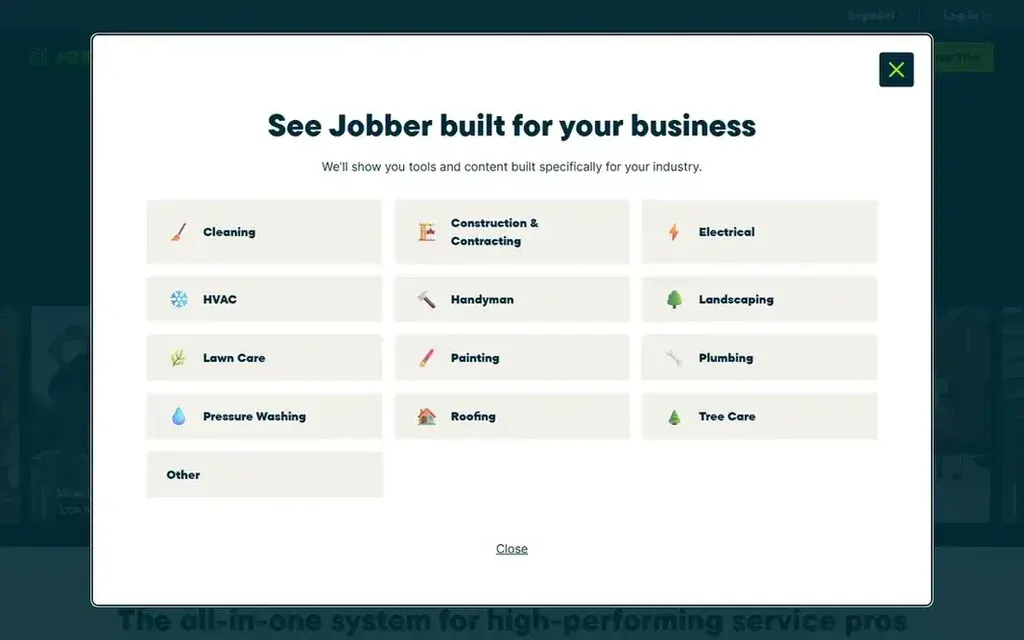
Choose Jobber for small to midsize service firms. Jobber gives you home and commercial service software meant to organize your service business.
The main drawbacks: May not suit complicated projects.
It lets you quote, schedule, invoice, and get premium all in one place, with an easy-to-use app that powers sales, operations, and customer service. Jobber shows no starting price here, so confirm the cost on the vendor site. Free access: Not stated.
- All-in-one quoting and invoicing
- Easy-to-use app
- Restricted advanced features
ServiceNow Field Service Management
Best for: Enterprise workflow integration
Think of ServiceNow Field Service Management for enterprise workflow integration. ServiceNow Field Service Management is part of ServiceNow's digital workflow product, built to let employees work the way they want and customers get what they need when they need it.
Honest limits: Enterprise-focused.
It commonly needs dedicated administration and may not be the most straightforward choice for straightforward scheduling needs. No starting price is listed for ServiceNow Field Service Management here; confirm pricing on the vendor site. Free options: Not stated.
- Digital workflows
- Adaptable employee and customer experience
- Complex setup
ServiceMax
Best for: Asset-centric field service
Choose ServiceMax for asset-centric field service. ServiceMax, part of PTC, is a cloud-based field service management software that concentrates on asset-centric service. It aims to boost technician productivity, simplify operational efficiency, and boost equipment uptime.
Honest limits: May need integration.
This tool is a strong match for organizations that handle complicated equipment and have to ensure high uptime through effective scheduling and maintenance. ServiceMax is made for asset-intensive industries, so it may be overkill for companies that primarily schedule straightforward service calls. Its complexity might need dedicated training and integration efforts, making it less a good match for smaller service businesses. Pricing for ServiceMax is not stated here, so ask the vendor for current figures. Trial and free access: Not stated.
- Focus on equipment uptime
- Cloud-based system
- Complicated for simple scheduling
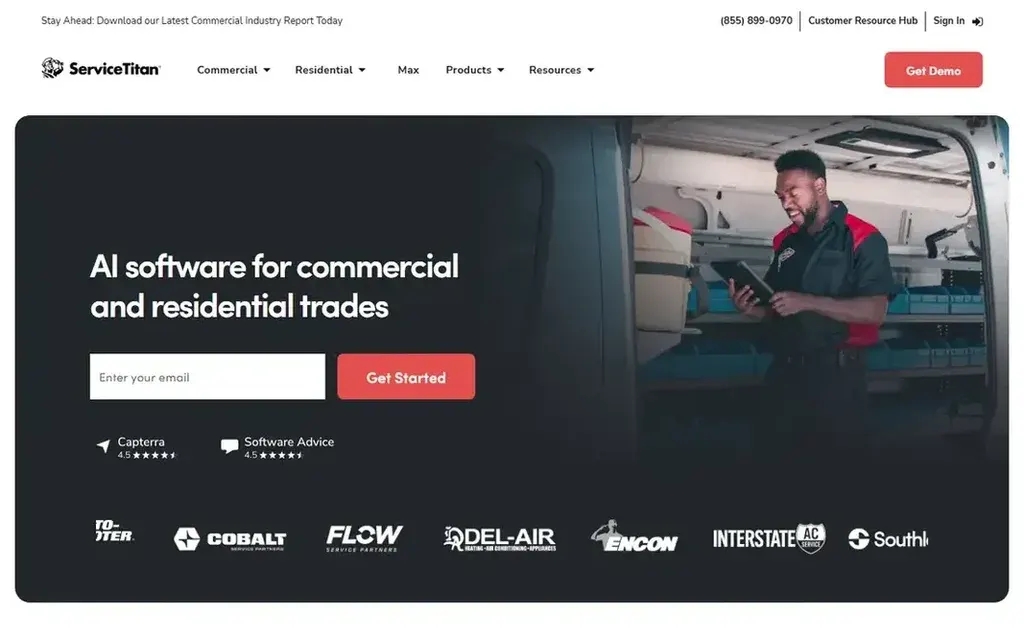
Think of ServiceTitan for home and commercial contractors. The product may be more than needed for very small operations, and its breadth could need a ramp-up time.
Beyond that, if you run a straightforward service business with entry-level scheduling needs, a lighter tool like Jobber might be a better fit. ServiceTitan shows no starting price here, so confirm the cost on the vendor site. Free plan details: Free trial.
Honest limits: May be complicated for small teams.
- All-in-one system
- Takes care of service visits and projects
- Needs setup time
Zoho FSM
Best for: End-to-end field operations automation
Zoho FSM is a good fit for end-to-end field operations automation. Zoho FSM is an end-to-end field service management platform that automates the whole spectrum of field operations.
Whereas Zoho FSM includes a wide range of features, it may not offer the same depth as specialized tools in certain areas. In daily use, firms with very specific or complicated requirements might have to consider other choices or extra integrations. Check the vendor site for Zoho FSM pricing; none is listed in this comparison. Trial and free access: Free trial.
Drawbacks to consider: May lack depth in some areas.
- Automates whole field operations
- One-stop product
- Can need customization
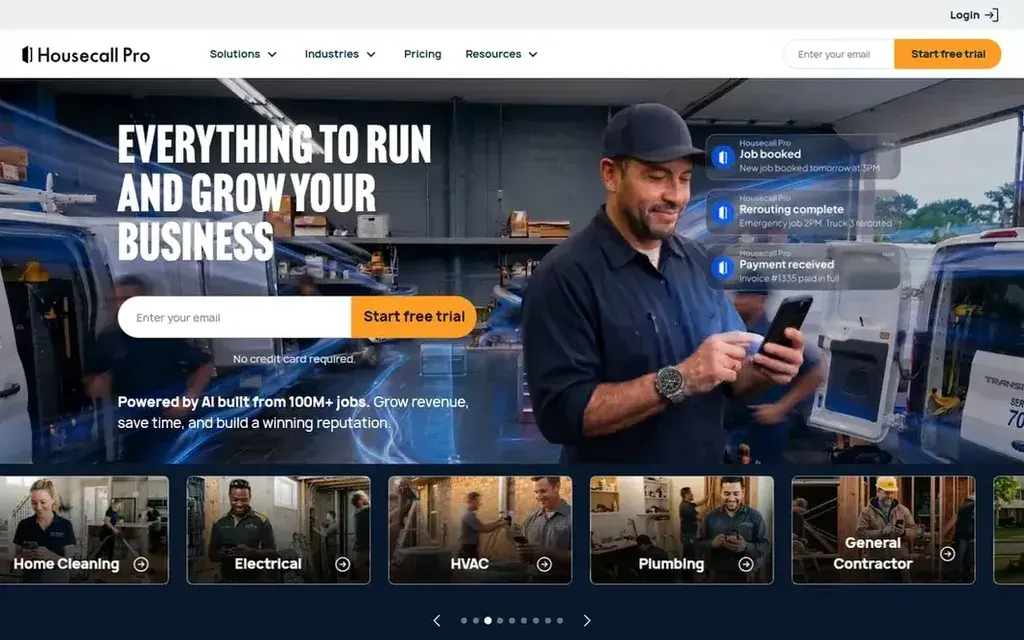
Housecall Pro is built with home service professionals in mind. New users may find the range of features overwhelming initially, and it may take time to completely adopt.
Price to start with Housecall Pro: $59 per month. Free plan details: Free trial.
Where it falls short: Can be overwhelming at first.
- Full features
- Made for home services
- May need training
How we built this list
The comparison looks at four things: starting price, free access, how well the feature set matches field service scheduling software, and the main limit of each tool. Treat prices as a snapshot: vendors change plans often, so check the vendor site for the figure that applies today. Position on the page reflects fit for a typical buyer first, with price clarity and free access breaking ties. Treat it as a guide, not a ruling.
Questions to settle before buying
- Ask Jobber, ServiceNow Field Service Management, ServiceMax and others for a written quote, since no starting price is shown.
- Use real work to test the free trial from ServiceTitan, Zoho FSM and Housecall Pro, rather than a demo project.
- Before choosing Jobber, weigh its main limit: restricted advanced features.
- Add up seats, add-ons and usage charges for Jobber before comparing it with cheaper entries.
- Run a one or two week pilot of ServiceTitan with the people who will use it every day.
FAQ
Can field service scheduling software boost customer satisfaction?
Yes, by enabling timely arrivals, automatic notifications, and efficient issue resolution, scheduling software can enhance the customer experience. Features like self-service portals and live updates keep customers informed and cut friction.
Is Jobber the right pick for everyone comparing field service scheduling software?
No single tool suits every team. Jobber comes first because it fits small to midsize service businesses, while ServiceNow Field Service Management suits enterprise workflow integration and ServiceMax suits asset-centric field service. Match the tool to your own size, budget and workflow before deciding.
What is the cheapest option for field service scheduling software in this list?
On published monthly entry prices, Housecall Pro is the lowest here at $59 per month. Entry price is only part of the cost, because seats, add-ons and billing terms can change the total. All 6 picks in this field service scheduling software comparison list a starting price, free plan details and the main limits on their cards above.
Do these tools publish their prices?
Not all of them. Jobber, ServiceNow Field Service Management, ServiceMax and others publish no starting price, so expect a quote request for those. The rest, Housecall Pro included, show a starting price, though seats and billing terms still change the final cost.
Does any tool for field service scheduling software here have a free plan?
No tool in this list, Jobber and Housecall Pro included, has a permanent free plan. ServiceTitan, Zoho FSM, Housecall Pro offer a trial. Trials and quotes are the usual route, so plan a short evaluation period.
What are the key features to look for in field service scheduling software?
Key features contain drag-and-drop scheduling, route optimization, mobile access for technicians, live job status updates, and integration with invoicing and inventory management.
Sources
- https://www.getjobber.com
- https://www.servicenow.com/products/field-service-management.html
- https://www.servicemax.com
- https://www.servicetitan.com
- https://www.zoho.com/fsm
- https://www.housecallpro.com