6 Field Service Management Software for Retail Stores Worth Shortlisting in 2026
6 best field service management software for retail stores, compared on pricing, free plans and best-fit use. Short verdicts, no fluff. Pick with confidence.
- Editor's choiceMicrosoft Dynamics 365 Field Service
Enterprises needing AI-driven scheduling
Starts atPricing on requestVisit microsoft.comFull review - Great alternative
 Kustomer
AI-powered customer service CRM
Starts atPricing on requestVisit kustomer.comFull review - Also consider
 Jobber
Small to midsize service companies
Starts atPricing on requestVisit getjobber.comFull review
Direct answer
Microsoft Dynamics 365 Field Service leads the list, best for enterprises needing AI-driven scheduling. If your case is different, Kustomer suits AI-powered customer service CRM and Jobber suits small to midsize service companies. Details and limits for the rest of the 6 tools are below. None of these vendors publish plan prices, so pricing is on request for every option.
TL;DR:
- This list starts with Microsoft Dynamics 365 Field Service, which is built for enterprises needing AI-driven scheduling.
- A fair warning about Microsoft Dynamics 365 Field Service: higher complexity and cost.
- Zoho FSM suits end-to-end field operations automation.
- Every tool from Microsoft Dynamics 365 Field Service to Zoho FSM works by quote, with no list price shown.
- None of the 6 tools, from Microsoft Dynamics 365 Field Service to Zoho FSM, has a free plan, so budget for a subscription or use a trial.
Last checked November 2026. Pricing on request: vendors did not publish plan prices when this guide was last checked (November 2026), so ask each vendor for a written quote.
Quick comparison
| Tool | Best for | Starts at | Free plan? | |
|---|---|---|---|---|
| Microsoft Dynamics 365 Field Service | Enterprises needing AI-driven scheduling | Pricing on request | Not stated | Visit |
| Kustomer | AI-powered customer service CRM | Pricing on request | Not stated | Visit |
| Jobber | Small to midsize service companies | Pricing on request | Not stated | Visit |
| ServiceNow Field Service Management | Large organizations with complicated workflows | Pricing on request | Not stated | Visit |
 ServiceTitan | All-in-one field service for contractors | Pricing on request | Free trial | Visit |
| Zoho FSM | End-to-end field operations automation | Pricing on request | Free trial | Visit |
Tool-by-tool breakdown
LinkVetted put together this guide to field service management software for retail stores for readers who want a clear shortlist without reading every vendor page. It compares 6 tools on starting price, free plans, who each one suits and where each one falls short.
Microsoft Dynamics 365 Field Service
Best for: Enterprises needing AI-driven scheduling
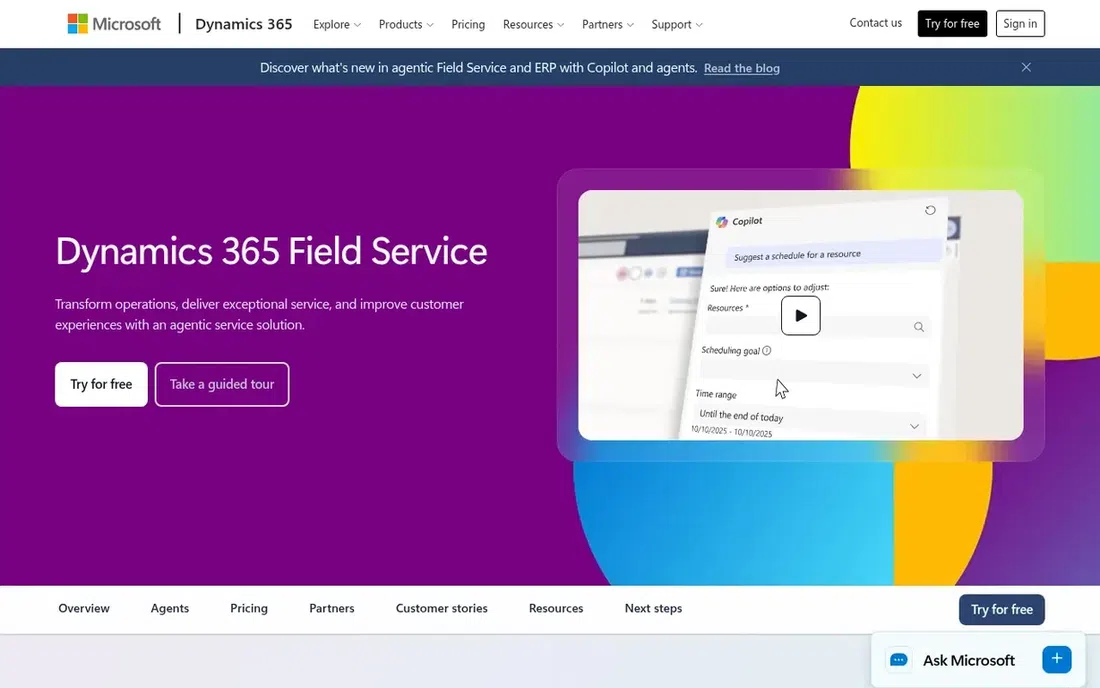
Choose Microsoft Dynamics 365 Field Service for enterprises needing AI-driven scheduling. Smaller retail keeps might find Jobber or Zoho FSM more approachable and economical.
Beyond that, Microsoft Dynamics 365 Field Service is a full field service management option that uses AI for self-service scheduling, live data, and automated service reminders. It is a strong match for bigger retail enterprises that require to coordinate field operations across several locations and plug into other Microsoft business applications. This comparison lists no price for Microsoft Dynamics 365 Field Service; ask the vendor. On free options: Not stated.
Honest limits: Higher complexity and cost.
- Deep integration with Microsoft ecosystem
- AI-driven self-service scheduling
- Needs Microsoft infrastructure
Kustomer works best for AI-powered customer service CRM. Whereas not a traditional field service management tool, it can complement retail field operations by enhancing customer communication and support.
Beyond that, if you need an all-in-one field service option, consider ServiceTitan or Jobber. Kustomer lacks core field service features like scheduling and dispatching, so it should be used alongside a dedicated FSM tool. No starting price is listed for Kustomer here; confirm pricing on the vendor site. Free plan details: Not stated.
Trade-offs to know: Not a full field service management tool.
- Omnichannel customer experience
- Brings together conversations across channels
- Centres on customer support instead of scheduling
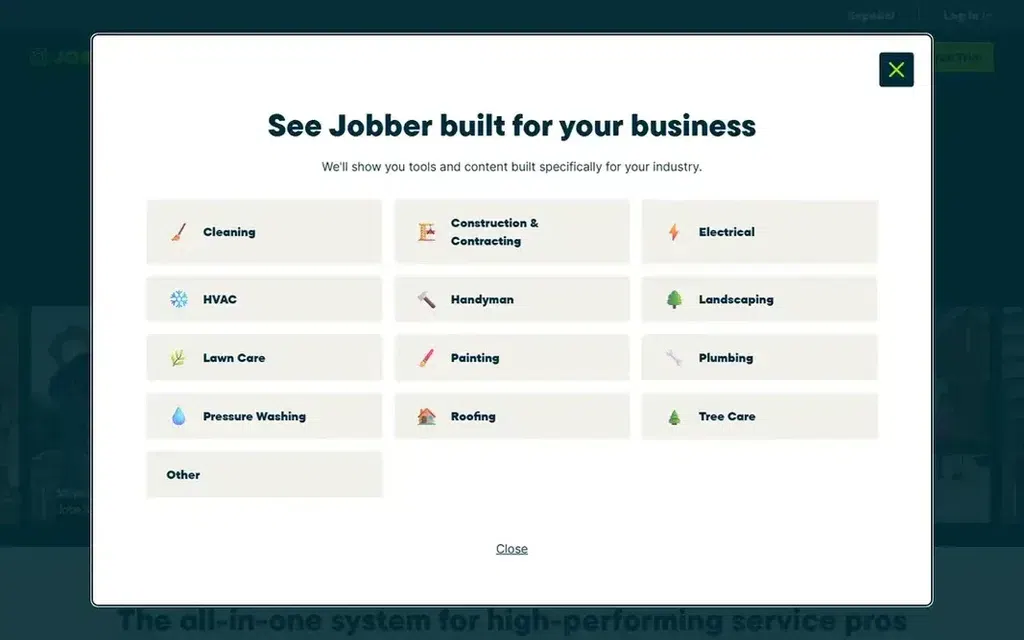
Jobber is designed for small to midsize service businesses. Jobber is a home and commercial service software that helps organize service businesses by combining quoting, scheduling, invoicing, and payments in one place.
What Jobber does well: Organizes sales, operations.
Limits to weigh: Restricted customization for retail-specific processes. On top of that, if you need advanced automation and integration with enterprise systems, Microsoft Dynamics 365 Field Service or ServiceNow might be more appropriate. Check the vendor site for Jobber pricing; none is listed in this comparison. Trial and free access: Not stated.
- Integrated invoicing and payments
- Easy-to-use app for quoting and scheduling
- May lack advanced features for large enterprises
ServiceNow Field Service Management
Best for: Large organizations with complicated workflows
ServiceNow Field Service Management was built for large organizations with complicated workflows. It is built for large organizations with complicated field service operations, including retail chains that need solid workflow automation and integration with other ServiceNow modules.
It is a good match for enterprises that already use ServiceNow or need highly customized workflows. Check the vendor site for ServiceNow Field Service Management pricing; none is listed in this comparison. Free options: Not stated.
Trade-offs to know: May be costly for small firms.
- Integrated with ServiceNow product
- Digital workflows for adaptable work
- Steep ramp-up time
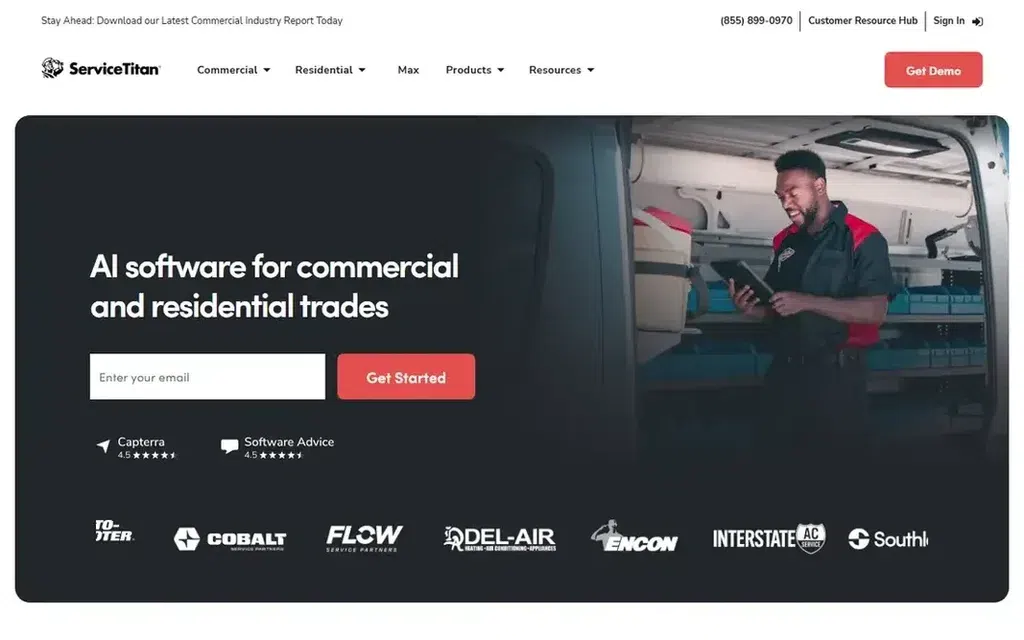
Choose ServiceTitan for all-in-one field service for contractors. It centralizes scheduling, dispatching, and project tracking, making it right for retail keeps that offer installation or maintenance services. If you need a more straightforward, more low-cost solution, consider Jobber or Zoho FSM instead.
From a buyer's view, the product is built to manage the complexities of field operations, supplying a solid option for companies with several service teams. Even so, ServiceTitan may be overkill for small retail keeps with restricted field service needs. Its trade-focused features might not align perfectly with retail-specific workflows. ServiceTitan does not show a starting price in this comparison, so check the vendor site for current pricing. Free plan details: Free trial.
Drawbacks to consider: Centred on trades instead of retail-specific needs.
- Made for home and commercial contractors
- Keeps operations running smoothly
- May be complicated for small retail teams
Zoho FSM
Best for: End-to-end field operations automation
In short, Zoho FSM is for end-to-end field operations automation. Whereas Zoho FSM supplies thorough automation, it may lack some of the advanced features found in enterprise options like ServiceNow or Microsoft Dynamics 365.
Retail keeps with complicated requirements might have to explore those choices. Zoho FSM shows no starting price here, so confirm the cost on the vendor site. Free access: Free trial.
Limits to weigh: May need extras for full functionality.
- Approachable interface
- Automates whole field operations spectrum
- Restricted advanced features compared with enterprise tools
How we compared the tools
LinkVetted looked at what each vendor publishes: pricing, plan limits, feature coverage for field service management software for retail stores and stated drawbacks. No hands-on testing is claimed. Seat minimums, billing terms and add-ons can move the real cost, so the starting prices here are a guide and not a quote. The ranking is editorial: typical fit first, then clear pricing, then free access. If your needs are unusual, read the profiles rather than relying on position.
Things to verify first
- Ask each vendor, from Microsoft Dynamics 365 Field Service to Zoho FSM, for a written quote; none of them publishes a starting price.
- Take the trial from ServiceTitan and Zoho FSM and push a live task through it before you pay.
- Read the limits listed for Microsoft Dynamics 365 Field Service first: higher complexity and cost.
- Confirm the exact ServiceTitan plan that includes your must-have features.
- Ask Zoho FSM about contract length, onboarding fees and user minimums before you sign.
FAQ
Is Microsoft Dynamics 365 Field Service the right pick for everyone comparing field service management software for retail stores?
No single tool suits every team. Microsoft Dynamics 365 Field Service comes first because it fits enterprises needing AI-driven scheduling, while Kustomer suits AI-powered customer service CRM and Jobber suits small to midsize service businesses. Match the tool to your own size, budget and workflow before deciding.
Can field service management software handle both in-store and on-site services?
Yes, plenty of products support both in-store and on-site service scenarios. Look for tools that allow you to run appointments, assign technicians, and track service history across locations.
Do these tools publish their prices?
No. None of the tools, from Microsoft Dynamics 365 Field Service to Zoho FSM, shows a fixed starting price here, so budget time for quotes.
How does field service management software improve customer experience in retail?
It simplifies scheduling and communication, reducing wait times and ensuring timely service. Automated reminders and live updates keep customers informed, leading to higher satisfaction.
Is it necessary to integrate field service management with a CRM?
Integration with a CRM can supply a unified view of customer interactions and service history, improving personalization and efficiency. It is notably beneficial for retail keeps with high customer engagement.
Does any tool for field service management software for retail stores here have a free plan?
A permanent free plan is not offered by Microsoft Dynamics 365 Field Service, Zoho FSM or the other tools here. ServiceTitan, Zoho FSM offer a trial. Plan a short evaluation period instead.
Sources
- https://www.microsoft.com/en-us/dynamics-365/products/field-service
- https://www.kustomer.com
- https://www.getjobber.com
- https://www.servicenow.com/products/field-service-management.html
- https://www.servicetitan.com
- https://www.zoho.com/fsm