The 6 Best Field Service Management Software for Consultants in 2026, Ranked
Best field service management software for consultants in 2026: 6 tools with starting prices, free plans and limits. Verdicts stay brief and factual. No filler.
- Editor's choiceMicrosoft Dynamics 365 Field Service
Microsoft-aligned organizations
Starts atSee websiteVisit microsoft.comFull review - Great alternativeZoho FSM
End-to-end field operations automation
Starts atSee websiteVisit zoho.comFull review - Also consider
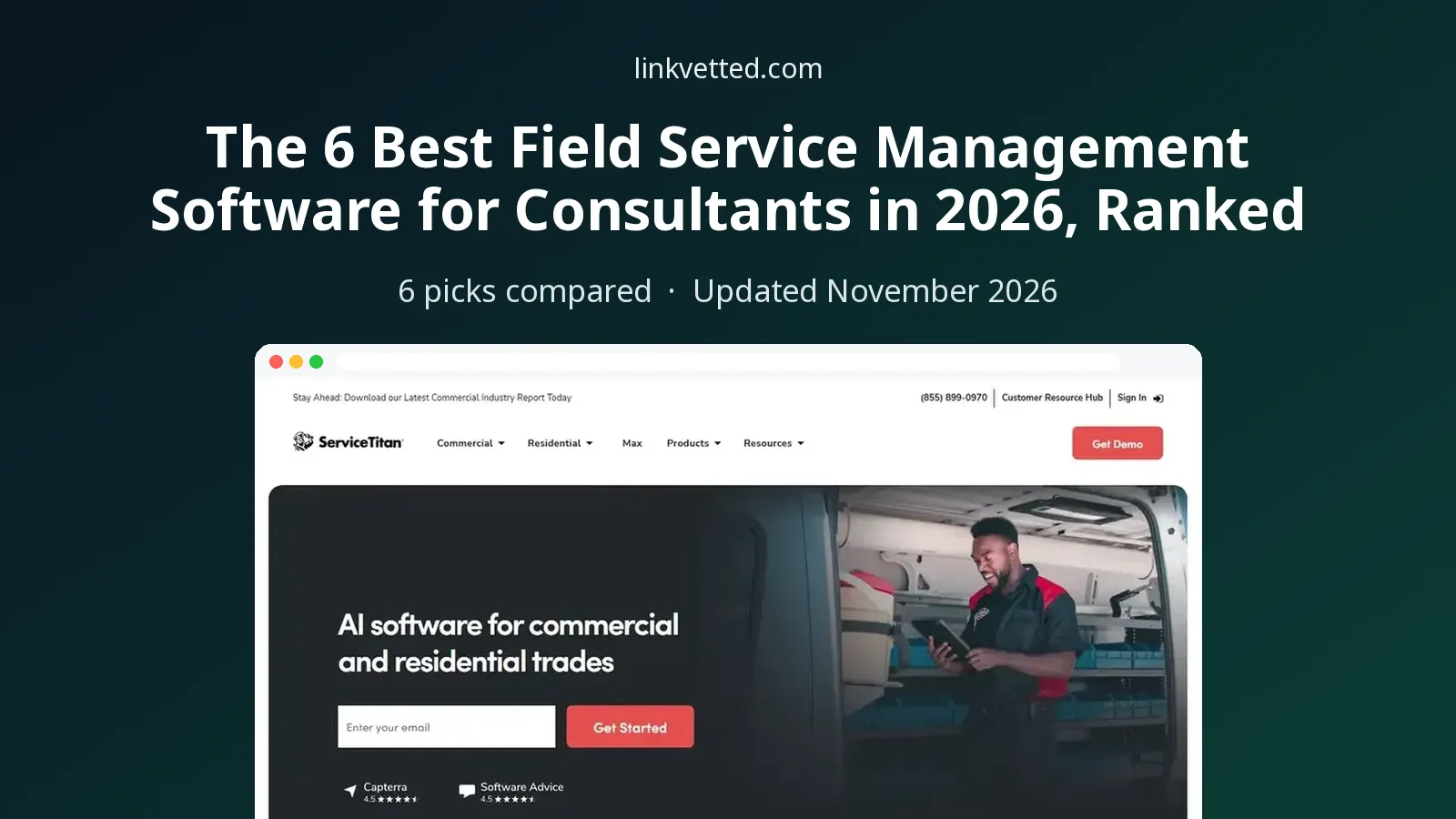
 ServiceTitan
Home and commercial contractors
Starts atSee websiteVisit servicetitan.comFull review
Direct answer
Microsoft Dynamics 365 Field Service is the first pick on this list for Microsoft-aligned organizations. Listed starting prices: Housecall Pro from $59 a month. Zoho FSM fits end-to-end field operations automation; ServiceTitan fits home and commercial contractors. The remaining 3 options are covered below with prices and limits.
TL;DR:
- Microsoft Dynamics 365 Field Service sits first on this list: Microsoft-aligned organizations.
- Housecall Pro has the lowest monthly starting price in this list: $59 per month.
- Housecall Pro fits home service companies.
- Check the limits for Zoho FSM before you commit: wide scope may need careful scoping.
- Microsoft Dynamics 365 Field Service, Housecall Pro and the 4 others all need a premium plan or a trial, since no free plan is listed.
Last checked November 2026. Prices and plan details were read from the vendors' own pages in November 2026; vendors change plans often, so confirm the current price on the vendor site before you buy.
Quick comparison
| Tool | Best for | Starts at | Free plan? | |
|---|---|---|---|---|
| Microsoft Dynamics 365 Field Service | Microsoft-aligned organizations | See website | Not stated | Visit |
| Zoho FSM | End-to-end field operations automation | See website | Free trial | Visit |
| ServiceTitan | Home and commercial contractors | See website | Free trial | Visit |
 Jobber | Small to midsize service companies | See website | Not stated | Visit |
| ServiceMax | Asset-centric field service operations | See website | Not stated | Visit |
 Housecall Pro | Home service companies | $59 a month | Free trial | Visit |
Tool-by-tool breakdown
Choosing field service management software for consultants usually comes down to price, fit and limits. This LinkVetted guide sets 6 tools side by side on those three points, with the facts kept short and checkable.
Microsoft Dynamics 365 Field Service
Best for: Microsoft-aligned organizations
Microsoft Dynamics 365 Field Service targets Microsoft-aligned organizations. Microsoft Dynamics 365 Field Service is a field service management product from Microsoft. Its homepage flags AI-driven self-service scheduling, live data, and automatic service reminders.
In practice, consultants working with clients already using Microsoft business applications frequently find the integration story compelling. The product can support both dispatch and customer-facing scheduling scenarios. Pricing for Microsoft Dynamics 365 Field Service is not stated here, so ask the vendor for current figures. Free options: Not stated.
Downsides: Configuration can need specialist skills.
- AI-driven self-service scheduling
- Live data and automatic service reminders
- Deepest value inside the Microsoft ecosystem
Zoho FSM
Best for: End-to-end field operations automation
Think of Zoho FSM for end-to-end field operations automation. Its homepage says it automates the whole spectrum of field operations from a single product.
Where it falls short: Wide scope may need careful scoping.
Zoho FSM does not show a starting price in this comparison, so check the vendor site for current pricing. As for free access: Free trial.
- One-stop system for field service management
- Automates the full spectrum of field operations
- Best fit within the wider Zoho ecosystem
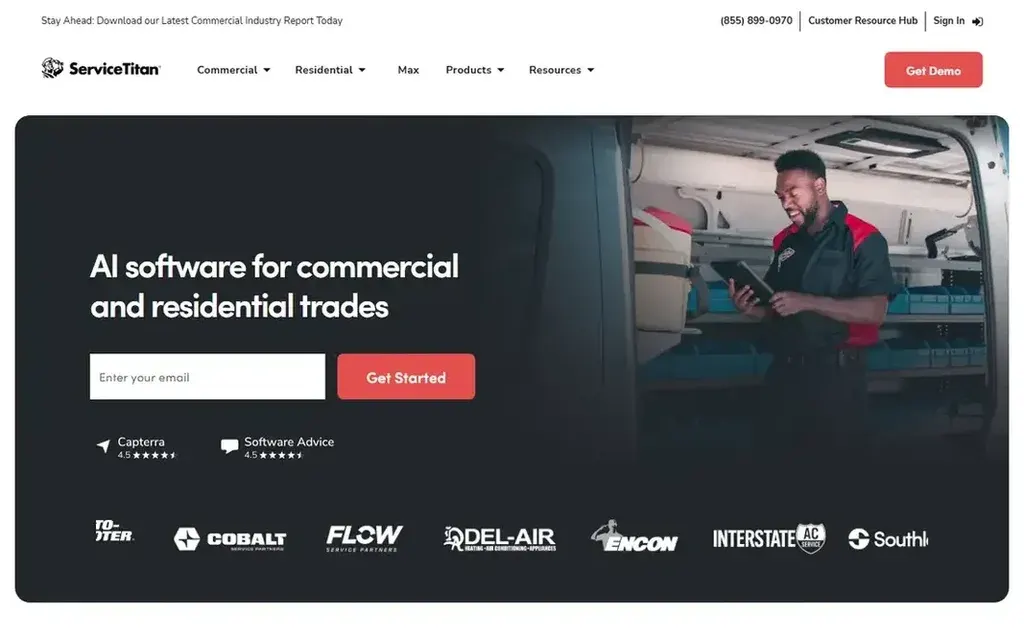
ServiceTitan was built for home and commercial contractors. Consultants working with trade companies that deal with both maintenance calls and bigger installation projects will find the combined scope handy when mapping client operations.
Downsides: Designed for the trades.
In practice, since ServiceTitan is designed around the trades, it may not fit clients in other field service sectors. ServiceTitan shows no starting price here, so confirm the cost on the vendor site. Free access: Free trial.
- All-in-one product for service and construction work
- Includes service visits and project tracking together
- May be more than smaller clients need
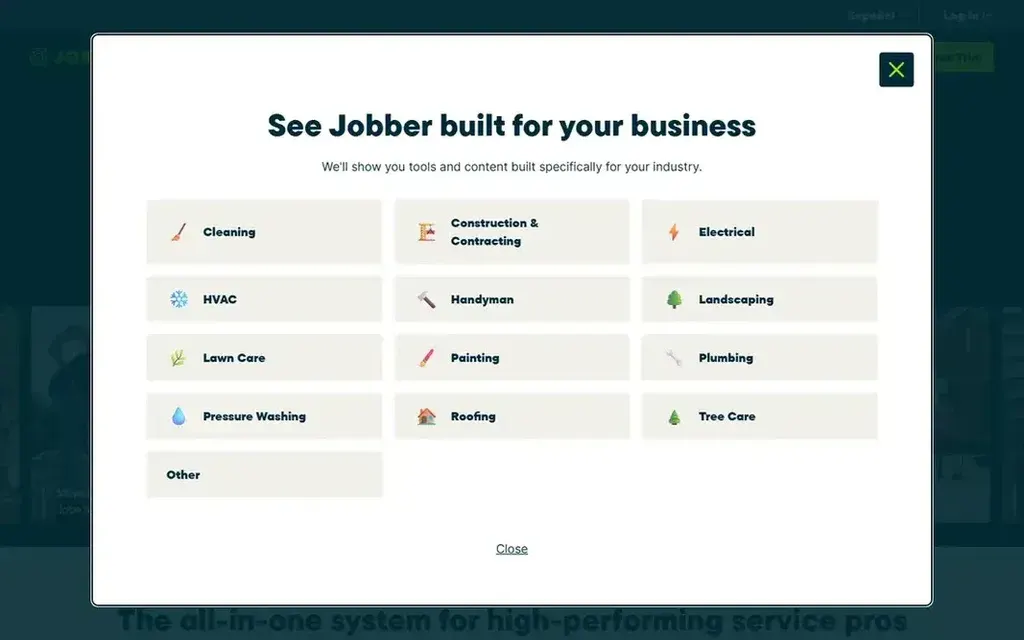
Where Jobber fits: small to midsize service firms. Teams with highly complicated dispatch rules should compare against more customizable products.
Downsides: May lack depth for complicated asset management.
More specifically, consultants advising smaller service teams that want a straightforward operational backbone should contain it on the shortlist. Worth adding: pick Jobber when simplicity and quick onboarding matter more than broad customization. Jobber shows no starting price here, so confirm the cost on the vendor site. On free options: Not stated.
- Get premium in one place
- Quote, schedule, invoice
- Centred on home and commercial service work
ServiceMax
Best for: Asset-centric field service operations
ServiceMax targets asset-centric field service operations. The asset-centric approach assumes clients track equipment and service history as a core workflow, which is not universal.
For everyday use, enterprise-scale configuration can be excessive for small service firms. No starting price is listed for ServiceMax here; confirm pricing on the vendor site. Trial and free access: Not stated.
Honest limits: Enterprise orientation may overwhelm small teams.
- Asset-centric field service management from PTC
- Cloud-based system for technician productivity
- Asset focus assumes equipment-centric workflows
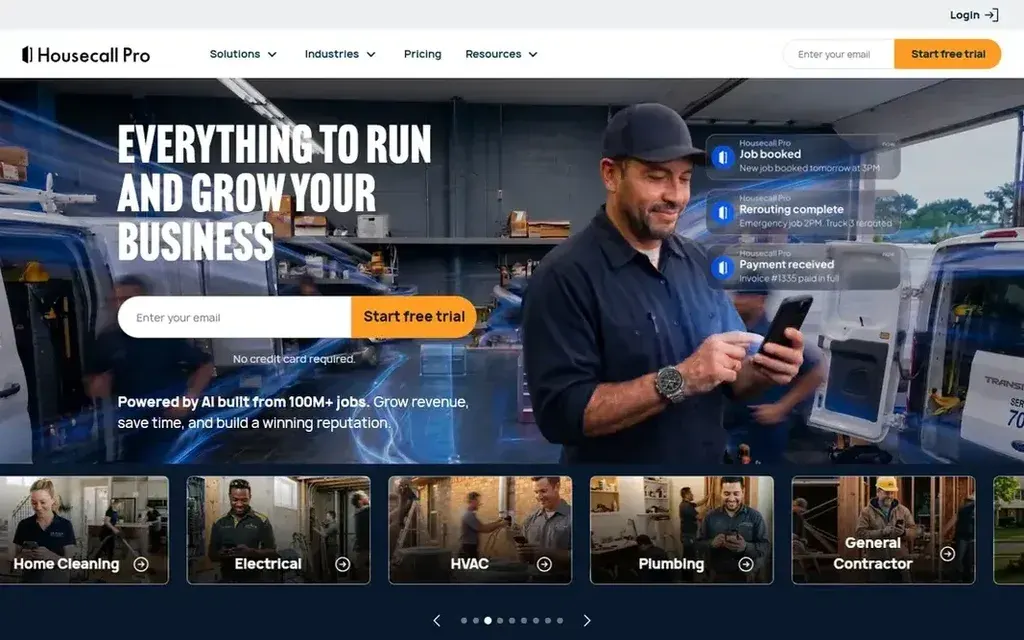
Choose Housecall Pro for home service firms. The product's home services orientation means industrial or asset-centric clients may need a different system. From a buyer's view, smaller teams should check which capabilities they actually use instead of adopting the full suite.
Housecall Pro is a software solution for home service companies, described on its homepage as serving field service professionals. It is positioned as a management product for businesses that schedule and dispatch technicians to customer locations. Also, consultants working with residential service clients can evaluate it as a candidate for core scheduling, dispatch, and customer management needs. On cost, Housecall Pro starts like this: $59 per month. Trial and free access: Free trial.
Limits to weigh: Home services focus may limit industrial fit.
- Positions itself as an option for field service professionals
- Software suite targeted at home service companies
- Feature depth varies by business size
What went into this list
LinkVetted looked at what each vendor publishes: pricing, plan limits, feature coverage for field service management software for consultants and stated drawbacks. No hands-on testing is claimed. Where a vendor does not publish a price, the entry says quote. Where a price depends on seats or billing term, the entry says so. The ranking is editorial: typical fit first, then clear pricing, then free access. If your needs are unusual, read the profiles rather than relying on position.
What to check before you buy
- Ask Microsoft Dynamics 365 Field Service, Zoho FSM, ServiceTitan and others for a written quote, since no starting price is shown.
- Take the trial from Zoho FSM, ServiceTitan and Housecall Pro and push a live task through it before you pay.
- Read the limits listed for Microsoft Dynamics 365 Field Service first: deepest value inside the Microsoft ecosystem.
- Before you load data into ServiceTitan, check what an export looks like and who can run it.
- Total up the real monthly cost of Housecall Pro, including add-ons, extra users and usage-based fees.
FAQ
What is the cheapest option for field service management software for consultants in this list?
On published monthly entry prices, Housecall Pro is the lowest here at $59 per month. Entry price is only part of the cost, because seats, add-ons and billing terms can change the total. Each of the 6 options in this field service management software for consultants guide has its own card above with the price, free plan and limits.
Does any tool for field service management software for consultants here have a free plan?
No tool in this list, Microsoft Dynamics 365 Field Service and Housecall Pro included, has a permanent free plan. Zoho FSM, ServiceTitan, Housecall Pro offer a trial. Trials and quotes are the usual route, so plan a short evaluation period.
How are the tools for field service management software for consultants ordered?
The order follows typical fit for field service management software for consultants, with Microsoft Dynamics 365 Field Service first and Housecall Pro last, then price clarity and free access. It is editorial judgement, not a score, so another team could rank the tools differently.
Which field service management software is best for consultants advising trade contractors?
Microsoft Dynamics 365 Field Service is the pick this page puts first, mainly for Microsoft-aligned organizations. If your situation differs, Zoho FSM suits end-to-end field operations automation, and ServiceTitan suits home and commercial contractors. Compare price and limits before you decide.
Is Microsoft Dynamics 365 Field Service the right pick for everyone comparing field service management software for consultants?
No single tool suits every team. Microsoft Dynamics 365 Field Service comes first because it fits Microsoft-aligned organizations, while Zoho FSM suits end-to-end field operations automation and ServiceTitan suits home and commercial contractors. Match the tool to your own size, budget and workflow before deciding.
Sources
- https://www.microsoft.com/en-us/dynamics-365/products/field-service
- https://www.zoho.com/fsm
- https://www.servicetitan.com
- https://www.getjobber.com
- https://www.servicemax.com
- https://www.housecallpro.com