Field Service Management Software for Freelancers in 2026: The 6 Best Options Side by Side
Best field service management software for freelancers: 6 tools compared on price, free plans and fit. Clear notes on pricing gaps and limits. Plain facts.
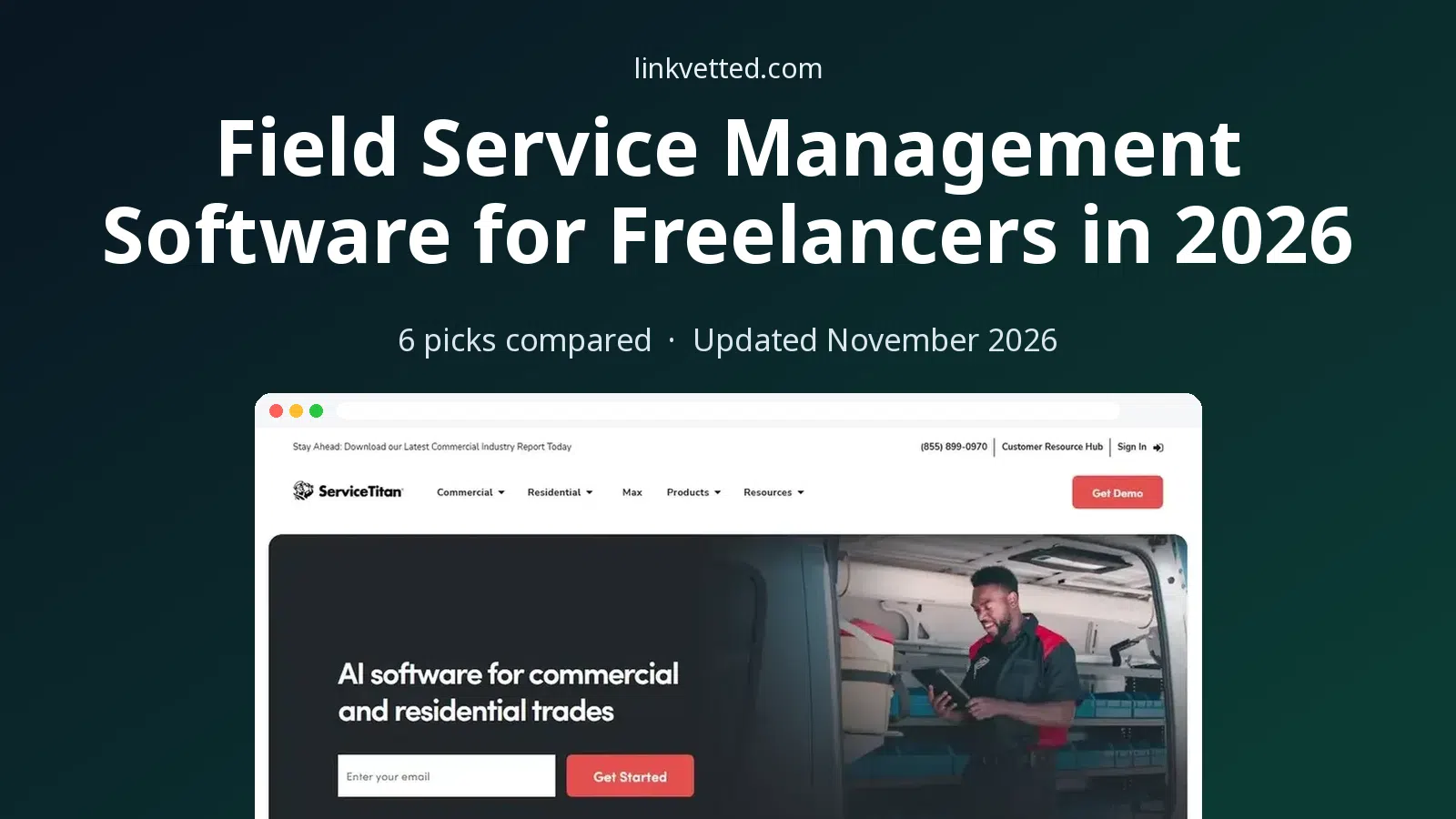
- Editor's choice
 ServiceTitan
Contractors managing service visits and projects
Starts atSee websiteVisit servicetitan.comFull review - Great alternative
 Housecall Pro
Home service companies wanting dispatch and payments
Starts at$59 a monthVisit housecallpro.comFull review - Also consider
 Kickserv
Straightforward job, customer and payment management
Starts at$60 a monthVisit kickserv.comFull review
Direct answer
If you need contractors managing service visits and projects, ServiceTitan is the first tool to look at here. Listed starting prices: Housecall Pro from $59 a month, Kickserv from $60 a month and ServiceM8 from $29 per month. Alternatives: Housecall Pro for home service companies wanting dispatch and payments, and Kickserv for straightforward job, customer and payment management. All 6 tools are compared below on price, free plan and limits.
TL;DR:
- Top of the list is ServiceTitan, which targets contractors managing service visits and projects.
- One limit worth knowing about ServiceTitan: oriented toward established contractors.
- FieldEdge fits tracking customers, dispatches and service history.
- Just one of the 6 tools, ServiceM8, has a free plan.
Last checked November 2026. Prices and plan details were read from the vendors' own pages in November 2026; vendors change plans often, so confirm the current price on the vendor site before you buy.
Quick comparison
| Tool | Best for | Starts at | Free plan? | |
|---|---|---|---|---|
| ServiceTitan | Contractors managing service visits and projects | See website | Free trial | Visit |
| Housecall Pro | Home service companies wanting dispatch and payments | $59 a month | Free trial | Visit |
| Kickserv | Straightforward job, customer and payment management | $60 a month | Free trial | Visit |
 ServiceM8 | Trade contractors cutting paperwork | $29 per month | Yes | Visit |
 Jobber | All-in-one quoting, scheduling and payments | See website | Not stated | Visit |
 FieldEdge | Tracking customers, dispatches and service history | See website | No | Visit |
Field Service Management Software for Freelancers, one by one
This LinkVetted guide covers 6 field service management software for freelancers. Each profile lists a starting price, free plan details, strengths and drawbacks, so you can drop poor fits quickly.

ServiceTitan is aimed squarely at contractors managing service visits and projects. ServiceTitan describes all-in-one software made for home and commercial contractors to keep service visits and construction projects running smoothly.
Where it falls short: Oriented toward established contractors.
From a buyer's view, freelancers who are scaling into a small contracting operation may see value in its combined view of service and project work. If you chiefly need quoting and invoicing, Jobber or Kickserv are more targeted starting points. Pricing for ServiceTitan is not stated here, so ask the vendor for current figures. Free plan details: Free trial.
- All-in-one software for contractors
- Takes care of service visits and projects
- Likely more than a solo freelancer needs

Choose Housecall Pro for home service companies wanting dispatch and payments. Housecall Pro is a software option for home service companies, presented as a way to handle field service work and get premium.
As for the details, consider a more straightforward tool like Kickserv if you want a narrower feature set. On cost, Housecall Pro starts like this: $59 per month. Free access: Free trial.
Honest limits: Feature depth may exceed solo needs.
- Built for field service professionals
- Positioned for home service companies
- Targeted at home service firms broadly
Kickserv is aimed squarely at straightforward job, customer and payment management. Kickserv is field service management software that offers management of jobs, customers, communication and payments for home service firms.
Starting cost for Kickserv: $60 per month. Free options: Free trial.
The main drawbacks: Less suited to complicated project work.
- Centred on home service firms
- Handles jobs and customers
- Narrower scope than all-in-one suites
ServiceM8 targets trade contractors cutting paperwork. The positioning toward trade contractors means freelancers in other service niches may find less relevance. In practice, if you need broader quoting and invoicing coverage, Jobber or Kickserv may fit better.
Worth adding: ServiceM8 presents smart job management software with job tracking and CRM for trade contractors and home service firms. Its stated goal of cutting paperwork and getting more jobs done suits freelancers in the trades who want to spend less time on admin. Price to start with ServiceM8: $29 per month. A free plan is available with ServiceM8.
What to check first: Description does not detail payment tools. What users get: Pitched at trade contractors.
- Job tracking and CRM combined
- Focus on reducing paperwork
- Trade contractor focus may not fit every freelance niche
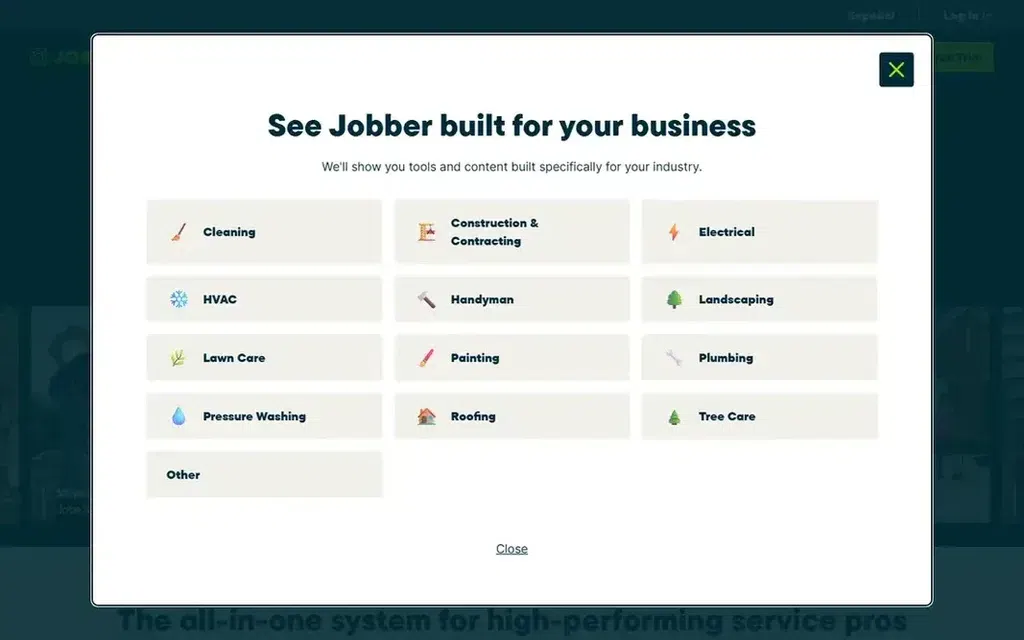
Jobber was built for all-in-one quoting, scheduling and payments. Since Jobber is positioned for home and commercial service firms usually, some features may go beyond what a one-person operation needs.
In practice, if you only need entry-level job tracking, a lighter tool for example Kickserv or ServiceM8 may be a better match. Jobber does not show a starting price in this comparison, so check the vendor site for current pricing. Free options: Not stated.
Where it is weaker: Made for service companies of varying size.
- Schedule and invoice in one place
- Mobile app for on-site work
- May feel wide for very straightforward solo work
Choose FieldEdge for tracking customers, dispatches and service history. FieldEdge supplies ways to track customers, dispatches, service history and more through its field service management software and app.
The emphasis on dispatch and customer tracking recommends a fit for operations with several jobs in motion. Beyond that, a freelancer with a straightforward workload may prefer a lighter tool for example ServiceM8. Pricing for FieldEdge is not stated here, so ask the vendor for current figures. No free plan comes with FieldEdge.
Drawbacks to consider: Demo request required to explore.
- Field service app included
- Tracks customers and dispatches
- Dispatch focus may suit teams more than solo work
How we chose
LinkVetted looked at what each vendor publishes: pricing, plan limits, feature coverage for field service management software for freelancers and stated drawbacks. No hands-on testing is claimed. Prices and plan limits come from vendor pages and can change, so confirm them on the vendor site before you buy. The sequence is a judgement call: typical use case first, then pricing transparency, then free access. Use the profiles to check fit.
What to check before you buy
- Confirm the entry price on the vendor page. For ServiceTitan, Jobber and FieldEdge that means a quote rather than a fixed price.
- Look at the free plan from ServiceM8 closely: its caps decide whether it is usable for real work.
- Take the trial from ServiceTitan, Housecall Pro and Kickserv and push a live task through it before you pay.
- Read the limits listed for ServiceTitan first: oriented toward established contractors.
- Check how data leaves ServiceTitan: formats, limits and whether exports are available on every plan.
- Test the integrations you rely on with ServiceM8 before committing; some connectors sit on upper tiers.
FAQ
What is the cheapest option for field service management software for freelancers in this list?
On published monthly entry prices, ServiceM8 is the lowest here at $29 per month. Entry price is only part of the cost, because seats, add-ons and billing terms can change the total. Each of the 6 options in this field service management software for freelancers guide has its own card above with the price, free plan and limits.
Do freelancers need dispatch features?
Commonly not at first, since dispatch tools are aimed at coordinating several technicians. If you work alone, prioritize scheduling, quoting and invoicing, and look at dispatch depth only when you plan to add help.
Which options for field service management software for freelancers have a free plan?
ServiceM8 is the only tool in this list with a free plan. Free plans usually cap users, projects or features, so check the limits on the vendor page. Several others offer a trial instead. All 6 picks in this field service management software for freelancers comparison list a starting price, free plan details and the main limits on their cards above.
Can I try these tools before paying?
Often, yes. ServiceM8 has a free plan and ServiceTitan, Housecall Pro and Kickserv offer a free trial. Use your own data and a real task during the test, and check what the free tier or trial limits before you rely on it.
Do these tools publish their prices?
Not all of them. ServiceTitan, Jobber and FieldEdge publish no starting price, so expect a quote request for those. The rest, Housecall Pro included, show a starting price, though seats and billing terms still change the final cost.
Which field service software is best for a solo freelancer?
Start with ServiceTitan if you need contractors managing service visits and projects. Housecall Pro is the better match for home service companies wanting dispatch and payments, and Kickserv for straightforward job, customer and payment management. The best choice depends on budget, team size and workflow.
Sources
- https://www.servicetitan.com
- https://www.housecallpro.com
- https://www.kickserv.com
- https://www.servicem8.com
- https://www.getjobber.com
- https://www.fieldedge.com
Related guides
- Best Field Service Management Software in 2026: 9 Tools Compared
- Best Field Service Management Software for Small Business in 2026: 8 Tools Compared
- Top 6 Blueprint Markup Software for Field Superintendents for 2026 (Prices and Free Plans)
- 5 Compliance Software for Field Service Teams Worth Shortlisting in 2026