Best ESignature Service for Staffing Firms in 2026: Prices, Free Plans and 5 Picks
5 products for the best eSignature service for staffing firms, ranked by fit, with starting costs and free tiers. Short verdicts, no fluff. Details below.
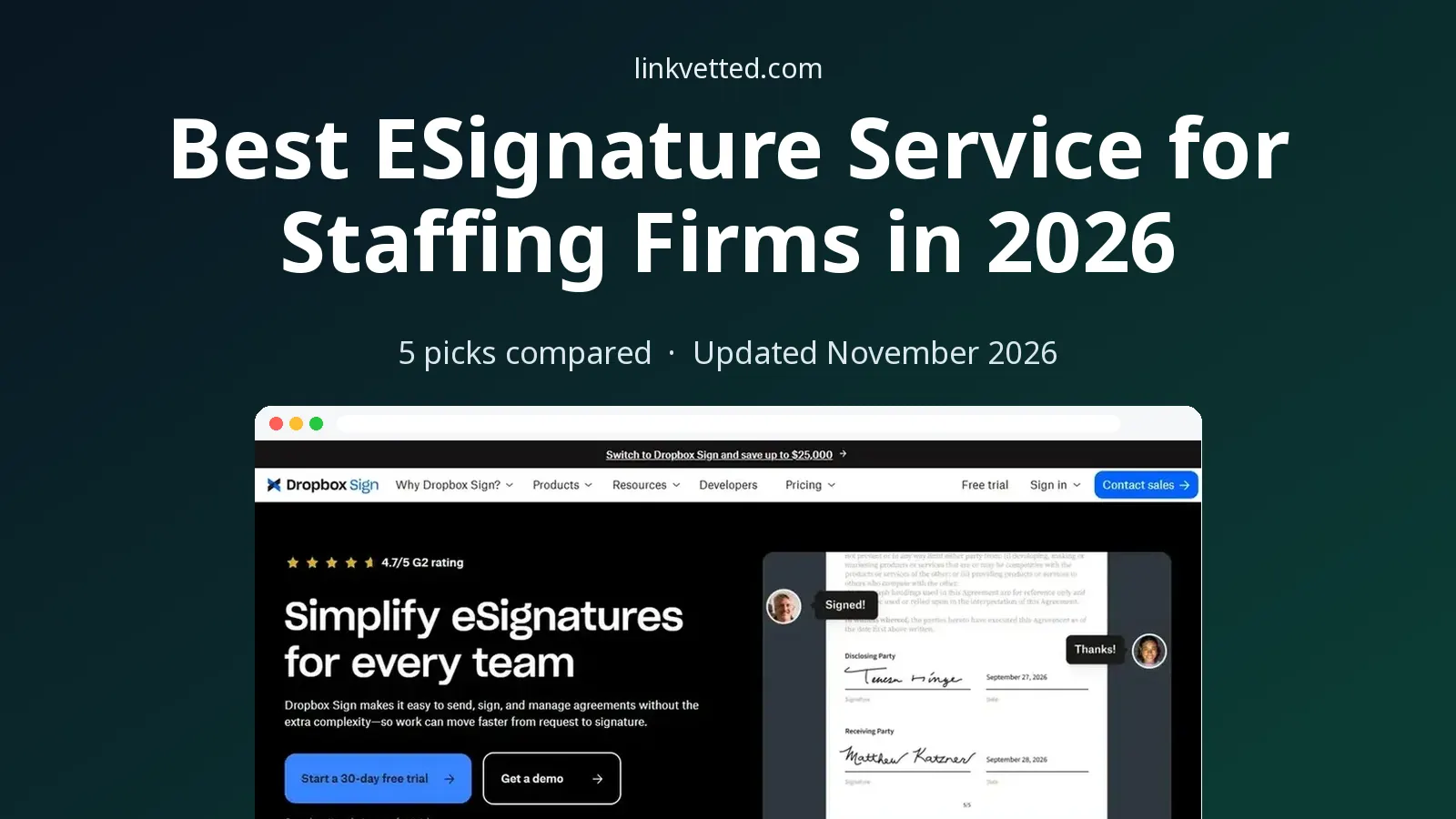
- Editor's choice
 SignNow
Custom eSignature workflows on any device
Starts atSee websiteVisit signnow.comFull review - Great alternative
 Dropbox Sign
Straightforward, straightforward signature requests
Starts at$15 USD / moVisit sign.dropbox.comFull review - Also considerDocuSign eSignature
Wide, established signing workflows
Starts atSee websiteVisit docusign.comFull review
Direct answer
For custom eSignature workflows on any device, SignNow is where this list starts. Listed starting prices: Dropbox Sign from $15 USD / mo. Alternatives: Dropbox Sign for straightforward, straightforward signature requests, and DocuSign eSignature for wide, established signing workflows. The remaining 2 options are covered below with prices and limits.
TL;DR:
- This list starts with SignNow, which is built for custom eSignature workflows on any device.
- The main caution on Dropbox Sign: less emphasis on deep enterprise workflow.
- SignNow, Adobe Acrobat Sign and the 3 others all need a premium plan or a trial, since no free plan is listed.
- Adobe Acrobat Sign fits teams already using Adobe tools.
Last checked November 2026. Prices and plan details were read from the vendors' own pages in November 2026; vendors change plans often, so confirm the current price on the vendor site before you buy.
Quick comparison
| Tool | Best for | Starts at | Free plan? | |
|---|---|---|---|---|
| SignNow | Custom eSignature workflows on any device | See website | Not stated | Visit |
| Dropbox Sign | Straightforward, straightforward signature requests | $15 USD / mo | Free trial | Visit |
| DocuSign eSignature | Wide, established signing workflows | See website | Not stated | Visit |
 Zoho Sign | Companies within the Zoho ecosystem | See website | Not stated | Visit |
 Adobe Acrobat Sign | Teams already using Adobe tools | See website | Not stated | Visit |
Every option for eSignature service for staffing firms explained
LinkVetted put together this guide to eSignature service for staffing firms for readers who want a clear shortlist without reading every vendor page. It compares 5 tools on starting price, free plans, who each one suits and where each one falls short.
SignNow is built with custom eSignature workflows on any device in mind. Staffing businesses that want to shape their own signing steps, for example recruiter review before a candidate signs, may find the workflow emphasis handy.
Honest limits: Feature set is wide and may need scoping.
Since the product emphasizes customization, planning the workflow takes time, and businesses should verify how templates, reminders and records are documented. No starting price is listed for SignNow here; confirm pricing on the vendor site. On free options: Not stated.
- Legally binding signature positioning
- Signing across devices
- Workflow design takes planning
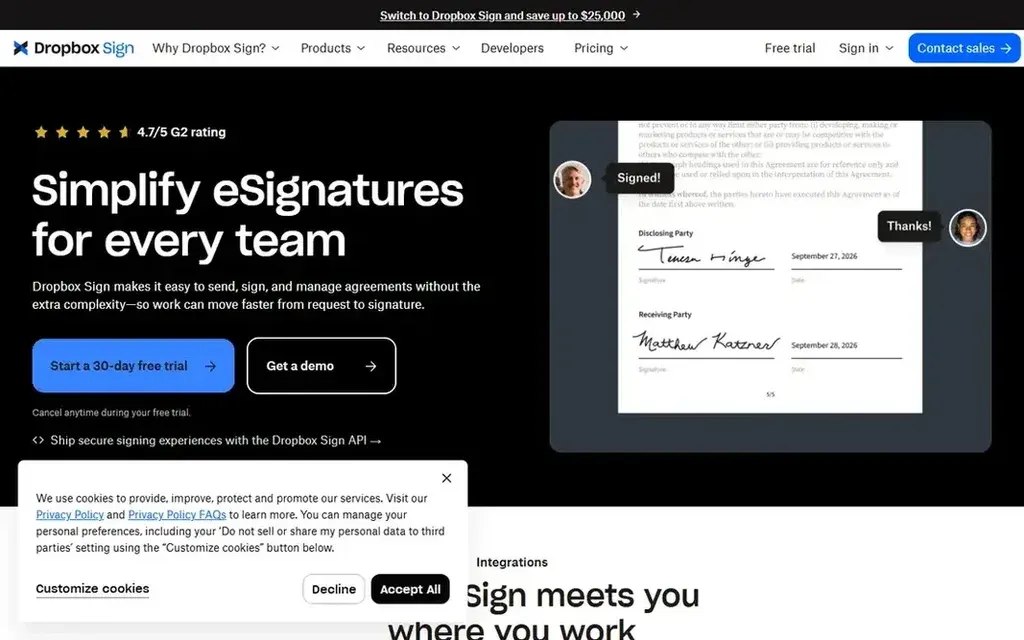
Dropbox Sign was built for straightforward, straightforward signature requests. Dropbox Sign, formerly HelloSign, describes itself as a simple way to send, receive and handle legally binding electronic signatures.
Check documented integration choices with your applicant tracking or HR tools, and confirm how templates and audit records are handled before standardizing on it. Beyond that, businesses with complicated approval chains or heavy CRM-driven contract flows may find the system's emphasis narrower than bigger suites. Starting cost for Dropbox Sign: $15 USD / mo. Trial and free access: Free trial.
Honest limits: Less emphasis on deep enterprise workflow.
- Clear focus on sending and managing signatures
- Legally binding agreements emphasized
- Integration depth should be verified
DocuSign eSignature
Best for: Wide, established signing workflows
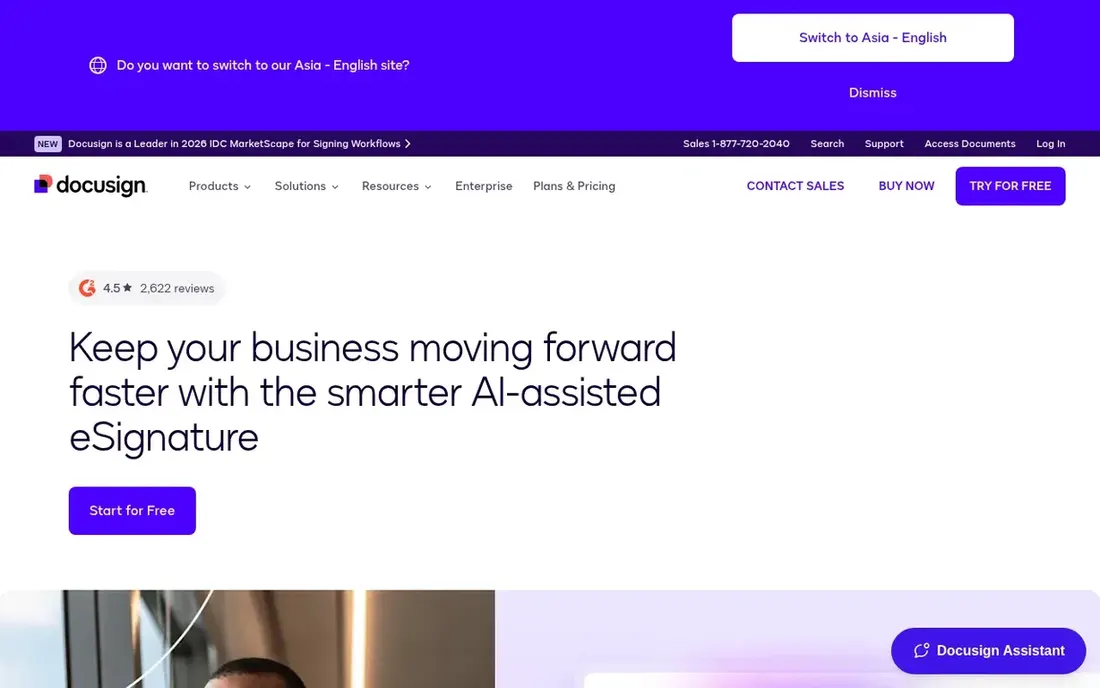
DocuSign eSignature was built for wide, established signing workflows. DocuSign eSignature is a well-known system for sending and electronically signing agreements. Its homepage positions it as an electronic signature option for business documents.
Trade-offs to know: Feature depth can feel complicated for small teams.
The breadth of the system can mean more configuration than a small staffing office needs. Teams should verify which workflow and integration choices match their applicant tracking or CRM setup. Check the vendor site for DocuSign eSignature pricing; none is listed in this comparison. Free access: Not stated.
- Sends and tracks agreements
- Widely recognized eSignature product
- Setup may need administrative time
Where Zoho Sign fits: firms within the Zoho ecosystem. It fits teams that want document workflow automation without adding a separate vendor relationship.
If your recruiting stack does not contain Zoho products, the ecosystem advantage is restricted and integration checks matter more. Pricing for Zoho Sign is not stated here, so ask the vendor for current figures. Free access: Not stated.
The main drawbacks: Best fit assumes Zoho usage.
- Suits teams using Zoho business apps
- Digital signature document workflows
- Outside Zoho, integration appeal drops
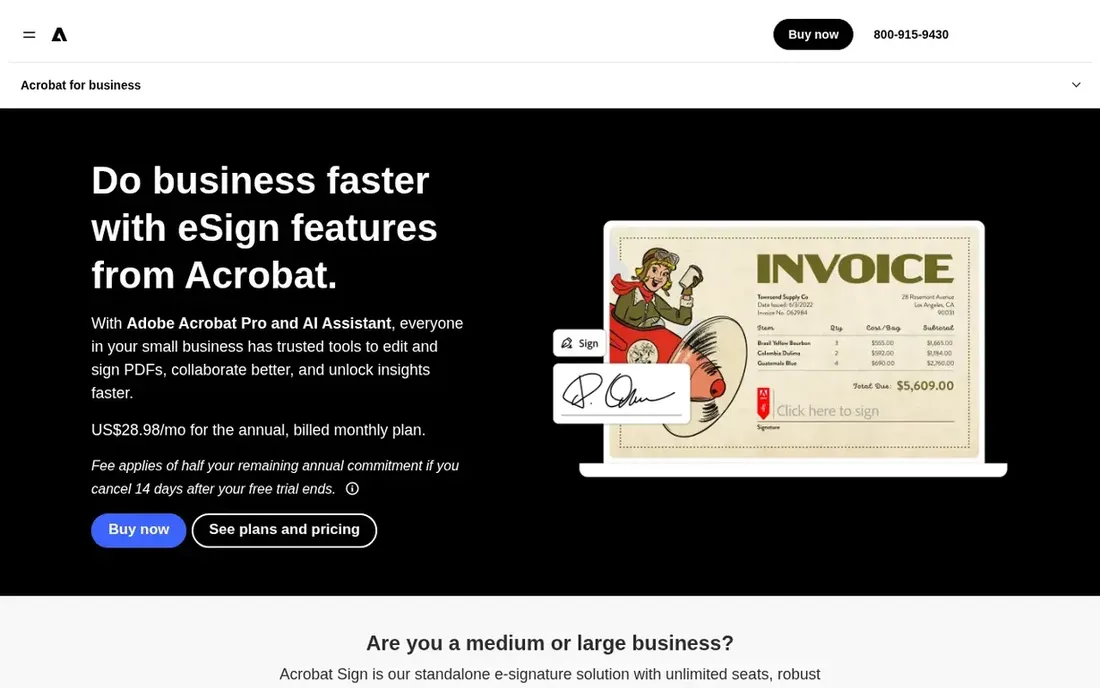
Adobe Acrobat Sign is designed for teams already using Adobe tools. Adobe Acrobat Sign is Adobe's electronic signature offering for firms, described on its homepage as software for signing documents, collecting digital payments and accepting electronic signatures on a website.
From a buyer's view, if your organization does not use Adobe products, the advantage of a shared document ecosystem is smaller, and a dedicated signing service may be more straightforward to roll out. No starting price is listed for Adobe Acrobat Sign here; confirm pricing on the vendor site. Free options: Not stated.
Where it is weaker: Best value when already in Adobe tools.
- Familiar to Acrobat users
- Electronic signatures within Adobe ecosystem
- Feature scope may exceed straightforward signing needs
How we built this list
We compared the tools on published pricing, free plan or trial availability, feature coverage for eSignature service for staffing firms, and the limits each vendor documents. Prices and plan limits come from vendor pages and can change, so confirm them on the vendor site before you buy. The ranking is editorial: typical fit first, then clear pricing, then free access. If your needs are unusual, read the profiles rather than relying on position.
Pre-purchase checklist
- Ask SignNow, DocuSign eSignature, Zoho Sign and Adobe Acrobat Sign for a written quote, since no starting price is shown.
- Use real work to test the free trial from Dropbox Sign, rather than a demo project.
- Read the limits listed for SignNow first: feature set is wide and may need scoping.
- Test the integrations you rely on with DocuSign eSignature before committing; some connectors sit on upper tiers.
- Read the plan comparison for Adobe Acrobat Sign carefully; key features often start on a higher tier.
FAQ
Can I try these tools before paying?
Often, yes. Dropbox Sign offers a free trial. Use your own data and a real task during the test, and check what the free tier or trial limits before you rely on it. For the full picture, the cards above cover all 5 entries of this ESignature service for staffing firms list, including price, free plan and limits.
Does any tool for eSignature service for staffing firms here have a free plan?
No tool in this list, SignNow and Adobe Acrobat Sign included, has a permanent free plan. Dropbox Sign offer a trial. Trials and quotes are the usual route, so plan a short evaluation period.
How are the tools for eSignature service for staffing firms ordered?
SignNow sits first and Adobe Acrobat Sign last because the order follows typical fit for eSignature service for staffing firms, then price clarity and free access. It is a judgement call, so read each profile for fit and limits.
Is SignNow the right pick for everyone comparing eSignature service for staffing firms?
No single tool suits every team. SignNow comes first because it fits custom eSignature workflows on any device, while Dropbox Sign suits simple, straightforward signature requests and DocuSign eSignature suits broad, established signing workflows. Match the tool to your own size, budget and workflow before deciding.
Sources
- https://www.signnow.com
- https://sign.dropbox.com
- https://www.docusign.com/products/electronic-signature
- https://www.zoho.com/sign
- https://www.adobe.com/sign.html