Best eSignature Service in 2026: 9 Services Compared
Best eSignature service picks for small business owners, compared on price, signing limits, templates and audit trails so you can sign documents online.
- Editor's choice
 DocuSign
Widely recognised signing
Starts at$10 per monthVisit docusign.comFull review - Great alternative
 Adobe Acrobat Sign
PDF editing plus signing
Starts at$14.99 per monthVisit adobe.comFull review - Also consider
 PandaDoc
Proposals and contracts
Starts at$19 per user per monthVisit pandadoc.comFull review
TL;DR:
- DocuSign and Adobe Acrobat Sign suit teams that need broad recognition and deep PDF tools, while PandaDoc suits sales teams that build documents first and sign second.
- Free plans are useful for occasional signing, but sending limits and template limits usually push regular users to a paid plan.
- Check envelope or document limits before you buy, because a low monthly price can turn costly when you send more than the included amount.
- For most small businesses, a mid tier plan with reusable templates, reminders and an audit trail is the best value.
Quick comparison
| Tool | Best for | Starts at | Free plan? | |
|---|---|---|---|---|
| DocuSign | Widely recognised signing | $10 per month | Yes | Visit |
| Adobe Acrobat Sign | PDF editing plus signing | $14.99 per month | No | Visit |
| PandaDoc | Proposals and contracts | $19 per user per month | Yes | Visit |
 Dropbox Sign | Simple signing in Dropbox | $15 per month | No | Visit |
 SignNow | Low cost team signing | $8 per month | Free trial | Visit |
 Zoho Sign | Zoho users | $10 per user per month | Yes | Visit |
 Signeasy | Mobile signing | $10 per month | Free trial | Visit |
 BoldSign | Budget friendly signing | $10 per month | Yes | Visit |
 OneSpan Sign | Regulated industries | $22 per user per month | Free trial | Visit |
The best eSignature services
We compared official feature pages, pricing pages, app store listings, privacy policies and public reviews for the services below. Our focus was on signing that is legally sound for ordinary business use, clear pricing and tools that save time on repeat documents.
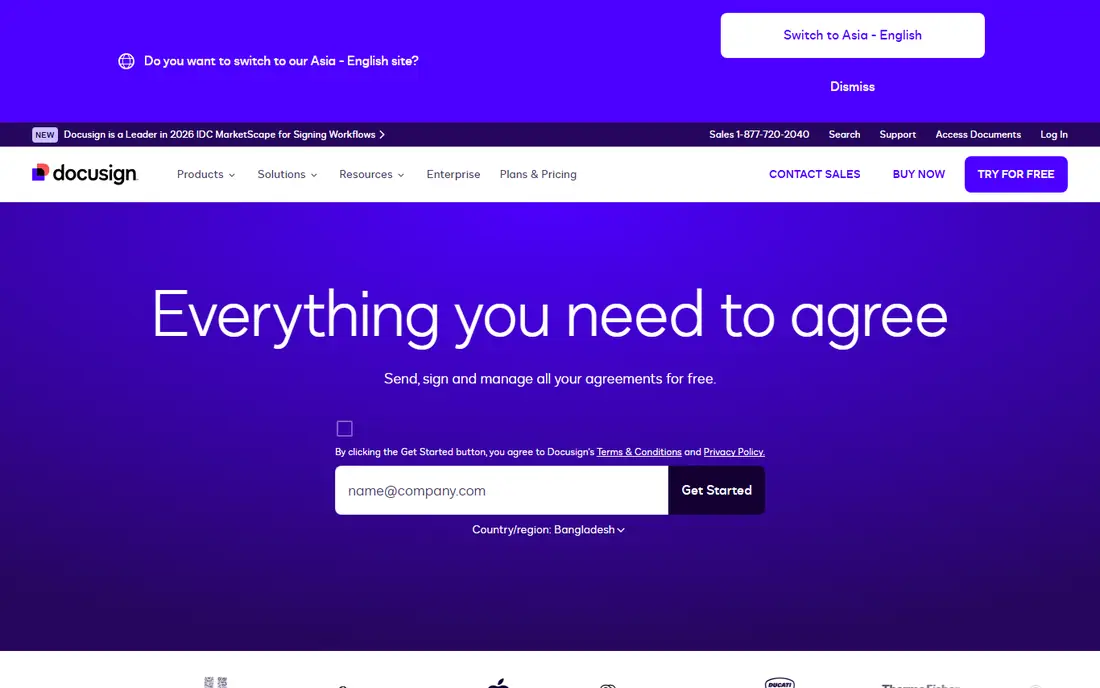
DocuSign is the name most recipients already know, and that familiarity matters when you send contracts to clients who may be wary of an unfamiliar signing link. The Personal plan starts at $10 per month on annual billing and allows a small number of envelopes per month, while Standard and Business Pro add more envelopes, bulk send and payment collection. Templates, reminders and a clear audit trail make repeat paperwork far less manual.
The honest catch is volume. If you send dozens of contracts each month, you need to check the envelope cap on your plan and the price of the next tier. For a solo operator sending a few documents a month, DocuSign is easy to justify. For a busy sales team, the mid tier is usually the sensible starting point, not the cheapest plan.
- Broad acceptance with recipients
- Strong template and reminder tools
- Detailed audit trail and certificate of completion
- Entry plan limits envelopes per month
- Costs rise quickly on higher tiers
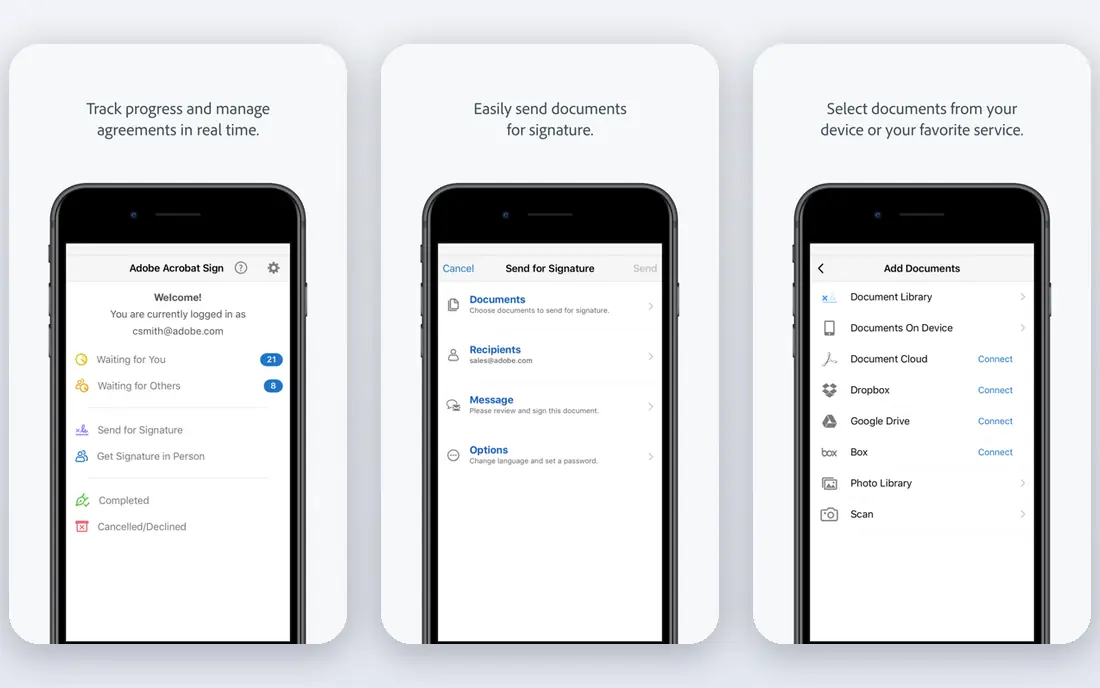
If your work already lives in PDFs, Adobe Acrobat Sign removes the step of moving files between an editor and a signing tool. You can edit text, prepare forms, send for signature and track status from the same place. That matters for legal, finance and operations teams that handle dense documents every day.
The trade off is complexity. Occasional senders may find the full Acrobat interface heavier than a simple signing app. Check whether the plan you choose includes the signing volume and admin controls you need, because enterprise signing features are not all bundled into the standard Acrobat plans.
- Combines full PDF editing with signing
- Works well inside Acrobat
- Strong enterprise controls on higher plans
- Some advanced eSignature features sit in separate enterprise plans
- Interface can feel dense for occasional users
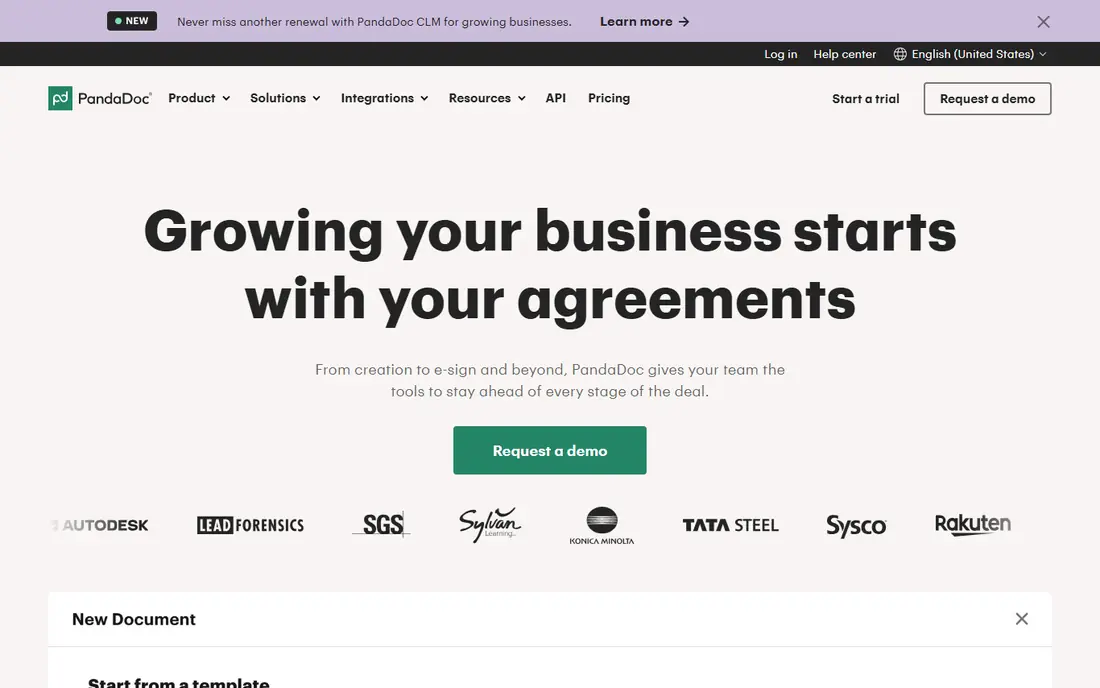
PandaDoc starts from the document, not the signature line. Sales teams can build a proposal with a pricing table, add payment options and send it for signature in one flow, which cuts down on back and forth over separate quotes and contracts. The template library is a real time saver for teams that repeat the same offers.
For someone who only needs a signature on an existing PDF, PandaDoc can feel like too much product. The free plan lets you test the editor, but the Business plan at $49 per user per month on annual billing is where the deeper CRM and workflow features appear. Choose it when documents and deals are the work, not just the signature.
- Strong document builder and template library
- Pricing tables and payments inside documents
- CRM integrations on Business
- More tool than a basic signer needs
- Entry plan lacks some integrations
Dropbox Sign, formerly HelloSign, does one job with very little fuss. Upload a document, place fields, send it and watch the status change. That simplicity is a genuine strength for small teams that do not want to learn a full document platform just to get a signature.
The limit is scope. You will not get a proposal builder or deep sales workflow here, and larger teams may miss advanced admin controls on the entry plan. If your files already live in Dropbox, though, the fit is natural and the setup time is short.
- Very simple sending flow
- Unlimited signature requests on paid plans
- Useful integrations with Dropbox, Google Drive and HubSpot
- Fewer document building tools than PandaDoc
- Team admin features need higher tiers
SignNow is our pick for a small business that watches every dollar. The Business plan starts around $8 per month on annual billing and includes templates, bulk sending and in person signing. For teams sending standard contracts, quotes and onboarding forms, that covers most daily needs at a lower price than the biggest names.
Read the invite limits carefully. Lower tiers cap the number of invites per workspace per year, so a team that grows fast may need the site licence option. Within that limit, SignNow is hard to beat on value, and its straightforward layout means new staff need little training.
- Low starting price
- Bulk sending and templates
- Unlimited invites on some plans
- Workspace invite caps on lower tiers can force an upgrade
- Interface is plainer than rivals
Zoho Sign makes the most sense inside a Zoho setup. Documents can move from Zoho CRM or Zoho Forms into signing without manual retyping, and status updates feed back into the record you already use. The Standard plan starts at $10 per user per month and the free plan covers light personal use.
Outside the Zoho world, its main weakness is recognition. Recipients may need a moment to trust a less familiar signing link, though the signing page itself is clear. If you already pay for Zoho, this is usually the cheapest and tidiest choice.
- Clean integration with Zoho CRM and other Zoho apps
- Competitive price
- Useful free tier for light use
- Less familiar to outside recipients than DocuSign
- Advanced workflow features need higher plans
Signeasy is built for people who sign on a phone or tablet. The mobile experience is clean, fields are easy to place, and documents can be signed and sent back while you are away from a desk. That focus suits field staff, freelancers and small teams that work on the move.
The Personal plan at $10 per month limits sends, so check your monthly volume before you commit. The Business plan removes that cap and adds team features, and for most regular users it is the plan that makes Signeasy feel effortless rather than constrained.
- Fast setup and friendly mobile apps
- Unlimited sends on Business
- Simple template tools
- Personal plan limits sends per month
- Fewer enterprise controls than DocuSign or Adobe
BoldSign, from the team behind Syncfusion, is a quieter option that covers the basics well at a fair price. The free plan suits occasional signers, and paid plans add templates, bulk send and team management without a steep jump in cost. Audit trails and reminders are included, which are the two features small businesses ask for most.
Its weakness is breadth. You will find fewer ready made integrations than with DocuSign or PandaDoc, so teams with a complex software stack should check the integration list first. For straightforward signing, BoldSign is a solid low cost pick.
- Free plan for light use
- Low paid starting price
- Templates, reminders and audit trail included
- Smaller brand with fewer third party integrations
- Advanced features are limited on entry plans
OneSpan Sign is aimed at organisations where compliance is not optional. Banks, insurers and healthcare providers use it for identity checks, detailed audit records and controls that satisfy strict internal rules. White labelling also lets a large firm keep its own brand on the signing experience.
That strength comes with cost and setup time. A small business that just needs a signature on a quote will find OneSpan more product than it needs. A regulated team, by contrast, will value the controls that cheaper tools leave out.
- Strong compliance and identity verification options
- White labelling
- Good for banks, insurers and healthcare
- Higher starting price
- More setup than a simple signer needs
How we picked these
We compared official pricing and feature pages, app store listings, privacy policies and public reviews for each service, with attention to sending limits, template support, audit trails and integrations. We favoured services that are live in October 2026, that serve US small businesses, and that offer a clear free or trial path so you can test the signing experience before paying. We did not claim hands on testing, and we left out tools whose pricing or signing limits could not be checked from a vendor page or a current review.
What to check before you choose
Sending limits and envelopes
Count how many documents you send in a busy month, not an average month. Envelope caps, invite caps and document caps are the most common surprise cost, and they differ a lot between plans that look similar on price.
Templates and reminders
If you send the same contract, NDA or onboarding pack repeatedly, templates and automatic reminders will save more time than any other feature. Test this flow during a trial with a real document, not a sample.
Legal standing and audit trail
For most US business documents, an electronic signature with a clear audit trail, signer identity record and tamper evidence is enough. For high value or regulated agreements, ask whether the service supports stronger identity verification and check your state rules and your lawyer's advice.
Integrations
Signing rarely sits alone. Check that your pick connects to your CRM, storage or accounting tool, or at least supports common automation tools. A manual download and upload step after every signature adds up fast.
FAQ
What is the best free eSignature service?
DocuSign, PandaDoc, Zoho Sign and BoldSign all offer free tiers for light use, usually with a limit on sends per month. They suit occasional personal signing, but a paid plan is better once you send documents every week. Check the send limit before you rely on a free plan for business work.
Is an electronic signature legally binding?
In most US business situations, yes, when the signer consents and the process records identity, intent and a tamper evident audit trail. The federal ESIGN Act and state UETA laws support electronic signatures for many agreements. Some documents, such as certain wills and court filings, have special rules, so check for your case.
How much does the best eSignature software cost for a small business?
Entry plans in this list start from $8 to $19 per user per month on annual billing, with free tiers for light use. Mid tier plans cost more but add templates, bulk send and integrations. Total cost depends on team size and sending volume, so compare per user price with any envelope cap.
What is the difference between eSignature and digital signature?
An eSignature is a broad term for any electronic mark that shows agreement, such as a typed name or drawn signature on a signing page. A digital signature uses cryptography to verify identity and detect changes to the document. Many services offer both, but the terms are not interchangeable in regulated work.
Can I sign documents on my phone?
Yes. DocuSign, Signeasy and most services in this list offer mobile apps or mobile friendly signing pages. Signeasy and DocuSign are strong mobile picks, while Adobe suits users who also need PDF editing on a larger screen. Test the signing link on your own phone before you send it to a client.
Do recipients need an account to sign?
No, in most cases. Recipients usually open a link, review the document and sign without creating an account. Senders need the paid or free account, while signers only need an email address and a device that can open the link.
Sources
- https://www.docusign.com/products/pricing
- https://www.adobe.com/acrobat/sign/pricing.html
- https://www.pandadoc.com/pricing/
- https://www.dropbox.com/sign/pricing
- https://www.signnow.com/pricing
- https://www.zoho.com/sign/pricing.html
- https://www.signeasy.com/pricing
- https://www.boldsign.com/pricing
- https://www.onespan.com/products/esignature