Best ERP Software for Law Firms in 2026: 6 Tools Compared
Need the best ERP software for law firms? We compare 6 tools on cost, free access and who each suits. The weak spots sit next to the strengths. Facts only.

- Editor's choice
 Smokeball
Automatic time tracking and document automation
Starts atSee websiteVisit smokeball.comFull review - Great alternative
 CosmoLex
Practice management with built-in accounting
Starts at$49 per user a monthVisit cosmolex.comFull review - Also consider
 Actionstep
Workflow control and client experience
Starts atSee websiteVisit actionstep.comFull review
Direct answer
This list puts Smokeball first for automatic time tracking and document automation. Listed starting prices: CosmoLex from $49 per user a month, PracticePanther from $49 per user per month and MyCase from $50 per user per month. For a different need, CosmoLex covers practice management with built-in accounting and Actionstep covers workflow control and client experience. The remaining 3 options are covered below with prices and limits.
TL;DR:
- This list starts with Smokeball, which is built for automatic time tracking and document automation.
- A fair warning about PracticePanther: depth of automation varies by workflow.
- For the cheapest start, look at Rocket Matter: $39 per month per user billed annually.
- Smokeball, Rocket Matter and the 4 others all need a premium plan or a trial, since no free plan is listed.
Last checked November 2026. Prices and plan details were read from the vendors' own pages in November 2026; vendors change plans often, so confirm the current price on the vendor site before you buy.
Quick comparison
| Tool | Best for | Starts at | Free plan? | |
|---|---|---|---|---|
| Smokeball | Automatic time tracking and document automation | See website | Not stated | Visit |
| CosmoLex | Practice management with built-in accounting | $49 per user a month | Free trial | Visit |
| Actionstep | Workflow control and client experience | See website | Not stated | Visit |
 PracticePanther | Automating firm processes and billing | $49 per user per month | Free trial | Visit |
 MyCase | All-in-one case, billing and payments management | $50 per user per month | Free trial | Visit |
 Rocket Matter | Centralized management for modern businesses | $39 a month per user billed yearly | Free trial | Visit |
Every option for ERP software for law firms explained
If you are comparing ERP software for law firms, this page covers 6 tools in one place: what each is best for, what it costs to start, whether it has a free plan, and the main limit to know about.

Smokeball is aimed squarely at automatic time tracking and document automation. It fits businesses that lose billable time to manual entry and want documents generated consistently.
What to check first: Confirm fit for businesses with unusual billing models.
The productivity-centered design may be more than a firm needs if it bills largely flat fees and seldom creates documents from templates. Check the vendor site for Smokeball pricing; none is listed in this comparison. Free options: Not stated.
- Document automation tools
- Automatic time tracking
- Productivity focus may not suit every workflow
CosmoLex is built with practice management with built-in accounting in mind. CosmoLex is cloud-based legal software for practice management in law businesses of all sizes, with emphasis on efficiency and securing client data.
On top of that, if your firm already runs a separate accounting system it trusts, the combined approach may duplicate work. Firms of varying sizes are addressed, from small practices upward. The starting price for CosmoLex: $49 per user per month. Trial and free access: Free trial.
Downsides: Confirm fit for businesses with existing accounting systems.
- Practice management for businesses of all sizes
- Cloud-based legal software
- Accounting-first design may not suit every firm
Where Actionstep fits: workflow control and client experience. Actionstep is law firm management software that emphasizes thorough control, refining legal workflows and building better client experiences. Worth adding: growing practices with repeatable matter types are the clearest audience for this approach.
From a buyer's view, workflow-centric products reward planning, so businesses without defined processes may find setup slower. Also, very small practices that chiefly need simple billing and case tracking should compare lighter choices before committing. Check the vendor site for Actionstep pricing; none is listed in this comparison. Free options: Not stated.
Where it is weaker: Confirm fit for very small businesses.
- Geared toward better client experiences
- Workflow refinement focus
- Setup may demand process planning
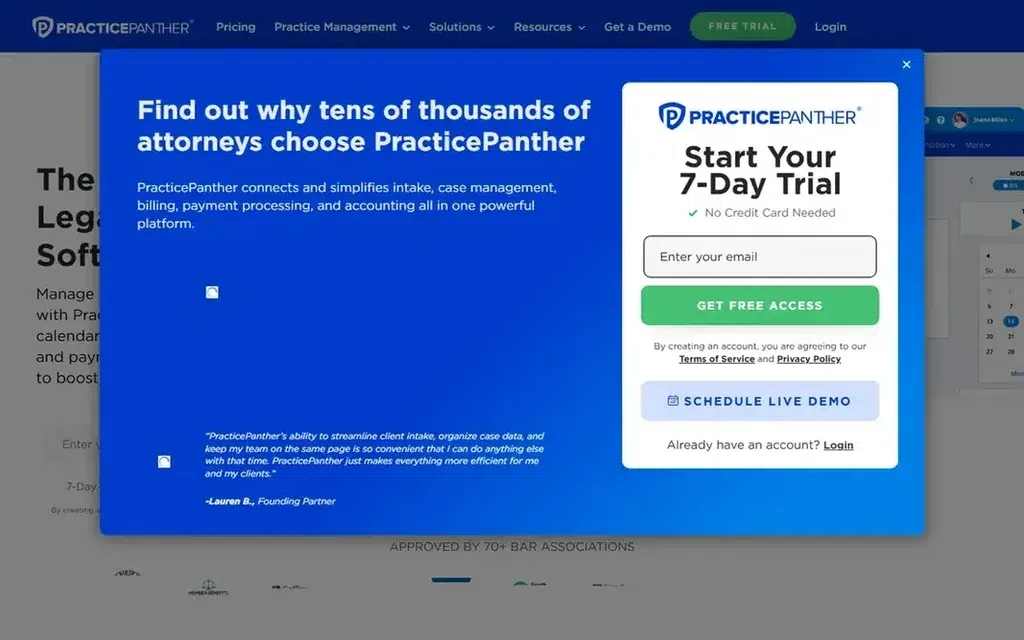
PracticePanther is aimed squarely at automating firm processes and billing. PracticePanther is legal practice management software built to automate firm processes, billing and time tracking.
Drawbacks to consider: Depth of automation varies by workflow.
The starting price for PracticePanther: $49 per user per month. Trial and free access: Free trial.
- Billing and time tracking included
- Practice management focus
- Confirm accounting needs separately
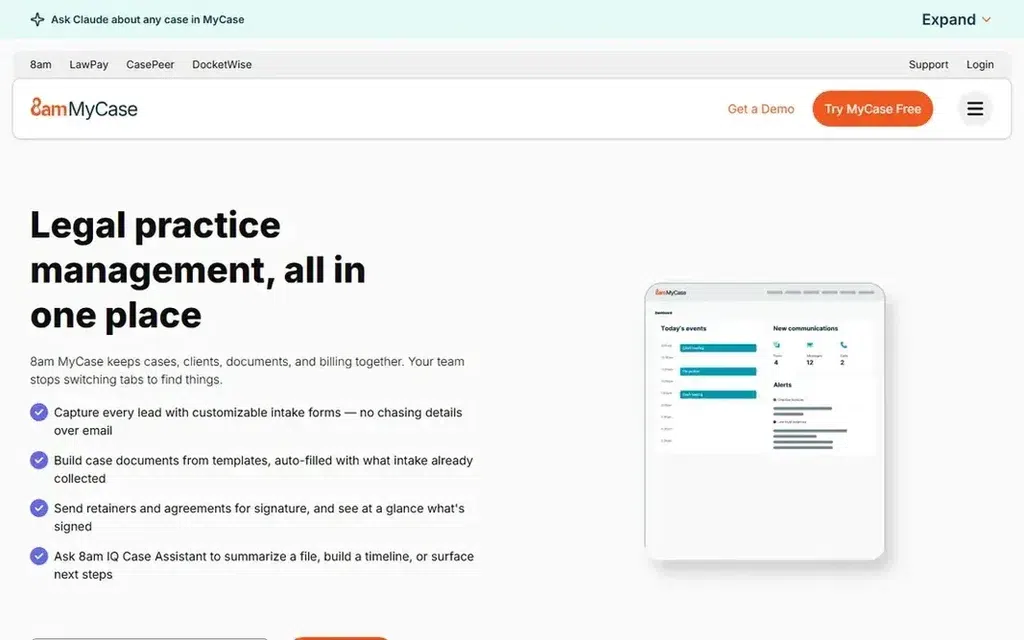
Think of MyCase for all-in-one case, billing and payments management. MyCase is legal practice management software positioned around running a profitable firm instead of only managing cases. Its homepage flags cases, clients, billing and payments in one place, which fits small and mid-sized businesses that want core operations consolidated.
Main advantages: Clear practice management focus.
Worth adding: confirm the depth of any feature your firm depends on daily before committing. Businesses that prefer a single hub for client records and invoicing will find the scope close to what they need. On cost, MyCase starts like this: $50 per user per month. Free plan details: Free trial.
Limits to weigh: May be less suited to complicated custom workflows.
- Cases, clients
- Built around running a profitable firm
- Businesses needing deep accounting may look elsewhere
Rocket Matter is a good fit for centralized management for modern businesses. Rocket Matter is legal practice management software that positions itself as a single source of truth for managing and expanding a firm, turning effort into efficiency. In practice, businesses with complicated accounting or multi-entity structures should confirm whether the platform covers those needs or needs outside tools.
In practice, practices that want highly customized workflows may prefer a system built around configurability. On top of that, modern small businesses looking to consolidate their operations are the natural audience. Rocket Matter starts at: $39 per month per user billed annually. Trial and free access: Free trial.
Trade-offs to know: May suit smaller businesses best.
- Efficiency-oriented design
- Practice growth framing
- Confirm depth of accounting features
Selection criteria
LinkVetted looked at what each vendor publishes: pricing, plan limits, feature coverage for ERP software for law firms and stated drawbacks. No hands-on testing is claimed. Prices and plan limits come from vendor pages and can change, so confirm them on the vendor site before you buy. The sequence is a judgement call: typical use case first, then pricing transparency, then free access. Use the profiles to check fit.
Questions to settle before buying
- Ask Smokeball and Actionstep for a written quote, since no starting price is shown.
- Run a trial of CosmoLex, PracticePanther, MyCase and Rocket Matter with real work before paying for a year; your own workflow is the best test.
- Read the limits listed for Smokeball first: productivity focus may not suit every workflow.
- List the apps you already depend on and check that Smokeball supports each one on the plan you would buy.
- Add up seats, add-ons and usage charges for MyCase before comparing it with cheaper entries.
FAQ
Do these products bundle accounting for client trust funds?
Multiple legal practice management systems address trust and billing as part of their feature set, and some emphasize built-in law firm accounting. Requirements vary by jurisdiction, so confirm trust accounting support and compliance details straight with each vendor.
What should a law firm look for in ERP-style software?
Focus on whether the product links matters, time, billing and accounting in one place, since that is the core of an ERP-style setup. Also confirm document handling, client data security and the integrations your firm uses daily.
How are the tools for ERP software for law firms ordered?
The order follows typical fit for ERP software for law firms, with Smokeball first and Rocket Matter last, then price clarity and free access. It is editorial judgement, not a score, so another team could rank the tools differently.
Can I try these tools before paying?
Often, yes. CosmoLex, PracticePanther, MyCase and Rocket Matter offer a free trial. Use your own data and a real task during the test, and check what the free tier or trial limits before you rely on it.
Do these tools publish their prices?
Not all of them. Smokeball and Actionstep publish no starting price, so expect a quote request for those. The rest, CosmoLex included, show a starting price, though seats and billing terms still change the final cost. Each of the 6 options in this ERP software for law firms guide has its own card above with the price, free plan and limits.
Can small businesses use these tools, or are they only for larger practices?
Most products here describe themselves as serving businesses of varying sizes, and multiple are often associated with small and mid-size practices. A solo or small firm should favor tools that are fast to set up and match its billing style.
Sources
- https://www.smokeball.com
- https://www.cosmolex.com
- https://www.actionstep.com
- https://www.practicepanther.com
- https://www.mycase.com
- https://www.rocketmatter.com